
A blinking green light on a smoke detector can be puzzling. Many people wonder if it means their home is safe, or if there’s a hidden issue waiting to become a problem. Understanding what this light means, how to respond, and when to worry can make a big difference in your safety and peace of mind.
Let’s look closely at why smoke detectors blink green, what different patterns mean, and the steps you should take if you notice this in your home.
What Does A Blinking Green Light Mean?
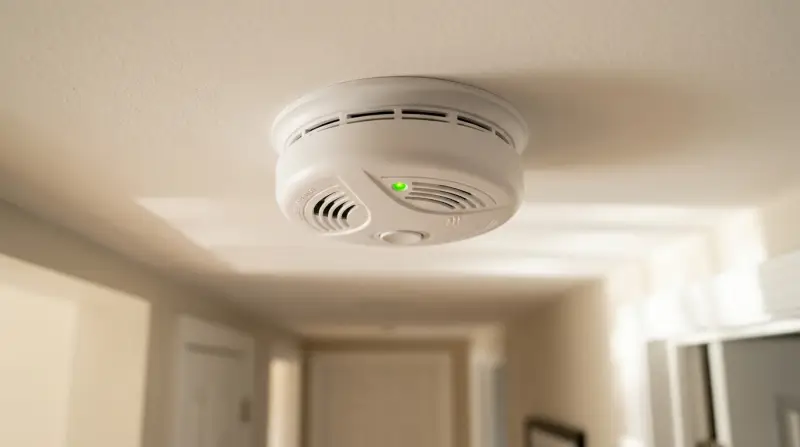
Most modern smoke detectors use colored lights to show their status. A green light is usually a sign of normal operation, but the pattern of the blink matters. On some models, the green light blinks to show that the device is getting power or communicating with other alarms. On others, a blinking green light can mean the battery is low, the detector is initializing, or there is a minor fault.
Not all smoke detectors use the same light codes. For example, a Kidde smoke alarm might blink differently from a First Alert model. Always check your model’s manual for exact meanings. If you don’t have the manual, look for your detector’s brand and model number—usually on the back or inside the battery compartment—and search for the manual online.
Common Green Light Patterns
Here’s a quick overview of what different blinking patterns can mean. Remember, these are general guidelines:
- Steady green light: Detector is powered and working properly (common on hardwired models).
- Slow blinking green (every 30–60 seconds): Battery is good, or device is in standby.
- Fast blinking green: Detector is warming up (just after installation or power reset).
- No green light: May indicate power loss, dead battery, or device malfunction.
It’s easy to assume that all green lights are good, but a fast or irregular blink can signal a problem. Always pay attention to changes in the light’s behavior.
How Smoke Detectors Use Lights To Communicate
Smoke detectors need to communicate their status without words. Light codes are a universal way for these devices to “talk” to us. Understanding these signals can help you catch problems early and avoid false alarms or dead detectors.
Why Green?
Manufacturers use green to show power or a healthy system because green is often linked with “safe” or “go.” Red usually means “alert” or “problem.” However, green does not always mean everything is perfect.
Example Scenarios
- After a Power Outage: If you lose power, your detector might blink green quickly when the electricity returns. This is normal—it’s checking itself.
- Battery Change: Some models blink green after you put in a new battery, to show the change was detected.
- Interconnected Alarms: In systems with multiple alarms connected, a blinking green light can show that the network is working.
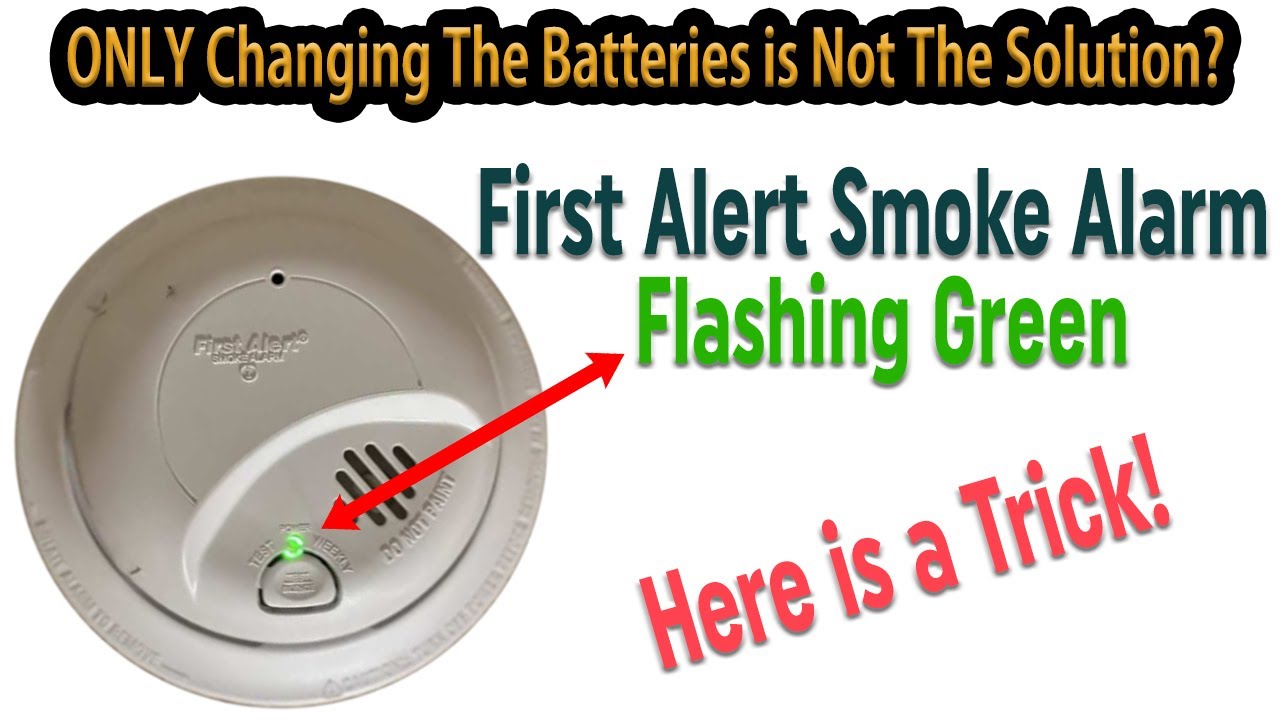
Credit: www.youtube.com
Reasons For A Blinking Green Light
Let’s break down the most common reasons for a green light blinking on smoke detectors:
- Normal Operation: On many hardwired models, a slow green blink simply means the detector has power and is ready to sense smoke.
- Battery Status: Some alarms blink green to show the battery is healthy, while others may use it to warn of a low battery (often with a beep as well).
- Initialization Mode: New or reset detectors may blink green for a few minutes while they self-test.
- Interconnectivity: In systems where alarms communicate, a green blink can indicate communication between units.
- Minor Fault or Error: If the blink is faster or irregular, it may mean a minor fault, like a loose connection or a sensor issue.
What To Do If You See A Blinking Green Light
Don’t panic if you notice your smoke detector’s green light blinking. Here are the steps you should follow:
- Check the Manual: Find your smoke detector’s manual or search for it online by brand and model. Look up the exact meaning of the green light for your device.
- Observe the Pattern: Is it steady, slow, or fast? Write down the pattern and any sounds (like beeps) that come with it.
- Test the Alarm: Press the test button. A healthy alarm will beep loudly. If not, replace the batteries or check the wiring.
- Check Power Sources: For hardwired detectors, make sure the circuit breaker isn’t tripped. For battery-powered units, replace the batteries with fresh ones.
- Look for Other Warnings: If you hear chirping or see a red light along with the green, it usually means a problem.
- Clean the Detector: Dust or insects can cause false signals. Gently vacuum the outside or use compressed air.
- Replace If Needed: If the green blink is paired with a warning beep and cleaning or power checks don’t help, it might be time to replace the unit.
When To Worry
A fast-blinking green light, especially with chirping, usually means something needs fixing soon. Don’t ignore it if:
- The alarm won’t test properly.
- The green light is blinking in a pattern you can’t find in the manual.
- The detector is over 10 years old (most alarms expire after this time).

Credit: forums.thefirepanel.com
Table: Common Blinking Green Patterns By Brand
To make things clearer, here’s a comparison of how leading smoke detector brands use green lights.
| Brand | Green Light Pattern | What It Means |
|---|---|---|
| Kidde | Blinks every 60 sec | Normal operation, power OK |
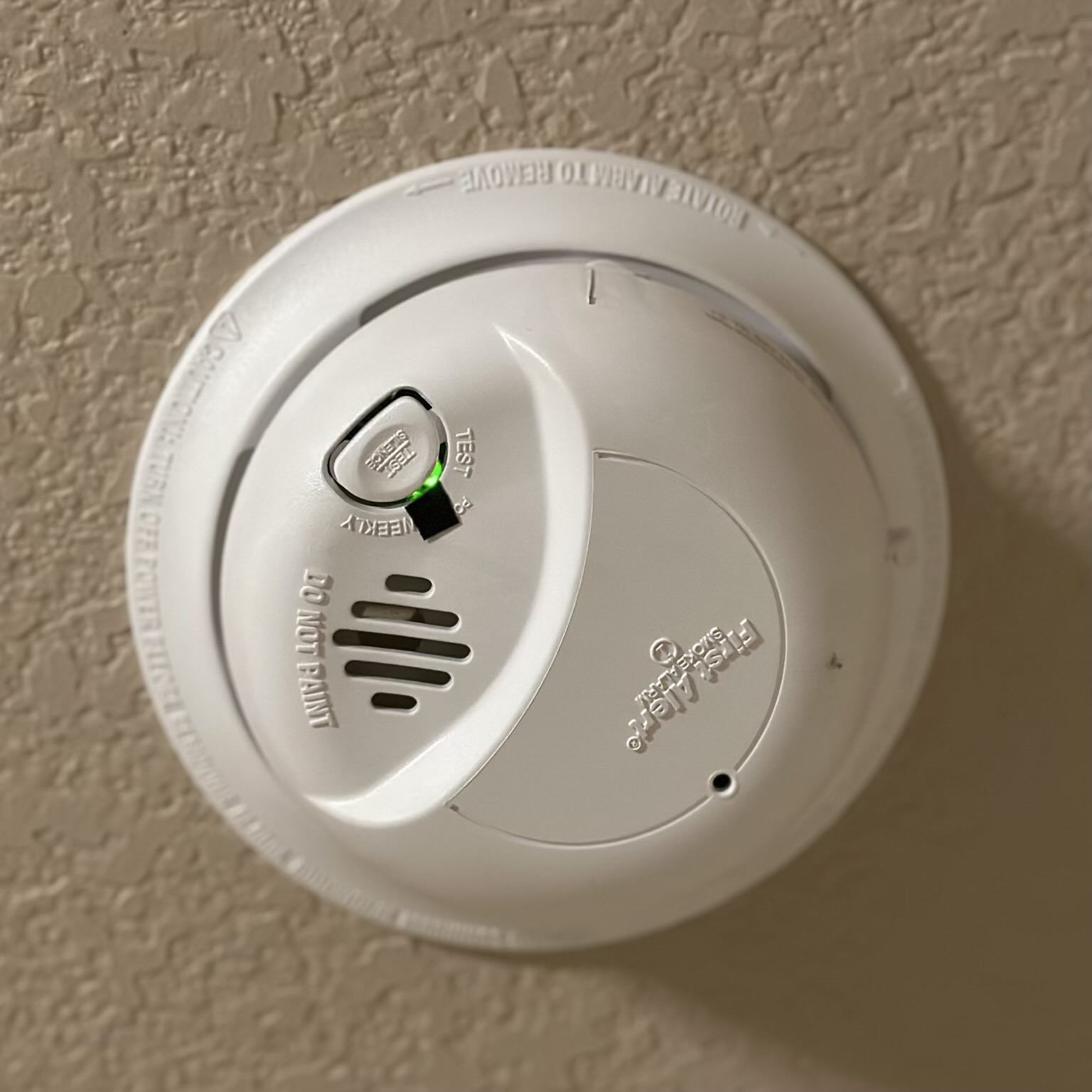
| First Alert | Steady green | AC power connected |
| BRK | Fast blink after power up | Self-testing |
| Nest Protect | Soft green glow | Nightly promise: device ready |
When The Green Light Turns Off
If your smoke detector’s green light goes out, don’t ignore it. This usually means the device is not getting power. You should:
- Check the circuit breaker (for hardwired units).
- Change the batteries (for battery-powered models).
- Make sure the unit is firmly attached to its base.
- Look for signs of age or damage.
Some detectors have backup batteries even if they are wired in. If both the power and backup fail, the green light will go off.
Blinking Green And Red Together
If you see both green and red lights blinking, your detector is trying to get your attention. This often means:
- Green: Power is present.
- Red: There is a specific alert—like smoke detected, low battery, or a fault.
Always check the manual for your model. If you hear a loud alarm, leave the area and call emergency services.
Table: What To Do Based On Blink Pattern
Here’s a quick reference for what you should do, based on how the green light blinks.
| Blink Pattern | Action Needed |
|---|---|
| Steady green | No action; normal |
| Slow blink (every 30–60 sec) | Check manual; usually normal |
| Fast blink (multiple per sec) | Check power, test alarm, reset |
| No green light | Check power or battery |
| Green and red blinking | Check manual, fix fault or replace unit |
Advanced Features: Smart Smoke Detectors
Modern smart smoke detectors like Nest Protect or First Alert Onelink have more advanced signals. These may use:
- Soft green glows for “all clear” or night mode.
- Colored rings or voice alerts.
- App notifications when something is wrong.
With smart alarms, you can often check the device status directly on your phone. These features help you know exactly what’s happening, even when you’re not home.
Maintenance Tips To Keep Your Smoke Detector Working
To avoid confusion and make sure your detector works when you need it, follow these tips:
- Test Monthly: Press the test button once a month. Replace batteries if the alarm is weak.
- Clean Twice a Year: Dust and debris can cause false signals. Use a vacuum or soft brush.
- Replace Every 10 Years: Even if the light seems fine, sensors wear out. Check the date on the back.
- Don’t Paint Over: Paint can block sensors and lights.
- Check After Power Outages: Sometimes, alarms need to be reset after a blackout.
Many homeowners forget that smoke alarms don’t last forever. A common mistake is trusting the green light alone—always check the test button and the expiration date.
Common Misunderstandings About The Green Light
Many people think a blinking green light always means they are safe. This is not true. Some detectors blink green when first installed or after a battery change, but this does not mean the sensor is working perfectly. Another common mistake is ignoring a fast green blink, thinking it’s just “normal.
” Fast blinks often mean something needs attention, like a wiring issue or sensor fault.
Also, not all detectors use green the same way. For example, some European models use different colors, and some combination alarms (smoke and carbon monoxide) may use different codes. Always check your own model’s instructions.
Table: Battery Vs. Hardwired Smoke Detectors
Here’s a comparison of key differences between battery and hardwired smoke detectors, which affect how the green light works.
| Type | Green Light Use | Main Advantage | Main Risk |
|---|---|---|---|
| Battery-powered | Often blinks green for good battery | Easy to install anywhere | Battery can die unnoticed |
| Hardwired | Steady or blinking green for power | Constant power, fewer false alarms | Power outage disables unless backup battery is present |
When To Call A Professional
Most smoke detector problems can be fixed by replacing batteries or resetting the device. However, call a licensed electrician or alarm technician if:
- The green light blinks in a pattern you can’t find in the manual.
- The detector won’t test or stays silent.
- There are loose or exposed wires.
- You see scorch marks or smell burning plastic.
Don’t risk your safety—if in doubt, get help.
Extra Insights Most People Miss
Here are a few important tips that many people overlook:
- Mixed alarms: If you have both smoke and carbon monoxide alarms, check each device separately. Their green lights may mean different things.
- Backup batteries: Hardwired detectors often have backup batteries. If the green light starts blinking after a power outage, it may mean the backup needs replacing, even if the main power is back on.
- Device recalls: Some smoke detectors have been recalled due to faulty lights or alarms. Check your brand and model on the manufacturer’s website.
For more details on how smoke detectors work, you can visit the Wikipedia page on smoke detectors.
Frequently Asked Questions
Why Is My Smoke Detector Blinking Green But Not Beeping?
A blinking green light usually means the device has power or is working normally. If there’s no beep, it’s likely not sensing smoke or a fault. Always check your manual—some models use silent green blinks for “all clear. ”
Should I Be Worried If The Green Light Blinks Fast?
Yes, a fast-blinking green light can signal a problem. It might mean a wiring issue, sensor fault, or the device is resetting. Test the alarm and check the manual. If the issue stays, consider replacing the detector.
What If My Smoke Detector’s Green Light Is Off?
A missing green light means the detector has no power or dead batteries. Check the circuit breaker, wiring, or replace the batteries right away. A detector with no power cannot protect you.
Can I Trust The Green Light To Show My Alarm Is Working?
Not fully. The green light usually means power is present, but it does not guarantee the sensor is working. Always use the test button every month and check the expiration date on the device.
How Often Should I Replace My Smoke Detector?
Replace every 10 years, even if the green light works. Sensors lose sensitivity over time. Write the install date on the device to remember when to change it.
A blinking green light on your smoke detector is not something to ignore or panic about. By understanding what this signal means for your device, you can keep your home safe and avoid common mistakes. Always check your manual, test your alarms, and stay alert to changes in the light’s behavior.
Taking these steps means you’ll always know what your smoke detector is telling you—and you’ll sleep a lot easier at night.