
When you jump into your Chevy Traverse, you expect your drive to be smooth—music on, podcasts playing, maybe directions guiding you. But when your Chevy Traverse speakers don’t work, it turns a pleasant ride into a silent, sometimes frustrating experience. If you’re reading this, you’ve probably found yourself tapping the volume button, checking Bluetooth connections, and still hearing nothing but silence. Luckily, you’re not alone. Many Traverse owners face this issue, and understanding why your speakers aren’t working is the first step to fixing it.
Common Reasons Chevy Traverse Speakers Stop Working
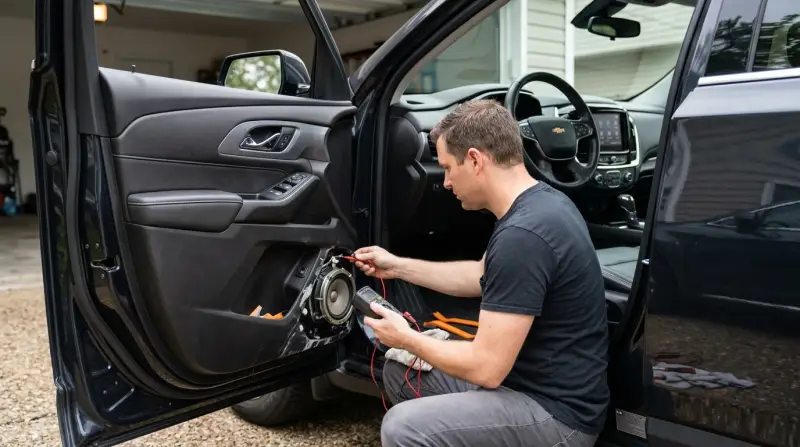
There are several reasons your Traverse speakers might fail. Knowing these causes can help you troubleshoot faster, save money, and avoid unnecessary repairs.
- Blown Fuse: The speaker system relies on fuses. A blown fuse can cut power to the audio.
- Faulty Head Unit: The radio or infotainment system (head unit) controls the audio output. If it’s bad, no sound will come out.
- Wiring Issues: Damaged or loose wires can disconnect speakers from the main system.
- Blown Speakers: Over time, speakers can wear out or blow, especially with loud volumes.
- Software Glitches: Sometimes, the infotainment software freezes or crashes.
- Amplifier Problems: Higher trim models often use amplifiers. If the amp fails, all or some speakers might go silent.
- Settings Error: Incorrect audio settings, such as fader/balance, can make it seem like speakers aren’t working.
- Faulty Bluetooth/Media Connection: If you use external devices, poor connections can mute the sound.
Real-world Example
A 2019 Chevy Traverse owner reported all speakers stopped working after a minor battery replacement. Resetting the infotainment system brought the audio back—a sign that a simple system glitch can cause big headaches.
How To Diagnose The Problem
Diagnosing the root cause is key. You don’t want to replace all your speakers if only a fuse is blown. Here’s how to check step-by-step.
Step 1: Check Audio Settings
Sometimes the answer is simple. Make sure the volume is up, the mute button isn’t on, and the fader/balance isn’t set all the way to one side.
Step 2: Test Different Sources
Try radio, CD, USB, and Bluetooth. If only one source is silent, the problem may be with that input, not the speakers.
Step 3: Inspect The Fuse Box
Your owner’s manual shows the audio fuse location. Pull it out and check if it’s burned or broken. Replace with the same amp rating.
Step 4: Reboot The Infotainment System
Hold the power button for 10 seconds. This restarts the head unit and often fixes software bugs.
Step 5: Listen For Sound In All Speakers
If only one speaker is silent, it’s likely a wiring or speaker issue. If none work, focus on fuses, head unit, or amp.
Step 6: Check Connections
Wiggle audio connectors under the dash (if you can access safely). Loose or dirty connectors can interrupt sound.
Step 7: Consider Professional Diagnosis
If all else fails, a certified Chevy technician can perform advanced diagnostics.
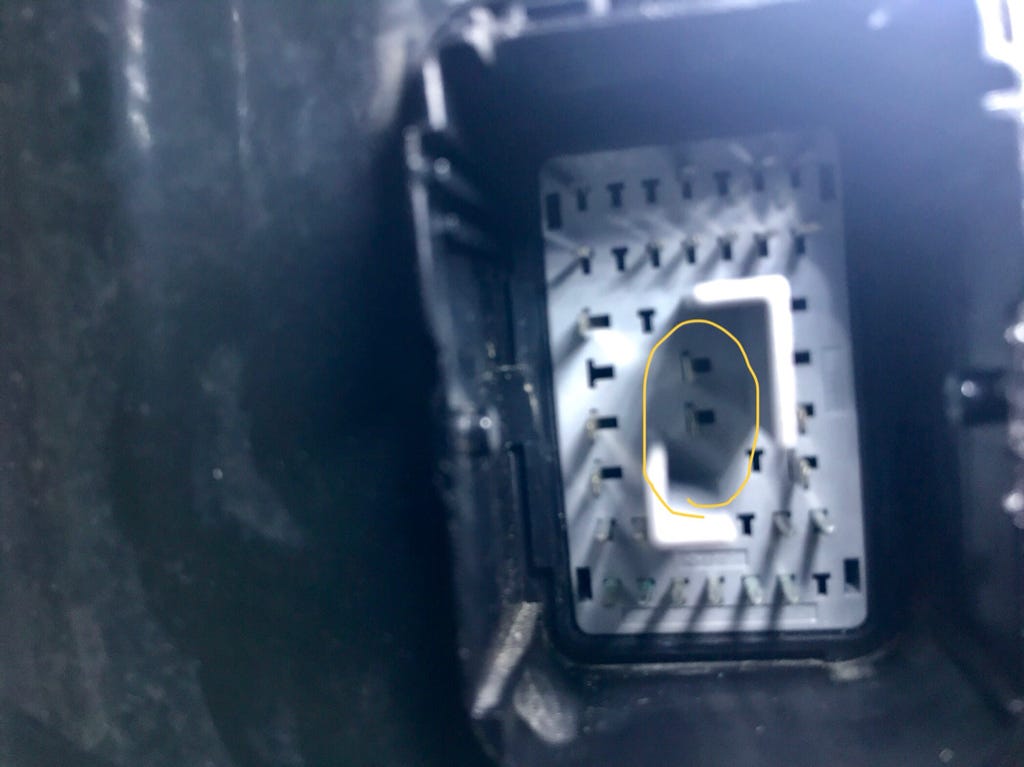
Credit: www.traverseforum.com
What To Do If Only Some Speakers Are Not Working
If only the front or rear speakers have stopped, you can narrow things down quickly. Here’s how:
- Balance and Fader Test: Adjust the balance/fader to send sound only to the silent speakers. If there’s still no sound, the problem is with the wiring or the speakers themselves.
- Speaker Swap Test: If you’re comfortable, remove the door panel and connect the non-working speaker to another channel. If it works, the wiring is the culprit.
- Inspect for Moisture: Water leaks (especially near doors) can damage individual speakers. Check for dampness or corrosion.
Example Table: Symptoms And Likely Causes
| Symptom | Most Likely Cause | Quick Fix |
|---|---|---|
| No sound from all speakers | Blown fuse, head unit failure, amp issue | Check fuse, reboot system |
| Only front speakers silent | Wiring, balance setting, water damage | Adjust settings, inspect wiring |
| Speakers work with radio but not Bluetooth | Bluetooth connection, software glitch | Reconnect device, update software |
Fixes You Can Try At Home
Most Chevy Traverse speaker problems don’t require a mechanic. These do-it-yourself solutions often bring the sound back.
Replace A Blown Fuse
- Turn off the engine.
- Open the fuse box (usually under the dashboard or hood).
- Use the diagram to find the audio system fuse.
- Pull out the fuse with a plastic tool.
- If it’s black or broken inside, replace with a new fuse of the same amperage.
Soft Reset The Infotainment System
This can clear most glitches.
- Hold the power button for about 10 seconds.
- Wait for the Chevy logo to reappear.
- Test the audio again.
Clean Or Reconnect Wires
If you’re handy, remove the door panel and check the speaker wiring. Clean corroded connectors with electrical cleaner and reconnect firmly.
Check For Water Damage
Feel around the speaker area. If it’s damp, dry it out and consider a moisture barrier.
Factory Reset (advanced)
Go to the settings menu and look for “Factory Reset.” Note: This will erase all your saved data.
Example Table: Diy Fixes And Tools Needed
| Fix | Tools Needed | Time Required |
|---|---|---|
| Replace audio fuse | Fuse puller, new fuse | 10 minutes |
| Soft reset system | None | 2 minutes |
| Clean speaker connectors | Screwdriver, cleaner spray | 30 minutes |
When To Seek Professional Help
Sometimes, the problem is too complex or risky to fix alone. You should see a mechanic or Chevy dealer if:
- You smell burnt plastic or see melted wires.
- The infotainment unit stays off or flashes error codes.
- DIY fixes didn’t work.
- You’re not comfortable removing panels or handling electronics.
Non-obvious tip: Many Chevy dealers can update your Traverse’s infotainment software for free if it’s under warranty. Out-of-date software can sometimes cause speaker failure, especially after a battery disconnect.
Cost Comparison: Diy Fixes Vs. Professional Repair
To help you decide, here’s a comparison of average costs:
| Repair Type | DIY Cost | Professional Cost |
|---|---|---|
| Fuse Replacement | $2–$10 | $50–$80 |
| Speaker Replacement (one door) | $30–$70 | $100–$250 |
| Head Unit Repair/Replace | $200–$600 (used/aftermarket) | $500–$1,500 |
| Amplifier Repair | $50–$200 | $300–$700 |
Insight: If you plan to keep your Traverse for years, investing in higher-quality aftermarket speakers can outlast the factory ones. But always check compatibility with your car’s wiring and amplifier.

Credit: www.youtube.com
Common Mistakes To Avoid
Even simple speaker problems can get expensive or worse if you make these mistakes:
- Using the wrong fuse: Always match the amperage rating. Too high can cause electrical fires.
- Ignoring battery disconnects: After changing the battery, the infotainment system may need a reset.
- Pulling wires too hard: This can break connectors, making repairs more complex.
- Skipping software updates: Old software can cause recurring glitches.
- Replacing the head unit first: Many times, the fault is a cheap fuse or loose wire. Always check basics before buying new hardware.
Preventing Speaker Issues In The Future
You can reduce the chance of speaker problems by following these tips:
- Keep volume at moderate levels. Constantly maxing out the sound wears speakers faster.
- Protect the interior from water leaks, especially around windows and doors.
- Update your infotainment system when notified.
- Avoid slamming doors, which can loosen connections.
- If you install aftermarket audio, use a professional to avoid wiring mistakes.
Non-obvious insight: Humidity and temperature swings can affect electronics. Parking in a garage or using sunshades can help protect your system over time.
Frequently Asked Questions
Why Do My Chevy Traverse Speakers Cut In And Out?
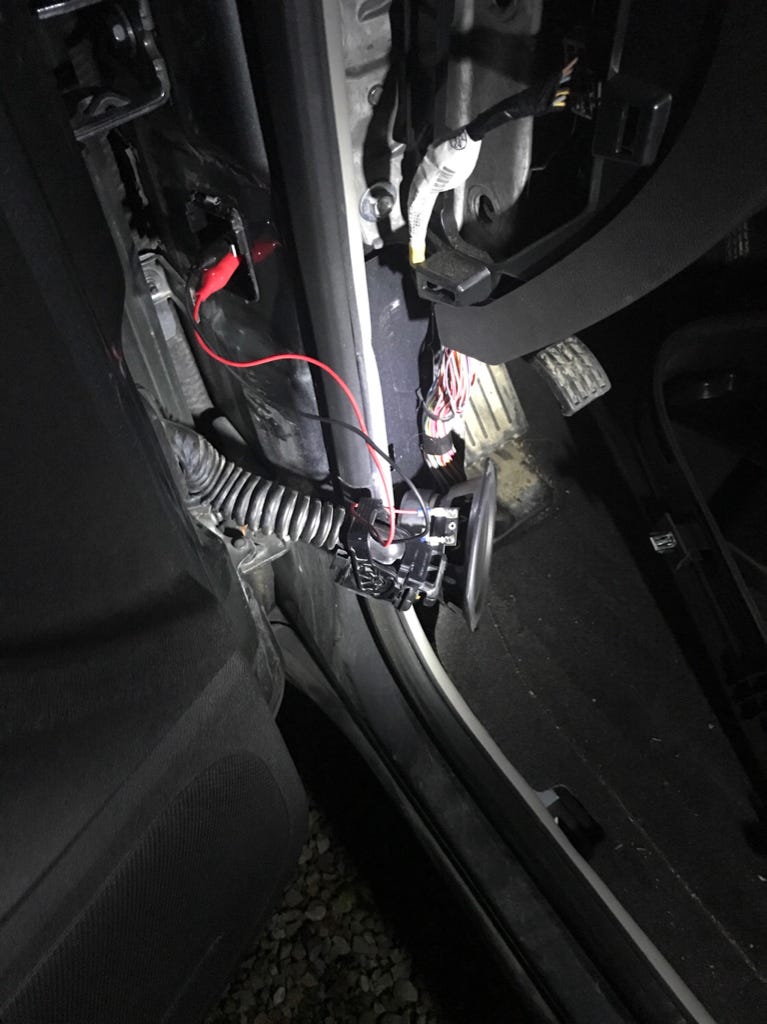
This usually happens due to loose wiring, especially in the door harness where wires flex. It can also be a sign of a failing amplifier or head unit, particularly if the problem gets worse when you hit bumps.
Can A Dead Car Battery Cause My Speakers To Stop Working?
Yes. When you replace or disconnect the battery, the infotainment system can sometimes “forget” its settings or lock up. A system reset or software update often fixes this.
How Do I Know If My Speakers Are Blown Or Just Disconnected?
Blown speakers often make crackling sounds or are silent even when wiring is good. If the speaker works when connected to another channel, it’s probably a wiring issue, not the speaker itself.
Will Replacing The Radio Fix My Speaker Problem?
Not always. Many times, the issue is with fuses, wiring, or speakers—not the radio itself. Always test all simple fixes before spending on a new head unit.
Where Can I Find The Latest Software Update For My Chevy Traverse’s Audio System?
You can visit the official Chevrolet Support page or ask your local dealer. Keeping your system updated can prevent and solve many audio issues.
If your Chevy Traverse speakers aren’t working, it’s rarely a cause for panic. Most issues have simple fixes if you follow the right steps. Start with easy checks, don’t skip the basics, and don’t be afraid to seek professional help if you’re stuck.
A quiet car ride might be peaceful for a moment, but with a little effort, you’ll have your tunes back before you know it.