
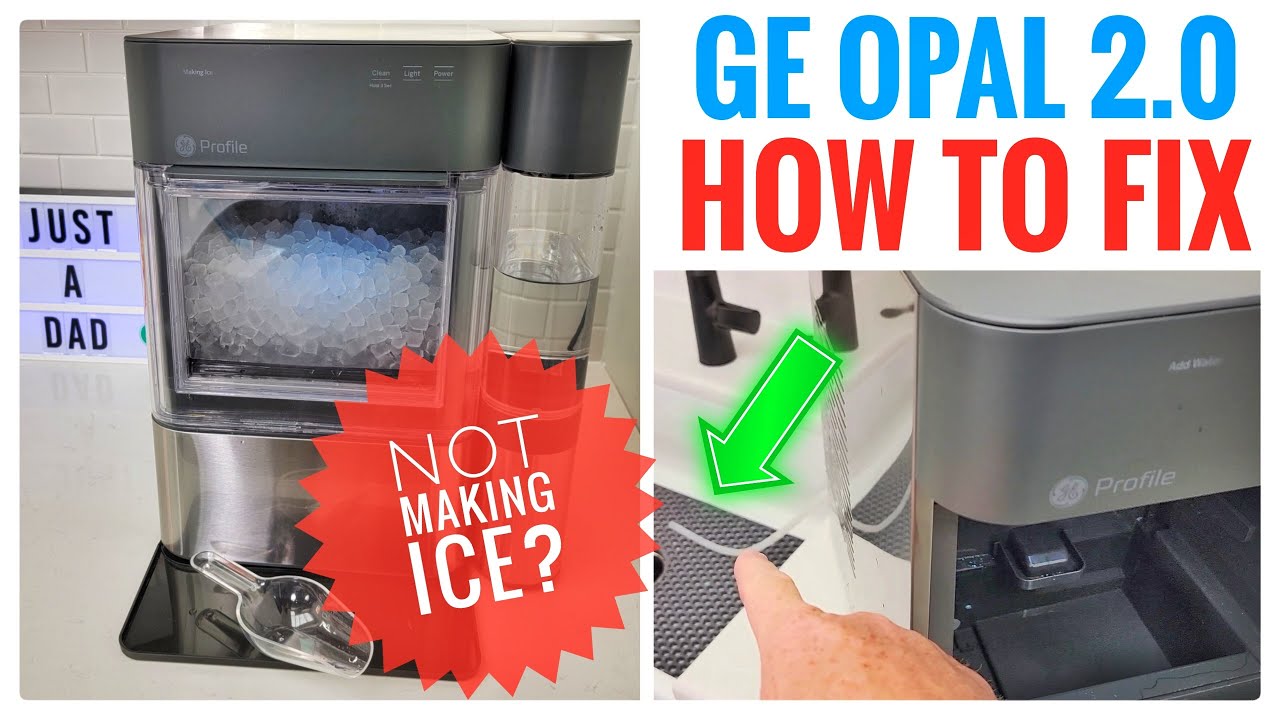
If your GE Profile ice maker has stopped working or isn’t making enough ice, you’re not alone. Many homeowners face this problem, and it can be frustrating—especially during hot days or when you have guests. But the good news is that most ice maker issues are simple to fix at home. This guide gives you clear steps to diagnose and solve common problems with your GE Profile ice maker, so you can get back to enjoying cold drinks without waiting for a repair visit.
How A Ge Profile Ice Maker Works
Understanding the basics helps you spot where things go wrong. The GE Profile ice maker uses water from your home’s supply. Once the machine is turned on, it fills a tray with water, then cools it until ice forms. A built-in sensor checks when the ice is ready. The ice is then ejected into a storage bin, and the process starts again.
There are two main types in GE Profile models:
- Integrated ice makers inside the refrigerator/freezer
- Standalone ice machines that sit under your counter or on a counter
Each has unique features, but most troubleshooting steps are similar.
Common Issues And How To Fix Them
Let’s dive into the most frequent problems people have with their GE Profile ice makers and what you can do.
Ice Maker Not Making Ice
This is the number one complaint. Here’s what to check:
- Power supply: Make sure the ice maker is plugged in and the breaker is on.
- Water supply: Check if the water line is connected and the valve is open.
- Control panel settings: Some models have an “on/off” switch or touch panel. Ensure it’s set to “on.”
- Freezer temperature: The ideal is 0°F (-18°C). If it’s warmer, ice won’t form.
- Ice bin position: If the bin isn’t in place, the maker may not start.
If you check all these and it still doesn’t work, move to deeper troubleshooting.
Ice Maker Is Slow Or Makes Small Ice
A slow ice maker can be caused by:
- High freezer temperature: Even a few degrees too warm slows production.
- Low water pressure: GE recommends at least 20 psi. If the pressure is weak, less water fills the tray.
- Clogged filter: Change the water filter every 6 months, or more often if you notice a drop in performance.
- Frost buildup: Ice stuck in the tray or bin reduces output.
Ice Tastes Or Smells Bad
Bad-tasting ice is a common complaint. Causes include:
- Old water filter: Replace it regularly.
- Contaminated water supply: Check for plumbing issues.
- Dirty ice bin: Wash the bin with warm soapy water every few months.
- Stale ice: If you don’t use ice often, old ice can absorb odors from the freezer.
Ice Maker Is Leaking Water
Leaks usually mean:
- Water line is loose or cracked
- Ice maker is not level
- Ice jammed in the tray, forcing water out
Check all connections, and adjust the legs to level the unit.
Ice Maker Is Noisy
Some noise is normal. But if you hear loud banging or grinding:
- Check for ice jams: Remove the bin and look for stuck pieces.
- Look for loose parts: The auger or motor could be out of place.
- Inspect the fan: If your unit has a fan, clear away ice or debris.

Quick Reference: Common Problems And Causes
Here’s a side-by-side look at the most common ice maker problems and what often causes them.
| Problem | Likely Cause |
|---|---|
| Not making ice | Power/water supply, settings, temperature, bin position |
| Small or hollow ice | Low water pressure, clogged filter, warm freezer |
| Bad taste/odor | Old filter, dirty bin, stale ice, water supply |
| Leaking water | Loose line, ice jam, uneven unit |
| Strange noises | Ice jam, loose parts, fan issues |
Step-by-step Troubleshooting Guide
If you want to solve the problem yourself, follow these steps in order. Most issues can be fixed without tools.
Step 1: Check The Basics
- Make sure the ice maker is plugged in.
- Confirm the water supply valve is open.
- Set the control panel to “on.”
- Check the freezer is at 0°F (-18°C).
Step 2: Inspect The Water Filter
A clogged water filter is a common cause. If it’s older than 6 months, replace it. Most GE Profile models have an easy-to-access filter near the top or bottom of the refrigerator section.
Step 3: Examine The Ice Bin
Remove the bin and look for jammed ice. Melt any stuck ice with warm (not hot) water, dry the bin, and replace it firmly.
Step 4: Reset The Ice Maker
Many GE Profile models have a reset button. This is often under the ice maker or in the control panel. Press and hold for 10 seconds. If you’re unsure, check your user manual for your model.
Step 5: Check The Water Line
Pull out the fridge (or ice maker, if it’s standalone) and look for any kinks or leaks in the water supply line. Replace the line if you see cracks.
Step 6: Test Water Pressure
Low pressure can cause small ice or no ice at all. To test, disconnect the line and aim it into a bucket. Turn the valve on: you should get a strong, steady flow. If not, your home’s supply may need attention.
Step 7: Clean The Ice Maker
Every few months, clean the ice tray and bin. Some models have a self-clean cycle—check your manual. For others:
- Turn off and unplug the unit.
- Remove the ice bin and wash with warm, soapy water.
- Wipe the ice tray with a soft cloth.
- Dry all parts before reassembling.
Step 8: Level The Unit
If your ice maker isn’t level, water can leak or ice can jam. Use a bubble level and adjust the legs as needed.
When To Call For Professional Help
Some problems are best left to a technician. Call GE support if you notice:
- No power at all (lights and display dead)
- Internal leaks you can’t reach
- Error codes on the display that don’t clear after reset
- Broken motor or auger
- Water collecting inside the fridge/freezer (for integrated models)
Ice makers have electrical parts and water connections. If you’re not comfortable, don’t risk a shock or water damage.
Ge Profile Ice Maker Error Codes
Modern GE Profile ice makers often show error codes. Here are some common ones and what they mean:
| Error Code | What It Means | Action |
|---|---|---|
| E1 | Water supply problem | Check water line, valve, pressure |
| E2 | Ice tray sensor error | Reset ice maker, call service if persists |
| E3 | Ice bin not detected | Reinsert bin, check alignment |
| E4 | High temperature | Check freezer temp, door seal |
| E5 | Motor/auger fault | Call for service |
If you see an error code, always try a reset first. If it returns, you may need service.
Ice Maker Maintenance Tips
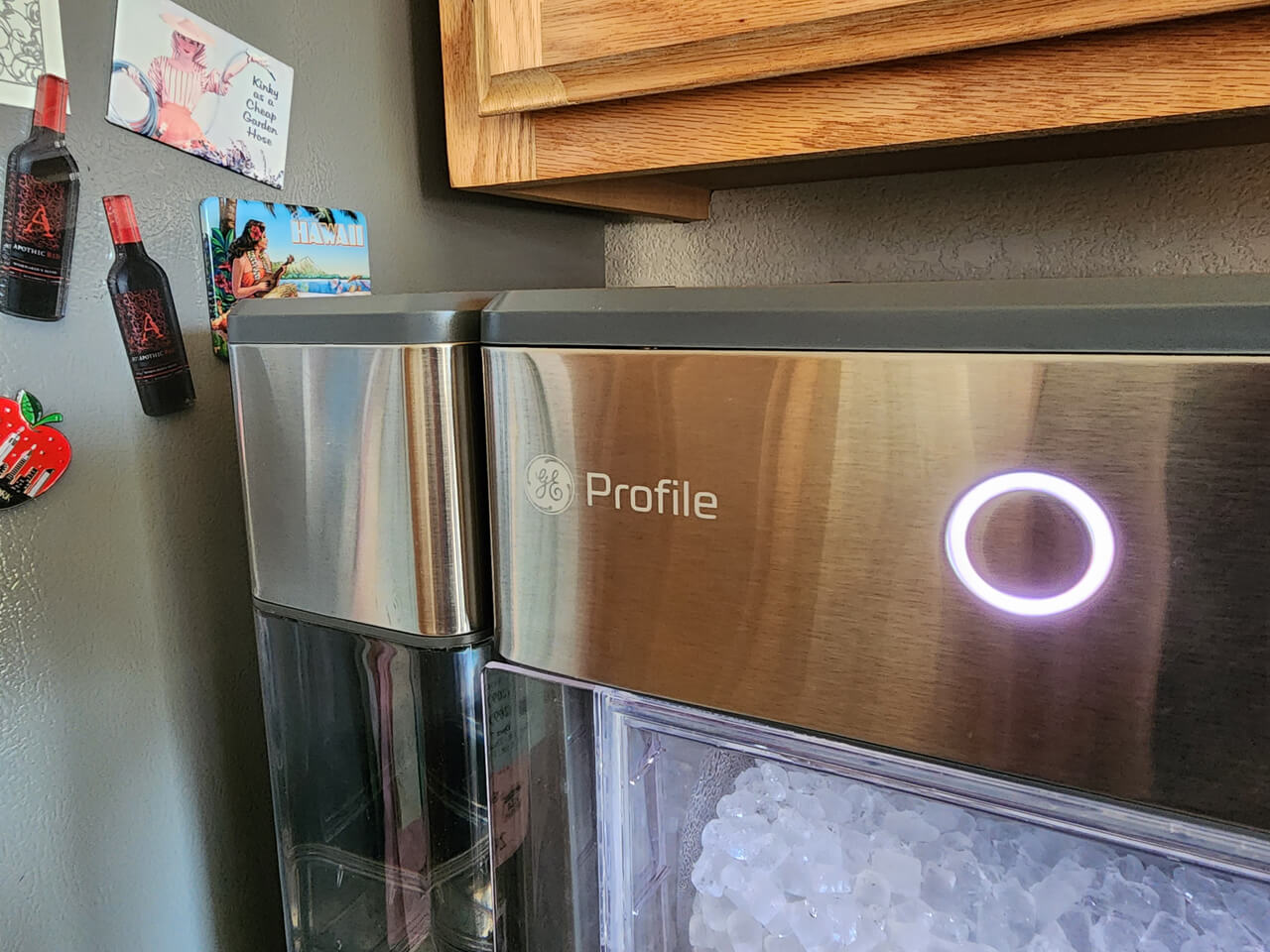
Regular care keeps your ice maker running smoothly. Here are simple things you can do:
- Change the water filter every 6 months.
- Clean the ice bin monthly, especially if ice tastes odd.
- Check the water line for leaks or kinks every few months.
- Keep the freezer closed as much as possible; warm air slows ice production.
- Don’t overfill the freezer—good airflow helps the ice maker freeze quickly.
A non-obvious tip: If you leave home for a week or more, turn off your ice maker. This prevents stale ice and possible leaks.
Comparing Ge Profile Ice Maker Models
Not all GE Profile ice makers are the same. Here’s a quick comparison of popular types:
| Model Type | Production Rate (lbs/day) | Installation | Common Issues |
|---|---|---|---|
| Integrated (refrigerator) | 4-8 | Inside freezer | Small ice, bin jams |
| Standalone undercounter | 40-60 | Plumbed, separate | Leaks, noise, filter clogs |
| Countertop nugget | 24 | Plug-in, portable | Water tank empty, mineral buildup |
Knowing your model helps you find the right parts and instructions. Always keep your model number handy when calling for support.
Two Troubleshooting Insights Most People Miss
- Hard water can clog ice makers. If your home has hard water, minerals build up in the ice maker over time. Use a water filter rated for hard water or run a vinegar cleaning cycle every few months.
- Freezer overfilling is a hidden cause. If the freezer is packed, cold air can’t flow well. This makes the ice maker work less efficiently—even if the temperature reads 0°F. Leave space around the ice maker for best results.
Where To Find Replacement Parts
Sometimes a part needs replacing: ice bins, filters, or water lines wear out. Always use official GE parts for safety and warranty protection. You can buy from GE’s website or authorized dealers. Avoid generic parts—they may not fit or could cause leaks.
If you want more technical details, the official GE Appliances Support page has diagrams and manuals for most models.
Frequently Asked Questions
Why Is My Ge Profile Ice Maker Making Ice But Not Dispensing It?
This usually means the ice dispenser chute is blocked, the auger is jammed, or the bin is not correctly installed. Remove the bin, clear out any stuck ice, and make sure the bin clicks into place.
How Often Should I Clean My Ge Profile Ice Maker?
Clean the ice bin and tray every month, or more often if you notice bad taste or odor. If you use hard water, run a cleaning cycle with vinegar every few months to prevent scale.
What Should I Do If My Ice Maker Freezes Up?
If ice forms around the tray or parts, turn off the ice maker and let it thaw completely. Clean out any water, restart, and check that the freezer is not too cold (below 0°F). Persistent freezing could mean a faulty thermostat or sensor.
Can I Use Aftermarket Water Filters In My Ge Profile Ice Maker?
It’s best to use official GE filters. Aftermarket filters may not fit well, could cause leaks, or may not filter contaminants effectively. Always check compatibility before buying.
My Ge Profile Ice Maker Is Making Loud Noises. Is This Normal?
Some noise is normal as ice drops or the motor runs. But loud grinding, banging, or continuous humming usually means a problem like an ice jam, loose part, or failing motor. Check for visible problems, and if the noise continues, call a technician.
A working ice maker makes life easier. With the right steps, most GE Profile ice maker issues can be fixed quickly at home. Regular cleaning and replacing filters will keep your ice fresh. If you run into a problem you can’t solve, don’t hesitate to call for help fixing it early prevents bigger issues later.