
If your Insignia washer is not spinning, laundry day can quickly turn into a headache. This issue leaves clothes soaking wet and can even cause unpleasant smells if not resolved. While it’s frustrating, the good news is that most spin problems can be diagnosed and often fixed at home. Below, you’ll find practical steps, expert tips, and clear solutions to get your washer spinning again without unnecessary stress.
Understanding The Spin Cycle In Insignia Washers
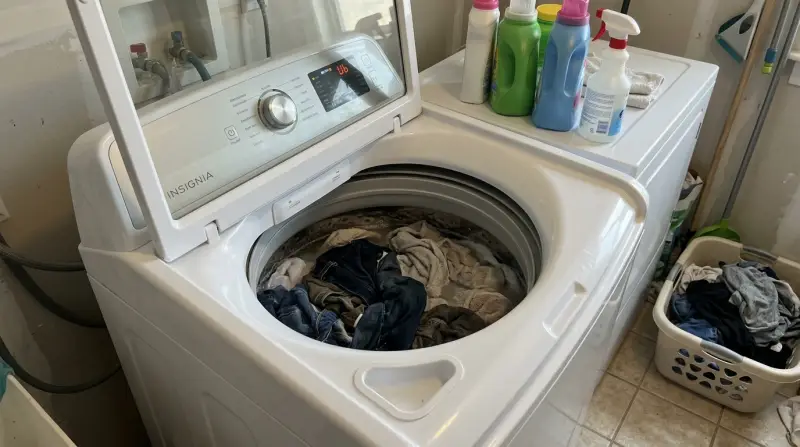
The spin cycle is the stage where the washer turns quickly to remove water from clothes. Most Insignia washers spin between 800–1200 RPM (rotations per minute), which is enough to get laundry just damp. If your washer skips this step, your clothes come out sopping wet.
Sometimes, the spin cycle may seem to start, but the drum doesn’t actually rotate at high speed, or it stops mid-cycle. Understanding how the spin cycle works helps you spot what’s wrong and fix it faster.
Common Reasons An Insignia Washer Won’t Spin
Several issues can cause your Insignia washer to stop spinning. Here are the most frequent ones:
- Unbalanced Load: Too many heavy items on one side, or a single large item, can make the drum wobble and the washer refuse to spin.
- Clogged Drain Pump: If water can’t exit, the washer won’t spin. Coins, lint, or small socks can block the pump.
- Faulty Lid or Door Switch: For safety, washers won’t spin if the lid or door isn’t fully closed or if the switch is broken.
- Drive Belt Problems: A loose or broken belt means the motor can’t turn the drum.
- Motor Malfunctions: Overheating or electrical faults can stop the motor from spinning.
- Control Board Issues: If the washer’s “brain” malfunctions, it might skip the spin cycle entirely.
- Clogged or Kinked Drain Hose: Water can’t drain, so the drum won’t spin.
Let’s break down how to diagnose and fix these problems step by step.
Quick Checks Before Troubleshooting
Before you grab any tools, run through these simple checks:
- Make sure the washer is plugged in and getting power.
- Check that the water supply valves are open.
- Confirm the cycle selection is correct (some cycles don’t include spinning).
- Open and close the lid or door firmly.
- Remove some clothes if the drum is overloaded or has a heavy blanket bunched on one side.
If these steps don’t work, it’s time to investigate further.
Diagnosing The Problem: Step-by-step
Check For An Unbalanced Load
If your load is uneven, the washer may display an error code and refuse to spin. Stop the cycle, open the lid, and redistribute the laundry. For example, mix smaller items with heavier ones like towels or jeans. Restart the cycle. If this solves the problem, your washer is working as designed.
Inspect The Drain Hose And Pump
A blocked drain system is one of the most common causes of spin failure.
- Unplug the washer for safety.
- Locate the drain hose at the back. Remove it from the drain and check for clogs or kinks.
- Place a bucket under the hose and let any trapped water flow out.
- Check the drain pump filter (often found behind a small panel at the bottom front of the washer). Unscrew and clean it out.
Even a small sock or coin can block water flow, stopping the spin cycle.
Test The Lid Or Door Switch
Washers have a safety switch that tells the machine the lid or door is closed. If it’s faulty, the washer won’t spin.
- Open and close the lid firmly.
- Listen for a click; no click can mean a bad switch.
- On front-loaders, check the latch for debris or damage.
- If you’re comfortable, unplug the machine, remove the top or front panel, and test the switch with a multimeter for continuity.
Examine The Drive Belt
If the motor runs but the drum doesn’t move, the drive belt might be loose, worn, or snapped.
- Unplug the washer and remove the back panel.
- Inspect the belt (usually a black rubber band connecting the motor to the drum).
- If it’s broken or very loose, replace it. Belts are inexpensive and easy to find for Insignia models.
Check The Motor
Motors rarely fail suddenly, but if you hear humming, buzzing, or smell burning, the motor may be at fault.
- Unplug the washer.
- Inspect for any visible signs of burning or damage.
- Some Insignia models have a resettable thermal overload; if triggered, let the motor cool for 30 minutes, then try again.
If you’re not comfortable with electrical components, call a professional for motor repairs.
Investigate The Control Board
Modern Insignia washers use a control board to manage cycles. If you see flashing lights or no response, a power surge might have damaged the board.
- Unplug the washer for five minutes to reset the board.
- If the problem returns, a new board may be needed.
Control boards are expensive. Confirm with a technician before replacing.

Error Codes And What They Mean
Most Insignia washers display error codes when there’s a problem. Here’s a quick reference for common codes and what they indicate:
| Error Code | Meaning | Action |
|---|---|---|
| E3 | Unbalanced load | Redistribute clothes |
| E4 | Drain error | Check drain hose and pump |
| E2 | Door/lid not closed | Check door switch |
| E1 | Water supply issue | Check water valves |
Knowing these codes can save you time and help you describe the issue if you need a technician.
Solutions For Specific Insignia Washer Models
Not all Insignia washers are built the same. Here’s how the most popular types compare when it comes to spin problems:
| Model Type | Common Spin Issues | Unique Fixes |
|---|---|---|
| Top Load | Unbalanced loads, lid switch failure | Check for proper load distribution, inspect lid switch |
| Front Load | Drain pump clogs, door latch issues | Clean drain filter, ensure door latch clicks |
| High-Efficiency | Small loads, soap residue buildup | Run cleaning cycles, avoid overusing detergent |
Non-obvious insight: High-efficiency models are extra sensitive to load size and soap type. Too much detergent can cause suds to block the pressure sensor, stopping the spin cycle.
Preventing Future Spin Problems
It’s easier to prevent issues than fix them. Here are practical habits to keep your Insignia washer spinning smoothly:
- Don’t overload the washer. Follow the user manual for max load size.
- Mix load sizes—don’t wash only heavy towels or only light shirts.
- Clean the drain filter every month to avoid blockages.
- Inspect the door gasket (front-loaders) for socks and debris.
- Run a “clean washer” cycle monthly using washing machine cleaner or vinegar.
- Use the right detergent—high-efficiency washers need HE detergent.
- Check for error codes quickly, and don’t ignore strange noises or vibrations.
When To Call A Professional
While many spin issues are DIY-friendly, some require expert help:
- If the motor or control board fails, these are complex and expensive parts.
- If you notice electrical burning smells or see sparks.
- If you’ve tried all troubleshooting steps and the washer still won’t spin.
A repair visit can cost between $100–$350, depending on the problem. Weigh this against the age and value of your washer sometimes, replacement makes more sense for older models.

Cost Comparison: Repair Vs. Replace
To help you decide, here’s a simple cost comparison:
| Issue | DIY Cost | Professional Repair | New Washer |
|---|---|---|---|
| Drain pump/filter clean | $0–$20 | $100–$180 | $400–$700 |
| Drive belt replacement | $15–$40 | $120–$200 | – |
| Control board/motor | $80–$250 (parts only) | $250–$350 | $400–$700 |
If your washer is under warranty, always check with Insignia customer service before paying for repairs.
Why Spin Problems Shouldn’t Be Ignored
A washer that doesn’t spin isn’t just inconvenient—it can lead to bigger problems:
- Mold growth: Damp clothes left in the drum can start to smell in just hours.
- Extra wear: Hand-wringing heavy loads can damage fabrics.
- Higher energy bills: You’ll need to run the dryer longer to remove water.
Fixing spin issues early protects both your clothes and your wallet.
Real-world Example
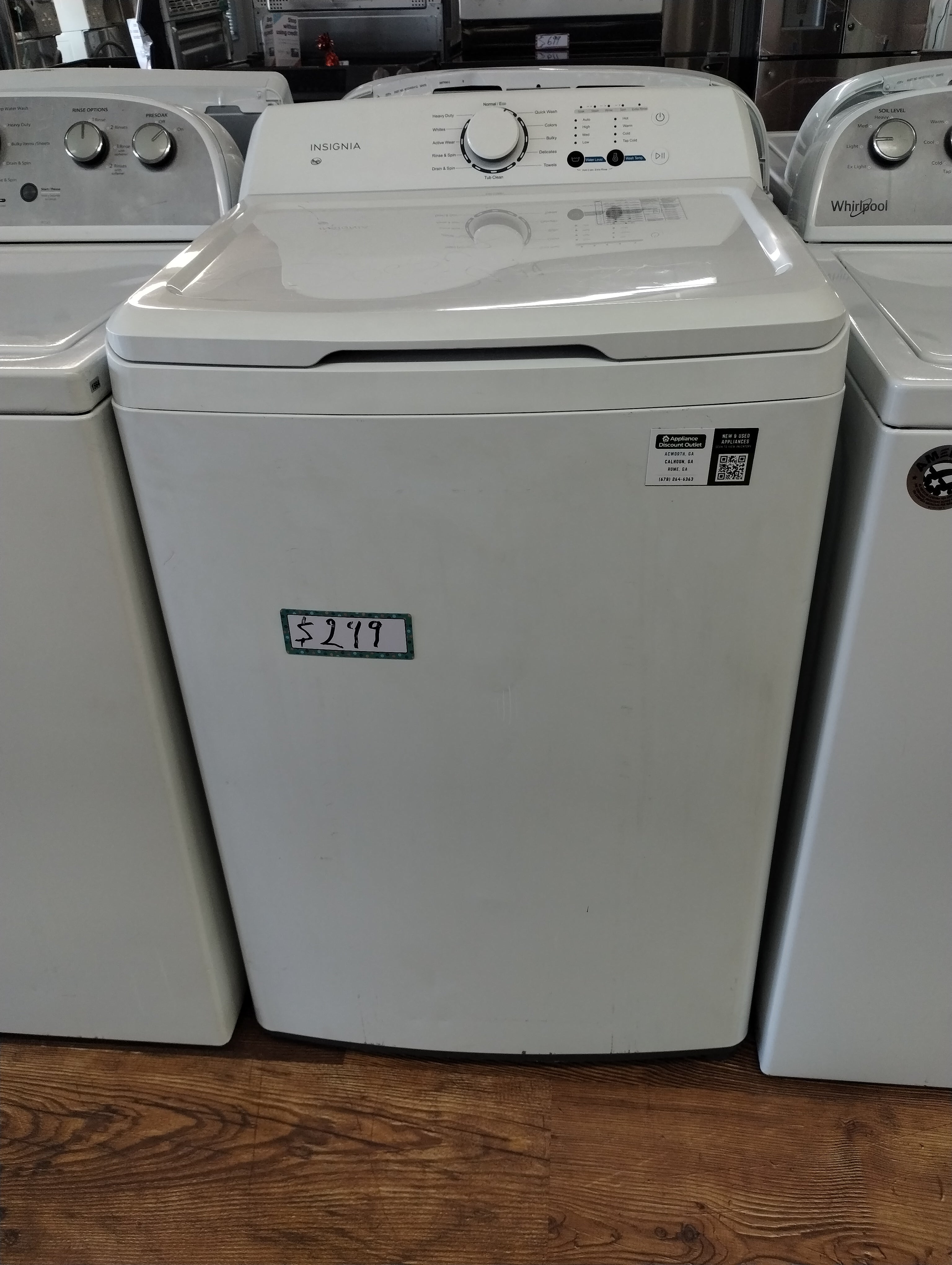
Consider this scenario: Maria, a busy parent, found her Insignia washer stopped spinning after washing a load of towels. She checked the error code E4 then cleaned out the drain pump filter and removed a lost baby sock. After resetting the washer, it spun perfectly again. If she had ignored the problem, she might have faced a flooded laundry room or a costly repair.
Insight: Many spin issues are solved by cleaning the drain system an easy fix that’s often missed by beginners.
Frequently Asked Questions
Why Does My Insignia Washer Stop Spinning With Heavy Loads?
Heavy loads, especially if not distributed evenly, can trigger unbalanced load sensors. The washer pauses or skips spinning to avoid damage. Redistribute the clothes and try again.
How Do I Reset My Insignia Washer?
Unplug the washer for five minutes, then plug it back in. This resets the control board. Some models also have a “reset” button check your manual.
My Washer Makes A Humming Sound But Won’t Spin. What Does This Mean?
A humming sound usually points to a drain pump blockage or a seized motor. Check the drain pump first, as it’s the most common and easiest to fix.
Can I Use Regular Detergent In My High-efficiency Insignia Washer?
No, always use HE detergent in high-efficiency models. Regular detergent creates more suds, which can block sensors and stop the spin cycle.
Where Can I Find Genuine Parts For My Insignia Washer?
Look for parts on the official Best Buy Insignia website or trusted appliance parts suppliers. For more details, see the Best Buy Insignia Parts page.
Getting your Insignia washer spinning again is often easier than it seems. With the right checks and regular maintenance, you can keep your laundry routine running smoothly and avoid costly repairs. If you ever feel stuck, don’t hesitate to call a pro but for most people, a little troubleshooting is all it takes to solve the problem.