
Verizon’s 5G Home Internet promises fast speeds and easy setup, making it an appealing choice for many households. The idea of wireless, high-speed internet without cables or technicians is exciting. But for many users, the reality can be different. Problems with Verizon 5G Home Internet range from slow speeds to unreliable connections, leaving customers frustrated.
If you’re thinking about switching or already using Verizon’s service, understanding these issues can help you make better decisions and find solutions.
What Is Verizon 5g Home Internet?
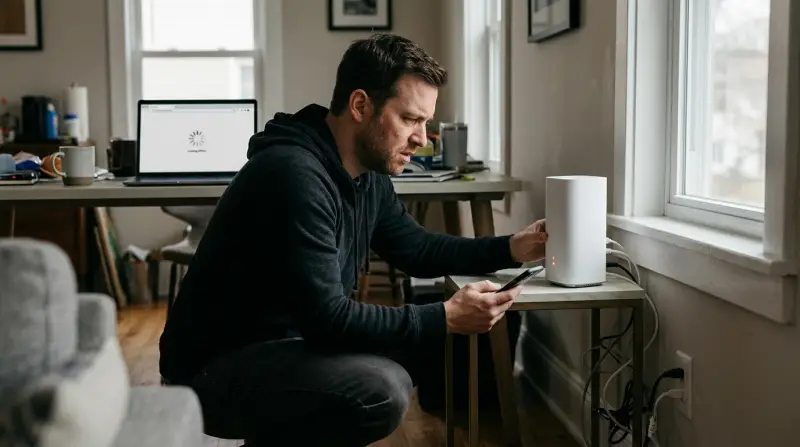
Verizon launched its 5G Home Internet to bring high-speed wireless connectivity to homes using 5G technology. Instead of fiber or cable, it uses a 5G receiver to connect your house to the nearest Verizon cell tower. The company advertises speeds from 100 Mbps up to 1 Gbps, with unlimited data, no annual contracts, and simple installation. Pricing typically starts around $50–$70 per month, with equipment included.
This service is available in select US cities, and the coverage is expanding. However, Verizon’s 5G network uses two main types of frequencies: mmWave (high-band, very fast but short range) and sub-6 GHz (low-band, slower but covers more area). Not all customers get mmWave, and this affects speed and reliability.
Common Problems With Verizon 5g Home Internet
Verizon’s 5G Home Internet isn’t perfect. Many customers report issues that affect their everyday use. Here are the most common:
1. Inconsistent Speeds
One of the biggest complaints is speed fluctuation. Users often see speeds drop during busy hours, or even throughout the day. Advertised speeds of 300–1000 Mbps are rare for many homes. In real-world tests, speeds can range from as low as 20 Mbps up to 200 Mbps, depending on:
- Distance from the nearest 5G tower
- Obstructions (buildings, trees, walls)
- Type of 5G signal (mmWave vs sub-6 GHz)
- Network congestion
For example, a family living close to a 5G tower might get 350 Mbps in the morning, but only 60 Mbps in the evening. This inconsistent performance makes streaming, gaming, and video calls unreliable.
2. Signal Drops And Outages
Another major issue is connection stability. Because 5G signals are affected by weather, buildings, and even moving vehicles, users experience random disconnects. Some report their internet dropping multiple times a day, especially during storms or when the router is moved.
The signal inside homes can be weak, especially in larger houses or apartments. Verizon’s 5G receiver needs a clear line of sight to the tower, but this isn’t always possible. Thick walls or metal roofs can block the signal, causing outages.
3. Limited Coverage Area
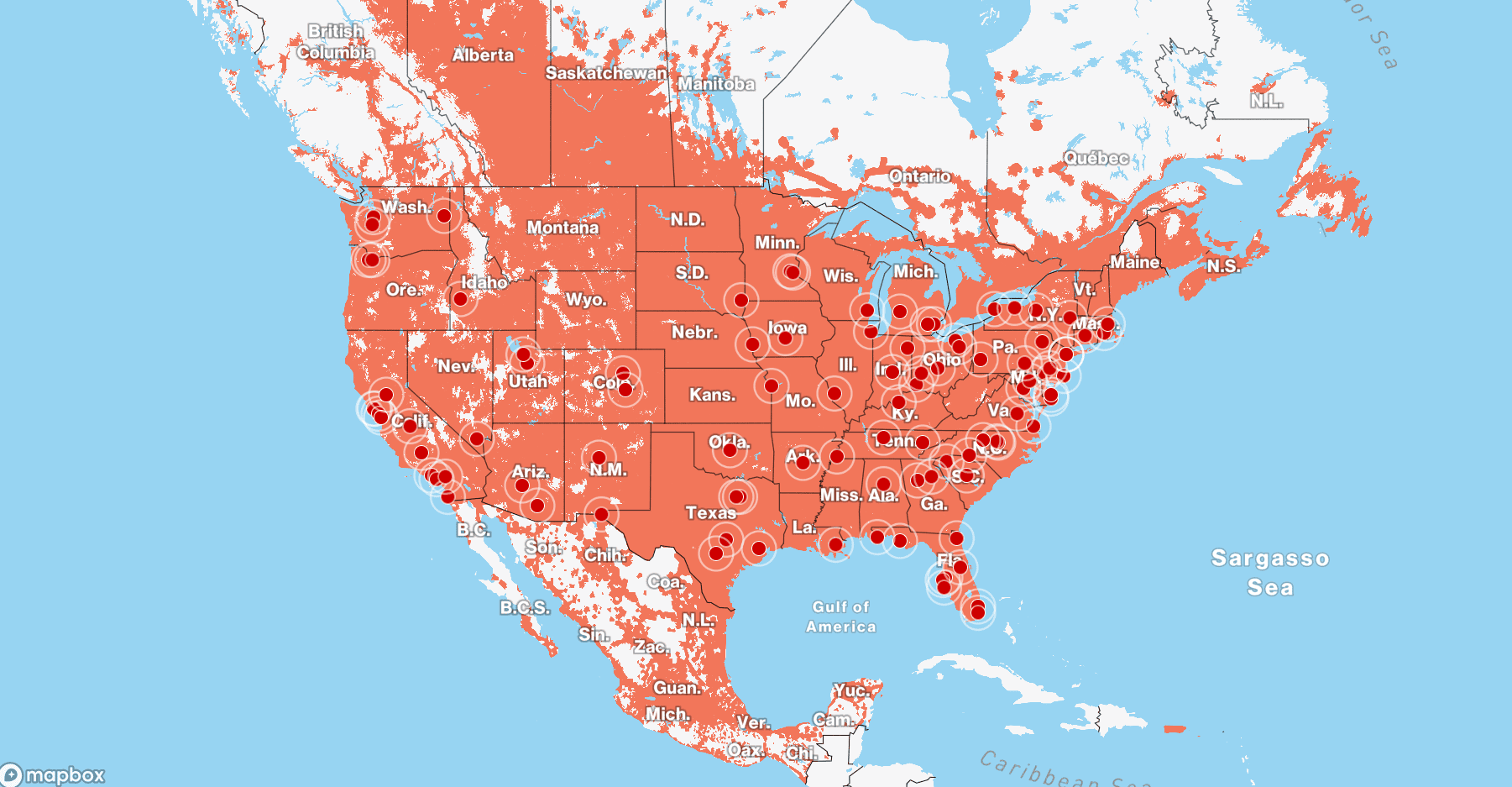
Verizon’s 5G Home Internet isn’t available everywhere. Only certain parts of cities have coverage, and rural or suburban areas are often left out. Even in covered areas, the quality varies. Some customers get only the slower sub-6 GHz 5G, not the ultra-fast mmWave.
Below, you can see how Verizon’s coverage compares to other providers:
| Provider | 5G Coverage (Cities) | Rural Availability |
|---|---|---|
| Verizon | ~50 | Limited |
| T-Mobile | ~70 | Moderate |
| AT&T | ~60 | Limited |
As you can see, T-Mobile has slightly more coverage, but all 5G home internet services struggle in rural areas.
4. Hardware Issues
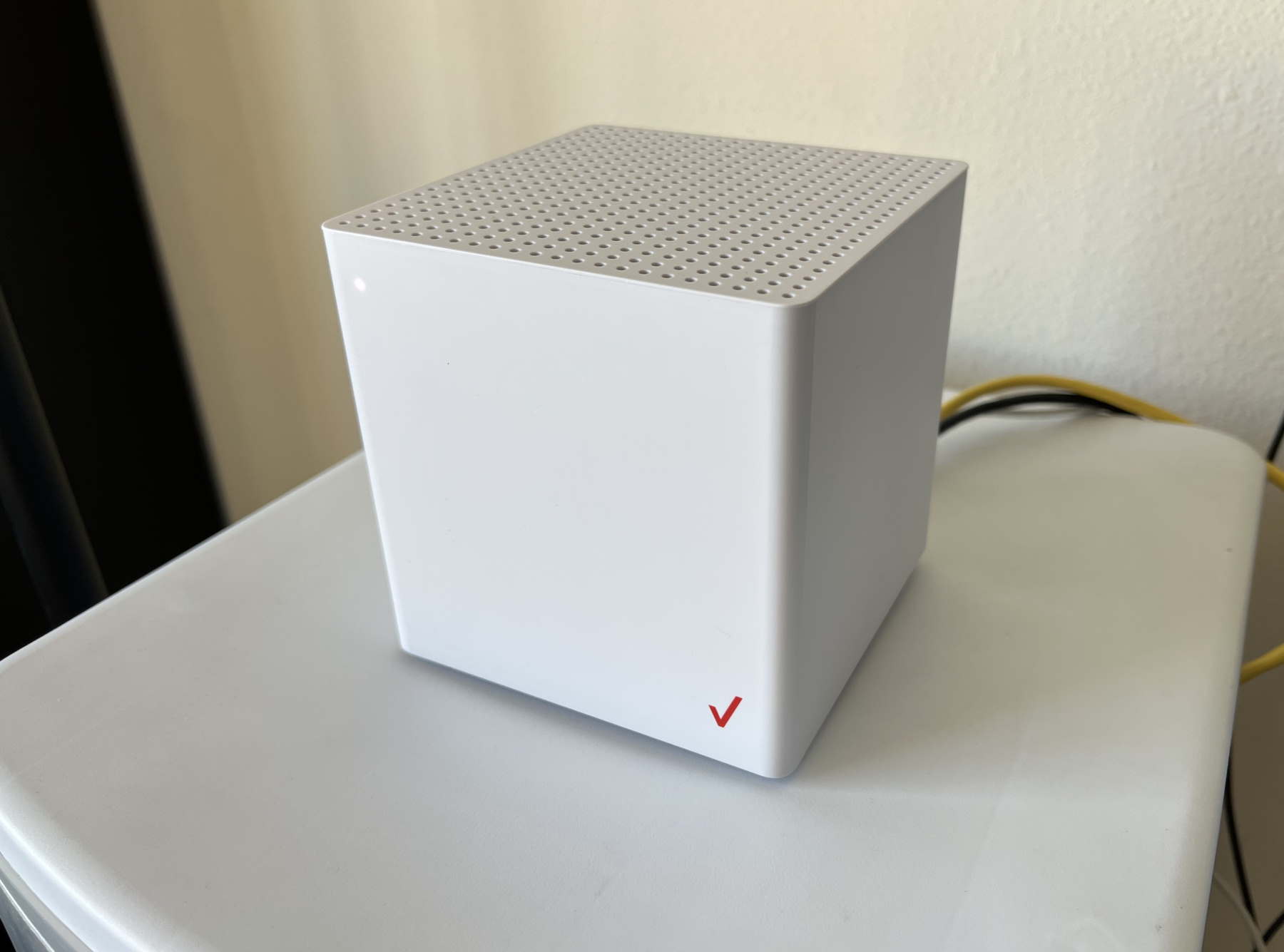
Verizon provides a 5G receiver/router for home use. Many users face problems with this device:
- Firmware bugs causing random restarts
- Weak Wi-Fi signal, especially in larger homes
- Difficult setup process for some customers
- Limited options for connecting external antennas
Some users solve these issues by placing the receiver near windows or using Wi-Fi extenders, but this isn’t always enough. Firmware updates can help, but they don’t always fix the problems.
5. High Latency
Latency is the delay in data transmission. For gamers and video call users, low latency is important. Verizon claims latency around 30–50 ms, but many customers report spikes over 100 ms, causing lag in games and poor video call quality.
This happens because 5G home internet routes your data through cell towers, which are often further away than cable or fiber lines. Network congestion, weather, and tower distance can increase latency.
6. Data Throttling And Prioritization
While Verizon says there are no data caps, there is network prioritization. When the network is busy, home internet users can be deprioritized compared to mobile customers. This means your speeds may drop during peak hours, even though you have “unlimited” data.
7. Customer Service And Support
Many users report difficulties with Verizon’s customer support. Long wait times, confusing troubleshooting steps, and unclear answers are common complaints. Some customers say it’s hard to get real help for technical issues, especially with outages or hardware failures.
Real-world Examples: Customer Experiences
Let’s look at some examples from actual Verizon 5G Home Internet users:
- John, Atlanta: He saw 200 Mbps speeds at first, but after a week, speeds dropped to 30 Mbps. After contacting support, he was told it was due to network congestion.
- Maria, Phoenix: Her internet would disconnect whenever a delivery truck parked in front of her house. Moving the receiver helped, but the issue still happens sometimes.
- Sam, Seattle: He tried using Verizon 5G for gaming, but latency spikes made online play impossible. He switched back to cable.
These stories show how real-world performance can differ from marketing claims.
Verizon 5g Vs Other Home Internet Options
Is Verizon’s 5G Home Internet better than cable, fiber, or DSL? Here is a comparison to help you decide:
| Internet Type | Average Speed (Mbps) | Latency (ms) | Reliability | Installation |
|---|---|---|---|---|
| Verizon 5G | 50–350 | 30–100 | Medium | Easy |
| Cable (e.g., Xfinity) | 100–1000 | 10–30 | High | Medium |
| Fiber (e.g., AT&T Fiber) | 300–1000+ | 5–20 | Very High | Medium |
| DSL | 10–100 | 30–80 | Low | Easy |
While Verizon 5G offers easy setup and no contracts, cable and fiber are often faster and more reliable. Fiber, in particular, has low latency and consistent speeds.
Credit: www.verizon.com
Troubleshooting Tips For Verizon 5g Home Internet
If you’re facing problems, there are practical steps you can try to improve your experience:
- Place the receiver near a window: This can improve signal strength and speed, especially if you have thick walls.
- Check for firmware updates: Updating the router can fix bugs and improve stability.
- Use Wi-Fi extenders: If your house is large, extenders can help boost the signal to other rooms.
- Restart your equipment: Sometimes, a simple restart solves temporary issues.
- Monitor network congestion: Test speeds at different times to see if congestion is the cause.
- Call customer support: If your service is consistently poor, ask for troubleshooting or a replacement device.
A non-obvious tip: Try rotating your receiver slightly or changing its height. Even small changes in placement can make a big difference in signal quality.
Hidden Factors Affecting Performance
Many beginners don’t realize that local interference plays a big role. Devices like microwaves, cordless phones, and even baby monitors can disrupt 5G signals. If possible, place your router away from these devices.
Another insight: Your neighbors may also be using 5G internet, which can cause interference and lower speeds. If you notice sudden drops, check if multiple nearby homes are on the same network.

Credit: www.youtube.com
Should You Choose Verizon 5g Home Internet?
Verizon’s 5G Home Internet is a good option for:
- Homes where cable or fiber aren’t available
- Renters who want simple, no-contract setup
- People who don’t need very high or stable speeds
But if you need reliable, consistent internet for gaming, remote work, or streaming, cable or fiber are usually better.
Verizon’s Response To Common Complaints
Verizon has made improvements over time. Firmware updates, new receiver models, and expanding coverage are steps in the right direction. They also offer a 30-day money-back guarantee for new customers, allowing you to test the service risk-free.
However, many issues remain, especially in areas with poor coverage or network congestion. It’s wise to check coverage maps and read recent reviews before signing up. For more detailed coverage maps and updates, you can visit Verizon’s official site.
Credit: www.disablemycable.com
Frequently Asked Questions
What Is The Average Speed For Verizon 5g Home Internet?
Most users report speeds between 50 Mbps and 350 Mbps. The exact speed depends on your location, signal strength, and network congestion. Verizon advertises up to 1 Gbps, but this is rare outside of cities with mmWave coverage.
Does Verizon 5g Home Internet Have Data Caps?
No, Verizon 5G Home Internet offers unlimited data. However, during busy times, your connection may be deprioritized compared to mobile users, leading to slower speeds.
Can I Use Verizon 5g Home Internet For Gaming?
You can, but many gamers face latency spikes and unstable connections. Cable or fiber internet is usually better for gaming because it offers lower latency and more consistent speeds.
How Do I Improve My Verizon 5g Signal At Home?
Place the receiver near a window, away from walls and electronic devices. Try changing its position or height. Using a Wi-Fi extender can help cover larger homes.
Is Verizon 5g Home Internet Available Everywhere?
No, the service is only available in select cities and neighborhoods. Coverage is expanding, but rural areas are often left out. Check Verizon’s coverage map before ordering.
Verizon’s 5G Home Internet offers a glimpse of the future, but today’s reality is mixed. Some users enjoy fast, easy wireless internet, while others struggle with slow speeds and outages. If you’re considering this service, research your local coverage, understand the potential issues, and be ready to troubleshoot.
For many, traditional cable or fiber remains the best choice. But with improvements on the way, Verizon’s 5G could soon become a strong competitor in the home internet market.
2 thoughts on “Verizon 5G Home Internet Problems: How to Fix Common Issues”