
If you rely on an Acurite weather station to track outdoor conditions, it can be frustrating when the outdoor sensor stops working. Many people face this issue, especially after a few months or years of use. The sensor is key to measuring temperature, humidity, wind, and sometimes rain. When it fails, your weather station loses accuracy or stops reporting outdoor data completely. Let’s explore why this happens, how to fix it, and how to prevent future problems. This guide will help you troubleshoot confidently, even if you are new to weather stations.
Common Causes Of Outdoor Sensor Failure
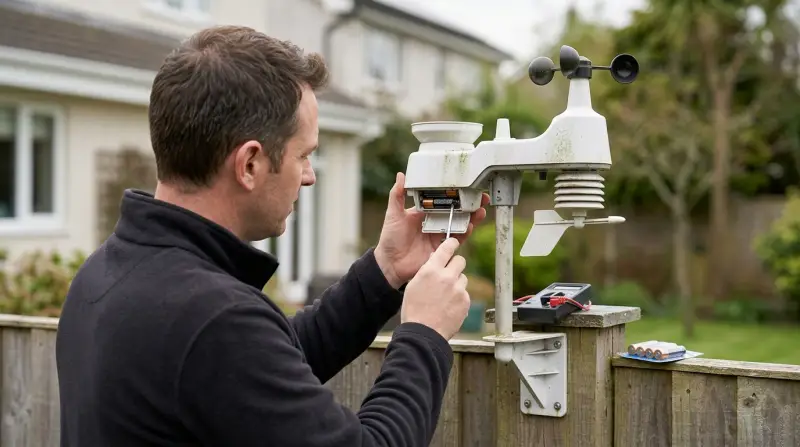
An Acurite outdoor sensor can stop working for many reasons. Understanding the most frequent causes helps you find the right solution quickly.
1. Battery Issues
Batteries are the power source for most outdoor sensors. If the batteries are weak, old, or installed incorrectly, the sensor may not transmit data. Extreme temperatures can also drain batteries faster.
2. Wireless Signal Problems
Acurite sensors use wireless signals to send data to the indoor display. Interference from walls, metal objects, or electronic devices can block or weaken the signal.
3. Physical Damage
Outdoor sensors face rain, snow, wind, and direct sunlight. Over time, this exposure can cause cracks, corrosion, or water leaks that damage the sensor’s internal parts.
4. Sensor Placement
Wrong placement can limit performance. If the sensor is too far from the display or is blocked by buildings or trees, it may not work correctly.
5. Firmware Or Software Glitches
Weather stations sometimes need updates or resets. Software errors can cause the sensor to stop communicating.
6. Component Failure
After years of use, parts inside the sensor can wear out. This includes thermistors (for temperature), hygrometers (for humidity), or circuit boards.
Troubleshooting Steps For Acurite Outdoor Sensor
Fixing a non-working sensor often requires simple checks. Follow these steps before considering replacement:
Check And Replace Batteries
- Remove the sensor’s battery cover.
- Inspect for corrosion or moisture inside.
- Use fresh, high-quality alkaline batteries (not rechargeable).
- Install batteries according to the diagram (correct polarity).
- Wait a few minutes for the sensor to restart.
Reposition The Sensor
- Move the sensor closer to the indoor display.
- Avoid placing it near metal fences, thick walls, or electronic devices.
- Ensure the sensor is at least 5 feet above the ground and in an open area.
Reset The Weather Station
- Remove batteries from both the sensor and the indoor display.
- Wait at least 30 minutes to allow a full reset.
- Reinstall batteries in the sensor first, then the display.
- Wait for the display to reconnect and show outdoor data.
Inspect For Physical Damage
- Check for cracks, water inside the sensor, or damaged antenna.
- Clean any dirt or debris blocking the vents.
- If there is visible damage, you may need to replace the sensor.
Update Firmware (if Available)
- Some advanced Acurite stations allow firmware updates.
- Visit the official Acurite support site for instructions.
- Connect your display to a computer if needed and follow update steps.
Avoid Common Mistakes
- Do not use rechargeable batteries; they often perform poorly in cold or hot weather.
- Do not place the sensor in direct sunlight for long periods.
- Avoid mounting on metal surfaces, which block signals.
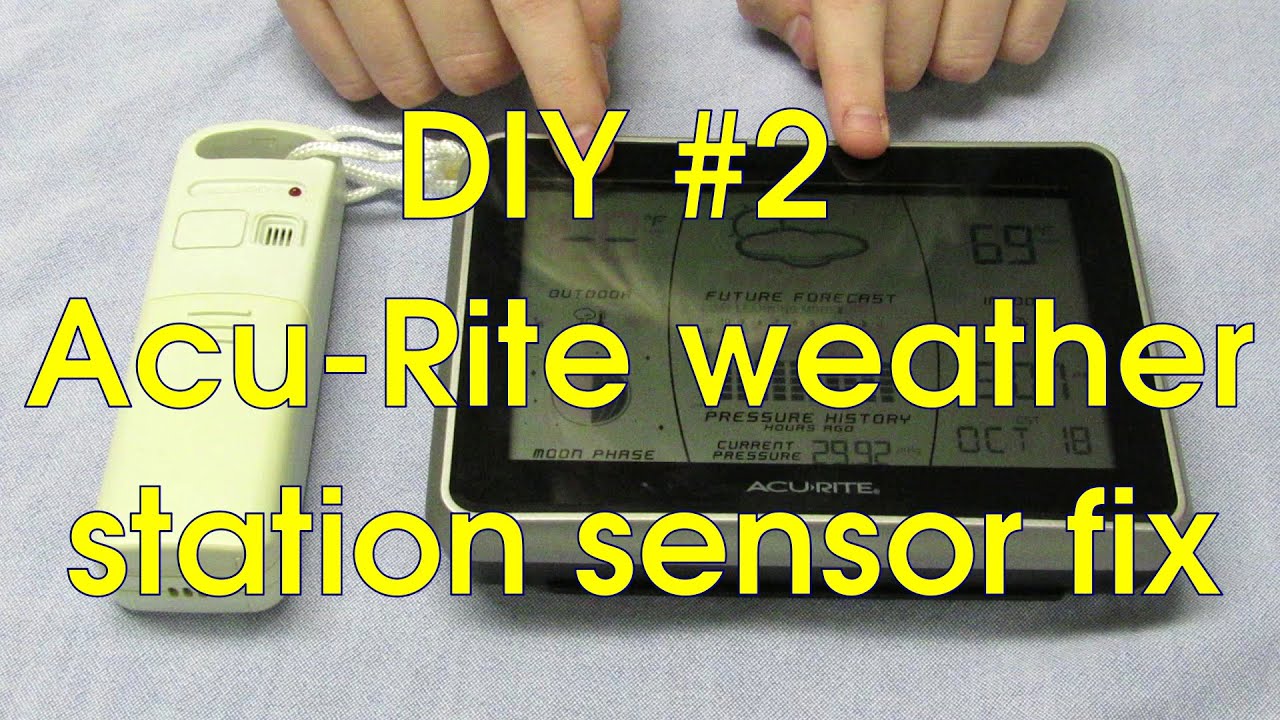
Credit: www.youtube.com
Comparing Sensor Models And Signal Range
Acurite offers several sensor models. Signal range can affect performance, especially in larger properties. Here’s a quick comparison of popular models:
| Sensor Model | Signal Range | Features |
|---|---|---|
| 00592TXR | Up to 100 ft | Temperature, Humidity |
| 06002RM | Up to 330 ft | Temp, Humidity, Stronger Signal |
| 06014RM | Up to 330 ft | Temp, Humidity, Rain, Wind |
Choosing the right model for your property makes a difference. Longer range sensors perform better in homes with thick walls or outdoor sheds.
Diagnosing Wireless Interference
Wireless interference is a hidden problem many users miss. Even if you have fresh batteries and a working sensor, the signal may not reach the display. Here’s how to spot interference:
- If your sensor works only when close to the display, interference is likely.
- Wi-Fi routers, cordless phones, and microwaves can block signals.
- Metal siding, brick walls, or large appliances reduce signal strength.
Here’s a simple table showing common sources of interference and their impact:
| Interference Source | Impact Level | Recommended Action |
|---|---|---|
| Wi-Fi Router | Moderate | Move sensor away from router |
| Metal Fence | High | Mount sensor on wood/plastic post |
| Brick Wall | High | Place sensor in open area |
| Microwave Oven | Low | Keep sensor away from kitchen |
Non-obvious tip: Sometimes, placing the sensor just two feet higher or further away from a wall can restore the signal.

Weather Effects On Sensor Performance
Outdoor conditions affect sensor life and accuracy. Cold weather drains batteries quickly. Rain and humidity can enter the sensor if the seal is broken. UV rays from sunlight can damage plastic and electronics.
Some practical tips:
- Use Lithium batteries if you live in cold climates. They work better than alkaline in freezing temperatures.
- Check the sensor’s seal regularly. Apply waterproof tape if you see cracks.
- Clean the sensor’s vents gently with a soft brush every season.
Many users forget that weather stations need maintenance. A quick seasonal check can prevent most issues.
When To Replace The Outdoor Sensor
If you have tried all troubleshooting steps and the sensor still does not work, replacement may be necessary. Here are signs you need a new sensor:
- No signal even after battery change and reset.
- Visible damage like cracked housing or broken parts.
- Consistent wrong readings (e.g., shows 0°F in summer).
- Corroded battery contacts that cannot be cleaned.
Acurite sensors usually last 2–5 years outdoors. If yours is older, consider buying a new one. Make sure to match the sensor model with your weather station for compatibility.
Buying A Replacement Sensor
When buying a new sensor, check:
- Model compatibility: Each Acurite station works with specific sensors.
- Signal range: Choose a sensor with enough range for your property.
- Features: Some sensors measure only temperature and humidity, others also track wind and rain.
Here’s a quick comparison of replacement options:
| Model | Compatible Stations | Price Range |
|---|---|---|
| 00592TXR | Basic stations (temperature/humidity) | $15–$25 |
| 06002RM | Mid-range stations | $20–$35 |
| 06014RM | Pro stations (wind/rain) | $50–$80 |
Always buy from official sources or trusted retailers. Avoid generic sensors that may not work with your station.
Preventing Future Sensor Problems
A few steps can help your sensor last longer and work reliably:
- Mount the sensor in a shaded area to avoid direct sunlight.
- Place it where rain and snow can drain away easily.
- Use high-quality batteries and change them every 6–12 months.
- Perform a quick check every season: Clean vents, check for damage, and reset if needed.
- Keep the sensor away from sources of wireless interference.
Non-obvious insight: If your station allows, use more than one sensor and compare readings. This can help spot problems before they affect your weather tracking.
For more technical details, visit the official Acurite Support site.
Frequently Asked Questions
Why Does My Acurite Sensor Show “no Signal” Or “dashes” On The Display?
This usually means the sensor cannot communicate with the indoor display. Common reasons are dead batteries, interference, or the sensor being too far away. Replace batteries, move the sensor closer, and reset both units.
Can I Use Rechargeable Batteries In My Outdoor Sensor?
No. Acurite recommends using only alkaline or lithium batteries. Rechargeable batteries often fail in extreme temperatures and can cause inaccurate readings.
How Often Should I Replace The Batteries In My Sensor?
Change batteries every 6–12 months. In cold climates, check more often. Always use fresh batteries, and avoid mixing old and new ones.
My Sensor Works Indoors But Not Outdoors. Why?
Indoors, wireless signals travel more easily. Outdoors, walls, metal, and weather can block the signal. Try moving the sensor to a more open spot and check for interference sources.
What Is The Lifespan Of An Acurite Outdoor Sensor?
Most sensors last 2–5 years with proper care. Extreme weather, poor placement, or low-quality batteries can shorten this lifespan. Regular maintenance helps the sensor last longer.
Your Acurite weather station is a reliable tool when the outdoor sensor works well. If your sensor stops working, simple steps like battery replacement, repositioning, and cleaning can solve most problems. For lasting performance, follow basic maintenance tips and check for interference.
Knowing when to replace your sensor and how to select the right model keeps your weather station accurate and useful. With careful care, you can enjoy precise outdoor data year-round.