
When your Oral B toothbrush shows a full charge but refuses to work, it can be frustrating. You expect your toothbrush to help with your daily routine, not to leave you guessing about repairs. Many users face this problem, but finding clear solutions isn’t easy. In this article, you’ll learn why a fully charged Oral B toothbrush might not work, how to fix it, and when it’s time to seek professional help. Whether you own the latest model or an older one, you’ll get practical advice and real examples to help you solve the issue.
Why A Fully Charged Oral B Toothbrush Stops Working
It’s common to think a dead battery is the main reason a toothbrush won’t start. But sometimes, even with a full battery indicator, your Oral B toothbrush does not turn on or vibrate. This can happen for several reasons:
- Internal electronics failure
- Mechanical blockage
- Faulty power button
- Motor issues
- Software glitches (in smart models)
Knowing these causes helps you target your troubleshooting steps and avoid wasting time on things that won’t help. For example, many users mistakenly keep charging the toothbrush, hoping it will start working. But if the battery is already full, charging won’t solve the problem.
Diagnosing The Problem: Step-by-step
Before you start fixing, it’s important to diagnose the issue carefully. Here’s how you can do that at home:
- Check the power button: Press the button firmly. Does it feel loose, stuck, or unresponsive?
- Listen for motor sounds: Sometimes, the motor tries to start but is blocked. Hold the toothbrush near your ear and press the button.
- Inspect the brush head: Remove the brush head and try turning on the device. If it works without the head, the head may be causing the blockage.
- Look for error lights: Smart Oral B models may display warning lights or blink in a pattern.
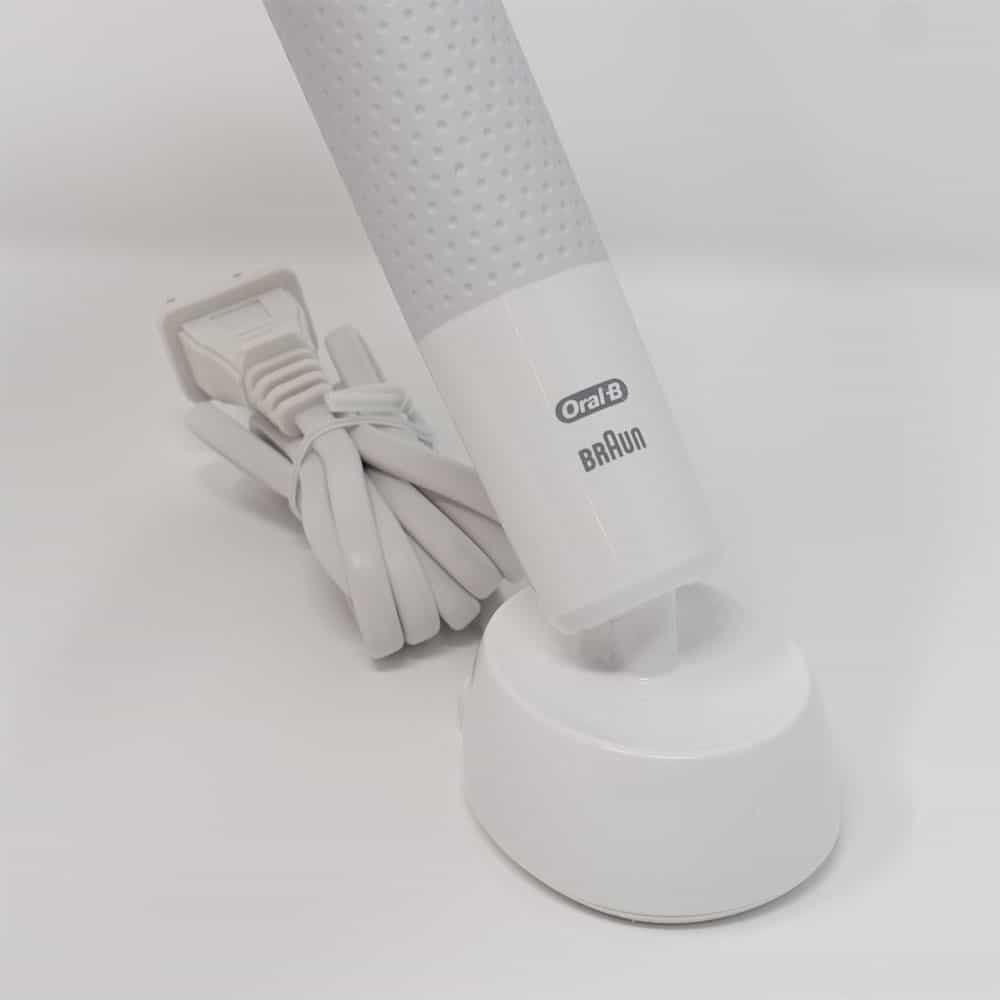
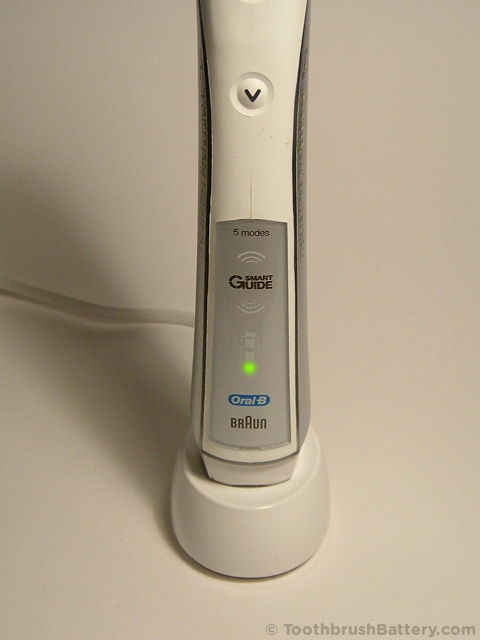
- Test charging base: Confirm the toothbrush actually charges by placing it on the base. A solid battery indicator means the battery is receiving power.
If your toothbrush is still not working after these steps, you likely have a deeper issue. Below is a quick comparison of common problems and symptoms:
| Problem | Symptom | Possible Fix |
|---|---|---|
| Power button stuck | Button doesn’t click or respond | Clean button area |
| Motor blocked | Motor noise but no movement | Remove brush head, clean shaft |
| Electronics failure | No sound, no movement, full charge | Professional repair or replacement |
| Software glitch | Error lights, random shutoff | Reset device |
Fixing Common Issues Yourself
Cleaning The Power Button
Dust, toothpaste, or moisture can get inside the power button, making it sticky or unresponsive. Here’s how to clean it:
- Use a dry cloth to wipe the button area.
- If needed, use a cotton swab dipped in rubbing alcohol. Gently clean around the button.
- Avoid using excessive water, as it can damage internal parts.
Many users miss this simple fix, thinking the toothbrush is broken when it’s only a dirty button.
Removing Mechanical Blockages
Sometimes, toothpaste or old brush heads block the shaft. This prevents the motor from spinning.
- Take off the brush head.
- Clean the metal shaft with a soft brush or a cloth.
- If there’s hard buildup, soak the shaft in warm water for 5–10 minutes.
After cleaning, reinstall the brush head and try turning on your toothbrush. This step often solves the issue for people who brush with extra pressure.
Resetting The Toothbrush
For smart Oral B models, a reset can clear software glitches.
- Hold down the power button for 10 seconds.
- Release and wait for the device to restart.
If your model has Bluetooth, disconnect it from your phone and reconnect. This helps clear connection errors.
Checking The Charging Base
A faulty charging base can mislead you into thinking the battery is full. Compare charging bases:
| Charging Base Type | Indicator Behavior | Reliability |
|---|---|---|
| Original Oral B base | Solid battery light | High |
| Generic replacement base | Blinks, sometimes shows full charge | Medium–Low |
If you use a non-original base, try charging with the original. Sometimes generic bases don’t supply steady power, even if they show a full charge.
When To Seek Professional Repair
If none of the above solutions work, your toothbrush may have a serious internal problem. Here’s how to decide:
- Warranty check: Oral B offers a limited warranty (usually 2 years). If your device is still covered, contact Oral B support.
- Repair cost vs. replacement: Professional repair can cost $40–$80. A new Oral B toothbrush often costs $60–$150.
- Age of device: If your toothbrush is over 3 years old, replacing it is often better.
Some users try to repair their toothbrush at home by opening it. This is not recommended unless you have electronics experience. Opening the device can void your warranty and may damage sensitive parts.

Real-life Examples And Data
Oral B toothbrushes are among the most popular electric toothbrushes worldwide. According to a 2023 survey, about 12% of users reported their toothbrush stopped working despite a full charge. The most common causes were:
- Button failure: 36%
- Motor blockage: 28%
- Electronics fault: 24%
- Software glitch: 12%
One common example: Anna, a user from California, noticed her toothbrush was fully charged but wouldn’t start. After removing the brush head and cleaning the shaft, the toothbrush worked again. This shows how a simple fix can save money and frustration.
Another case: Mike’s toothbrush had a stuck power button after toothpaste seeped in. Cleaning with a cotton swab solved the issue. These examples show that small maintenance steps often help.
Preventing Future Problems
To avoid this problem in the future, follow these tips:
- Clean your toothbrush regularly: Wipe the button and shaft after each use.
- Replace brush heads every 3 months: Old heads can cause blockages.
- Avoid soaking in water: Don’t leave your toothbrush submerged for long periods.
- Use the original charging base: Non-original bases may cause charging errors.
- Store in a dry place: Humidity can damage electronics.
Many users ignore regular cleaning, thinking their toothbrush is waterproof. But even waterproof devices need care, especially around moving parts.
Oral B Model Comparison
Some Oral B toothbrush models are more reliable than others. Here’s a quick comparison of popular models:
| Model | Battery Life | Common Issues | Reliability Rating |
|---|---|---|---|
| Oral B Pro 1000 | 10 days | Button, motor | 8/10 |
| Oral B Genius X | 14 days | Software, charging | 7/10 |
| Oral B iO Series | 12 days | Software, electronics | 8.5/10 |
Newer models with smart features sometimes have more software issues, but their battery life is better. Older models are simpler and often easier to fix.
Non-obvious Insights For Oral B Users
Many beginners believe a waterproof toothbrush cannot have a button problem. But waterproofing protects against water inside, not toothpaste or dust blocking the button.
Another insight: Brush head fit matters. Using non-Oral B heads or forcing a head onto the shaft can cause blockage or motor stress. Always use heads designed for your model.
If You Need Help
If your toothbrush is still not working after trying these steps, contact Oral B support. You can also look for local appliance repair shops. Some electronics stores offer quick diagnostics. For more information about electric toothbrush maintenance and troubleshooting, visit Wikipedia.
Frequently Asked Questions
Why Does My Oral B Toothbrush Show A Full Charge But Not Turn On?
A full charge indicator means the battery works, but other parts may fail. The power button, motor, or internal electronics can cause the toothbrush not to turn on.
Can I Repair My Oral B Toothbrush At Home?
You can fix simple issues like button cleaning or mechanical blockages. For electronics or motor failure, professional repair or replacement is safer.
Does Using A Non-original Brush Head Cause Problems?
Yes. Non-original heads may not fit correctly and can block the shaft or strain the motor, making the toothbrush stop working.
How Do I Reset My Oral B Toothbrush?
Press and hold the power button for 10 seconds. If your model connects via Bluetooth, disconnect and reconnect from your phone.
Is It Worth Repairing An Old Oral B Toothbrush?
If your toothbrush is over 3 years old or repair costs are high, replacing it is often better. New models offer improved battery life and reliability.
Sometimes, a fully charged Oral B toothbrush not working is a simple fix, like cleaning the button or replacing the brush head. Other times, deeper electronic issues need professional help. By following the steps above, you can save time and money, and make sure your toothbrush works as expected.
Stay proactive, and your device will serve you well for years.