
You can resolve a Keurig K Duo Descale Reset Not Working issue by performing a hard power cycle and ensuring the water reservoir is seated firmly to trigger the sensor. If the machine remains stuck in descale mode, it’s often because the internal sensor is blocked by scale buildup or a temporary electronic glitch, which prevents the system from detecting the fresh water flush.
Reasons your descale reset is failing
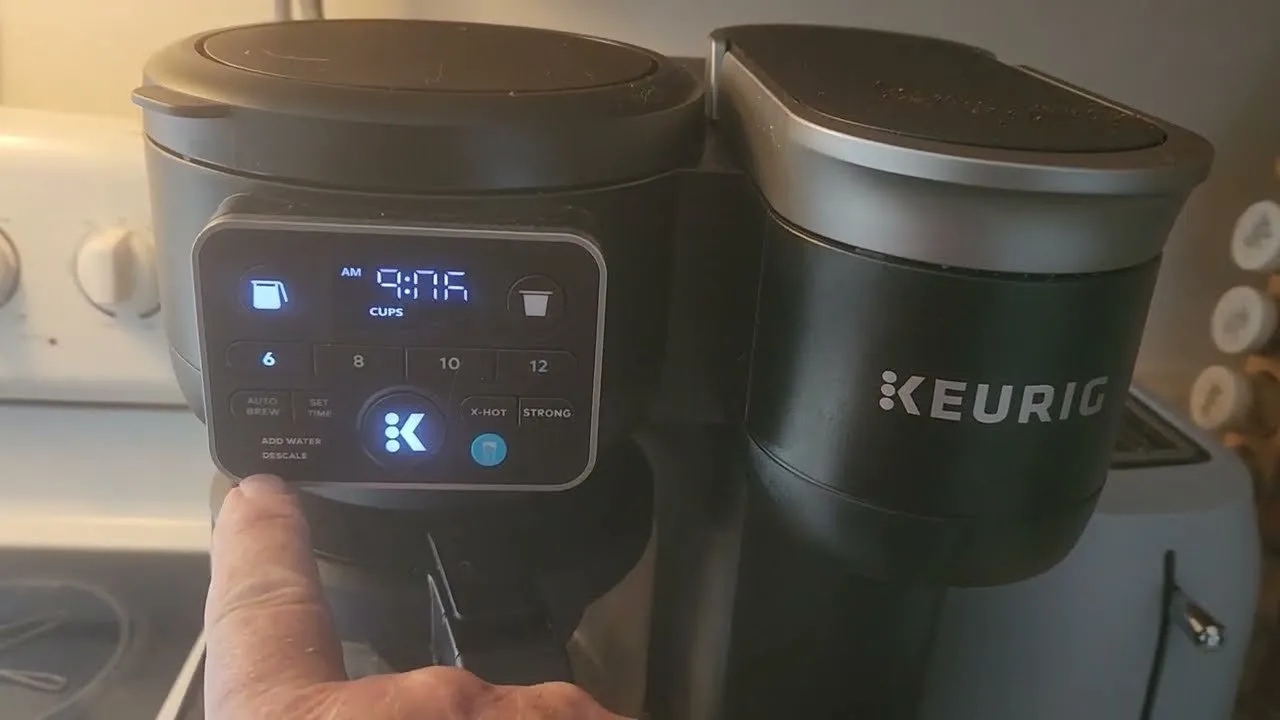
The machine enters descale mode based on a cycle counter rather than an actual measurement of mineral buildup. When you run the process, the software expects a specific sequence of water flow and sensor triggers to complete the reset. If the process stops early or the light stays on, the most common reason is that the sensor in the water reservoir isn’t detecting the “clean” water flow correctly.
Scale particles can sometimes dislodge during the cleaning process and partially block the flow sensor or the reservoir valve. This creates a situation where the machine thinks it’s still empty or that the water is still contaminated, keeping the descale light active.
A common mistake is using a vinegar solution that’s too concentrated. If your machine stalls, check the reservoir valve for debris. If the valve moves freely but the light persists, you’re likely dealing with a sensor calibration error rather than a mechanical failure.
Another cause is a power interruption during the cycle. If you unplug the unit while the software is in the middle of a command, the internal memory may become stuck in a loop. Keep in mind that this is a digital error, not necessarily a hardware failure. If you have followed the official Keurig descaling instructions exactly as published, the system should reset automatically once the final water rinse is detected by the internal flow meter.
Perform a hard power reset
This is the first step for anyone experiencing a system hang. To do this, unplug the power cord from the wall outlet while the machine is turned on. Leave it disconnected for at least 30 minutes to allow the capacitors to discharge fully. This forces the internal memory to clear any temporary error codes that might be preventing the reset. After the time has passed, plug the machine back in.
If this fix works, the descale light will turn off immediately upon startup. If it does not, you must check if the water reservoir is fully seated. If the reservoir sits even a millimeter too high, the machine won’t pull water, and the descale cycle will never complete. Press down firmly on the reservoir to ensure the valve at the bottom is open.
Many users mistake a simple airlock for a broken sensor. If you hear the pump whining but see no water flow, you have an airlock. Tilt the machine gently to the side to release trapped bubbles.
This fix is for users who see the light stay on despite having run multiple rinse cycles. If you have tried a hard reset twice and the light persists, the issue may be a faulty sensor that requires professional service. Never attempt to open the outer casing. Doing so voids your warranty and exposes you to live electrical components. If the unit is under two years old, contact the manufacturer before paying for a third-party repair.
Ensure proper water flow
Sometimes the machine isn’t actually “stuck” but is failing to recognize the volume of water needed to finish the cycle. The K-Duo requires a specific amount of water to pass through the internal heating element to register a successful clean. If you use a reservoir that isn’t filled to the “Max” line, the sensor may trip prematurely.
Fill the reservoir to the maximum capacity with fresh, filtered water. Ensure there are no air bubbles trapped in the intake tube at the bottom of the reservoir. You can usually clear these by gently tapping the side of the reservoir or removing and re-seating it three or four times while the machine is powered on. If the machine is still stuck, run one more cycle using only fresh water, ensuring you don’t interrupt it until the brew cycle finishes completely. This is for users who have already performed a hard reset but still can’t clear the light. If you notice the water isn’t heating up or the pump sounds unusually quiet, it indicates a mechanical failure rather than a software glitch. In this case, stop further attempts and contact the manufacturer for support.
Use the manual bypass
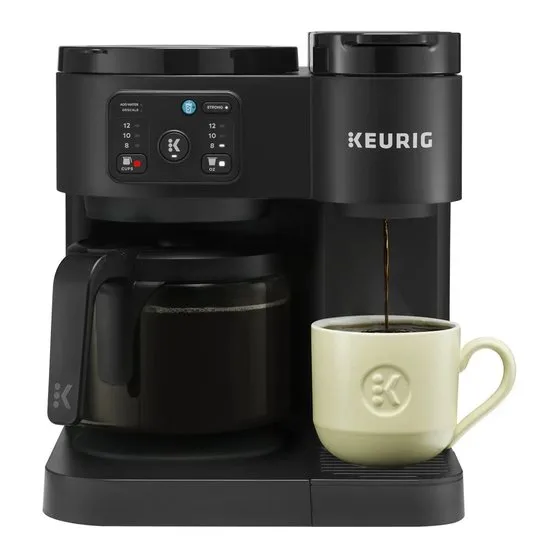
If the software reset fails, you can try to bypass the cycle by tricking the sensor into thinking the tank is empty and then full again. Remove the water reservoir while the machine is powered on. Wait for the “Add Water” light to flash. Once it flashes, put the reservoir back in place firmly. This forces the machine to re-initialize its water detection system.
This method is useful if the machine is ignoring your commands. If you have a model with a carafe side and a single-serve side, ensure the carafe is empty and properly positioned. If the machine detects the carafe isn’t present, it will lock the controls to prevent a spill, which can look like a frozen descale light. This isn’t for users who are comfortable taking the unit apart; if the sensor is physically broken, no amount of button-pressing will fix it. If you have tried these steps and the light remains steady, it’s time to check your warranty status. A professional technician is the only one who should replace internal sensors or flow meters. Don’t use tools to force the buttons, as this can break the plastic housing.
What not to do
Don’t use vinegar or harsh chemicals not specifically designed for coffee machines. These acidic solutions corrode internal sensors and permanently pit the heating element’s metal casing.
Never leave the machine plugged in while poking at the reservoir valve with a screwdriver. Even if the unit is powered off, the internal capacitor can hold enough voltage to deliver a dangerous shock.
Avoid pulling the power cord in and out quickly to reset the machine. This rapid cycling triggers power surges that fry the sensitive internal power supply board. Repairing this board often costs more than a new machine.
Don’t ignore the descale light. Mineral buildup acts like plaque in an artery, eventually choking the flow. If the light remains on after cleaning, perform a manual factory reset rather than forcing the machine to run.
How to stop it happening again
Regular maintenance prevents the mineral buildup that triggers the descale light in the first place.
| If you’re doing this | Do this instead | Why |
|---|---|---|
| Using tap water | Use filtered water | Minerals in tap water cause faster scale buildup. |
| Ignoring air bubbles | Tap the reservoir | Air bubbles cause the flow sensor to misread. |
| Using generic cleaners | Use Keurig solution | Official solution is pH-balanced for the machine. |
Most owners make the mistake of waiting for the alert, which often signals that internal heating elements are already coated in thick, insulating limescale. This significantly increases electricity consumption and ruins the taste of your coffee.
If your machine is in a hard water area, move your schedule to more frequently. You can test your water by checking for white residue on your kettle. If you see it, your coffee maker needs a faster cycle. If the machine remains sluggish after descaling, the flow sensor may be permanently obstructed. In that case, professional servicing is required.
Frequently asked questions
Can I skip the descale process?
No, you should never skip the descale process because mineral buildup will eventually block the internal water lines. This leads to lower water temperatures and can cause the pump to work harder than it should. If the buildup becomes too dense, the machine will stop brewing entirely, and the cost of a professional repair will often exceed the value of the unit.
Why does the descale light stay on after I clean it?
The light stays on because the machine hasn’t detected enough water flow to satisfy the internal counter. This usually happens if the water reservoir wasn’t filled to the maximum line or if the sensor was blocked by a loose piece of scale. Perform a hard power reset and ensure the water reservoir is seated perfectly to allow the system to register the final rinse.
Is it safe to use white vinegar for descaling?
While it may remove scale, it can also cause the rubber gaskets to degrade over time, leading to leaks. Always stick to the manufacturer-approved descaling solution to ensure the longevity of your coffee maker.
How long does the descale cycle take?
The cycle typically takes between 20 and 30 minutes to complete depending on the amount of mineral buildup present. If you have hard water, the process may take longer as the solution needs more time to break down the deposits. Never turn the machine off during this time, as it will interrupt the software sequence and force you to start the entire process over.
What happens if I ignore the descale light?
Ignoring the light leads to a complete failure of the heating element or the water pump. Over time, the scale acts as an insulator, which means the water won’t reach the proper temperature for extraction. Eventually, the flow will become a drip or stop completely, rendering the machine unusable until it’s professionally serviced or replaced.
Final Thoughts
If these persistent glitches continue despite your best efforts, it’s time to reach out to Keurig’s customer support team. They’ll help you determine if your unit has a faulty internal sensor that requires a professional repair. Don’t let a stubborn light keep you from enjoying your favorite morning cup of coffee.
Related guides
- Keurig Not Working Descale: Quick Fixes to Get Brewing Again
- After Descaling Keurig Not Working? Troubleshooting Tips That Work
- Keurig Descale Reset: Quick Steps to Fix Your Coffee Maker