
Microwaves are one of the most useful kitchen appliances, making cooking and reheating food fast and easy. But when the microwave buttons stop working, it can disrupt your routine and cause frustration. This issue is more common than many people realize, and it can happen to any brand or model. Understanding why this happens—and what you can do about it—can save you time, money, and unnecessary stress. This guide explains the main causes, troubleshooting steps, repair options, and practical tips to help you fix or avoid microwave button problems.
Why Do Microwave Buttons Stop Working?
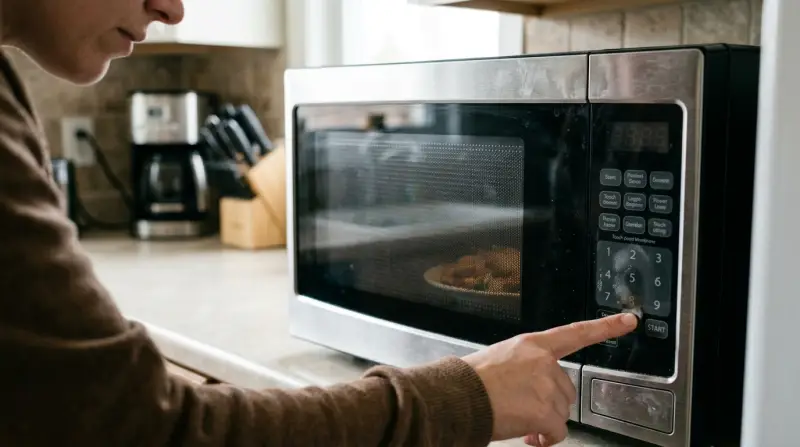
Microwave buttons, whether touchpads or physical keys, are sensitive electronic components. When they fail, it often means there’s a problem inside the control panel or related parts. Here are the most common reasons:
Membrane Switch Failure
Most microwaves use a membrane switch—a thin layer of electrical contacts that sit under the buttons. Over time, moisture, heat, and frequent use can cause the membrane to wear out or lose connectivity.
Control Board Issues
The control board is like the brain of the microwave. If it’s damaged, it may not send signals to the buttons or receive input correctly. Power surges, age, or faulty wiring can all cause this problem.
Dirt And Debris
Grease, food particles, and dust can collect around the buttons, blocking electrical contact or making buttons stick. This is especially common in busy kitchens.
Child Lock Activated
Many microwaves have a child lock feature to prevent accidental use. If this mode is on, the buttons won’t respond—even though the microwave looks normal.
Faulty Ribbon Cable
A ribbon cable connects the keypad to the control board. If it’s loose, damaged, or corroded, the buttons may stop working or work only sometimes.
Physical Damage
Dropping the microwave or hitting the keypad can cause internal damage, making the buttons unresponsive.
Signs Your Microwave Buttons Are Not Working
Not all button failures are obvious. Here are signs to watch for:
- Buttons don’t respond at all
- Some buttons work, others don’t
- Buttons feel loose or stuck
- Display works, but keypad does not
- Microwave beeps but doesn’t start
If you notice any of these, you may have a button issue.

Quick Troubleshooting Steps
Before calling a technician or replacing your microwave, try these simple troubleshooting steps:
- Check For Child Lock: Look for a padlock symbol or “LOCK” on the display. To turn it off, press and hold the “Stop/Cancel” button or the “0” button for 3–5 seconds (check your manual).
- Unplug And Reset: Unplug the microwave for 5–10 minutes. This resets the control board and can fix minor glitches.
- Clean The Keypad: Use a soft cloth and a mild cleaner to wipe the buttons. Avoid using too much water, which can damage electronics.
- Try Different Buttons: Press all buttons to see if some work. This helps identify if the problem is isolated or affects the whole keypad.
- Inspect Power Supply: Make sure the microwave is plugged in securely and the outlet is working. Faulty power can cause buttons to stop responding.
Advanced Troubleshooting
If basic steps don’t solve the issue, deeper investigation is needed. Here’s how to check more advanced causes:
Checking The Membrane Switch
The membrane switch is usually under the plastic keypad. It can be tested with a multimeter (a tool that measures electricity). If you’re comfortable with DIY repairs:
- Unplug the microwave
- Remove the outer cover
- Locate the membrane switch ribbon cable
- Test connectivity with a multimeter
If there’s no continuity, the membrane switch needs replacement.
Inspecting The Control Board
The control board may have visible signs of damage like burn marks or corrosion. If you find any, replacing the board is often necessary.
Examining The Ribbon Cable
Loose or damaged ribbon cables are a common culprit. Carefully reseating or replacing the cable can restore function.
Comparing Common Parts
Here’s a comparison of three main parts that often cause button issues:
| Part | Typical Failure Signs | Repair Difficulty | Estimated Cost |
|---|---|---|---|
| Membrane Switch | Partial or full button failure | Medium | $20–$40 |
| Control Board | No response, display issues | Hard | $80–$150 |
| Ribbon Cable | Intermittent button function | Easy | $5–$15 |
Repair Options: Diy Or Professional Help?
Deciding whether to fix the microwave yourself or call a technician depends on your skill and the cost of repairs.
When Diy Is Safe
- Cleaning the keypad
- Resetting the child lock
- Reseating or replacing the ribbon cable
- Replacing the membrane switch (if you have basic electronic skills)
When To Call A Professional
- Replacing the control board
- Diagnosing hidden electrical problems
- If the microwave is under warranty (don’t void it)
- When you’re unsure or uncomfortable with electronics
Comparing Repair Vs Replacement
Sometimes, fixing the microwave costs more than buying a new one. Here’s a quick comparison:
| Repair | Replacement |
|---|---|
| Lower cost if minor parts fail | Higher upfront cost |
| Can extend appliance life | New warranty and features |
| Possible repeated failures | No hidden damage |
If your microwave is old (over 5–8 years) and repairs cost more than half the price of a new model, consider replacing it.
Preventing Microwave Button Problems
Prevention is often easier than repair. Here are practical ways to protect your microwave buttons:
- Keep The Keypad Clean: Wipe the keypad regularly. Avoid using harsh chemicals or letting liquid seep into the buttons.
- Avoid Excessive Pressure: Press buttons gently. Excessive force can damage the membrane switch.
- Don’t Use Wet Hands: Moisture from wet hands can seep into the keypad and cause electrical issues.
- Check For Child Lock After Cleaning: Sometimes cleaning triggers the child lock. Always check the display after wiping the keypad.
- Protect From Heat And Steam: Place the microwave away from stovetops or areas with high steam. Heat can damage internal components.
.webp)
Real-life Examples And Data
Button failure is one of the top three microwave problems reported by users. According to the Consumer Product Safety Commission, nearly 25% of microwave service calls are related to keypad issues. In most cases, fixing the membrane switch or ribbon cable solves the problem.
For example, a user had a 6-year-old microwave where only the “Start” and “Stop” buttons worked. Cleaning didn’t help. On inspection, a loose ribbon cable was found. Reseating the cable fixed all buttons, costing less than $10.
Common Mistakes When Fixing Microwave Buttons
Many people make mistakes when trying to fix button issues. Here are mistakes to avoid:
- Using too much liquid cleaner, which damages electronics
- Ignoring child lock mode
- Replacing expensive parts without testing simple fixes
- Not unplugging the microwave before repairs
- Trying to fix the control board without proper tools
Step-by-step Guide: How To Fix Microwave Buttons
If you want to try fixing the buttons yourself, here’s a simple guide:
- Unplug The Microwave: Safety first—never work on a plugged-in appliance.
- Remove The Outer Cover: Use a screwdriver to open the microwave. Be careful—microwaves have high-voltage parts.
- Locate The Keypad And Ribbon Cable: Find the keypad area and the ribbon cable connecting it to the control board.
- Clean The Ribbon Cable: Use a dry cloth or a small brush to remove dust and debris.
- Reseat The Ribbon Cable: Carefully unplug and plug the ribbon cable back in. Make sure it’s secure.
- Test The Buttons: Reassemble the microwave, plug it in, and test the buttons.
- Replace The Membrane Switch (if Needed): If the ribbon cable doesn’t solve the issue, order a replacement membrane switch for your model. Follow instructions to install it.
If these steps don’t work, the problem is likely with the control board or deeper electrical components.
Cost Of Repair: What To Expect
Microwave button repairs range from $5 to $150 depending on the part and labor involved. Here’s a breakdown:
- Cleaning/ribbon cable fix: $5–$15
- Membrane switch replacement: $20–$40
- Control board replacement: $80–$150
- Professional labor: $50–$100 per hour
If your microwave is still under warranty, repairs may be free. Always check warranty status before attempting repairs.
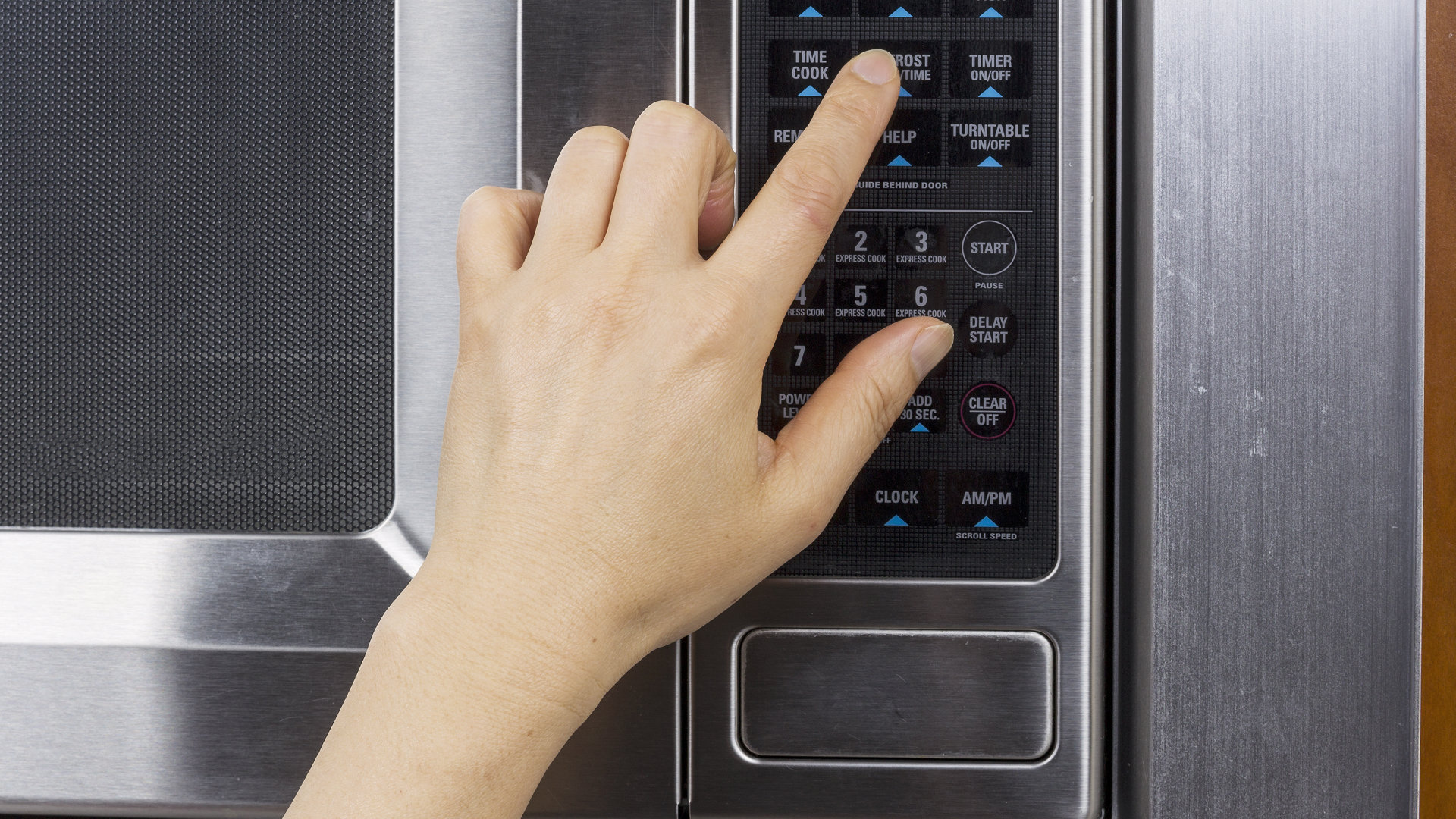
Are Some Brands More Prone To Button Issues?
Some brands are more reliable than others. According to a Consumer Reports survey, brands like Panasonic and GE have fewer keypad failures, while lower-cost brands have more frequent issues. However, any microwave can develop button problems over time.
Here’s a comparison of common brands and their reported button failure rates:
| Brand | Button Failure Rate (%) | Average Lifespan (years) |
|---|---|---|
| Panasonic | 8 | 9 |
| GE | 10 | 8 |
| LG | 12 | 7 |
| Sharp | 15 | 7 |
| Generic Brands | 22 | 5 |
When To Replace Your Microwave
If your microwave is over 8 years old, has multiple button failures, or repair costs are high, replacement is often the best option. Modern microwaves come with improved button designs and better reliability.
Where To Find Reliable Parts And Help
For replacement parts, use official brand websites or trusted online stores. Avoid generic parts that may not fit correctly. For professional repairs, look for certified appliance technicians in your area.
If you want more detailed repair guides, consider checking reliable sources like Consumer Reports.
Frequently Asked Questions
Why Do Only Some Microwave Buttons Work?
Usually, this means the membrane switch is partially damaged or the ribbon cable is loose. It’s a common sign of wear or minor electrical problems.
Can I Fix Microwave Buttons Myself?
If the problem is dirt, child lock, or a loose ribbon cable, DIY repair is possible. For deeper electrical issues, professional help is safer.
Is It Dangerous To Open A Microwave?
Yes, microwaves have high voltage parts. Always unplug before opening, and avoid touching the capacitor inside. If unsure, call a technician.
How Much Does It Cost To Fix Microwave Buttons?
Repairs range from $5–$150 depending on the part and labor. Minor fixes are cheap, but control board replacements cost more.
Do New Microwaves Have Better Buttons?
Modern microwaves use improved touchpads and materials, making them more reliable. However, all electronics wear out over time with heavy use.
Microwave button problems are annoying but often fixable. With careful troubleshooting and smart decisions, you can restore your appliance or choose the best replacement. Taking care of your microwave and knowing when to seek help will keep your kitchen running smoothly for years to come.