
Many people feel confused when their GE dishwasher shows the 888 code. You might worry that something is seriously wrong, or that your dishwasher needs expensive repairs. The good news is, the 888 code is not an error or warning.
It is actually a normal display that helps you check the system. Let’s explore what this code means, why it appears, how to use it, and what to do if your dishwasher isn’t working as expected.
What Is The Ge Dishwasher 888 Code?
If you see “888” on your GE dishwasher’s display, don’t panic. This code appears during the startup process or when you run a self-diagnostic test. It means all segments of the display are working. In other words, the dishwasher is showing “888” to test the screen.
This helps you see if any lights or numbers are burned out or missing.
Some models show this code when you first plug in the dishwasher, after a power outage, or when you press certain buttons to enter test mode. Seeing 888 is part of the normal functioning, and not a sign of trouble.
Example: Why The 888 Code Appears
Imagine you unplug your dishwasher to clean behind it. When you plug it back in, the display may show “888” for a few seconds. This is just the dishwasher’s way of checking its display. If you press buttons to start a wash cycle, the code disappears, and the normal cycle options appear.
Causes Of The 888 Code
The 888 code appears for several simple reasons. Understanding these can help you feel confident and avoid unnecessary worry.
- Startup Sequence: When you first power on the dishwasher, it checks the display by showing “888.”
- Diagnostic Mode: If you enter self-test mode (by pressing certain button combinations), the dishwasher shows “888” to help you check the display.
- After Power Interruptions: If the power goes out or you unplug the dishwasher, it may show “888” when power returns.
- Display Check: The code helps you see that all display segments are working properly.
Non-obvious Insight
Many people think the 888 code is an error because it looks unusual. But it’s actually a sign that the electronics and display are healthy. If you see missing lines or incomplete numbers, it means the display is damaged—not that there is a system error.
How To Respond To The 888 Code
Most of the time, you do not need to do anything when you see the 888 code. Here are the steps you can follow:
- Wait a Few Seconds: The code usually disappears on its own after a few seconds.
- Press Any Button: If the code stays, press a cycle or option button. The display should change to normal operation.
- Check for Other Codes: If the display changes to another code (like “H2O” or “E1”), check your manual for error meanings. These are separate from 888.
- Look for Display Problems: If parts of the “888” are missing, your display may have a problem. This is rare, but it can affect how you use the dishwasher.
Practical Example
Suppose your dishwasher shows “888” after a storm knocks out power. When you press the Start button, the code disappears and normal options show. This means your dishwasher is working fine.
If the code does not clear, try unplugging the dishwasher, waiting 30 seconds, and plugging it in again. This simple reset often solves minor glitches.
Troubleshooting Common Issues Related To The 888 Code
While the 888 code itself is not an error, some people face issues that seem related. Here are some common problems and solutions:
888 Code Won’t Go Away
If your dishwasher remains stuck on “888” and does not respond to button presses:
- Try a Power Reset: Unplug the dishwasher or turn off the circuit breaker for one minute. Plug it back in or turn the power back on.
- Check the Control Panel: Sometimes, moisture or debris can cause buttons to stick. Clean the panel gently with a dry cloth.
- Inspect for Faulty Display: If part of the code is missing, the display itself may be faulty and need replacement.
Dishwasher Doesn’t Start After 888 Code
If you press Start, but nothing happens:
- Door Latch: Make sure the door is fully closed and latched. Most dishwashers won’t start unless the door is secure.
- Child Lock: Some models have a child lock or control lock. Check if this is activated.
- Button Issues: If buttons don’t respond, the control panel may be faulty or need cleaning.
Error Code Appears After 888 Code
If another code appears (like “H2O” or “E1”), check your owner’s manual or the GE Appliances website for explanations. These codes tell you about problems like water supply or draining issues. They are different from the 888 code.
How To Run Ge Dishwasher Diagnostics
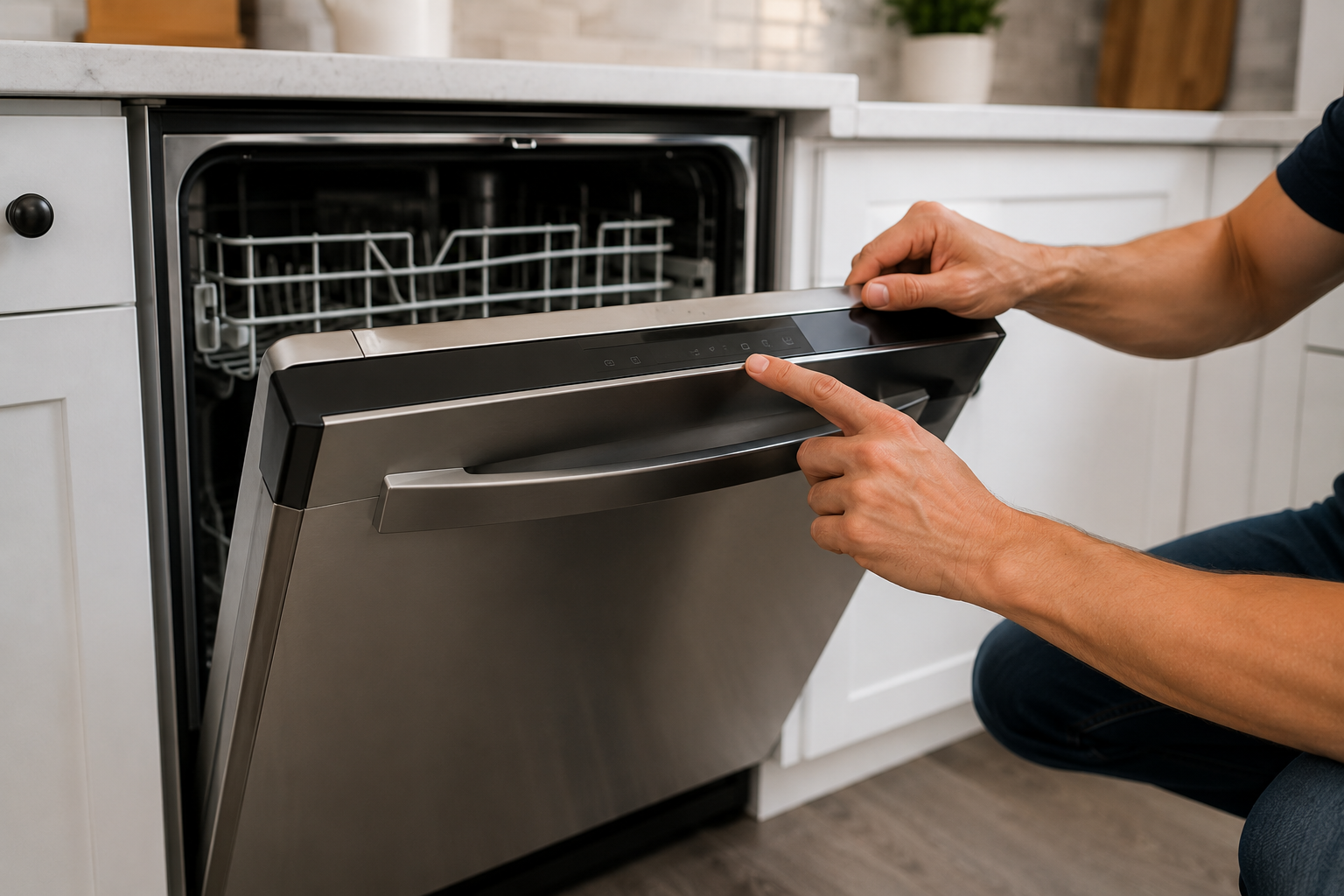
Some people want to check their dishwasher’s health using diagnostic mode. Here is how you can enter this mode on most GE models:
- Turn Off Dishwasher: Make sure the dishwasher is off.
- Press and Hold Buttons: On most models, press and hold the “Start” and “Select Cycle” buttons at the same time for five seconds.
- Watch the Display: The display will show “888” to check the screen. After a few seconds, it will move to other codes if there are errors.
- Exit Diagnostic Mode: Press the Start button again or turn the dishwasher off and on.
Not all GE dishwashers use the same button combinations. If you’re unsure, check your model’s manual or visit GE Appliances Support.
Non-obvious Insight
Diagnostic mode is not only for technicians. Homeowners can use it to check for hidden issues. However, don’t enter diagnostic mode unless you need to troubleshoot a problem. If your dishwasher works normally, there’s no need to use this feature.

Frequently Asked Questions About The 888 Code
Why Does My Ge Dishwasher Show 888 Instead Of Cycle Options?
The 888 code appears briefly to test the display. If it stays, try pressing any button or restarting the dishwasher. If the code remains, your control panel may need attention.
Is The 888 Code An Error?
No, it is not an error. It is a display test. The dishwasher is checking that all display segments are working.
What Should I Do If The 888 Code Won’t Go Away?
Try unplugging the dishwasher for one minute and plugging it back in. If the code still won’t clear, your control panel or display may be faulty. Contact GE support or a local technician.
Can The 888 Code Mean Something Is Wrong?
Usually, no. If your dishwasher won’t start, or other error codes appear, check for other causes like water supply, door latch, or control lock. The 888 code itself is not a problem.
Is It Safe To Use My Dishwasher After Seeing The 888 Code?
Yes, if the code clears and the dishwasher works normally, you can use it as usual.
Extra Tips For Ge Dishwasher Owners
- Keep Your Manual Handy: Your owner’s manual explains codes and features for your specific model. If you lose it, you can find it online at the GE Appliances website.
- Clean the Control Panel: Use a soft, dry cloth. Avoid water or harsh cleaners, which can damage electronics.
- Check Power Connections: If your dishwasher loses power often, check your outlet and circuit breaker.
- Don’t Worry About 888: Remember, seeing “888” is normal. If it disappears and your dishwasher works, everything is fine.
Experience-based Advice
Sometimes, people worry about codes because they look unfamiliar. Most dishwasher codes are easy to understand once you read the manual or search online. The 888 code is one of the most harmless. If you ever see it, think of it as your dishwasher giving itself a quick health check.
When To Call For Professional Help
Although the 888 code is not an error, there are times when you need expert help:
- Display is Broken: If segments of the display are missing or unreadable, call a technician.
- Dishwasher Won’t Start: If the dishwasher does not respond after clearing the 888 code, there may be a deeper issue.
- Other Error Codes: If you see codes like “H2O,” “E1,” or “F1,” refer to your manual and call for help if you cannot fix the problem.

Final Thoughts
The GE dishwasher 888 code is a normal part of the startup and diagnostic process. It means your display is working and helps you see any problems with the screen. Most of the time, you do not need to do anything.
Just wait a few seconds, press a button, or reset the power if needed. If your dishwasher works normally after the 888 code disappears, you can relax.
If you ever see other codes or your dishwasher won’t start, check your manual or ask for help. Remember, the 888 code is not a sign of trouble. It’s simply your dishwasher’s way of showing that its display is healthy and ready to work.
For more information on codes and troubleshooting, visit the GE Appliances Support page for expert advice and resources.
This article should help you understand the 888 code, avoid unnecessary worry, and keep your dishwasher running smoothly. If you follow the tips and steps above, you’ll know how to respond and when to ask for help, making your kitchen routine easier and stress-free.