
When you open your KitchenAid refrigerator and see darkness instead of light, it can feel annoying and confusing. The interior lights in your fridge matter much more than you might think. They help you find food easily, spot spills quickly, and even notice if something is wrong. If your KitchenAid refrigerator lights are not working, it’s not just an inconvenience—it could signal a bigger problem. Let’s break down why this happens, how to fix it, and what you should know to avoid future issues.
Why Kitchenaid Refrigerator Lights Matter
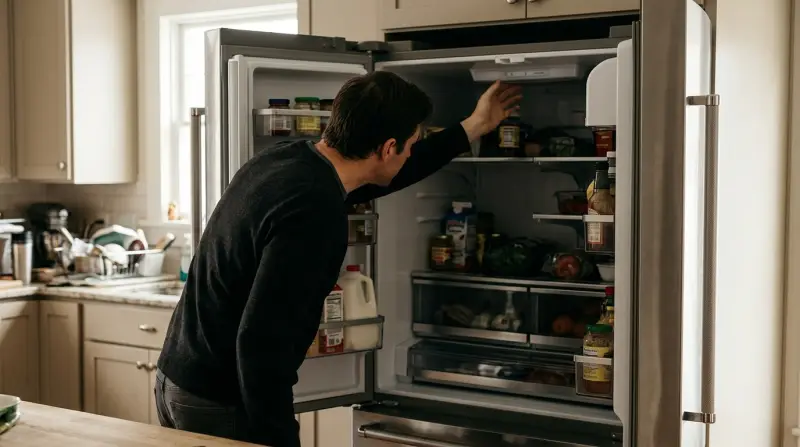
A working refrigerator light does more than brighten up your food. It:
- Improves visibility so you don’t miss items hiding in the back.
- Reduces food waste since you can see what you have.
- Helps with cleaning because you spot spills and leaks fast.
- Indicates if there’s a deeper electrical issue, since lights often share circuits with other controls.
Ignoring a dark fridge interior can mean missing bigger problems. For example, a faulty light switch might also affect your fridge’s cooling functions.
Common Causes Of Refrigerator Lights Not Working
Let’s look at the most frequent reasons your KitchenAid refrigerator lights might stop working.
1. Burnt Out Light Bulb
This is the most common reason. Refrigerator bulbs don’t last forever. Over time, they simply burn out, just like any lamp in your home.
2. Faulty Door Switch
The door switch controls the light and sometimes the fan. If it fails, the light won’t turn on when you open the door.
3. Loose Or Damaged Wiring
Wires can become loose from vibrations or damaged by moisture or pests, interrupting the power to the light.
4. Defective Light Socket
A bad socket can prevent a good bulb from working. Corrosion or internal failure is possible, especially in humid climates.
5. Control Board Failure
Modern KitchenAid fridges often use a control board to manage lights. If this electronic part fails, you might lose more than just the light.
6. Power Supply Issues
If the refrigerator is not getting power (e.g., tripped breaker, unplugged cord), the lights and cooling will both fail.
7. Multiple Bulb Failure
Some KitchenAid models use more than one bulb per compartment. If all bulbs go out, it may seem like a bigger issue, but sometimes it’s just bad luck.
Quick Troubleshooting: Step-by-step
Before calling a technician, try these steps to diagnose and maybe fix the problem yourself.
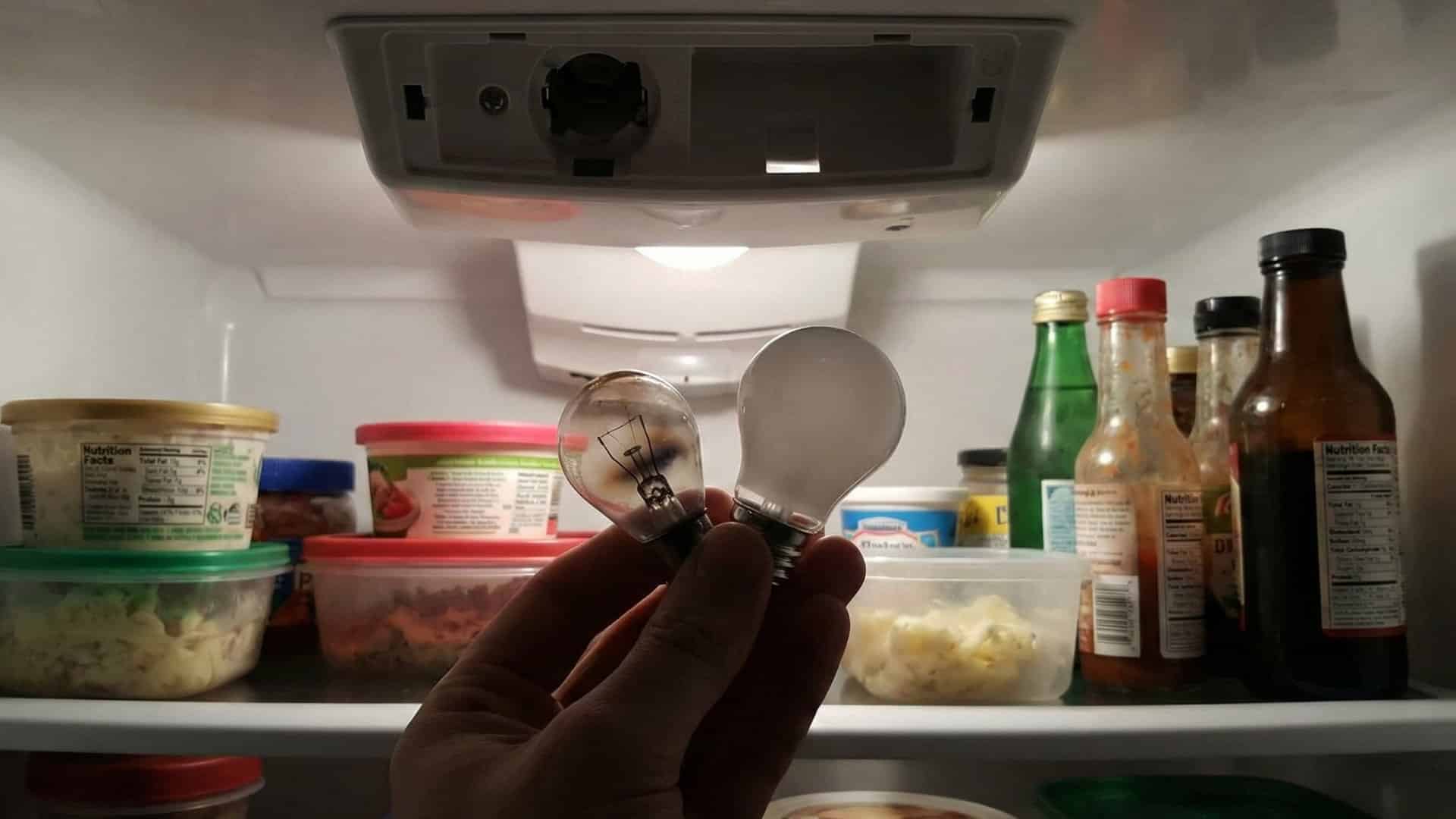
Step 1: Check The Bulb
- Unplug the fridge for safety.
- Remove the light cover (usually by unclipping or unscrewing).
- Take out the bulb and inspect it for dark spots or broken filaments.
- Replace with a new appliance-rated bulb (check the manual for size and wattage).
- Plug the fridge back in and test.
Step 2: Test The Door Switch
- Find the small switch inside the door frame.
- Press it with your finger—if the light comes on, the switch is probably good.
- If nothing happens, the door switch may be faulty or stuck.
Step 3: Inspect The Light Socket
- After removing the bulb, check the socket for discoloration or rust.
- If the socket is loose or corroded, it might need replacement.
Step 4: Examine The Power Supply
- Make sure the fridge is plugged in tightly.
- Check your home’s circuit breaker box for tripped switches.
- Test the outlet with another device (like a lamp) to confirm it works.
Step 5: Look For Wiring Issues
- If you’re comfortable, visually inspect visible wires for damage or disconnection.
- Do not open panels unless you’re sure about electrical safety.
Step 6: Consider The Control Board
- If other fridge features (like water dispenser, cooling) are also failing, a control board problem is possible.
Most basic issues are solved in steps 1–3. If not, professional help is a smart next step.
Repair Or Replace? Cost And Time Comparison
How much will it cost and how long will it take to fix your KitchenAid refrigerator light? Here’s a quick overview.
| Problem | DIY Cost | Pro Repair Cost | Time Needed | Difficulty |
|---|---|---|---|---|
| Light Bulb Replacement | $5–$15 | $50–$100 | 5–10 min | Easy |
| Door Switch Replacement | $10–$30 | $80–$150 | 15–30 min | Moderate |
| Light Socket Repair | $10–$25 | $70–$140 | 20–45 min | Moderate |
| Control Board Replacement | $75–$200 | $200–$500 | 1–2 hours | Complex |
Most light problems are cheap and fast to fix. If your fridge is under warranty, always check with KitchenAid before repairing.
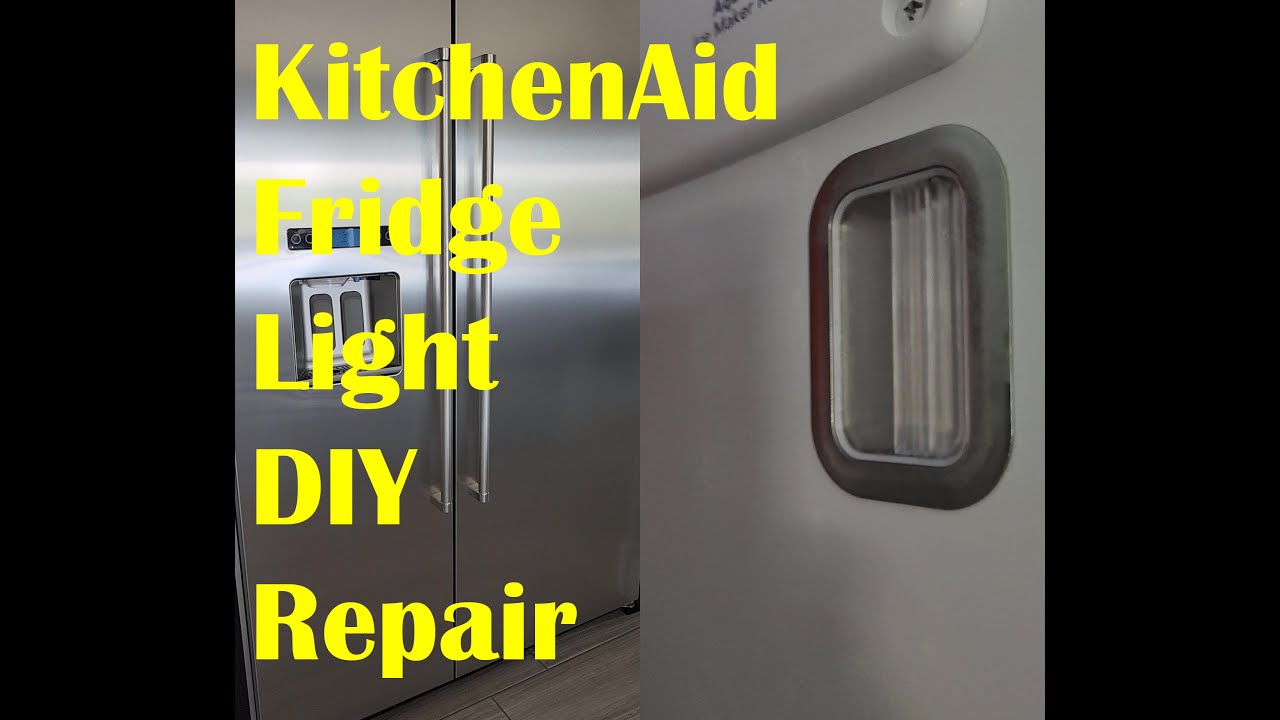
Credit: www.youtube.com
When To Call A Professional
Some repairs are DIY-friendly, but others require a trained technician. Call for help if:
- You smell burning or see melted plastic near the light.
- Multiple fridge features fail (not just the light).
- Wires look damaged or you see exposed wiring.
- You’re not comfortable working with appliances.
A professional can quickly test circuits, swap parts, and restore your fridge safely.
Special Cases: Led Lights And Smart Refrigerators
Many newer KitchenAid fridges use LED lighting. These last longer but are harder to replace than traditional bulbs. Sometimes, the entire LED panel must be swapped—not just a bulb. This can cost more, and often needs a service call.
Smart refrigerators with touchscreens or advanced controls may use digital signals for the lights. If you see error codes or your fridge’s display is off, consult the manual or a pro.
Credit: flamingoappliance.com
How To Find The Right Replacement Bulb Or Part
Not all bulbs and switches fit all models. Here’s how to find the right one:
- Check the user manual for bulb type (e.g., 40W appliance bulb, LED panel).
- Look inside the fridge for a sticker with model and serial number.
- Search online with your model number for compatible parts.
- Buy appliance-rated bulbs only—regular household bulbs may not handle the cold or vibration.
KitchenAid’s official website or large appliance parts suppliers are your safest bet for quality parts.
Preventing Future Refrigerator Light Problems
A bit of care can help you avoid more light failures:
- Don’t slam the fridge door, which can loosen bulbs and sockets.
- Wipe away condensation from the light cover and door switch area.
- Replace bulbs in pairs if you have a two-bulb setup, to keep light even and avoid future outages.
- Regularly check for moisture around the socket and switch.
- Schedule a yearly maintenance check if your fridge is more than five years old.
Credit: www.kitchenaid.com
Deeper Troubleshooting: Flowchart For Quick Diagnosis
Sometimes it helps to see the decision process visually. Here’s a simple flowchart for KitchenAid refrigerator light problems:
| Step | Question | If Yes | If No |
|---|---|---|---|
| 1 | Is the fridge plugged in and running? | Go to Step 2 | Plug in/check power |
| 2 | Is only the light out? | Go to Step 3 | Call a technician |
| 3 | Has the bulb been replaced? | Go to Step 4 | Replace the bulb |
| 4 | Does the new bulb work? | Done! | Check door switch |
| 5 | Does pressing the door switch turn on the light? | Done! | Check socket/wiring |
This simple process can help you narrow down the issue quickly.
Non-obvious Insights Most People Miss
Many beginners think a dark fridge always means a dead bulb. But two less obvious causes are:
- A stuck or dirty door switch: If you clean your fridge and get water around the switch, it can stick or short out, keeping the light off even when the bulb is fine.
- Voltage surges: KitchenAid refrigerators are sensitive to voltage changes. A power surge can knock out both the lights and other electronic parts. If you lose lights after a storm or outage, check your surge protection and consider a voltage regulator.
Safety Tips When Handling Refrigerator Lights
Working with your fridge’s electrical parts is generally safe, but always:
- Unplug the fridge before touching bulbs, sockets, or wires.
- Wear dry gloves if you’re working near moisture or condensation.
- Use only appliance-rated bulbs—they’re designed for cold, damp spaces and vibration.
- Avoid excessive force when removing covers or bulbs to prevent breakage.
If you break a bulb, carefully remove all pieces and clean the area to prevent injury or contamination.
Real-world Example
Consider a KitchenAid KRFF507HPS model. The owner noticed the interior lights out, but the fridge was cooling fine. They replaced the bulb but still had no light. Pressing the door switch manually also did nothing. The culprit? A failed LED control board, which also started to affect the water dispenser lighting a few days later.
A technician replaced the board, and all lights returned. This example shows that sometimes, even if your fridge seems okay, the lights can warn you about a growing electrical issue.
Official Resources And Where To Get Help
For more details or specific model advice, you can visit the official KitchenAid website. Their support page offers manuals, part numbers, and customer service.
You can also find video guides on popular appliance repair sites and YouTube, but always double-check your model number before ordering parts or following tutorials.
Frequently Asked Questions
Why Did My Kitchenaid Refrigerator Light Suddenly Stop Working?
Most often, the light bulb has burned out. Other common reasons include a stuck or broken door switch, a loose socket, or electrical issues. Quick troubleshooting usually finds the answer.
Can I Use Any Led Bulb In My Kitchenaid Refrigerator?
No. Always use a bulb rated for appliances and for the correct voltage and size. Some KitchenAid models need a special LED module, not a regular screw-in bulb.
Is It Dangerous To Have The Fridge Light Not Working?
Generally, no. But if you smell burning, see melted plastic, or notice other electrical problems, unplug the fridge and call a professional.
How Do I Find The Part Number For My Replacement Bulb Or Switch?
Check the sticker inside your fridge for a model and serial number. Use this on the KitchenAid website or call support to match the correct part.
What Should I Do If Replacing The Bulb Doesn’t Fix The Problem?
Try testing the door switch and inspecting the socket. If these don’t help, the problem could be with the wiring or control board. At this point, it’s best to call a technician.
The interior lights in your KitchenAid refrigerator are a small but vital part of your kitchen life. With careful troubleshooting and the right replacement parts, you can usually solve light issues quickly and avoid bigger headaches. If in doubt, remember that professional help is always available—and often worth the cost for peace of mind.