
When you invest in Hunter Douglas remote blinds, you expect ease and comfort at the touch of a button. But what if your Hunter Douglas remote blinds stop working? Suddenly, smart convenience turns into daily frustration. Many homeowners face this issue, but it rarely means your system is broken forever. Most problems are simple to diagnose and fix with a little guidance. This article will help you understand why your Hunter Douglas remote blinds may stop working, the most common solutions, and how to get your shades moving again quickly.
Understanding Hunter Douglas Remote Blinds
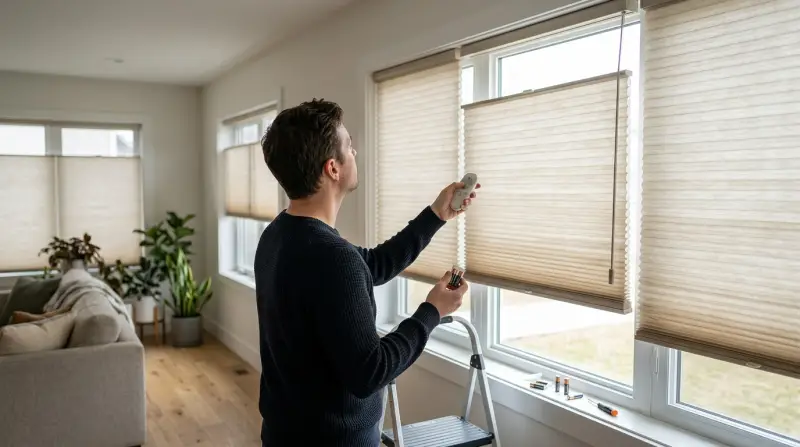
Hunter Douglas is a leader in window treatments, offering motorized blinds that can be controlled by remote, wall switch, or even smartphone app. These remote blinds use wireless technology—usually infrared (IR) or radio frequency (RF)—to receive commands. Some models use the PowerView system, which connects your blinds to smart home devices.
Over time, even high-quality systems can have problems. Batteries wear out, remotes lose their pairing, and sometimes, small technical issues block the signal. Knowing how these systems work helps you fix issues faster.
Common Reasons Hunter Douglas Remote Blinds Stop Working
If your remote blinds don’t respond, don’t worry. Most issues fall into a few main categories:
- Dead or weak batteries in the remote or blinds motor.
- Remote lost pairing with the blinds.
- Signal interference from other electronics or thick walls.
- Obstructions blocking the blinds or their sensors.
- Faulty wiring (for hardwired models).
- Software or firmware glitches in smart systems.
Each problem has clear signs and solutions. The next sections explain how to troubleshoot and fix each one.
Quick Troubleshooting Steps
Before calling a professional, try these steps. Most users fix their blinds in minutes using these methods.
1. Check And Replace Batteries
Low batteries are the number one cause of remote blind problems.
- Test the remote: Press any button. If the LED is dim or doesn’t light, change the batteries.
- Test the blinds: If you have a wall switch or app, try using it. If the blinds work with other controls, the remote is the issue.
- Replace with fresh batteries: Always use the correct type as listed in your manual.
2. Ensure Proper Remote Pairing
Sometimes, the remote loses its connection to the blinds. You may need to re-pair the devices.
- Look for a flashing indicator: Some remotes show a blinking light if unpaired.
- Follow the pairing instructions: Usually, this involves pressing a “program” or “pair” button on both the remote and the blinds motor.
3. Remove Signal Interference
If your blinds work sometimes but not always, signal interference may be the cause.
- Move closer: Try operating the remote at different distances.
- Remove obstacles: Metal objects, thick curtains, or electronics may block the signal.
- Change remote batteries: Weak batteries reduce signal strength.
4. Clear Physical Obstructions
Blinds can jam if something blocks their path.
- Check the window: Remove any items blocking the blinds.
- Inspect the tracks: Dust, dirt, or small objects can cause jams.
5. Reset The Blinds
A system reset can solve many software or firmware issues.
- Manual reset: Usually, holding a button on the motor for 6–10 seconds will reset the system.
- Re-pair after reset: You may need to pair your remote again.
6. Check Power Supply (for Wired Models)
If your blinds are hardwired, check for power issues.
- Test the outlet: Plug in another device to see if the outlet works.
- Inspect wiring: Look for loose or damaged wires.
How To Pair Or Reprogram Hunter Douglas Remotes
Pairing your Hunter Douglas remote is a common fix. The process depends on your model, but here’s a general guide:
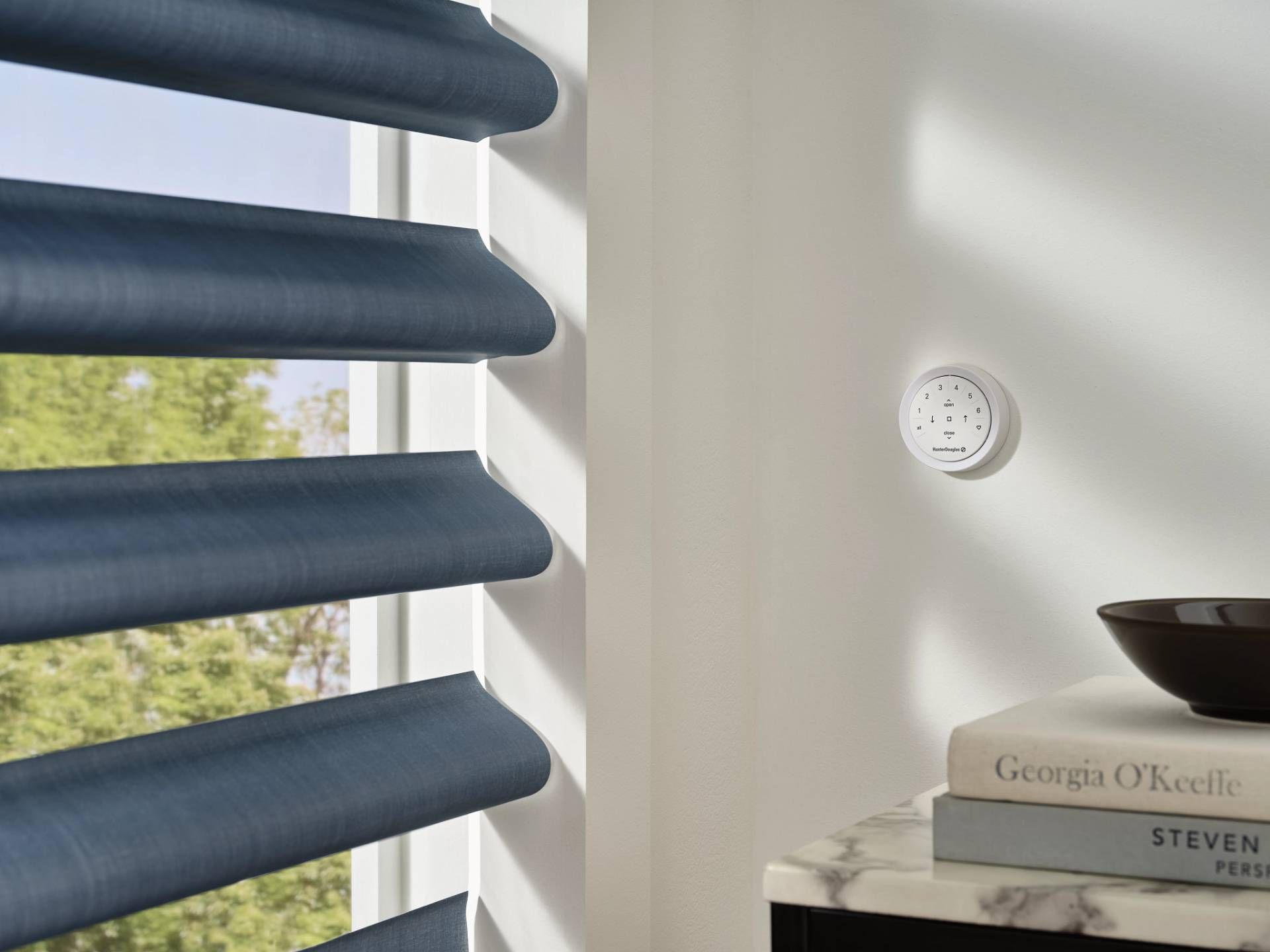
- Put the blinds in pairing mode: Find the program button on the motor head. Press and hold until the blinds move slightly.
- Activate the remote: Press and hold the desired channel or group button.
- Complete the pairing: Release both buttons. The blinds should jog or move to confirm pairing.
For PowerView models, use the PowerView app or consult the manual for more details.
Example: Powerview Pebble Remote
For the PowerView Pebble remote:
- Hold the “program” button on the motor until the LED flashes.
- Press and hold the “group” button on the remote until the blinds jog.
- Test the system by operating the blinds.
Always re-pair after changing batteries or resetting the system.

Credit: www.youtube.com
Comparing Hunter Douglas Motorized Blinds Models
Hunter Douglas offers several types of motorized blinds and shades. Knowing your model helps with troubleshooting. Here’s a quick comparison:
| Model | Control Type | Power Source | Common Issues |
|---|---|---|---|
| PowerView Gen 3 | Remote, App, Voice | Battery, Plug-in | Pairing, Software |
| Platinum Series | Remote, Wall Switch | Battery, Wired | Batteries, Signal |
| SimpleLift Motorization | Remote Only | Battery | Batteries, Jams |
When To Call A Professional
Most issues can be solved at home, but some problems need expert help. Call a Hunter Douglas dealer or technician if:
- The blinds make grinding or clicking noises.
- You see error codes you don’t understand.
- The motor does not move after all basic troubleshooting.
- Wiring is damaged or you suspect electrical faults.
Professional help ensures your warranty stays valid and prevents further damage.
Preventing Remote Blind Problems
A little maintenance goes a long way. Here’s how to keep your Hunter Douglas blinds working smoothly:
- Change batteries regularly: Don’t wait for the remote or blinds to stop working.
- Keep sensors and tracks clean: Dust and debris can block sensors or jam moving parts.
- Avoid signal interference: Keep remotes away from large metal objects and other electronics.
- Update software: For smart blinds, check for app or firmware updates.
- Check for recalls: Rarely, manufacturers recall batches for specific faults. Visit the Hunter Douglas website for updates.
Case Study: Real-life Troubleshooting Example
Maria’s PowerView blinds stopped responding to her remote one morning. The LED on the remote worked, but the blinds didn’t move. She checked her batteries—fresh. She tried the app, and it worked! The issue was with the remote pairing.
Maria followed the pairing steps from her manual:
- Held the program button on the blinds until they jogged.
- Pressed and held the desired group button on her remote.
- Released both buttons when the blinds jogged again.
Now, the remote worked perfectly. In Maria’s case, power outages in her area had reset the connection, a detail many users miss. If your home loses power, always check remote pairing as the first step.
What Most Users Overlook
Many users forget that signal interference can come from unexpected sources. For example, new WiFi routers, baby monitors, or even holiday lights can disrupt RF signals. If your blinds suddenly become unreliable, consider what new electronics you’ve added to your home.
Another detail: app and remote commands are independent in some Hunter Douglas systems. If your app works but your remote doesn’t, focus on the remote (and vice versa), not the blinds themselves. This can save hours of unnecessary troubleshooting.
Troubleshooting Smart Home Integration
Hunter Douglas PowerView can connect with smart home systems like Amazon Alexa, Google Home, or Apple HomeKit. Sometimes, the problem is not with the blinds, but with the integration.
- Check your WiFi network: If your home internet is down or weak, smart controls may not work.
- Update apps: Outdated apps can lose connection or cause glitches.
- Re-link accounts: Sometimes, you need to remove and re-add the blinds in your smart home app.
Here’s a brief comparison for troubleshooting smart controls:
| Platform | Common Issue | Solution |
|---|---|---|
| Amazon Alexa | Voice command not recognized | Re-link PowerView skill |
| Google Home | Blinds offline | Check WiFi, restart devices |
| Apple HomeKit | No response from blinds | Reset HomeKit bridge |
Credit: windowdecor.com
Hunter Douglas Remote Blinds Vs. Other Brands
Are Hunter Douglas remote blinds more reliable than other brands? Here’s how they compare with popular competitors:
| Brand | Average Battery Life | Control Range | Smart Home Integration |
|---|---|---|---|
| Hunter Douglas | 6–12 months | Up to 100 ft | Excellent |
| Somfy | 12 months | Up to 65 ft | Good |
| Lutron | 9 months | Up to 80 ft | Very Good |
Hunter Douglas stands out for its smart home compatibility and control range. However, battery life can vary based on use.
When Replacement Is The Best Option
If your blinds are old (over 7–10 years), or repairs become frequent, replacement might be smarter than repair. New models offer:
- Better energy efficiency
- Improved motors
- More reliable smart home integration
- Longer battery life
Ask your dealer for upgrade options if you notice repeated issues.
Where To Find Further Help
Always consult your Hunter Douglas manual for model-specific tips. For technical support, visit the Hunter Douglas Customer Support page for downloads, tutorials, and dealer contact info.
Frequently Asked Questions
Why Did My Hunter Douglas Remote Blinds Stop Working After A Power Outage?
Power outages can reset the motor’s memory or break the connection between the remote and blinds. Try re-pairing the remote to the blinds. If they still don’t work, perform a full system reset.
How Often Should I Replace The Batteries In My Remote And Blinds?
Replace remote batteries every 6–12 months, depending on usage. For blinds, check battery status every 9–12 months. Use only recommended battery types to avoid damage.
Can I Fix Hunter Douglas Remote Blinds Myself, Or Do I Need A Professional?
Most issues—like battery changes, re-pairing remotes, or clearing jams—can be fixed at home. If you hear unusual noises, see error codes, or have wiring problems, call a professional.
What Should I Do If My Smart App Works But The Remote Doesn’t?
If the app controls your blinds but the remote fails, focus on the remote: check batteries, re-pair, and check for signal interference. The blind’s motor is likely working fine.
Are Hunter Douglas Blinds Covered By Warranty For Remote Issues?
Yes, most Hunter Douglas blinds come with a limited warranty that covers the motor and remote for several years. Always check your warranty terms and contact your dealer for support.
If your Hunter Douglas remote blinds stop working, don’t panic. Most issues have simple fixes, and understanding your system helps you solve problems faster. With these tips, you can enjoy smooth, reliable shade control every day.