
When your LG dryer stops drying clothes properly, frustration can build quickly. You expect fresh, dry laundry, but instead you get damp towels and longer drying times. This problem isn’t rare. LG dryers are popular for their reliability, but even the best machines can fail to dry clothes for several reasons. Understanding these causes helps you fix the problem faster and prevents future issues. Whether you own a gas or electric model, this guide will help you troubleshoot, repair, and restore your dryer’s performance.
Common Reasons Your Lg Dryer Is Not Drying
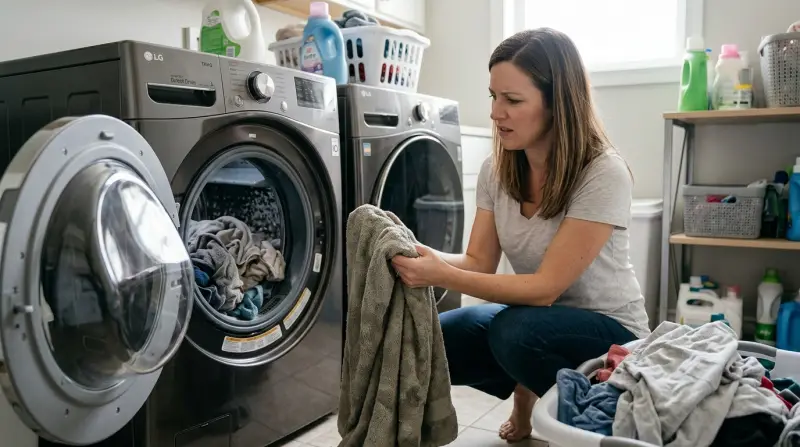
Many users assume a dryer malfunction means a major repair. In reality, most issues can be solved without calling a technician. Here are the most frequent reasons your LG dryer fails to dry clothes:
- Clogged lint filter: If the lint filter is blocked, air cannot flow freely, making drying ineffective. Clean the filter after every load.
- Blocked vent or duct: A blocked vent stops moist air from leaving the dryer. This is one of the leading causes of long drying times.
- Incorrect dryer settings: Using the wrong drying mode can leave clothes damp. For example, “Air Dry” or “Delicate” modes use less heat.
- Overloading the dryer: Too many clothes prevent hot air from circulating.
- Heating element failure: If the heating element is broken, the dryer spins but does not heat up.
- Sensor malfunction: LG dryers use moisture sensors to detect when clothes are dry. If the sensor is dirty or faulty, it may stop drying too soon.
- Blower wheel issues: The blower wheel pushes air through the drum. If it’s loose or broken, airflow drops and clothes stay wet.
Understanding these causes is the first step. Let’s look at how to diagnose and fix each one.
Step-by-step Troubleshooting Guide
You don’t need advanced skills to check most drying problems. Follow these steps to find out why your LG dryer is not drying:
1. Check The Lint Filter
Remove the lint filter and inspect it. If it’s full, clean it. A dirty lint filter can reduce drying efficiency by up to 30%. Sometimes, lint gets stuck in the filter’s frame or mesh. Wash it under running water and dry it before reinstalling.
2. Inspect The Dryer Vent
A blocked vent is a common issue. Unplug the dryer and pull it away from the wall. Disconnect the vent pipe and look inside. If you see lint or debris, clean it out. For best results, use a vacuum or a dryer vent cleaning brush. Studies show that over 15,000 dryer fires each year in the US are caused by vent blockage.
3. Examine Dryer Settings
Check the control panel. Make sure you’re not using “Air Dry,” “Delicate,” or “Eco” modes for heavy fabrics. These modes use less heat. Switch to “Normal,” “Heavy Duty,” or “Cotton” for better drying.
4. Avoid Overloading
If you fill the dryer drum completely, air cannot circulate. Ideally, fill the drum to half or two-thirds capacity. This ensures proper airflow and faster drying.
5. Test The Heating Element
If your dryer spins but doesn’t heat, the heating element could be broken. Electric dryers use a coil; gas dryers use a burner. To check, start a cycle and feel inside the drum after 5 minutes. If it’s cold, the heating element may need replacement.
6. Clean The Moisture Sensor
LG dryers have moisture sensors near the drum. Wipe them with a damp cloth to remove residue from fabric softeners or detergent. A dirty sensor can shut off drying early.
7. Listen For Blower Wheel Problems
If you hear unusual noises like rattling or buzzing, the blower wheel may be loose. Access the wheel by removing the back panel and check for damage.
Comparing Lg Dryer Models: Drying Performance
Some LG dryers dry faster than others. Let’s compare three popular models:
| Model | Drying Time (Normal Load) | Capacity (cu.ft.) | Energy Efficiency |
|---|---|---|---|
| LG DLEX4000 | 45 minutes | 7.4 | ENERGY STAR Certified |
| LG DLGX3701 | 50 minutes | 7.4 | ENERGY STAR Certified |
| LG DLE7150 | 60 minutes | 7.3 | No |
Newer models often dry faster and use less energy. If you notice longer drying times, compare your dryer’s performance to its average rating.
How To Clean And Maintain Your Lg Dryer
Regular maintenance prevents most drying problems. Here’s what you should do:
- Clean the lint filter after every load.
- Check and clean the vent every 3–6 months.
- Wipe the moisture sensor monthly.
- Inspect the drum and blower wheel for debris.
- Avoid using too much fabric softener, which leaves residue.
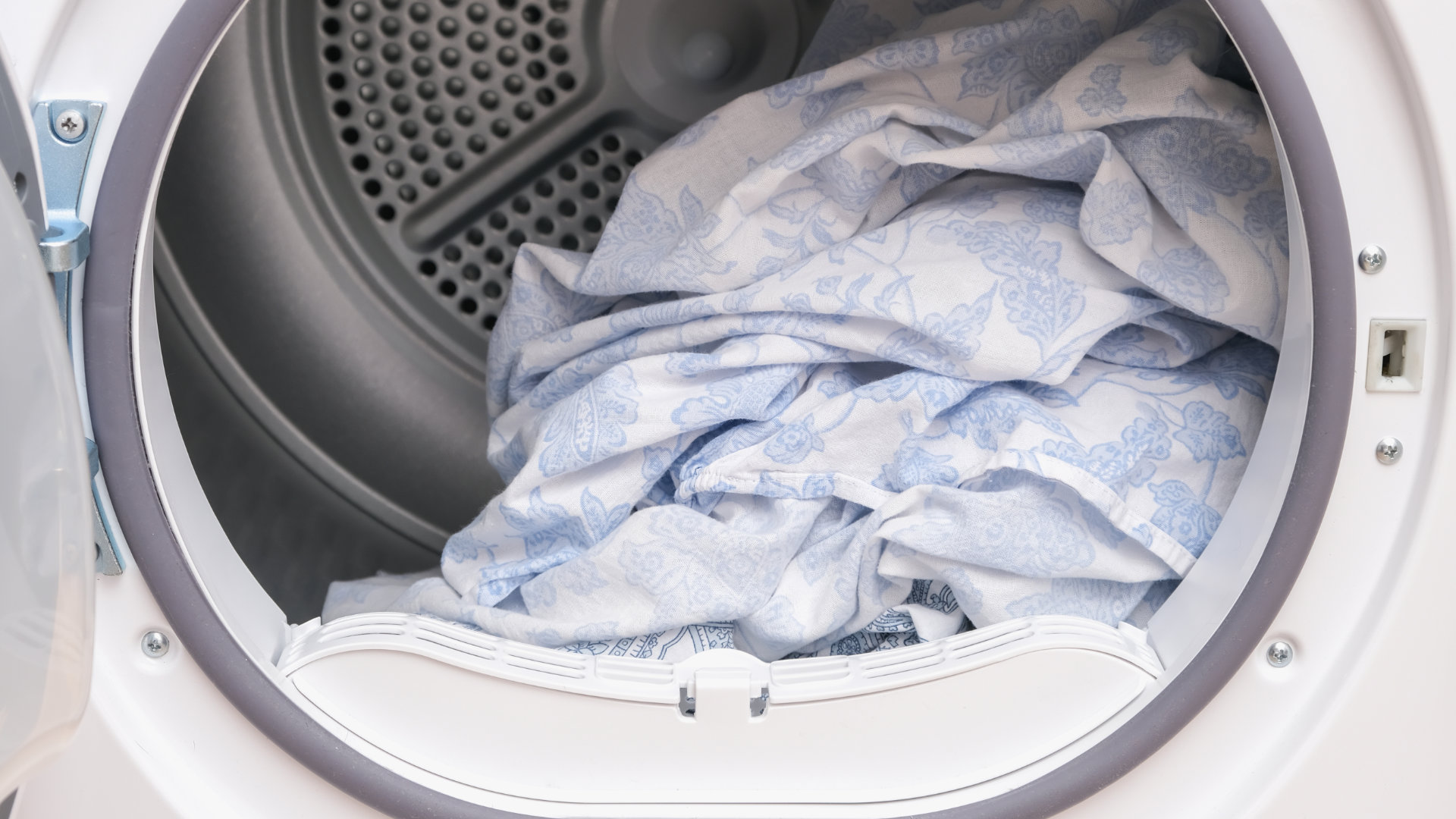
These steps improve airflow and drying performance. Many owners skip vent cleaning, thinking it’s not necessary. In reality, vent cleaning reduces fire risk and shortens drying times.
Credit: authorizedco.com
Diagnosing Heating Element And Sensor Issues
If your LG dryer doesn’t heat, the problem may be electrical or sensor-related. Here’s how to diagnose:
Heating Element
- For electric dryers, unplug the unit and remove the back panel. Look for a broken coil or burnt spots.
- For gas dryers, check the igniter and burner assembly. If the igniter does not glow, replace it.
Moisture Sensor
- Remove the front panel to access the sensor.
- Clean with a soft cloth. If the sensor is visibly damaged, order a replacement part.
Many beginners miss the importance of the moisture sensor. It’s not just for shutting off the dryer—it controls how long the dryer runs. If the sensor is dirty, the dryer may stop before clothes are dry.
Lg Dryer Error Codes Related To Drying
LG dryers display error codes when something goes wrong. Some codes relate directly to drying problems:
| Error Code | Meaning | Action |
|---|---|---|
| TE | Thermistor Error | Check temperature sensor |
| OE | Overflow Error | Check moisture sensor |
| FE | Filter Error | Clean lint filter |
| dE | Door Error | Check door latch |
If you see these codes, follow the recommended actions. Resetting the dryer by unplugging it for 5 minutes can clear some errors.

Credit: tigermechanical.net
When To Call A Professional
Some repairs are too complex for DIY. Call a professional if:
- You smell gas or burning odors.
- The dryer makes loud noises after troubleshooting.
- You have checked all basic issues but the dryer still won’t dry.
Dryer repairs typically cost $150–$350 depending on the problem. Sometimes, replacing a heating element is cheaper than buying a new dryer.
Practical Tips To Speed Up Drying
Here are some actionable tips to make your LG dryer dry clothes faster:
- Shake out clothes before placing them in the dryer. This prevents clumping and improves air circulation.
- Use dryer balls to separate clothes and reduce drying time.
- Select the right drying cycle for the fabric type.
- Dry similar items together. For example, towels with towels, shirts with shirts.
- Clean the dryer drum with a damp cloth monthly to remove residue.
Many users don’t realize that dryer balls can cut drying time by up to 25%. This simple addition also reduces wrinkles.
Comparing Gas Vs. Electric Lg Dryers: Drying Efficiency
LG makes both gas and electric dryers. Which dries faster? Here’s a quick comparison:
| Type | Average Drying Time | Energy Cost (per load) | Best For |
|---|---|---|---|
| Gas | 40–50 minutes | $0.25 | High-volume drying |
| Electric | 50–60 minutes | $0.40 | Standard loads |
Gas dryers are faster and cost less per load, but require a gas hookup. Electric dryers are easier to install and maintain.
Non-obvious Insights For Lg Dryer Owners
Most guides repeat the basics, but here are two points many beginners miss:
- Dryer location matters: If your dryer is in a humid basement, drying times increase. Place the dryer in a well-ventilated area for best results.
- Vent pipe length affects drying: A long vent pipe (over 10 feet) slows airflow. If possible, shorten the vent pipe or use smooth metal ducting for maximum efficiency.
Both factors can cut drying time by 10–20%. If you move the dryer or adjust the vent, you may see immediate improvement.
Frequently Asked Questions
Why Does My Lg Dryer Take So Long To Dry?
Long drying times are usually caused by blocked vents, dirty lint filters, or overloading. Check these areas first. Using the wrong drying mode or a damaged heating element can also slow drying.
How Often Should I Clean My Dryer Vent?
Clean your dryer vent every 3–6 months. If you dry heavy loads often, clean it monthly. Regular cleaning prevents fire hazards and improves drying performance.
What Does The Lg Dryer Error Code “te” Mean?
The TE error means there is a problem with the thermistor (temperature sensor). Check the sensor for damage or loose wires. Replacing the thermistor usually solves the issue.
Can I Use Fabric Softener Sheets In My Lg Dryer?
Yes, but use them sparingly. Fabric softener sheets can leave residue on the moisture sensor, causing inaccurate readings. Clean the sensor monthly if you use softener sheets.
How Do I Reset My Lg Dryer?
Unplug the dryer for 5 minutes. Plug it back in and turn it on. This simple reset clears most minor errors and restores normal function.
Having a dryer that doesn’t dry is annoying, but most problems are easy to fix with the right steps. By checking airflow, cleaning filters, and understanding error codes, you can keep your LG dryer running smoothly. Regular maintenance and smart use will make your appliance last longer and perform better. If you need more detailed repair instructions, check the official LG support site or trusted resources like Consumer Reports. With a bit of care, your dryer can deliver dry, fresh clothes every time.