
When your Greenworks battery says it is fully charged but your tool still does not work, frustration sets in quickly. You rely on these batteries for your lawn mower, leaf blower, trimmer, and other tools. So, when a battery refuses to power up your device despite a green light on the charger, you need answers—and solutions. This guide will help you understand why this happens, how to troubleshoot, and what steps you can take to get back to work.
Why Greenworks Batteries Show Fully Charged But Don’t Work
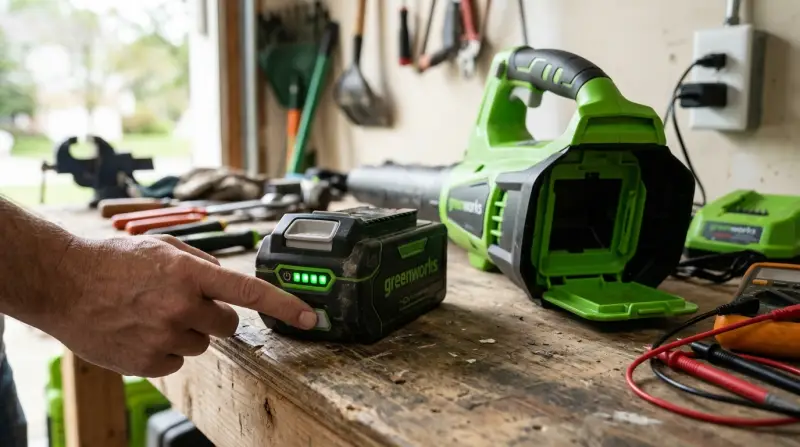
At first glance, a battery that shows a “full” indicator should power your tool. However, several issues can cause a battery to look ready but still fail:
- Internal cell damage
- Battery management system (BMS) problems
- Faulty charger or charging contacts
- Tool-side connection issues
- Software or firmware errors in smart batteries
Understanding these issues helps you diagnose the problem more effectively.
How Greenworks Battery Systems Work
Greenworks uses lithium-ion batteries with built-in management systems. These batteries are popular for their long life, fast charging, and light weight. Each battery includes:
- Multiple lithium-ion cells
- A BMS that controls charging, discharging, and safety
- Status lights to show charge level
The BMS is critical. It protects against overcharging, overheating, and short circuits. But if the BMS malfunctions, your battery may report a full charge even when it cannot deliver power.
What Does “fully Charged” Mean?
When the charger shows green or “full,” it means the battery voltage has reached the safe limit. But this does not guarantee the battery is healthy or able to provide enough current for your tool.
Common Reasons For The Problem
Several factors may cause your Greenworks battery to say fully charged but not work. Here are the most common:
1. Internal Cell Failure
Lithium-ion batteries contain several cells. If one cell fails, the battery may still charge to full voltage, but cannot deliver enough power. This is a common reason for sudden failure.
2. Battery Management System (bms) Fault
The BMS can develop faults due to moisture, physical shock, or age. When this happens, it may “lock out” the battery, stopping it from working even if charged.
3. Dirty Or Damaged Contacts
Battery contacts on both the battery and tool can get dirty or corroded. This prevents a good connection, making it seem like the battery is not working.
4. Charger Issues
Sometimes, the charger itself is at fault. It might signal full charge without actually charging the battery, especially if the charger’s electronics are failing.
5. Tool Malfunctions
A faulty tool can also be the culprit. If the tool has a broken circuit, fuse, or switch, it may not draw power from a good battery.
6. Temperature Extremes
If the battery is too hot or too cold, the BMS may block power. Lithium-ion batteries operate best between 32°F and 104°F (0°C–40°C).
7. Storage Problems
Storing batteries for months at full charge or in harsh conditions can reduce their life. Over time, this can lead to “false full” readings.
Troubleshooting Steps
Before you replace your battery or tool, use these steps to diagnose the problem:
1. Inspect Battery Contacts
Remove the battery and check the metal contacts. Look for:
- Dirt or debris
- Corrosion (white or green buildup)
- Bent or damaged pins
Clean contacts gently with a cotton swab and a small amount of rubbing alcohol.
2. Test On Another Tool
If possible, try the battery in another compatible Greenworks tool. If it works, the issue is likely your tool—not the battery.
3. Try A Different Battery
Use a different, known-good battery in your tool. If the tool works, your battery is the problem.
4. Let The Battery Cool
If the battery feels warm, let it rest for at least 30 minutes at room temperature. Then, try again.
5. Reset The Battery
Some Greenworks batteries have a reset function. Remove the battery from the charger and tool, wait 10 minutes, then try again. For “smart” batteries, look for a small reset button (check your manual).
6. Check Charger Health
Plug a different battery into your charger. If the charger fails to charge another battery, the charger may be faulty.
7. Examine The Tool
Check for:
- Broken switches
- Blown fuses (some tools have internal fuses)
- Loose wiring
If your tool has a removable fuse, replace it with a new one of the same rating.
8. Look For Error Codes
Some Greenworks tools display error codes or lights when something is wrong. Consult your tool’s manual for details.
When To Replace Your Battery
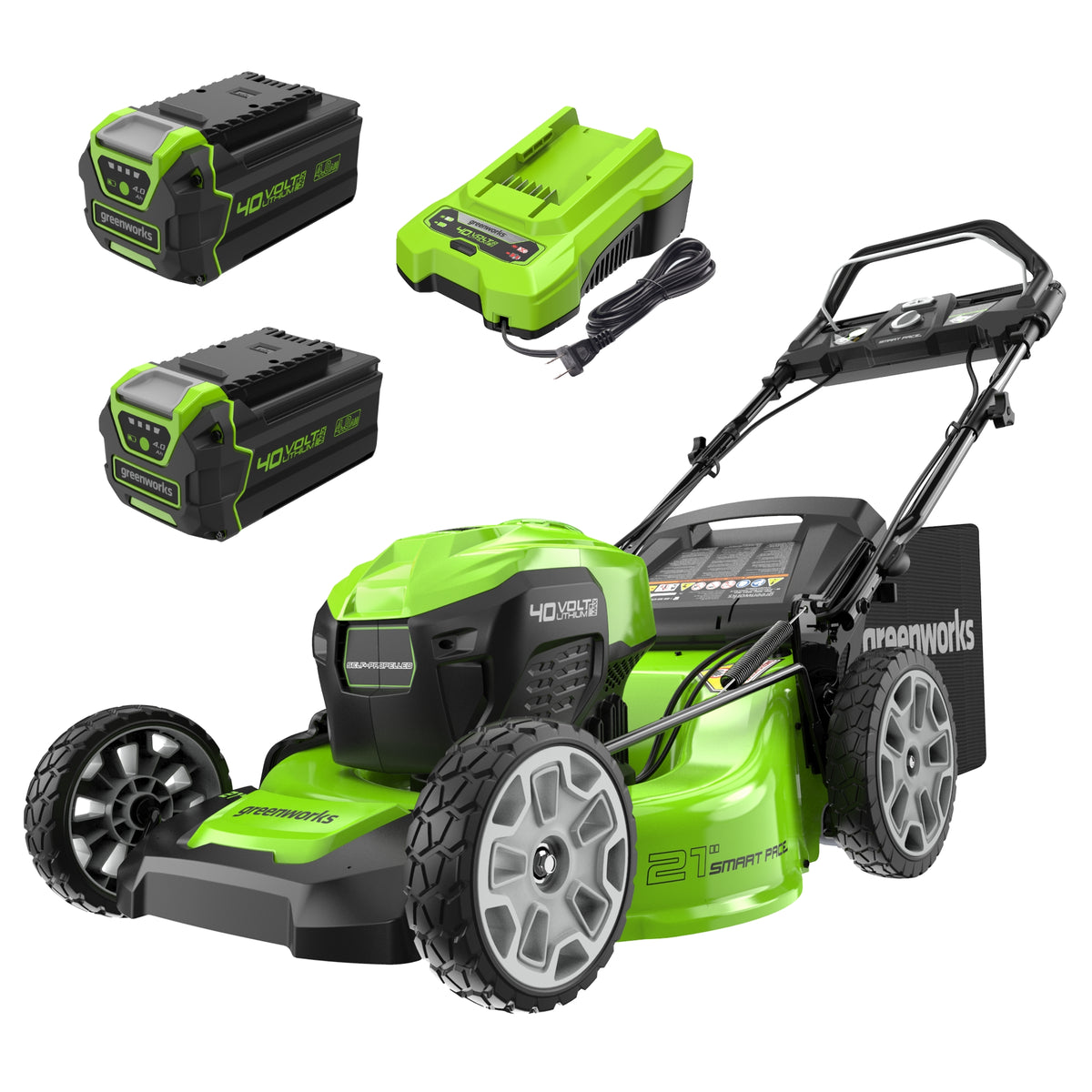
If your battery is older than three years or has been used in tough conditions, it may simply be at the end of its life. Here’s a quick comparison of common signs your battery needs replacement:
| Sign | Likely Cause | Recommended Action |
|---|---|---|
| Battery charges but tool won’t start | Cell or BMS failure | Replace battery |
| Battery gets hot quickly | Internal short | Stop using, replace battery |
| Charge indicator is erratic | Electronics issue | Try reset, replace if not fixed |
| Works only after re-seating multiple times | Dirty/damaged contacts | Clean contacts |
How To Care For Greenworks Batteries
Proper care can extend the life of your Greenworks battery and reduce issues:
- Store batteries at room temperature (avoid garages in winter/summer)
- Charge only with official Greenworks chargers
- Do not leave batteries on the charger for days
- Avoid dropping or hitting batteries
- Store at about 50% charge if not using for months
Storage Comparison
See the difference in battery life based on storage practices:
| Storage Method | Expected Battery Lifespan |
|---|---|
| Room temperature, 50% charge | 3–5 years |
| Full charge, hot garage | 1–2 years |
| Deep discharge, cold shed | 6–18 months |

Credit: www.greenworkstools.com
Greenworks Battery Warranty And Replacement
Greenworks batteries usually come with a 2- to 3-year warranty. If your battery fails within this period, contact Greenworks customer support. They may:
- Ask for proof of purchase
- Request a serial number
- Provide troubleshooting steps
- Offer a replacement if covered
It’s important to register your product after purchase for the best support.
Non-obvious Troubleshooting Tips
Some issues escape the usual checks. Here are two things beginners often miss:
- Check for Moisture: Even a small amount of moisture inside the battery or tool can cause the BMS to lock out. If your tools were used in wet grass or rain, dry them fully before use.
- Firmware Updates: Some newer Greenworks batteries and chargers can receive firmware updates. If you have a “smart” charger, check the Greenworks website or manual to see if an update is available. This can fix charging or indicator bugs.
When To Seek Professional Help
If you have tried all steps above and your battery still will not work, it may be time for expert help. Avoid opening the battery yourself—lithium-ion packs can be dangerous if tampered with. Instead:
- Contact Greenworks support or a certified repair shop
- Dispose of dead batteries at a local recycling center—never in the trash
For more on battery safety and recycling, visit the US EPA battery recycling guide.
Frequently Asked Questions
Why Does My Greenworks Battery Say Fully Charged But My Tool Won’t Run?
This is often due to internal cell failure, BMS lockout, or dirty contacts. Try cleaning the contacts, testing with another tool, and resetting the battery.
Can I Repair A Greenworks Battery Myself?
It’s not recommended. Lithium-ion batteries can be dangerous if opened or shorted. Always use official support or recycling services for dead batteries.
How Long Should A Greenworks Battery Last?
Most Greenworks batteries last 3–5 years with normal use and care. Storing at room temperature and avoiding full discharge extends lifespan.
Is It Safe To Leave My Battery On The Charger?
No. Once fully charged, remove the battery to avoid overcharging or unnecessary heat, which can reduce battery life.
What Should I Do If My Battery Gets Hot During Charging?
Stop charging immediately. Let the battery cool before trying again. If it continues to overheat, it may be damaged and should be replaced.
When your Greenworks battery says fully charged but fails to work, it can be confusing and disruptive. By following the steps above, you can often pinpoint the cause—whether it’s a simple contact issue, a tool problem, or a deeper battery fault. Take care of your batteries, stay safe, and don’t hesitate to seek expert help when needed. With a little effort, you can keep your Greenworks tools running strong for years.