
If your Liftmaster 880LMW Smart Control Panel is not working, you may feel stuck—garage doors are vital for home security and convenience. A malfunctioning smart panel can mean being locked out, late for work, or worried about your home’s safety. The good news? Most issues are fixable with some basic troubleshooting. Whether your panel is completely dead, showing error codes, or only half-responsive, this guide will help you understand what’s happening, what steps to try, and when to call for help.
What Is The Liftmaster 880lmw Smart Control Panel?
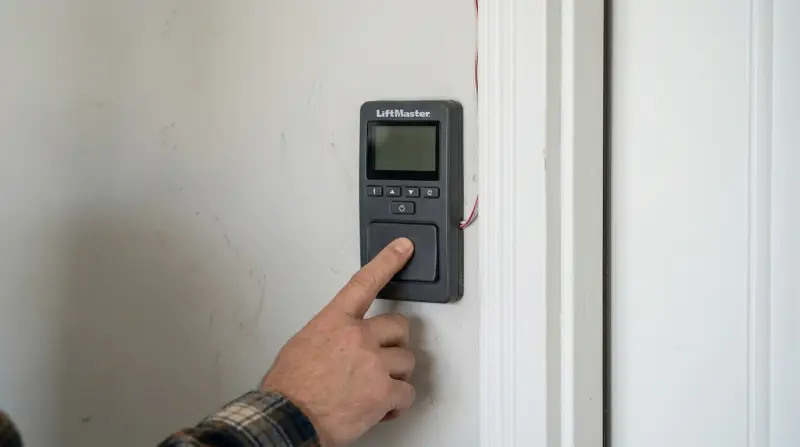
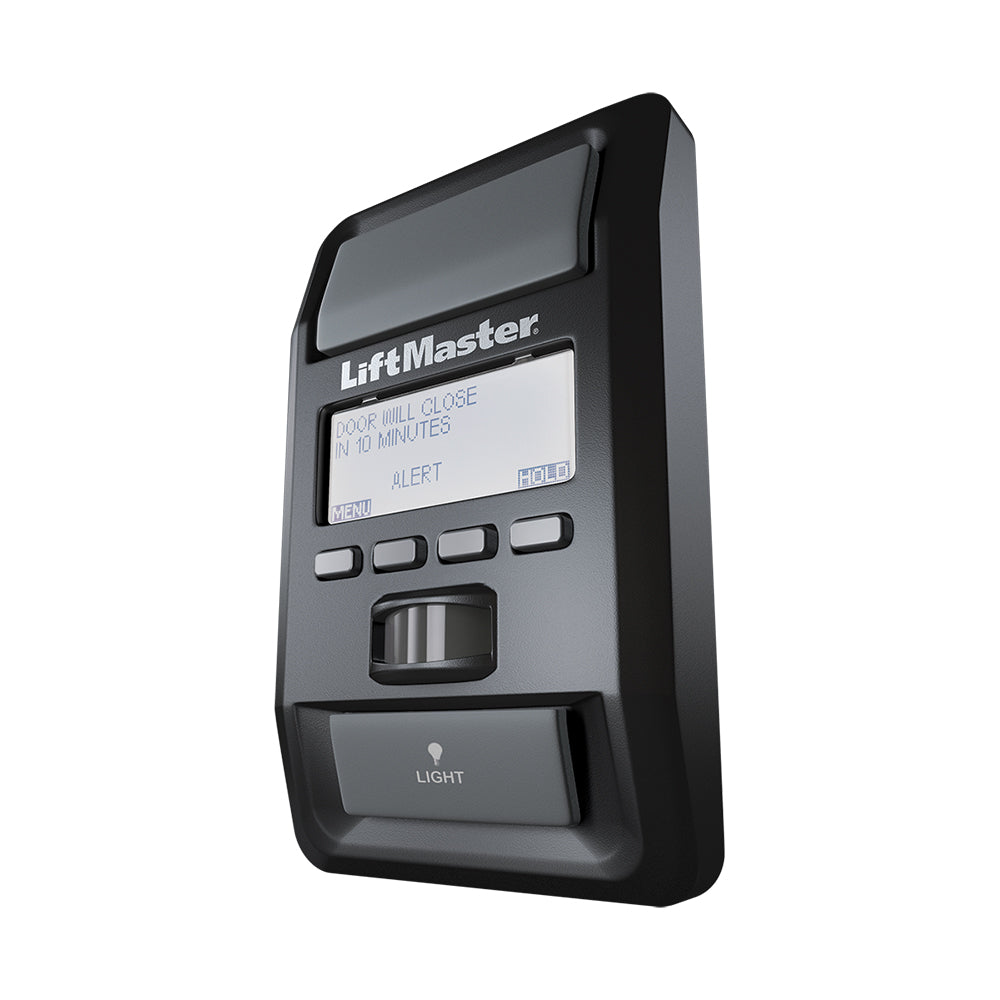
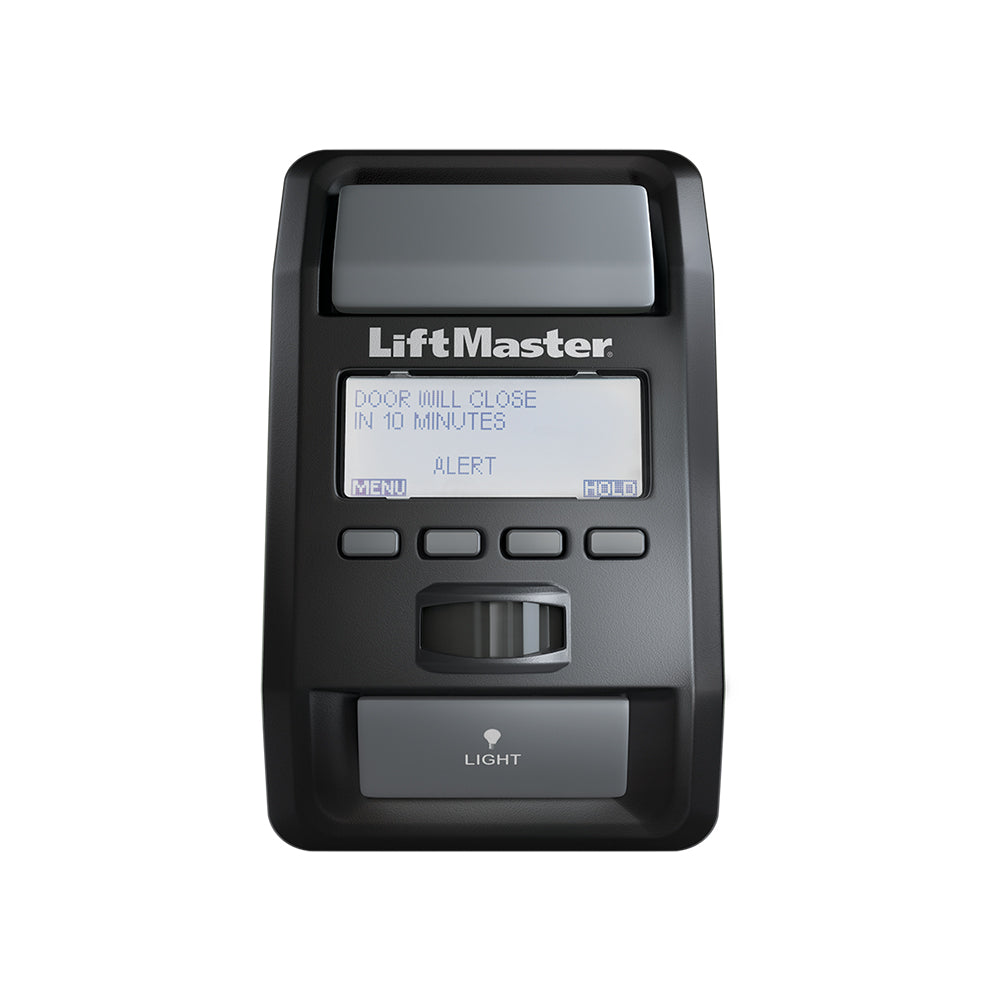
The Liftmaster 880LMW Smart Control Panel is an advanced wall console for garage door openers. It’s not just a button—it gives you access to system diagnostics, time and temperature display, motion detection, and lockout features. The 880LMW is compatible with many Liftmaster Security+ 2.0 openers, letting you control and monitor your garage from inside your home.
Common features include:
- LCD display for settings and error codes
- Motion sensor to turn on garage lights
- Timer-to-close function
- Lock button for added security
Understanding these features helps you diagnose what’s not working when issues arise.
Common Signs Of Problems
Most problems with the 880LMW fall into a few categories. Watch for these common signs:
- No power: Screen is blank, no lights, no response
- Partial function: Some buttons work, but not all features
- Error codes: Display shows numbers or messages (like “Error 1-5”)
- Beeping or blinking: Audible signals or flashing lights
- No communication: Door doesn’t respond, but panel seems powered
Each symptom points to a different set of possible causes.
Main Causes Of 880lmw Not Working
Several things can cause your Liftmaster Smart Control Panel to stop working:
- Power issues: No electricity to the opener or panel
- Wiring problems: Broken or loose wires
- Compatibility errors: Panel not compatible with your opener
- Lockout mode: Panel is intentionally disabled
- Firmware/software errors: Internal glitches
- Physical damage: Water, impact, or age-related wear
It’s important to work through these causes logically, starting with the easiest checks.
Step-by-step Troubleshooting
Check For Power
First, make sure the opener itself has power. If the garage door opener is dead, the panel won’t work.
- Confirm that the main garage breaker is ON.
- Plug a lamp into the same outlet as the opener.
- If the lamp doesn’t light, the outlet or breaker may be at fault.
If power is fine, move to the next step.
Inspect The Wiring
The 880LMW uses low-voltage wires connecting it to the opener.
- Remove the panel from the wall by loosening the screws underneath.
- Check for loose, corroded, or broken wires at the back.
- Tug wires gently—if they pop out, re-strip and tighten them.
- Look for pinched or cut wires along the wall or ceiling.
If wires are damaged, replace them. Even a small break can stop the panel from working.
Reset The Control Panel
Sometimes, a simple reset solves glitches.
- Disconnect the panel from the opener (remove one wire).
- Wait 30 seconds, then reconnect.
- The panel should reboot and display the time.
If nothing changes, try resetting the opener by unplugging it for 60 seconds.
Confirm Compatibility
The 880LMW works only with certain Liftmaster Security+ 2.0 models.
- Check your opener’s model number (usually on a sticker near the light).
- Compare your opener to the panel’s compatibility list in the manual.
- If your opener is older, it may need a different wall control.
Here’s a quick compatibility chart for reference:
| Opener Model | Compatible with 880LMW? | Notes |
|---|---|---|
| 8550W | Yes | Full features supported |
| 8355W | Yes | Full features supported |
| 3280 | No | Requires older panel |
| 8500 | Partial | Some features limited |
If your opener isn’t compatible, the panel will not function or may act strangely.
Exit Lockout Or Vacation Mode
The lock button disables remote controls and sometimes the main button.
- Look for a “lock” icon on the display.
- Press and hold the lock button for 3-5 seconds to exit.
- Try the door again.
Many users overlook this step, thinking the panel is broken when it’s just locked.
Read And Interpret Error Codes
If your panel displays an error code, this is a clue.
Common codes include:
- Error 1-1: Communication issue
- Error 1-5: Panel not recognized
- Error 1-2: Wiring short
Look up your code in the manual or on the manufacturer’s website. Address the problem directly.
Test With A Basic Button
Remove the 880LMW and temporarily connect a simple doorbell button to the two wires.
- If the door opens and closes, the wiring and opener are fine.
- If not, the problem may be with the wiring or the opener itself.
This test rules out deeper electrical issues.
Inspect For Physical Damage
Check for:
- Water stains or moisture inside the panel
- Cracks, burn marks, or melted plastic
- Bent or corroded connectors
If you find damage, replacement is the safest option.
Firmware And Software Updates
Some newer openers allow for firmware updates via the myQ app. Check if your opener supports this and update if possible. This can solve software bugs.
Replace The Panel
If you’ve tried all the steps and the 880LMW is still dead, it may be defective. Purchase a genuine replacement—knockoffs can cause more issues.
When To Call A Professional
Some problems require expert help:
- No power at the outlet, but the breaker is on
- Damaged internal opener electronics
- Repeated error codes after all troubleshooting
- Physical damage to wiring inside the wall
Professional technicians can test voltage, replace wires, and diagnose rare faults that DIYers may miss.
Preventing Future Problems
You can avoid many control panel failures with a few habits:
- Check wires yearly for wear or corrosion.
- Keep the panel dry—water is a common cause of failure.
- Don’t hang bikes or tools near the wiring.
- Update opener firmware if your model supports it.
- Use only genuine Liftmaster accessories.
Routine checks and care can extend your panel’s life by years.
Real-world Example
Sandra, a homeowner in Illinois, found her 880LMW dead one morning. After checking power and wires, she saw a tiny “lock” icon. She held the lock button for 5 seconds—the panel came back to life! She had accidentally pressed it while cleaning.
This simple fix saved her a service call and days of frustration. Always check for lockout before assuming the worst.
Comparison: 880lmw Vs. Basic Wall Buttons
To understand why fixing the 880LMW matters, see how it compares to a basic wall button:
| Feature | 880LMW | Basic Button |
|---|---|---|
| LCD Display | Yes | No |
| Motion Sensor | Yes | No |
| Timer-to-Close | Yes | No |
| Lockout Mode | Yes | No |
| Price | Higher | Lower |
If you rely on advanced features, fixing the 880LMW is worth the effort.
Common Mistakes When Troubleshooting
New users often make these errors:
- Ignoring compatibility: Buying a new panel without checking opener compatibility.
- Skipping wire checks: Not inspecting for loose or broken wires.
- Overlooking lockout mode: Assuming the panel is broken when it’s just locked.
- Using non-genuine parts: Cheap replacements can cause electrical problems.
- Not documenting error codes: Clearing errors without noting the code for future reference.
Avoiding these mistakes saves time and money.
Data: How Often Do These Panels Fail?
Liftmaster doesn’t publish failure rates, but industry estimates suggest:
- Wall controls account for about 20% of garage door opener service calls.
- Most failures are due to wiring issues or user error (like lockout mode).
- Less than 10% are caused by true electronic failure.
This means the majority of problems can be solved at home with basic steps.
Cost To Repair Or Replace
Here’s what you can expect to pay:
| Solution | Estimated Cost | DIY or Pro? |
|---|---|---|
| Wire repair | $10–$40 | DIY |
| New 880LMW panel | $35–$70 | DIY/Pro |
| Professional service call | $75–$150 | Pro |
| Opener replacement | $250–$500+ | Pro |
DIY steps are usually enough unless the opener itself has failed.
Where To Find More Help
If you need more detailed guides, visit the official Chamberlain Group Support page. They offer manuals, videos, and live chat.
Frequently Asked Questions
Why Is My 880lmw Panel Screen Blank But The Opener Works?
If the screen is blank, check for loose wires at the panel and opener. Confirm power at the outlet. If only the panel is dead but the opener works, the panel itself may have failed or lost its wiring connection.
How Do I Reset My Liftmaster 880lmw?
Disconnect one wire from the back of the panel, wait 30 seconds, then reconnect. You can also unplug the opener from the outlet for 60 seconds to reset the entire system.
Can I Use A Different Control Panel With My Opener?
Only panels compatible with Security+ 2.0 systems will work. Using a non-compatible panel may cause errors or no function at all. Always check compatibility before buying.
What Does The “lock” Icon Mean On The Panel?
The lock icon shows that remote controls are disabled. Hold the lock button for 3-5 seconds to turn off lockout mode. This is a common cause for panels appearing to “not work.”
How Long Should A Liftmaster 880lmw Last?
With proper care, the 880LMW can last 8–12 years. Avoid water damage, check wiring yearly, and use only official Liftmaster parts for the best lifespan.
A working Liftmaster 880LMW Smart Control Panel brings security and convenience to your garage. Most issues are minor and can be fixed without a service call. With this guide, you can quickly diagnose the problem, avoid common mistakes, and know when to call in a pro. A few simple checks can save you time, money, and stress—getting your garage back to normal faster.