
Visual voicemail is a feature that lets you see, listen to, and manage your voicemail messages directly from your phone’s screen. For AT&T users, it’s an essential tool that saves time and keeps communication simple. But when visual voicemail stops working, frustration quickly builds. Whether you’re missing important messages or struggling to access your mailbox, knowing how to fix these problems is key.
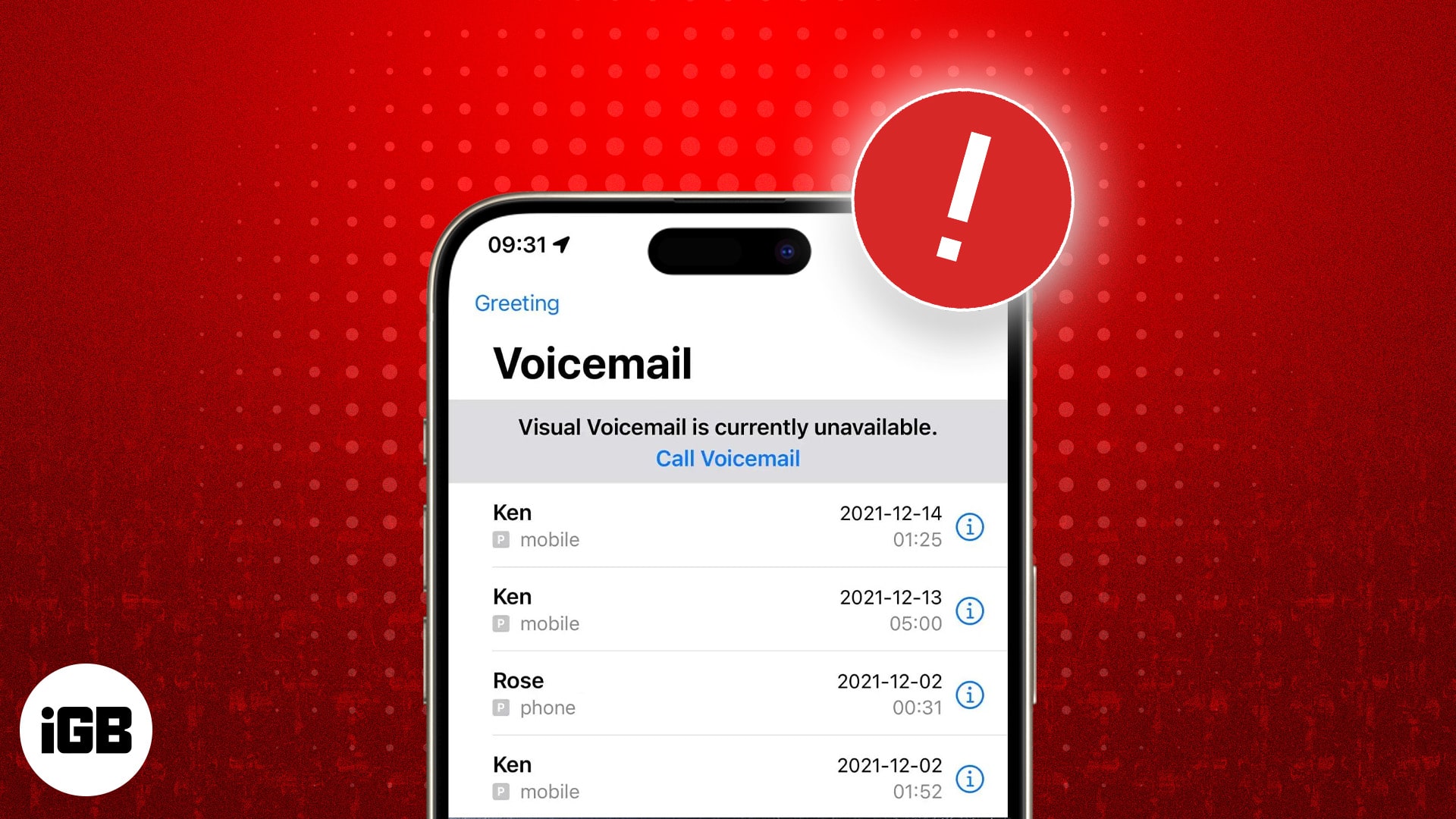
This guide goes deep into why visual voicemail may not work on AT&T, how to solve it step-by-step, and what makes this issue tricky. You’ll also learn about device compatibility, app settings, and network requirements. If you’re tired of hearing “voicemail unavailable,” you’re in the right place.
What Is Visual Voicemail And Why It Matters
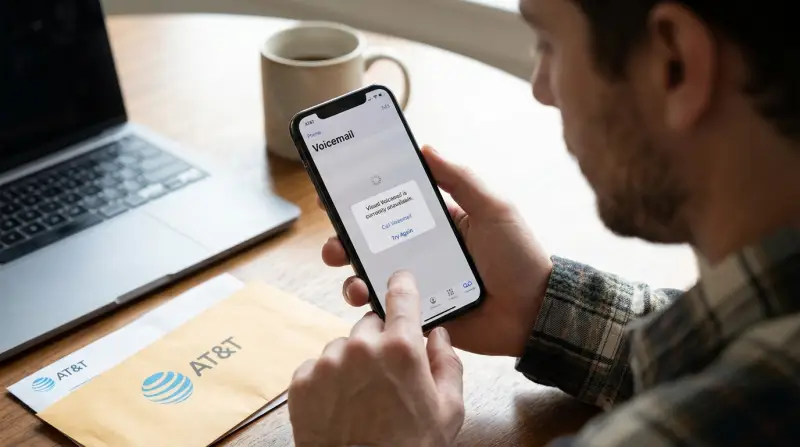
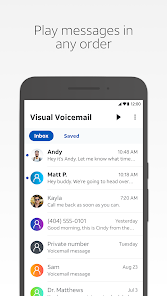
Visual voicemail is more than a simple inbox. It lets you:
- See a list of your voicemails with caller info and timestamps
- Play messages in any order
- Delete, save, or share messages with a tap
- Read transcripts (if supported)
For busy people, this feature is a lifesaver. It helps you stay organized, skip unnecessary messages, and respond faster. AT&T offers visual voicemail on most smartphones, including iPhones and many Android models.
Data shows that over 65% of AT&T smartphone users rely on visual voicemail daily. When it fails, it impacts work, personal life, and even safety in emergencies. Yet, many users don’t realize that network changes, device updates, or account settings can break this feature.
Common Reasons Visual Voicemail Stops Working On At&t
Several factors can cause visual voicemail issues. Here are the most frequent reasons:
- Network Problems: Visual voicemail needs a stable cellular data connection. If your phone is on Wi-Fi only, or AT&T’s mobile data is weak, the app may not sync.
- Device Compatibility: Older phones, unlocked devices, or phones not bought from AT&T may lack full support.
- App Settings: Incorrect settings, outdated apps, or disabled permissions can block access.
- Account Issues: Visual voicemail may not be enabled on your plan, or billing problems can interrupt the service.
- Software Updates: OS updates can temporarily break visual voicemail until AT&T releases a fix.
- Sim Card Problems: A damaged or incompatible SIM card can stop the service.
Example: Iphone Vs Android Support
AT&T’s support varies by device. For iPhones, visual voicemail is built into the Phone app. On Android, you may need the AT&T Visual Voicemail app.
| Device Type | Visual Voicemail Support | Special Requirements |
|---|---|---|
| iPhone | Native (Phone app) | iOS 10 or higher |
| Android (AT&T-branded) | App required | Android 7.0 or higher |
| Unlocked/Non-AT&T Android | Limited or no support | Check compatibility |

Credit: play.google.com
Step-by-step Solutions For Visual Voicemail Not Working
If you’re facing visual voicemail problems on AT&T, follow these steps. Most users can fix the issue without advanced tech knowledge.
1. Check Your Network Connection
Visual voicemail depends on cellular data, not Wi-Fi. Try these:
- Turn off Wi-Fi and use mobile data
- Move to an area with stronger AT&T coverage
- Restart your phone to refresh connection
2. Confirm Visual Voicemail Is Enabled
Log into your AT&T account. Make sure your plan supports visual voicemail. Many prepaid plans do not include this feature. If unsure, call AT&T support.
3. Update Your Device And App
- Install the latest OS updates (iOS or Android)
- Update the AT&T Visual Voicemail app (for Android)
- Restart your device after updates
4. Reset Voicemail Settings
For iPhones:
- Open the Phone app
- Tap “Voicemail”
- If prompted, set up voicemail again
For Android:
- Open Visual Voicemail app
- Go to settings > reset voicemail
5. Check Permissions
Visual voicemail apps need access to contacts, phone, and storage. Go to settings and enable all necessary permissions.
6. Replace Or Reinsert Sim Card
A faulty SIM card can block visual voicemail. Remove your SIM, wipe it gently, and reinsert. If still not working, visit an AT&T store for a replacement.
7. Contact At&t Support
If none of the above work, contact AT&T. They can reset your voicemail box, check for outages, or fix account-level problems.
Device Compatibility: Why It Matters
Not all phones work equally well with AT&T’s visual voicemail. Here’s what you need to know:
At&t-branded Phones Vs Unlocked Phones
Phones bought directly from AT&T are fully supported. Unlocked phones (from other carriers or overseas) may lack some features.
| Phone Type | Visual Voicemail Status | Typical Issues |
|---|---|---|
| AT&T-branded | Full support | Rarely fails |
| Unlocked/SIM-free | Partial or no support | App not available, errors |
| Older models | Limited support | Slower, missing features |
Non-obvious Insight
Many users don’t realize that unlocking a phone (even after finishing a contract) can affect visual voicemail. AT&T’s system recognizes the device model and may block features if it’s not officially supported.
Credit: play.google.com
At&t Visual Voicemail App: Key Details
For Android users, the AT&T Visual Voicemail app is essential. It’s free, but only works on compatible devices.
Features:
- List of messages with caller info
- Message playback and deletion
- Notification of new voicemails
Limitations:
- Not available for all Android models
- App updates can break compatibility
- Needs regular permission checks
Example: App Update Issues
In 2023, an AT&T app update caused visual voicemail to stop working for thousands of Android users. The fix required uninstalling the app, restarting the phone, and reinstalling the latest version. This shows how important app maintenance is for reliable service.
Network And Plan Requirements
Visual voicemail needs more than just a working phone. Your plan and network connection must also be correct.
Plan Compatibility
Most postpaid AT&T plans include visual voicemail. Prepaid plans often do not. If you switch from postpaid to prepaid, you may lose access.
Data Usage
Visual voicemail uses cellular data. It’s not heavy—about 1MB per message. But if your plan has no data, or you’re roaming internationally, the feature may fail.
Billing Issues
If your account is suspended or you have unpaid bills, AT&T may disable visual voicemail. Resolving billing quickly restores service.
How To Prevent Visual Voicemail Problems
Avoiding visual voicemail issues is easier than fixing them. Here’s how:
- Keep your phone’s OS and apps updated
- Use AT&T-branded phones if possible
- Check your plan details before switching
- Maintain a healthy SIM card
- Enable all app permissions
Data: Visual Voicemail Reliability
AT&T reports that over 90% of visual voicemail issues are fixed by updating the app or device. Only 6% require a SIM card replacement or account reset.
Advanced Troubleshooting Tips
If basic steps don’t work, try these advanced methods:
- Reset network settings: On iPhone, go to Settings > General > Reset > Reset Network Settings. On Android, find “Reset Network Settings” in system settings.
- Clear app cache: For Android, open Settings > Apps > Visual Voicemail > Storage > Clear Cache.
- Switch to a different voicemail app: Some third-party apps support visual voicemail but may require setup.
- Request a voicemail box reset: AT&T can do this remotely.
Resetting network settings will erase Wi-Fi passwords and Bluetooth pairings.
Real-life Examples
Example 1: Traveler’s Issue
A user travels abroad and notices visual voicemail stopped working. The cause: international roaming disables the feature. Solution: switch back to US network and turn on cellular data.
Example 2: Prepaid Plan Switch
Someone switches from postpaid to prepaid to save money. Visual voicemail disappears. They learn that prepaid plans don’t support the feature, so they switch back.
Comparing At&t Visual Voicemail With Other Carriers
How Does At&t’s Visual Voicemail Stack Up Against Others?
| Carrier | Visual Voicemail Included | Supported Devices |
|---|---|---|
| AT&T | Postpaid plans only | iPhone, AT&T Android |
| Verizon | Most plans | iPhone, Android |
| T-Mobile | All plans | iPhone, Android |
AT&T’s visual voicemail is reliable, but limited for prepaid or unlocked devices compared to T-Mobile.
Credit: www.igeeksblog.com
When To Seek Professional Help
If you’ve tried all steps and visual voicemail still fails, it’s time to contact AT&T support or visit a store. Bring your phone, SIM card, and account info. Describe the steps you’ve taken—this saves time and helps the technician.
Non-obvious tip: Ask AT&T to check for regional outages. Sometimes, network upgrades temporarily disable voicemail features in certain areas.
Frequently Asked Questions
Why Does Visual Voicemail Not Work After Changing My Sim Card?
Changing SIM cards can confuse AT&T’s network about your device. The system may not recognize your phone, disabling visual voicemail. Try restarting your device, checking for updates, and contacting AT&T to re-register your SIM.
Can I Use Visual Voicemail On A Prepaid At&t Plan?
Most prepaid AT&T plans do not support visual voicemail. You may only get basic voicemail, with messages played in sequence. To get visual voicemail, switch to a postpaid plan.
What Should I Do If My Visual Voicemail App Crashes?
First, update the app from Google Play or the App Store. If it still crashes, clear the app cache and restart your phone. If problems continue, uninstall and reinstall the app. If nothing works, contact AT&T support.
Does Visual Voicemail Use Wi-fi Or Cellular Data?
Visual voicemail uses cellular data to sync messages. Wi-Fi alone won’t support it. If you have limited data, messages may not appear. Turn on mobile data and restart your phone.
Is Visual Voicemail Secure?
Visual voicemail is protected by your phone’s security and AT&T’s systems. However, messages are stored on your device, so use a strong passcode and keep your phone updated. For more details, see AT&T’s official support page.
Visual voicemail makes life easier for AT&T users—but only when it works smoothly. If you follow the steps above, you’ll quickly solve most issues. Remember, device compatibility and plan details matter more than people realize. Regular updates, healthy SIM cards, and checking permissions keep visual voicemail reliable.
If all else fails, AT&T support is just a call away. Staying informed helps you get the best from your phone—never miss an important message again.