
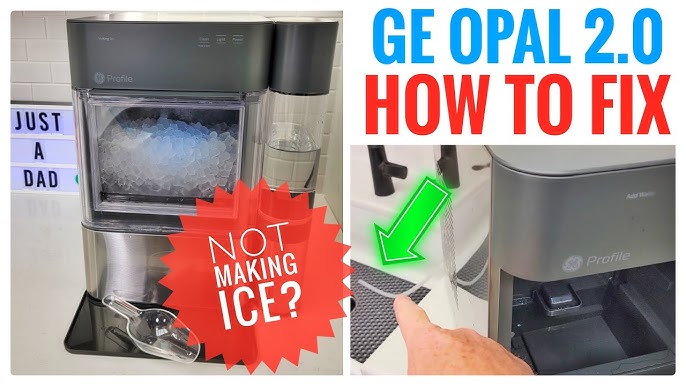
If your GE Opal Ice Maker suddenly stops working, it can quickly turn from a convenience into a headache. These machines are loved for their soft, chewable nugget ice, but like any appliance, they sometimes run into problems. Whether you’re preparing for a party, or just want cold drinks at home, an ice maker that’s not working is frustrating. You might see blinking lights, hear strange noises, or find that no ice is being produced. Understanding the causes and solutions can help you fix your machine faster and avoid future trouble.
Common Signs Your Ge Opal Ice Maker Is Not Working
Before you start troubleshooting, it helps to know what “not working” really means. The GE Opal can show different symptoms:
- No ice being made
- Machine won’t turn on
- Water not flowing into the reservoir
- Lights blinking or error codes
- Ice tray not filling
- Strange noises during operation
Each of these points can signal a different issue. Sometimes, the fix is simple. Other times, you may need a deeper inspection.
Quick Troubleshooting Steps
Let’s start with basic actions. These steps solve most issues with the Opal Ice Maker.
- Check the power: Make sure the machine is plugged in firmly. Try a different outlet if it won’t turn on.
- Inspect the water reservoir: Is it empty? Fill it up. If the water is low, the machine can’t make ice.
- Clean the machine: Mineral buildup can block sensors and water flow. Run a cleaning cycle with vinegar or the recommended cleaning solution.
- Reset the ice maker: Unplug it for 30 seconds, then plug it back in.
- Check for blockages: Look inside the ice chute and tray for jammed ice or debris.
These simple actions solve many problems, especially if your machine is new or hasn’t been used for a while.
Why Is My Ge Opal Ice Maker Not Making Ice?
When the machine powers on but doesn’t produce ice, several factors could be involved. Here’s a breakdown of the most common causes:
- Water Supply Issues: If the water reservoir is empty or the filter is clogged, the Opal won’t make ice. Always use clean, filtered water. Tap water with high mineral content can cause buildup and blockages.
- Dirty Sensors Or Interior: The Opal uses sensors to detect water levels and ice production. If these sensors get dirty, they may misread the situation. Cleaning the sensors and inside surfaces helps restore proper function.
- Temperature Problems: The ice maker needs to stay cool enough for ice to form. If the room is too warm (above 90°F), or the machine itself overheats, ice production slows or stops. Keep the Opal in a cool, shaded spot.
- Internal Blockages: Ice can jam in the chute or tray, especially if the machine hasn’t been cleaned regularly. Remove any stuck ice with a plastic utensil. Never use metal, as it can damage the parts.
- Software Glitches: Sometimes, the Opal’s internal computer encounters bugs. A simple reset unplugging for 30 seconds can clear many minor glitches.
Comparison: Common Causes And Solutions
Here’s a quick comparison of causes and fixes:
| Problem | Likely Cause | Suggested Solution |
|---|---|---|
| No ice production | Empty reservoir, dirty filter | Fill with water, clean filter |
| Machine won’t turn on | Power issue, loose plug | Check outlet, secure plug |
| Strange noises | Ice jam, motor issue | Clear jam, check motor |
| Blinking lights/error codes | Software glitch, sensor error | Reset machine, clean sensors |
Cleaning And Maintenance Tips
Regular cleaning keeps your ice maker running smoothly. Here’s how to do it right:
- Remove all ice and water from the machine.
- Mix vinegar or Opal cleaning solution with water.
- Run the cleaning cycle (follow the manual for your model).
- Rinse thoroughly with clean water.
- Wipe sensors and interior with a soft cloth.
Cleaning monthly prevents mineral buildup and sensor errors. If you live in an area with hard water, clean more often.
Data: Cleaning Frequency And Machine Lifespan
Studies show that regular cleaning extends ice maker lifespan by up to 30%. Machines cleaned monthly are less likely to break down.
| Cleaning Frequency | Average Lifespan |
|---|---|
| Monthly | 4–5 years |
| Quarterly | 3–4 years |
| Rarely | 2–3 years |
Advanced Troubleshooting For Ge Opal Ice Maker
If basic steps don’t fix your machine, try these advanced solutions.
Checking The Water Filter
A clogged filter can block water flow. Remove the filter and rinse it under running water. If it’s old or damaged, replace it. Filters generally last 6–12 months.
Inspecting The Pump
The Opal uses a small pump to move water. If the pump is noisy or doesn’t work, check for debris or mineral buildup. Clean or replace the pump if needed.
Testing The Sensors
The water level sensor and ice sensor are inside the machine. If cleaning doesn’t help, these sensors may be faulty. You can order replacement parts from GE, but installation requires care.
Software Update
Some models let you update their software via Wi-Fi or Bluetooth. Connect your machine to the GE app, and check for updates. Updating can fix bugs and improve performance.
Seeking Professional Help
If your machine is still under warranty, contact GE support. If it’s out of warranty, find a certified appliance repair technician. Never try to repair internal electronics unless you are experienced.
Common Mistakes When Troubleshooting
Some mistakes can make things worse. Here are pitfalls to avoid:
- Using tap water with high minerals: This leads to buildup and blockages.
- Ignoring blinking lights or error codes: These are warnings—check the manual for their meaning.
- Using metal tools to clear jams: This can damage the machine.
- Forgetting to clean the sensors: Dirty sensors cause false readings.
- Not resetting the machine after cleaning: Resetting clears software errors.
Avoiding these mistakes helps you fix your machine faster and keeps it working longer.
When Should You Replace Your Ge Opal Ice Maker?
Sometimes, repair is not worth it. If your ice maker is over five years old, or needs frequent repairs, consider replacing it. Newer models are more efficient and use less energy.
Data: Repair Vs. Replace
| Age of Machine | Repair Cost | Replacement Cost | Recommendation |
|---|---|---|---|
| Under 2 years | $50–$120 | $499–$599 | Repair |
| 2–5 years | $100–$200 | $499–$599 | Depends on issue |
| Over 5 years | $200+ | $499–$599 | Replace |
Real-world Example
Emily, a homeowner in Texas, noticed her Opal stopped making ice after six months. She checked the water reservoir, cleaned the filter, and ran a cleaning cycle. The ice maker started working again. Emily learned that using filtered water and monthly cleaning prevented further issues.

Non-obvious Insights
Most beginners miss these points:
- Room temperature affects performance: If your ice maker is in a hot kitchen, move it to a cooler spot.
- Frequent short cycles can stress the machine: If you turn the Opal on and off many times a day, it wears out faster. Run full cycles when possible.
Preventive Measures For Long-term Reliability
To keep your GE Opal Ice Maker working well:
- Use filtered or bottled water for less mineral buildup.
- Clean monthly, including sensors and interior surfaces.
- Keep the machine away from heat sources and direct sunlight.
- Don’t overload the ice tray.
- Update software when available.
These simple steps help avoid breakdowns and keep your ice maker making perfect nugget ice.
Frequently Asked Questions
Why Does My Ge Opal Ice Maker Make Noise But No Ice?
This usually means the machine is running, but water isn’t reaching the ice tray. Check the water reservoir and filter. Clean the machine and check for ice jams.
How Often Should I Clean My Opal Ice Maker?
Ideally, clean it once a month. If you use it heavily or have hard water, clean every 2–3 weeks. Regular cleaning prevents buildup and keeps sensors working.
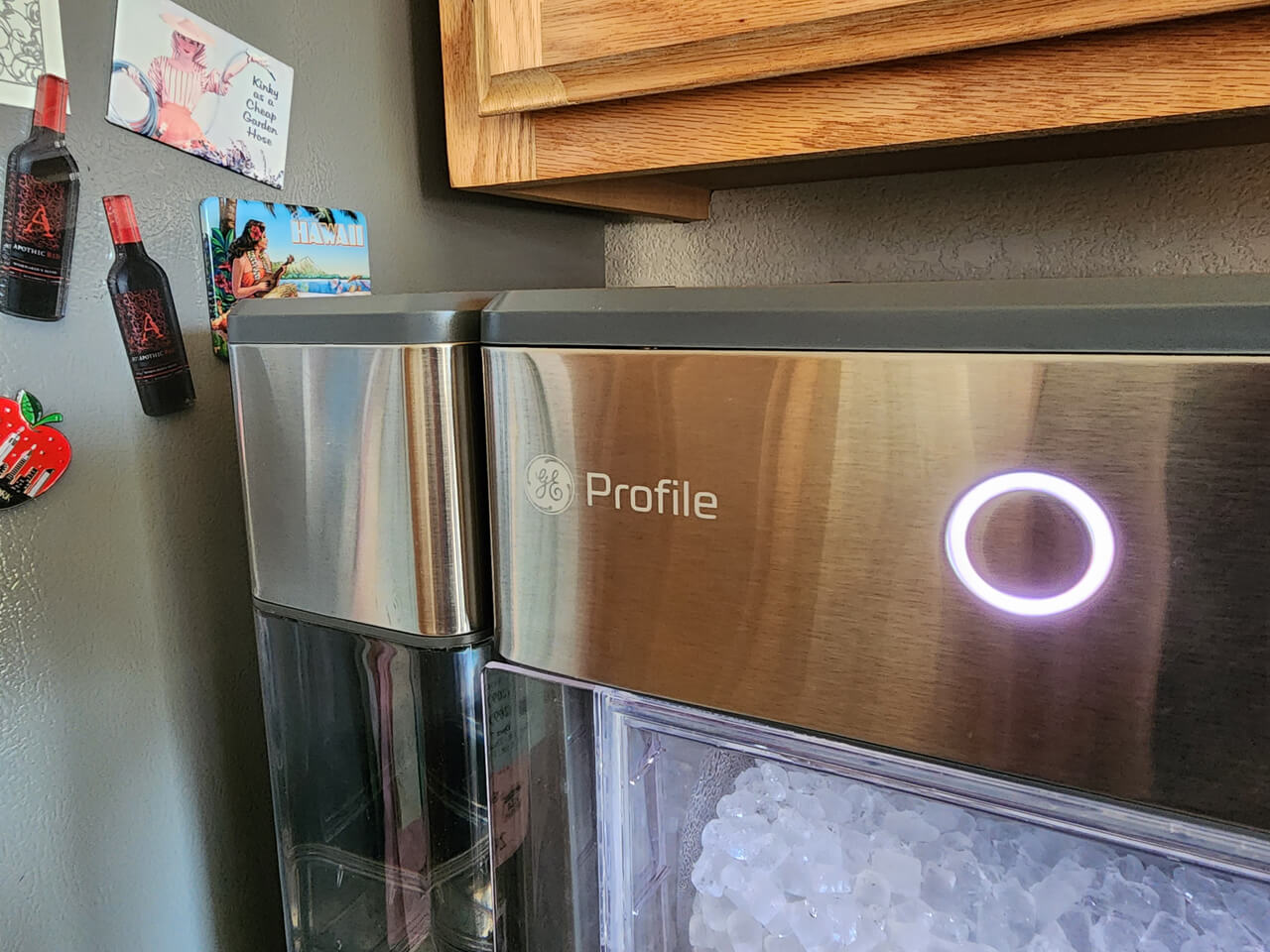
What Do Blinking Lights Mean On The Opal Ice Maker?
Blinking lights indicate an error. Common causes are low water, dirty sensors, or internal software glitches. Check the manual for specific codes and follow the troubleshooting steps.
Can I Use Tap Water In My Opal Ice Maker?
You can, but it’s better to use filtered water. Tap water with high minerals causes buildup and can reduce ice quality. Using filtered water extends the life of your machine.
Where Can I Find Replacement Parts For My Ge Opal Ice Maker?
You can buy parts from the official GE website, or from certified appliance stores. For more details, visit GE Appliances Support.
A well-maintained GE Opal Ice Maker is reliable and delivers perfect nugget ice every time. By understanding common problems, following troubleshooting steps, and keeping up with regular maintenance, you can avoid most issues and enjoy fresh ice for years. If your machine is still not working after all these steps, professional help or replacement may be the best option.
Remember, preventive care is easier—and cheaper—than repairs.