
A Vuse Charger Not Working is usually caused by a poor physical connection between the device and the power source, or debris blocking the charging pins. If the light on your device doesn’t turn on when you plug it in, try cleaning the metal contacts with a dry cotton swab or using a different USB port to ensure a steady power flow. This is a common issue that often requires nothing more than a simple adjustment to the connection points.
Why your Vuse charger not working
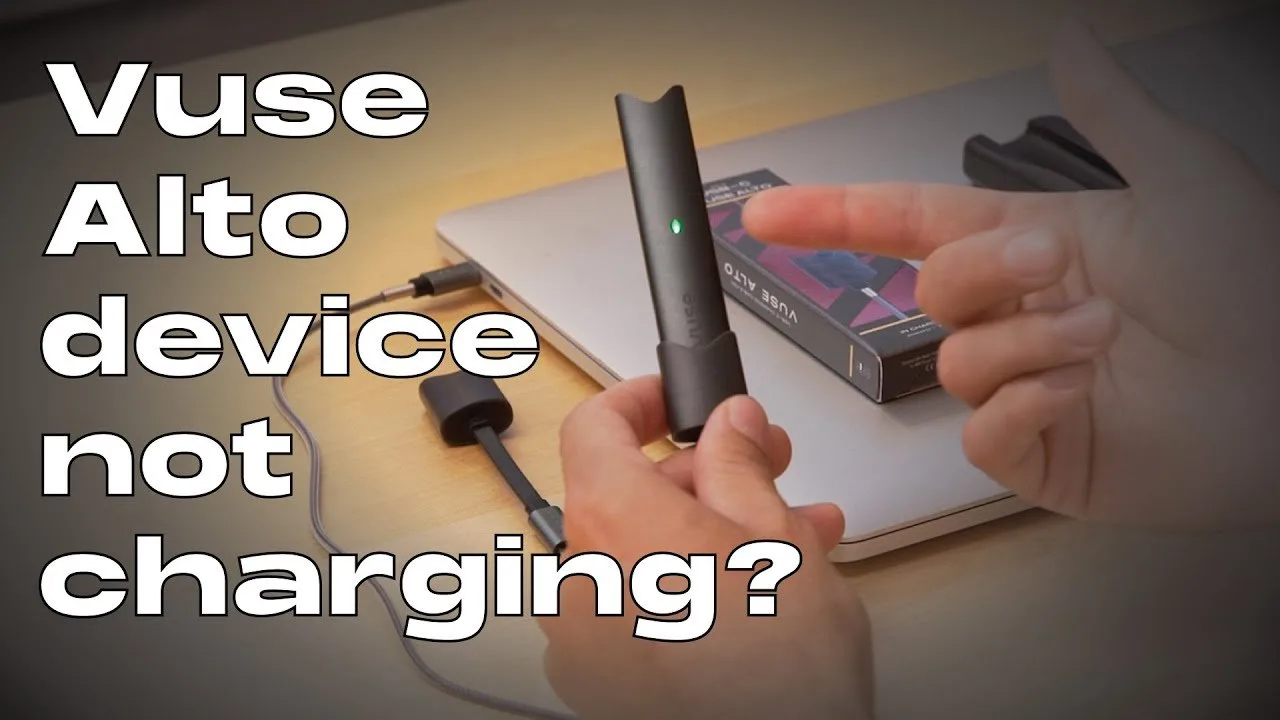
Most charging failures occur because the electrical path is interrupted. The pins on your Vuse device are small and sensitive to environmental factors. Over time, small amounts of pocket lint, dust, or residue from e-liquid can settle into the charging port. This material acts as an insulator, preventing the metal pins from making the necessary contact with the charger. When those pins can’t touch, the circuit remains open, and the battery won’t receive a charge.
Another common cause is a faulty power source or a damaged cable. Many users rely on USB ports located on computers, gaming consoles, or car adapters. These ports often provide lower power output than a dedicated wall adapter, or they might enter a “sleep” mode that cuts power to the device unexpectedly. Furthermore, charging cables are prone to internal fraying, especially if they’re frequently bent or coiled tightly. Even if the cable looks fine from the outside, the microscopic wires inside may be broken, leading to an inconsistent power supply.
Finally, the battery itself may have reached the end of its functional life. Like all lithium-ion batteries, Vuse internal cells have a finite number of charge cycles. If the device has been used for a long period, it may no longer be capable of holding a charge.
Clean the charging contacts
This fix is for users who see no light at all when the device is plugged into a known working wall outlet. Because the charging pins are delicate, you must be very gentle. Take a dry, clean cotton swab and lightly wipe the inside of the charging port on the device. Don’t use any liquids, sprays, or metal tools like paperclips or needles. Using metal tools can cause a short circuit or permanently damage the pins, which makes the device unrepairable.
If you see visible gunk inside, a quick puff of compressed air can help clear it out, but keep the nozzle at least six inches away to avoid damaging the internal components. Once the area looks clear, inspect the charger itself. Look for any debris on the gold-plated pins of the charging cable. If those pins look pushed in or stuck, the charger may be physically broken. If you have cleaned the port and the pins still don’t make a solid connection, don’t force them. Pushing harder will only bend the pins further. If the device still fails to light up after a gentle cleaning, the issue is likely internal and beyond what a user can safely repair.
Switch your power source
If the device is clean but still not charging, the problem might be the power supply rather than the device itself. Many people make the mistake of using a high-output “fast charger” meant for laptops or tablets. These adapters can sometimes provide more current than the Vuse battery is designed to handle, which might trigger a safety cutoff. If you’re using a high-power brick, switch to a standard USB wall adapter that outputs five volts and one amp. This is the standard rating for most small electronic devices.
Check if the cable is the culprit by testing it with another device, such as a smartphone or a wireless earbud case. If the cable fails to charge those devices as well, you know the cable is broken and needs to be replaced. Conversely, try plugging your Vuse device into a different wall outlet. Some outlets in older homes or power strips with integrated surge protection may have loose internal springs that don’t hold the plug firmly, leading to a flickering or non-existent charge. If you have tested a different, known-working cable and a different wall outlet, and the device still doesn’t respond, the internal charging circuit may have failed.
When to stop and replace
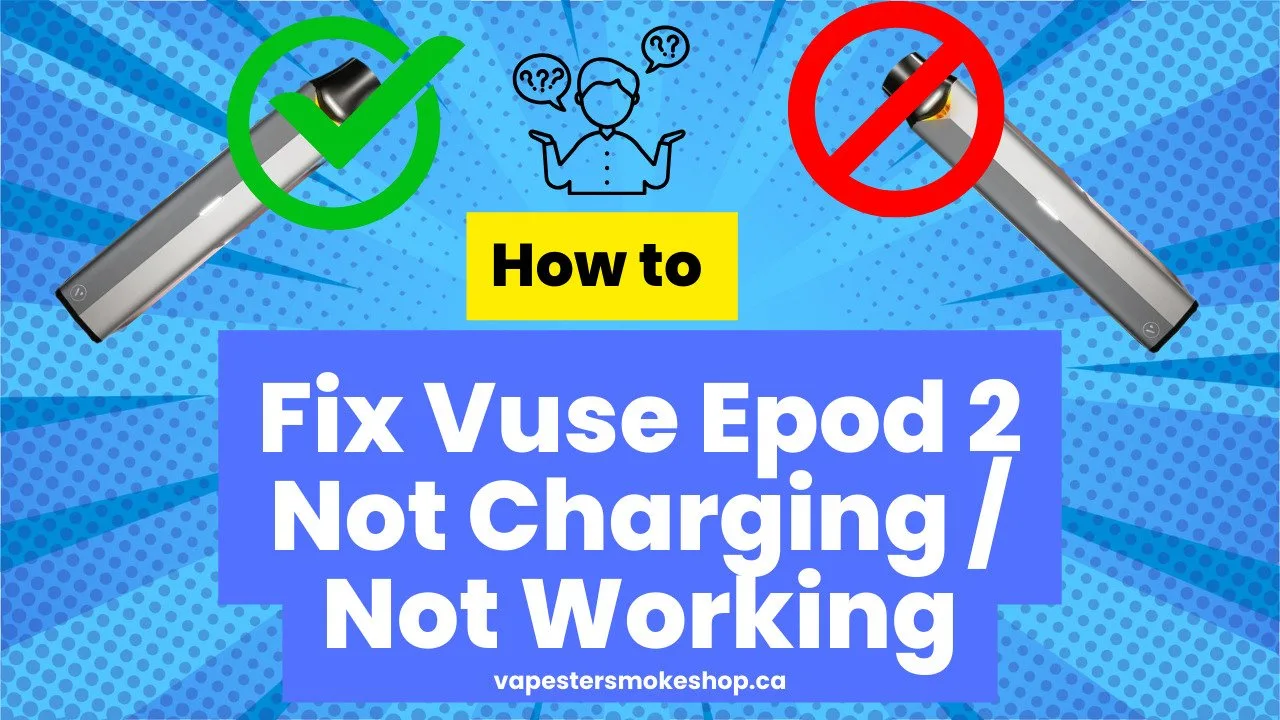
The most important limit is knowing when the hardware has failed. If you have cleaned the port, tried a different cable, and tested multiple wall outlets, your device may have an internal hardware failure. For safety reasons, never attempt to open the housing of your device. The internal battery is a sealed lithium-ion unit. If you attempt to pry open the case, you risk puncturing the battery, which can lead to fire or chemical leakage.
If the device is under warranty, contact the manufacturer directly to discuss a replacement. If it’s out of warranty, it’s time to purchase a new unit. Don’t attempt to “jump-start” the device or bypass the charging port by soldering wires directly to the battery. This is a severe fire hazard that voids any remaining safety protections. If the device doesn’t respond to basic troubleshooting, it isn’t worth the risk of trying to fix the internal electronics. Professional repair for these devices is rarely offered, as the units are designed as sealed, disposable systems.
What not to do
Never use water or cleaning fluid to wipe the charging port. Liquid inside the housing causes a short circuit and destroys the internal battery. If you accidentally spill something, place the device in a dry area for 24 hours before attempting to reconnect it.
Don’t use a needle or metal pin to scrape out debris. These tools scratch the gold plating or bend the pins, making the device impossible to charge. Use a wooden toothpick or a blast of compressed air instead.
Avoid leaving the device plugged in overnight if it isn’t showing a charge light. This leads to overheating if there’s an internal fault. If the indicator remains dark after ten minutes, stop immediately.
Don’t use a high-voltage laptop charger if the device gets hot during the attempt. The mismatch in power damages the internal power regulation board. If the casing feels warm to the touch, switch to a standard wall adapter rated for the device’s specific voltage requirements.
How to stop it happening again
Proper maintenance keeps the connection points free of debris and prevents the internal battery from failing prematurely. Most users ignore the port until it stops charging, but by then, the damage is often permanent.
| If you’re doing this | Do this instead | Why |
|---|---|---|
| Carrying it loose in a pocket | Use a protective case | Stops lint from entering the port |
| Leaving it in a hot car | Keep it in a cool, dry place | Heat degrades the lithium-ion cell |
| Charging via a laptop port | Use a dedicated wall adapter | Ensures a consistent, steady voltage |
| Forcing the plug into the port | Align the pins carefully | Prevents bending the delicate contacts |
This often pushes dust deeper into the housing, creating a compacted layer that blocks the electrical pins. Instead, use a non-conductive plastic pick to gently scrape the bottom of the port. If you notice the cable wiggling, stop using it immediately. Continued use with a loose connection creates micro-arcing, which permanently pits the metal contacts and ruins the device.
Frequently asked questions
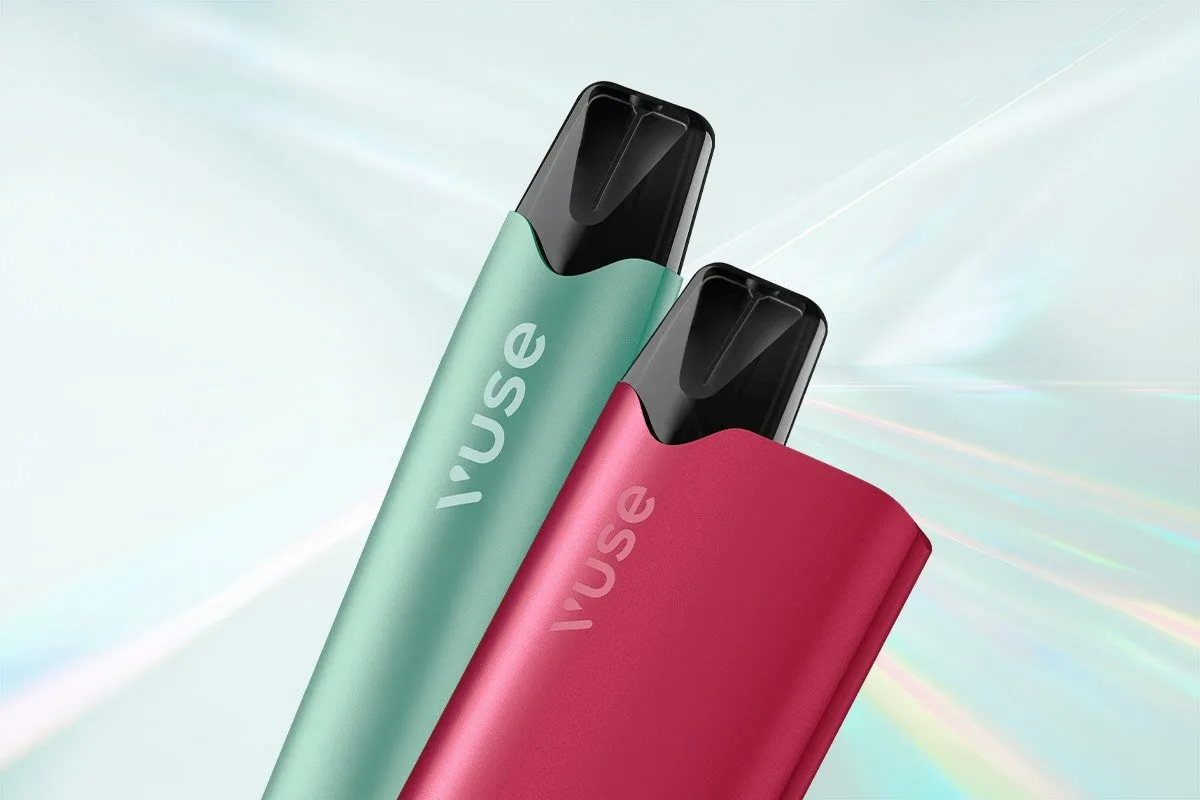
Can I use a phone charger for my Vuse?
Yes, you can use a standard phone charger, provided it’s a low-output model. Most modern fast-charging bricks are designed to communicate with the device to provide the appropriate voltage, but it’s still best to use a standard adapter. Stick to a basic five-volt, one-amp adapter to ensure you don’t overwhelm the device’s internal circuits. If the device feels unusually warm to the touch while charging, unplug it immediately and switch to a lower-power port.
Why is my Vuse blinking when I plug it in?
A blinking light typically indicates a connection issue or a battery error. This often means the device can’t maintain a stable connection with the power source. Try cleaning the charging port with a dry cotton swab and ensuring the cable is fully inserted.
How long does a Vuse battery last?
Most batteries last for several hundred charge cycles before losing capacity. You’ll notice this when the device requires more frequent charging or loses power quickly during use. Once the battery can no longer hold a charge for a reasonable amount of time, it’s time to replace the unit.
Is it safe to charge my device if the port is wet?
No, never attempt to charge the device if there’s any moisture in or near the charging port. Liquid creates an electrical bridge that can cause a short circuit, which may damage the device or create a fire hazard. If you suspect the device has been exposed to water, let it air dry in a well-ventilated area for at least 24 hours before you even consider attempting to plug it in.
What happens if I keep using a faulty charger?
Using a faulty charger can damage the charging port on your device. If the cable has a loose connection, it may arc, which creates heat and can melt the plastic components inside the port. This damage is usually permanent and will prevent the device from ever charging correctly again. If you notice the charger needs to be held at a specific angle to work, stop using it immediately and replace the cable.
Final Thoughts
If these quick fixes don’t get your device powered up again, it’s likely time to reach out to the manufacturer’s support team. They’ll help you determine if your battery has reached the end of its life. Don’t hesitate to contact them, as they’re usually happy to assist with a replacement.
Related guides