
If your Hisense dehumidifier suddenly shows the E9 error code, you may feel frustrated or confused. This code is not as common as others, so most owners are unsure what to do. The E9 error usually signals a problem with the unit’s sensor or internal communication. Fixing it is possible at home, but you need to know exactly what it means, what causes it, and how to solve it step by step. This article will guide you through practical solutions, explain the error in plain English, and show you how to prevent it in the future. You’ll find tables comparing troubleshooting steps, parts, and costs, plus answers to frequent questions. Let’s get your dehumidifier working again without stress.
What Does Hisense Dehumidifier Error Code E9 Mean?
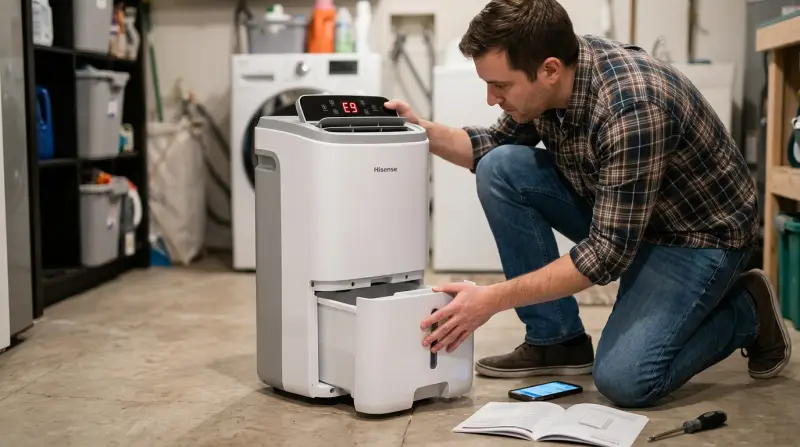
The E9 error code on a Hisense dehumidifier usually points to a humidity sensor issue or a communication fault between the main control board and the sensor. When the sensor cannot read humidity levels properly, the machine stops to avoid damage or incorrect operation. Sometimes, this code can also appear if the sensor wire is loose or damaged, or if the control board is failing.
Hisense manuals often list E9 as “sensor error,” but do not give much detail. This leaves owners guessing what to check first. Knowing the source helps you fix it faster and avoid unnecessary repairs.
Common Causes Of E9 Error
Several problems can trigger the E9 error code. Understanding these will help you diagnose your unit more confidently.
- Humidity sensor failure – The sensor may be defective, dirty, or worn out, making it unable to detect moisture in the air.
- Loose or damaged wiring – If the sensor’s wires are not connected properly, signals cannot reach the main board.
- Control board malfunction – Sometimes the electronic board controlling the unit fails to read signals, causing E9.
- Physical damage – Dropping the unit or moving it roughly can harm internal parts.
- Excess moisture or corrosion – Water inside the machine can corrode contacts, especially in humid climates.
- Electrical surges – Power spikes may damage sensitive electronics.
These causes may sound technical, but most can be checked and fixed without professional tools.
Step-by-step Guide To Fixing E9 Error
You do not need to be an expert to fix the E9 error, but you should follow these steps carefully. Always unplug the unit before opening it.
Step 1: Restart The Dehumidifier
Simple power cycling can sometimes clear E9. Turn off the unit, unplug it, and wait for 10 minutes. Plug it back in and turn it on. If the error disappears, the issue was temporary.
Step 2: Inspect The Humidity Sensor
Open the back panel using a screwdriver. Find the humidity sensor—usually a small component attached to the main board with two or three wires. Check for:
- Dirt or dust buildup (wipe gently with a dry cloth)
- Loose wires or connectors (push firmly to reseat)
- Signs of corrosion or rust
Step 3: Check Wiring And Connectors
Inspect the wires connecting the sensor to the main board. Look for:
- Broken or frayed wires
- Loose connectors
- Burn marks (from electrical surges)
If you see damage, you may need to replace the wire or connector.
Step 4: Test The Sensor (optional)
If you have a multimeter, set it to measure resistance. Test the sensor by touching the probes to its terminals. If the reading is outside the normal range (usually 10–50 kΩ), the sensor is likely faulty.
Step 5: Replace The Sensor
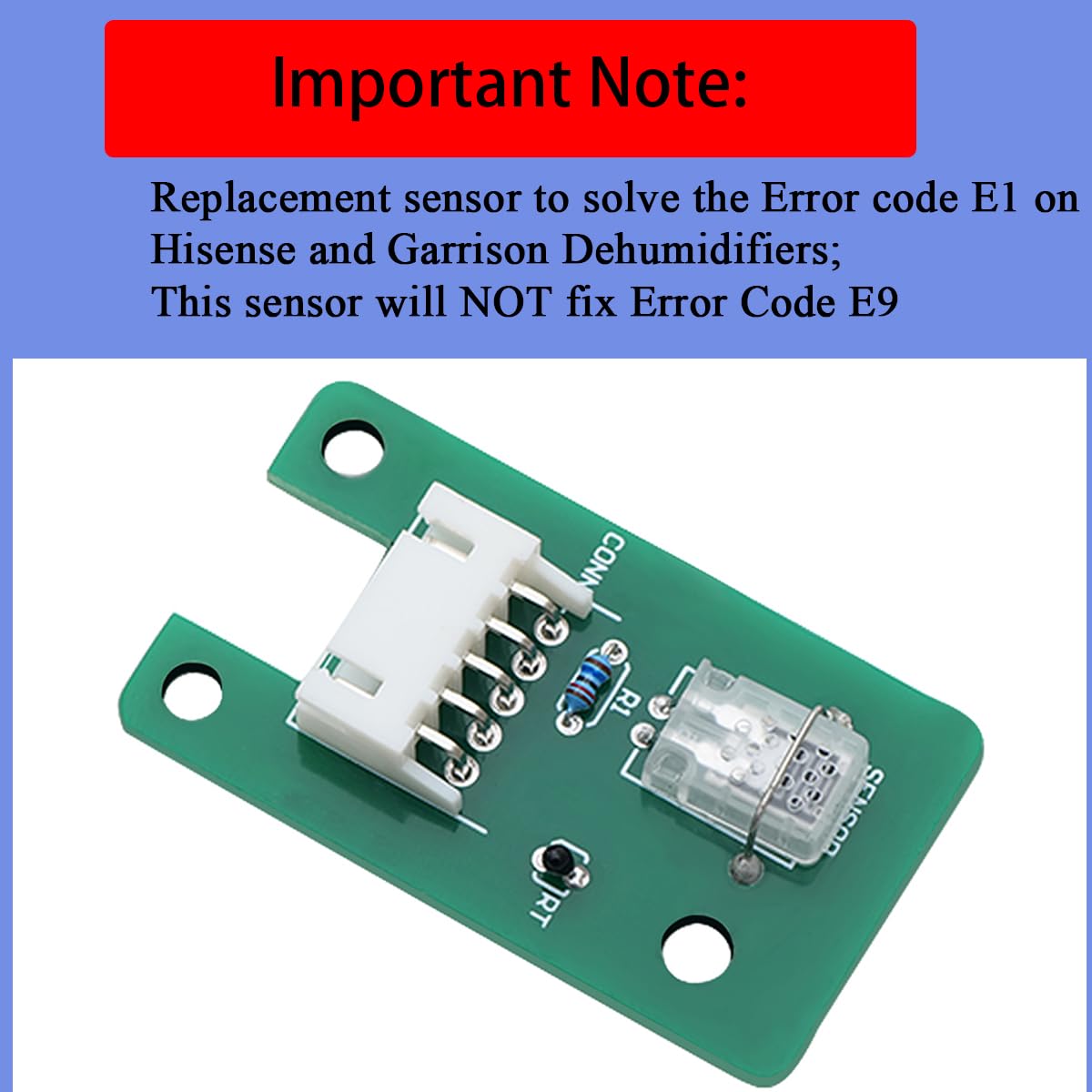
If cleaning and reconnecting do not fix the issue, order a replacement humidity sensor from Hisense or online. Installation is straightforward:
- Disconnect the old sensor.
- Plug in the new sensor.
- Secure it in place.
- Close the panel.
Step 6: Examine The Control Board
If the E9 persists after replacing the sensor, the main board may be defective. Look for:
- Burned areas
- Swollen capacitors
- Loose chips
Replacing a control board is more expensive and may require professional help.
Step 7: Final Test
Plug in the unit and turn it on. If the E9 code is gone, you have fixed the problem. If not, contact Hisense support.
Troubleshooting Comparison Table
Here’s a quick comparison of fixes for the E9 error, showing what’s easiest, fastest, and most effective.
| Fix | Difficulty | Time Needed | Success Rate |
|---|---|---|---|
| Restart Unit | Very Easy | 5 mins | 20% |
| Clean Sensor | Easy | 15 mins | 40% |
| Reconnect Wires | Easy | 20 mins | 50% |
| Replace Sensor | Moderate | 30 mins | 80% |
| Replace Board | Hard | 1 hr | 90% |
As shown, replacing the sensor solves most E9 errors. Board replacement is rare, but sometimes necessary.
Signs That Sensor Or Board Needs Replacement
Sometimes, error codes persist even after basic cleaning. Here are signs that you must replace the sensor or main board:
- E9 appears every time you turn on the unit
- Humidity readings are wrong or do not change
- The machine shuts off unexpectedly
- Visible damage to sensor or board
If you see these signs, do not waste time on repeated cleaning. Order the correct part.
How To Order Replacement Parts
You can get genuine parts directly from Hisense or from trusted online stores. Always check your dehumidifier’s model number before ordering. Prices vary:
| Part | Average Cost | Where to Buy |
|---|---|---|
| Humidity Sensor | $15–$30 | Hisense, Amazon, eBay |
| Control Board | $45–$120 | Hisense, PartsDirect |
| Wiring Kit | $10–$25 | Amazon, Repair Shops |
Always choose genuine or high-quality parts. Cheap substitutes may not work well or last long.

Credit: www.youtube.com
Preventing E9 Error In The Future
You can avoid most E9 errors by taking care of your dehumidifier. Here are proven tips:
- Keep the unit clean – Wipe dust from sensors and vents monthly.
- Avoid water spills – Never let water leak inside the machine.
- Use a surge protector – Protect electronics from power spikes.
- Check for loose wires – Inspect connectors every 6 months.
- Store in dry places – When not in use, keep the unit somewhere dry and cool.
These simple steps help the sensor and board last longer. Many owners ignore maintenance and face repeated E9 errors, but a little care goes a long way.
Hisense Dehumidifier Model Differences
Not all Hisense dehumidifiers are the same. Some models have more advanced sensors or controls. Here’s a breakdown:
| Model | Sensor Type | Common E9 Cause | Repair Difficulty |
|---|---|---|---|
| DH7019K1W | Digital | Sensor failure | Moderate |
| DH7021KP1W | Analog | Wiring issue | Easy |
| DH5020K1G | Digital | Board failure | Hard |
Check your model and follow instructions specific to its sensor type. Digital sensors are more sensitive but also more accurate.

Practical Examples And Mistakes To Avoid
Let’s look at a real-world example: A user had an E9 error on their DH7019K1W. They tried restarting, cleaning, and reconnecting wires. The error persisted. After replacing the sensor ($22), the unit worked perfectly.
Common mistakes beginners make:
- Ignoring loose wires (always check connectors!)
- Using wet cloth to clean sensor (use only dry cloth)
- Buying generic sensors (always match your model)
- Overlooking surge protection (power spikes cause hidden damage)
Avoid these mistakes, and your fix will be faster and safer.
When To Call A Professional
If you have tried all steps and the E9 error remains, or you see burn marks on the board, it’s best to call a technician. Some repairs require soldering or advanced tools. Hisense support can guide you, or recommend local service centers.
For more detailed Hisense support, visit Hisense Official Support.
Frequently Asked Questions
What Is The Main Cause Of E9 Error In Hisense Dehumidifiers?
The most common cause is humidity sensor failure. This sensor detects moisture levels, and if it breaks, the machine cannot work properly. Other causes include loose wires and control board problems.
Can I Fix The E9 Error Myself, Or Do I Need A Technician?
Most E9 errors can be fixed at home by cleaning, reconnecting wires, or replacing the sensor. Only serious board failures require professional help.
How Much Does It Cost To Fix E9 Error?
Repair costs depend on the part needed. A sensor replacement is usually $15–$30, while a board can cost up to $120. Most repairs take less than one hour.
Will Resetting The Dehumidifier Clear E9 Error?
Sometimes, yes. Power cycling can reset temporary glitches. But if the sensor or wiring is damaged, you will need to fix or replace parts.
How Can I Prevent E9 Error From Happening Again?
Keep the unit clean, avoid water spills, use a surge protector, and check connectors regularly. Proper maintenance reduces the risk of E9 errors.
Getting rid of the E9 error code in your Hisense dehumidifier is possible with patience and careful steps. Remember, most problems come from the sensor or wiring, not the main board. With the right guidance and a little effort, your unit will be back to normal, keeping your home dry and comfortable.