
You perform a Maytag Bravos Washer Reset by unplugging the unit from the power source for exactly one minute, then plugging it back in and opening and closing the lid six times within a twelve-second window. This procedure clears the main control board’s temporary memory and forces a reboot of the machine’s software. The most common cause for needing this reset is a control board glitch caused by a power surge or a momentary drop in voltage, which leaves the digital interface unresponsive or stuck on a specific cycle.
Reasons your Maytag Bravos washer needs a reset
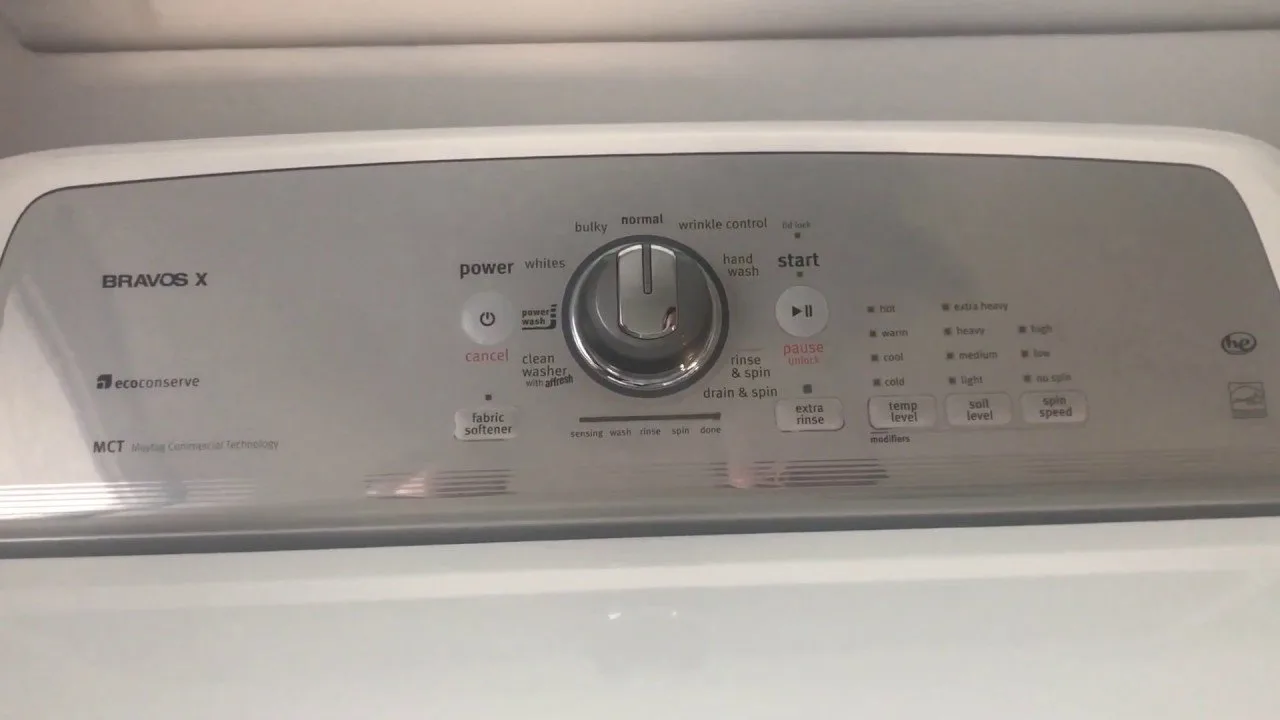
The internal computer of a modern washing machine is sensitive to fluctuations in the electrical supply. When the voltage provided by your home’s wall outlet dips or spikes, the control board can experience a logic error. This error essentially freezes the software, preventing the machine from starting a new cycle or detecting the lid status correctly.
Another frequent cause is an interrupted communication cycle between the main control board and the user interface. If you press buttons too rapidly or during a period of high electrical noise, the system may enter a “hung” state. This isn’t a mechanical failure of the motor or the pump, but a software-level lockup.
This reset only addresses software errors. If your machine shows a specific error code, the control board is reporting a hardware fault, such as a failing lid lock or broken sensor. You can find official troubleshooting and maintenance guidance for your specific appliance model on the Maytag product support page.
How to perform a Maytag Bravos washer reset
A power cycle is the first step for any unresponsive unit. This fix is for machines that have power to the lights but won’t respond to button presses or won’t start a cycle. First, turn the cycle selector knob to the “Normal” position. Ensure the machine is currently idle. Unplug the power cord from the wall outlet and wait for exactly sixty seconds. This duration ensures the control board has fully powered down.
After the minute has passed, plug the machine back into the wall. Immediately within the next twelve seconds, lift and lower the lid six times. You must complete the full cycle of opening and closing the lid within that window to signal the board to enter the reset mode. You’ll know it worked if the status lights blink or the display resets to the default settings. If you have a model with a dial that doesn’t have a “Normal” position, check the label on your control panel for the specific “default” start position required for your series. If this fix doesn’t restore functionality, don’t force the lid or buttons; the problem likely sits within the wiring harness or the control board itself.
Calibrate the sensor system
If the machine turns on but refuses to fill with water or spins incorrectly, it may need a recalibration cycle. This procedure is for users who have just moved the machine or replaced a part, as the internal sensors need to re-learn the weight and balance of the tub. Ensure the washer is empty and the lid is closed. Turn the selector knob to the “Normal” position, then turn it counter-clockwise one click, clockwise three clicks, counter-clockwise one click, and clockwise one click.
Watch the status lights carefully. If you performed the sequence correctly, all the status lights will flash. If they don’t flash, turn the knob back to the start and try the sequence again at a slightly different speed. Once the lights flash, press the “Start” button. The machine will begin a calibration cycle that takes between two and four minutes. It will spin the tub, sense the weight, and test the lid lock. Don’t interrupt this process once it begins, as doing so can cause the board to lock again. If the machine completes the cycle and shuts off, it’s calibrated. If it stops halfway or flashes an error code, the sensors are likely damaged and require a professional repair. This varies by model — check the label behind your control panel for specific calibration patterns if the standard sequence doesn’t trigger the light sequence.
Inspect the lid lock
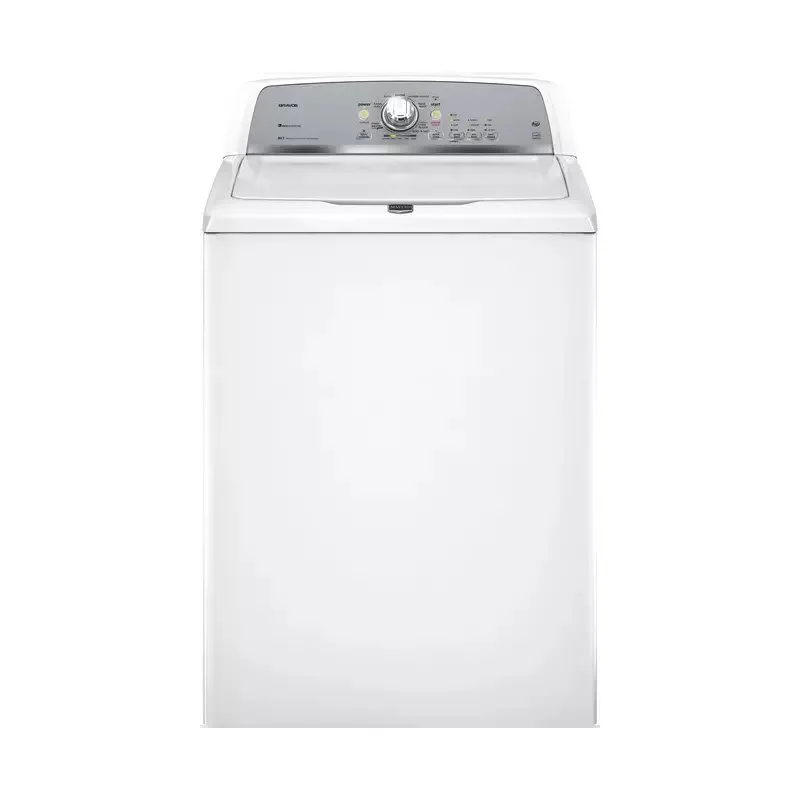
The lid lock is a common point of failure that mimics a software glitch. If your washer refuses to start or displays a flashing “Lid” light, the sensor inside the lock mechanism is likely failing. This fix is for those whose machines have power but won’t lock the door to begin the cycle. Check the area around the lid latch for any buildup of soap residue or fabric softener, which can prevent the latch from clicking into place. Use a damp cloth to wipe the area clean.
If the latch is clean but the machine still won’t lock, check for physical damage to the plastic hook on the lid. If the hook is bent or broken, the sensor will never register the “closed” state. This is a mechanical issue that a software reset can’t fix. If you’re comfortable with basic repairs, you can replace the lid lock assembly, but this requires removing the top panel of the washer. Because this involves working near the wiring harness and potentially exposed terminals, this is a technician-only job if you aren’t experienced with appliance repair. Never use a screwdriver to force the lock or bypass the safety switch, as this creates a significant risk of injury during the high-speed spin cycle. If the lock is broken, contact a service professional to install a genuine factory part.
What not to do
- Don’t leave the machine plugged in while trying to perform a hard reset, as the control board won’t cycle its memory without a full loss of power.
- Don’t hold the “Start” button down for more than five seconds, as this can trigger a test mode that may confuse the system if you aren’t trained to exit it.
- Don’t attempt to clean the inside of the control panel with liquid cleaners, as moisture can cause short circuits on the sensitive circuit board.
- Don’t try to bypass the lid lock sensor with a magnet or tape, as this defeats a critical safety feature and risks serious injury if the tub spins with the lid open.
How to stop it happening again
Consistent maintenance prevents the control board from locking up due to sensor errors or electrical noise.
| If you’re doing this | Do this instead | Why |
|---|---|---|
| Overloading the tub | Follow the load size guide | Prevents imbalance errors |
| Slamming the lid | Close the lid gently | Protects the lock sensor |
| Using too much soap | Use high-efficiency detergent | Prevents residue on sensors |
| Ignoring error codes | Note the code and call support | Stops minor faults from growing |
Frequently asked questions
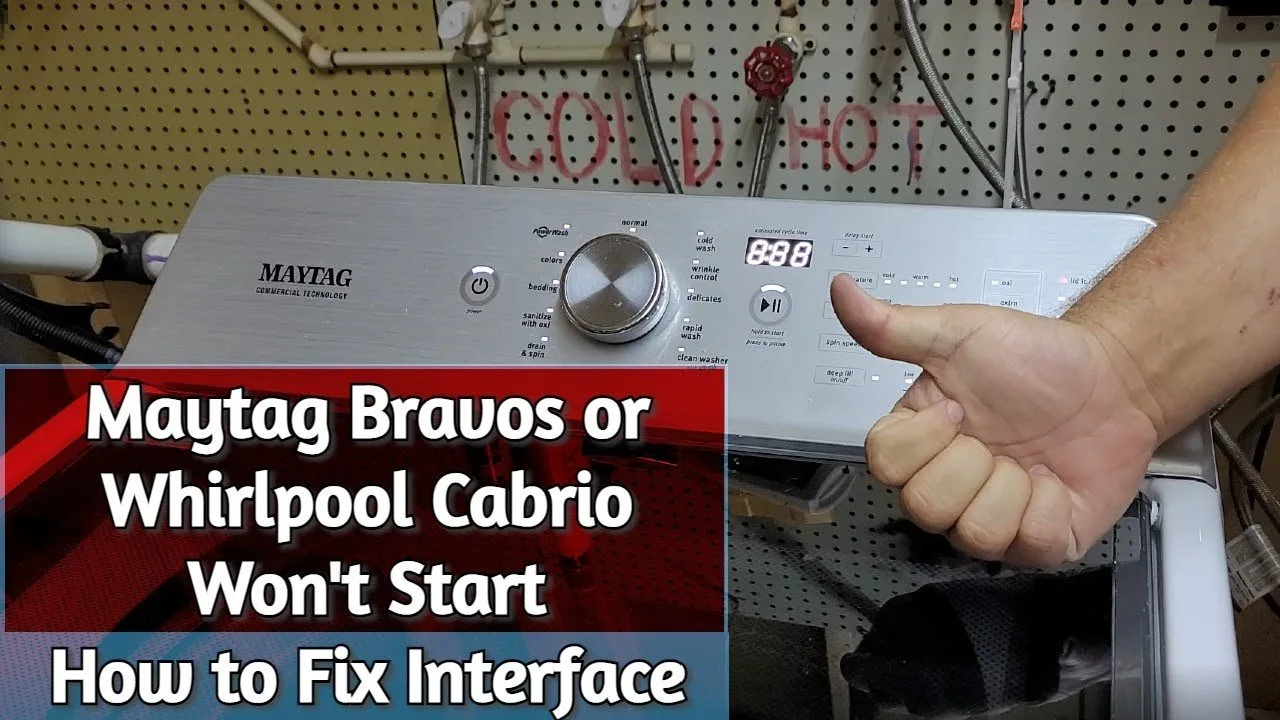
Can I reset my washer by pressing the buttons?
No, pressing buttons won’t reset a frozen board. A hard reset requires unplugging the machine from the wall for at least one minute to clear the volatile memory. This process is only effective if the board is unresponsive to standard cycle selections.
Why does my washer display an error code?
An error code appears because the control board has detected a specific hardware failure, such as a faulty valve or sensor. The board stops the cycle to prevent damage. A reset only clears the code temporarily; the error will return if the underlying hardware remains broken.
How long does the calibration cycle take?
The calibration cycle takes two to four minutes to complete. The machine rotates the drum and tests electronic sensors to measure weight and balance. You must keep the lid closed and the machine empty, or the calibration will fail and affect future performance.
Is it safe to use the washer if it beeps constantly?
No, it isn’t safe to ignore a machine that beeps or displays an error. The beeping indicates an unsafe condition or mechanical failure that could damage the motor. If the beeping persists after a hard reset, the machine requires a professional inspection.
What happens if I open the lid during the reset?
Opening the lid during a reset or calibration interrupts the process and causes the board to revert to its error state. You must restart the procedure, ensuring the lid remains closed throughout.
Final Thoughts
If your machine still won’t start after trying this, there might be a deeper hardware issue at play. Don’t worry, though; you can check the error codes on the display to see what’s wrong. If you’re still stuck, it’s best to call a professional technician to take a look for you.