
A refrigerator is a staple in most kitchens, and Samsung models are known for their modern features and reliable cooling. But sometimes, a noisy fan inside your Samsung refrigerator can become a real concern. Understanding what causes this noise, when it’s normal, and how to fix it can save you both stress and money.
Whether the noise is new, changing, or constant, this guide will help you get to the root of the problem and keep your refrigerator running smoothly.
Why Do Samsung Refrigerator Fans Make Noise?
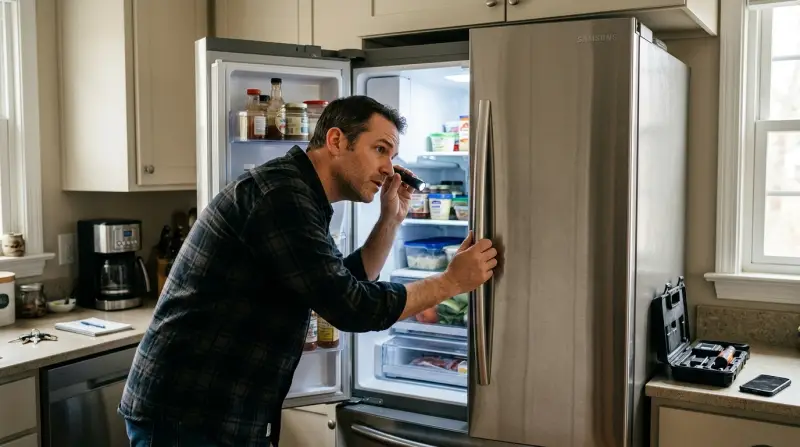
The fan in a Samsung refrigerator is a vital part of its cooling system. It moves cold air from the freezer to the fridge, ensuring even temperatures. Normally, you might hear a soft hum or gentle whirring when the fan runs. This is expected and usually nothing to worry about.
However, when the noise becomes loud, rattling, buzzing, or grinding, it could signal a problem. Sometimes, the noise happens only during certain cycles, like after opening the door or during defrost. Other times, it might be constant. Noticing when the noise occurs, how loud it is, and what kind of sound it makes can help you identify the issue faster.
Types Of Fan Noises And What They Mean
Different noises can point to different problems. Here’s a breakdown of common sounds and what they often indicate:
| Noise Type | Possible Cause | What to Check |
|---|---|---|
| Humming | Normal fan operation | Noise level (should be soft) |
| Rattling | Loose parts or items touching fan | Fan cover, shelves, food placement |
| Buzzing | Ice buildup or damaged blades | Ice around fan, visual inspection |
| Grinding | Worn or blocked fan motor | Fan motor, debris, ice obstruction |
| Clicking | Defrost cycle, relay switch | Timing, frequency of noise |
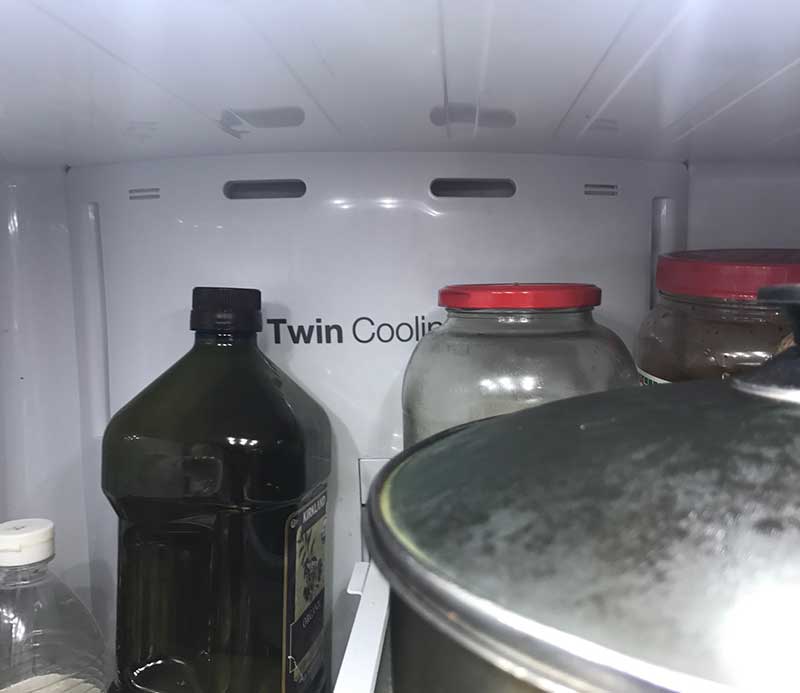
Common Causes Of Samsung Refrigerator Fan Noise
Several issues can cause unusual fan noise in your Samsung refrigerator. Here are the most frequent reasons:
1. Ice Build-up Around The Fan
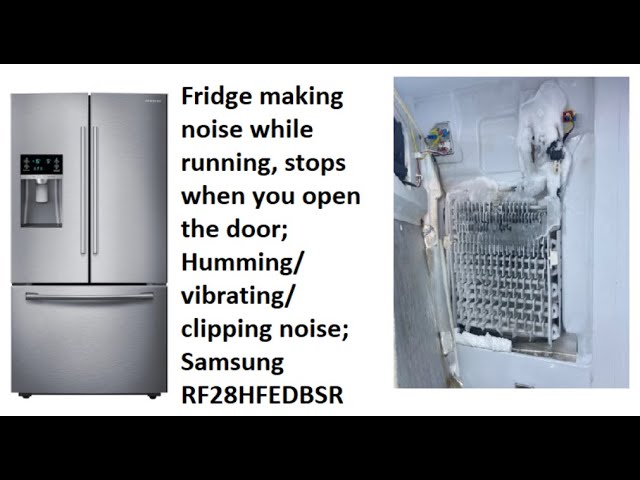
One of the top reasons for noisy fans is ice accumulation. When ice forms around the fan blades, it can cause buzzing, clicking, or even a grinding sound. This usually happens if the defrost system is not working well or if the door has been left open, letting warm air inside.
2. Obstructed Or Damaged Fan Blades
If something falls behind the shelves or food is placed too close to the fan, the blades can hit the object and make noise. In some cases, the blades themselves might become warped or broken, which leads to constant rattling or grinding.
3. Faulty Fan Motor
A worn-out or damaged fan motor can create a high-pitched whine or grinding noise. Over time, the motor’s bearings may fail, or dust and debris may get inside, causing the fan to run unevenly.
4. Loose Or Misaligned Parts
Sometimes, screws or covers inside the refrigerator can become loose. When this happens, the fan’s vibration may cause these parts to rattle or vibrate against other components.
5. Normal Operational Sounds
Not all noise is bad. During defrost cycles or when the compressor turns on and off, you might hear clicks, pops, or brief buzzing. These are usually nothing to worry about unless they become very loud or constant.
How To Diagnose The Source Of Fan Noise
Finding the exact cause of the noise can be simple if you follow a step-by-step approach. Here’s how to do it:
- Listen Carefully: Try to locate where the noise is loudest. Is it coming from the freezer, fridge section, or the back?
- Check the Fan Area: Unplug the refrigerator before inspecting. Remove shelves and look for anything blocking the fan cover.
- Look for Ice: If you see frost or ice near the fan, this is likely the problem.
- Check for Loose Parts: Gently shake shelves, bins, and the fan cover to see if anything is loose.
- Restart the Refrigerator: Plug it back in and listen again. Sometimes, a quick reset can clear temporary noise.

How To Fix Samsung Refrigerator Fan Noise
Most fan noise issues can be resolved at home, but some may need professional repair. The right solution depends on the cause.
Removing Ice Build-up
If ice is blocking the fan, defrosting your refrigerator can help. Here’s how:
- Unplug the refrigerator.
- Remove all food items and shelves.
- Leave the doors open for several hours to let the ice melt.
- Clean up any water with towels.
- Plug the refrigerator back in and monitor the noise.
For minor frost, a hair dryer (on low heat) can speed up melting. Be careful not to overheat plastic parts. If ice returns quickly, the defrost system or door seal might need repair.
Fixing Obstructed Or Damaged Fan Blades
If you find objects blocking the fan, remove them. For damaged blades, you’ll need to replace the fan. Most Samsung models use a modular fan assembly, which can be ordered online or at appliance stores. If you’re not comfortable replacing parts, call a technician.
Tightening Loose Parts
Use a screwdriver to tighten any visible screws or fasteners. Make sure the fan cover and nearby shelves are secure.
Replacing A Faulty Fan Motor
A bad fan motor usually needs replacement. Signs include:
- Noise continues after ice and obstructions are cleared
- Fan does not spin smoothly by hand
Replacing the motor involves removing the fan cover, unplugging the old motor, and installing a new one. If your refrigerator is under warranty, contact Samsung support.
Preventing Future Fan Noise
A little maintenance can go a long way to keep your refrigerator quiet:
- Keep vents clear: Don’t pack food too tightly near the back wall where the fan is located.
- Check door seals: Make sure the rubber gasket is clean and forms a tight seal. This prevents moisture and ice buildup.
- Defrost regularly: If your area is humid or you open the fridge often, manual defrosting every 6-12 months can help.
- Clean fans and coils: Dust and debris can increase noise. Clean the back and bottom of your fridge every few months.
When To Call A Professional
Some issues are best left to experts. Call a qualified technician if you notice:
- Noise after all basic checks and fixes
- Burning smell or visible sparks
- Fan not spinning at all
- Error codes on the refrigerator display
Professional repair can ensure your refrigerator runs safely and efficiently. Attempting complex repairs yourself can void the warranty or cause more damage.
Samsung Refrigerator Models And Fan Noise
Different Samsung models can have different levels of fan noise. Here’s how some popular models compare:
| Model | Typical Fan Noise | Special Features |
|---|---|---|
| French Door RF28T5001SR | Very quiet | All-around cooling, Twin Cooling Plus |
| Side-by-Side RS27T5200SR | Moderate (fan near freezer can hum) | Multi-Air Flow, Power Freeze |
| Top Freezer RT18M6215SR | Low (slight hum normal) | FlexZone, MoistFresh Crisper |
| 4-Door Flex RF23A9671SR | Very quiet, occasional clicks | Customizable zones, Metal Cooling |
Most new Samsung refrigerators are designed to be energy efficient and quiet. Older models or those with heavy use may become noisier over time.
Data: How Common Is Fan Noise In Samsung Refrigerators?
It’s helpful to know how often people experience fan noise problems. Based on consumer reports and repair statistics:
| Issue | Percentage of Samsung Owners Affected |
|---|---|
| Fan Noise (Any Type) | About 14% |
| Ice Build-Up Related Noise | 7% |
| Motor or Blade Issues | 3% |
| Normal Operational Noise | 80% |
Most noises are normal or easy to fix. Only a small number need a part replaced or professional help.
Expert Tips For Quieter Refrigerator Operation
Here are a few extra tips that many people miss:
- Level your refrigerator: If your fridge is not sitting flat, the fan and compressor can vibrate more. Use a bubble level to check and adjust the feet.
- Leave some space behind: Keep at least 2 inches between the back of the fridge and the wall. This helps airflow and reduces vibration noise.
- Don’t ignore the water filter: A clogged filter can cause the ice maker to work harder, creating more internal noise. Replace it every 6 months.
These small steps can make a big difference in day-to-day noise and appliance life.
Credit: www.youtube.com
Frequently Asked Questions
Why Does My Samsung Refrigerator Fan Sound Louder After Opening The Door?
When you open the door, warm air goes inside. The fan then works harder to cool things down, which can make it sound louder for a few minutes. This is normal unless the noise does not stop after the door is closed.
How Do I Know If The Fan Noise Is Serious?
If the noise is new, very loud, or sounds like grinding, buzzing, or scraping, it could mean a problem. Normal fan sounds are soft and steady. If you hear rattling, clicking, or the noise lasts for hours, it’s worth checking further.
Is It Safe To Use My Refrigerator If The Fan Is Noisy?
Most of the time, yes. But if the noise is very loud, there is a burning smell, or the fan stops spinning, unplug the refrigerator and call a technician. Running the fridge with a broken fan can cause bigger problems.
Can I Fix A Noisy Refrigerator Fan Myself?
Many simple issues—like ice buildup or loose parts—can be fixed at home by following the steps above. If you need to replace the fan or motor, only do so if you feel comfortable with appliance repairs. Otherwise, contact Samsung or a professional.
Where Can I Find Official Samsung Repair Guides?
You can find reliable guides and troubleshooting tips on the official Samsung Support website. This resource offers manuals and videos for most models.
A noisy fan in your Samsung refrigerator doesn’t have to be a big problem. By understanding what causes different noises, checking for common issues, and doing regular maintenance, you can keep your kitchen quiet and your food cold. Remember, most issues are easy to fix, but don’t hesitate to call a professional if you’re unsure.
Taking care of the fan today will help your refrigerator last for years.