
A jammed paper shredder that won’t feed paper is one of the most frustrating office problems. You walk up, ready to shred important documents, but the machine refuses to pull in the paper. Whether you’re at home or in a busy office, this issue can disrupt your work and even damage your shredder if not handled properly.
Understanding what causes a jam and how to fix it can save you time, money, and stress. In this article, you’ll learn why shredders jam, how to unjam them safely, and how to prevent this problem in the future. You’ll also see real examples, practical tips, and answers to common questions.
Why Paper Shredders Jam And Stop Feeding Paper
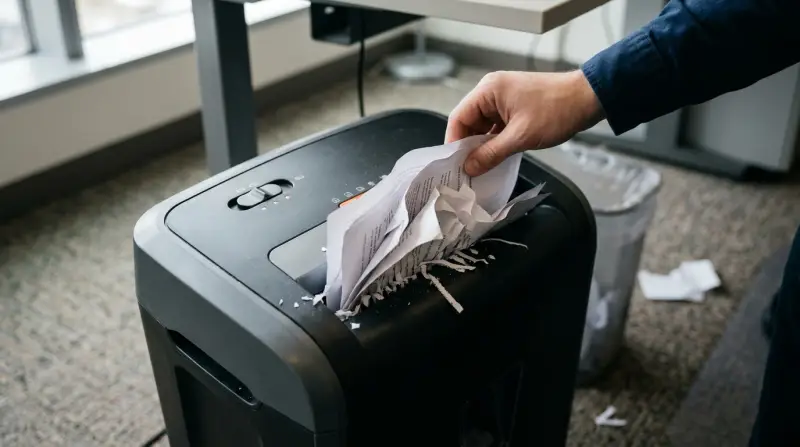
Many shredders jam because of paper overload, but that’s not the only reason. Knowing the causes helps you fix the problem faster and avoid future jams.
Common Causes Of Shredder Jams
- Too much paper at once: Most home shredders can handle 3–8 sheets. If you feed a thick stack, the blades can’t cut through, causing a jam.
- Foreign objects: Staples, paper clips, and even sticky notes can block the shredder’s blades. Some models can handle staples, but many cannot.
- Paper dust and debris: Over time, dust builds up inside the shredder, making the feed rollers slip or jam.
- Dull blades: If your shredder is old, the blades may lose their sharpness. Dull blades struggle to cut, so paper gets stuck.
- Overheating: Shredders have motors that get hot after prolonged use. When overheated, the machine can stop pulling paper.
- Wrong paper type: Glossy paper, thick envelopes, or cardboard can block the feed.
- Improper alignment: If the paper isn’t inserted straight, the rollers may fail to grab it.
Data On Shredder Jams
According to a 2022 office equipment study, 65% of shredder breakdowns are caused by paper jams, and 27% come from feeding too many sheets at once. Only 8% are due to mechanical failure.
How To Unjam A Paper Shredder That Won’t Feed Paper
If your shredder has stopped feeding paper, follow these steps to clear the jam safely. Do not force paper in or use sharp tools, as this can damage the machine.
Step-by-step Guide
- Turn off and unplug: Always start by unplugging the shredder to avoid injury.
- Empty the bin: Remove the waste bin. Sometimes, a full bin prevents the shredder from operating.
- Reverse function: Most shredders have a reverse button. Press it for 10–20 seconds. This can help push out stuck paper.
- Manual clearing: If the reverse doesn’t work, use tweezers or pliers to gently pull out visible paper strips. Never use metal tools near the blades.
- Check for foreign objects: Look for staples, paper clips, or other items blocking the blades. Remove them carefully.
- Lubricate the blades: Shredder oil can help loosen stuck paper. Apply a small amount to the blades and run the machine in reverse.
- Reset the shredder: Some models have a reset switch. Use it to clear error codes.
- Test the feed: Insert one sheet of paper straight. If it feeds, the jam is cleared.
Practical Example
Sarah, a small business owner, faced repeated jams with her office shredder. After following these steps, she found a staple stuck between the blades. Removing it and lubricating the blades solved the issue, and her shredder worked smoothly again.

Comparing Paper Shredder Models: Jam Resistance And Features
Not all shredders handle jams equally. Some models have special features to prevent or clear jams.
| Model | Jam Prevention | Sheet Capacity | Auto Reverse |
|---|---|---|---|
| Fellowes Powershred 99Ci | Jam Proof System | 18 sheets | Yes |
| AmazonBasics 8-Sheet | Manual Reverse | 8 sheets | No |
| Royal 1212X | Auto Stop | 12 sheets | Yes |
Jam proof systems and auto reverse functions are key features. They sense jams and either stop or reverse the blades automatically. Entry-level models may lack these, making jams more frequent.
Prevention: How To Avoid Shredder Jams
You can prevent most jams by following some basic rules. These tips save you from future frustration and protect your shredder.
Practical Prevention Tips
- Feed small batches: Never exceed the sheet capacity listed on your shredder.
- Remove staples and clips: Use a staple remover before shredding.
- Clean regularly: Wipe away dust and debris from the feed slot weekly.
- Lubricate blades: Use shredder oil every month to keep blades sharp.
- Let the shredder cool: Avoid continuous shredding for more than 10 minutes. Give the motor time to cool.
- Insert paper straight: Misaligned sheets often cause jams.
- Avoid thick materials: Do not shred cardboard, glossy paper, or envelopes unless your model allows it.
- Check waste bin: A full bin can block the feed sensors.
Common Mistakes To Avoid
- Ignoring the sheet limit: Even one extra sheet can cause a jam.
- Forcing paper: Pushing paper when the shredder won’t feed can bend or break the blades.
- Neglecting maintenance: Dust and dull blades increase the risk of jams.
When To Call A Professional Or Replace Your Shredder
Sometimes, a jammed shredder won’t feed paper even after you try all the steps. This may signal a bigger problem.
Signs You Need Help
- Motor won’t start: After clearing the jam, the shredder remains dead.
- Strange noises: Grinding or clicking sounds may mean broken gears.
- Paper stuck deep inside: If you can’t reach the jammed paper, professional repair is safer.
- Repeated jams: If jams happen every time, the shredder may be worn out.
Shredder Life Expectancy
Most home shredders last 3–7 years with regular use. Office-grade models can last up to 10 years. If your machine is older, consider replacing it for better performance.
| Type | Average Lifespan | Jam Frequency |
|---|---|---|
| Home Shredder | 4 years | Medium |
| Office Shredder | 8 years | Low |
| Heavy Duty Shredder | 10 years | Rare |
Advanced Troubleshooting For Persistent Jams
If your shredder still won’t feed paper after clearing the jam, you may need to check deeper issues.
Electrical And Sensor Problems
- Feed sensor malfunction: Many shredders use optical sensors to detect paper. Dust or debris can block these sensors, stopping the feed. Clean the sensor gently with a soft cloth.
- Motor failure: If the motor overheats or burns out, the shredder won’t feed paper. In this case, replacement is often cheaper than repair.
- Gear damage: Broken gears inside the shredder can cause jams. Listen for clicking sounds or loss of power.
Example Of Non-obvious Insight
Some users don’t realize that static electricity can cause paper to stick together, making the feed rollers grab multiple sheets at once. Fanning your paper before shredding can reduce this risk.
Table: Troubleshooting Steps And Results
| Step | Possible Result | Action |
|---|---|---|
| Reverse function | Paper released | Remove strips, retry |
| Manual clearing | Visible jam removed | Test with single sheet |
| Lubricate blades | Smoother operation | Continue shredding |
| Clean sensors | Feed restored | Resume normal use |
| Replace motor | Full function restored | Professional repair |
Real-world Insights: What Most Beginners Miss
Many people don’t know that some shredders have a hidden reset button inside the body. Check your manual for its location. Pressing this can clear error codes that block the feed.
Another overlooked tip: If your shredder smells like burning or feels hot, stop using it. The motor may be overheating, and continuing can cause permanent damage.
How To Choose A Jam-resistant Paper Shredder
If you’re shopping for a new shredder, look for features that reduce jams.
- Jam proof system: Automatically detects jams and reverses blades.
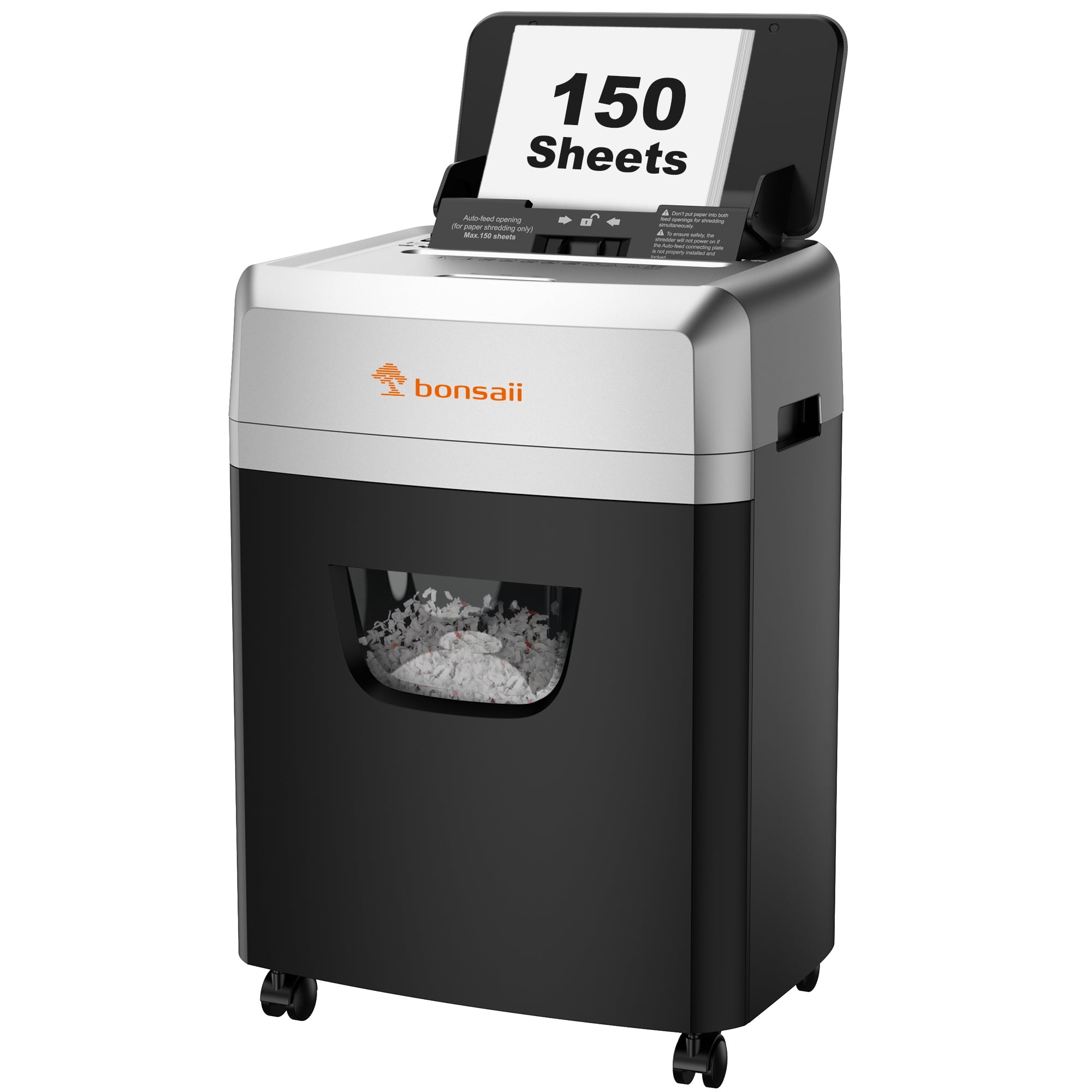
- Auto feed technology: Lets you load stacks of paper for shredding without manual feeding.
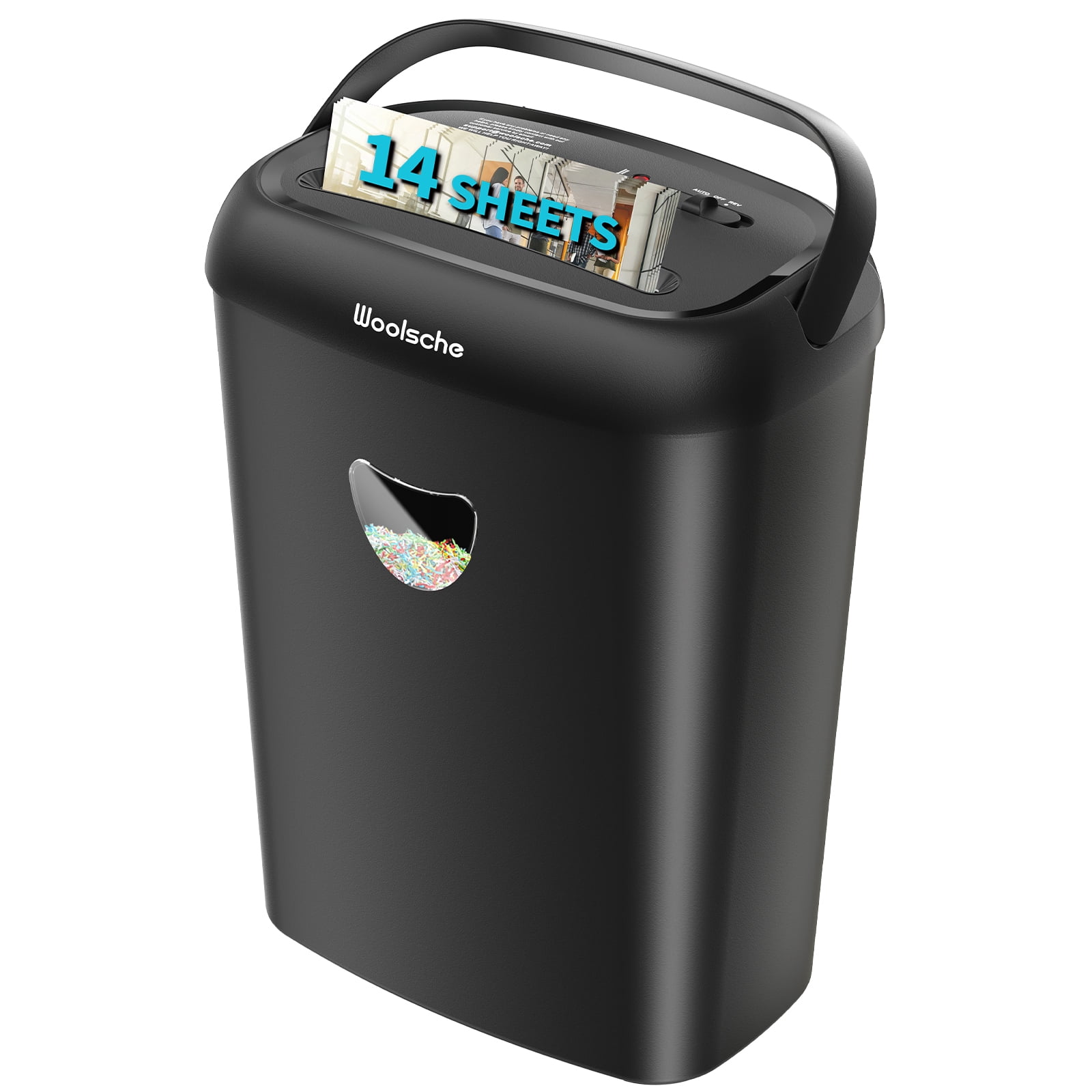
- High sheet capacity: Models with 12+ sheet capacity are less likely to jam.
- Easy maintenance: Removable bins and accessible blades make cleaning simpler.
For more tips on choosing the right shredder, you can check Consumer Reports.
Frequently Asked Questions
Why Won’t My Shredder Feed Paper Even After Clearing A Jam?
If your shredder still doesn’t feed paper, the problem could be with the feed sensors, motor, or gears. Dust blocking sensors is common. Cleaning with a soft cloth can restore function. If the motor or gears are damaged, professional repair or replacement is needed.
Is It Safe To Use Oil On My Shredder?
Yes, shredder oil is designed for this purpose. It lubricates blades, reduces friction, and helps prevent jams. Never use WD-40 or cooking oil, as they can damage plastic parts.
How Often Should I Clean My Shredder?
Clean the shredder weekly if you use it often. Remove dust from the feed slot and bin. Lubricate the blades monthly. Regular maintenance extends the life of your machine.
Can I Shred Staples Or Paper Clips?
Some heavy-duty shredders can handle staples and paper clips, but most home models cannot. Always check your shredder’s manual. Removing these items before shredding is safest.
What Should I Do If The Shredder Overheats?
Turn off and unplug the shredder. Let it cool for at least 30 minutes. Overheating is common after continuous use. Giving the motor time to cool prevents permanent damage.
A jammed paper shredder that won’t feed paper can be stressful, but with the right steps and knowledge, you can fix and prevent most problems. Remember to follow sheet limits, keep your shredder clean, and choose models with jam-resistant features.
If your machine continues to jam, consider professional repair or upgrading to a newer model. With these tips, your shredder will stay reliable and your documents secure.
1 thought on “Jammed Paper Shredder Won’t Feed Paper? Fix It Fast”