
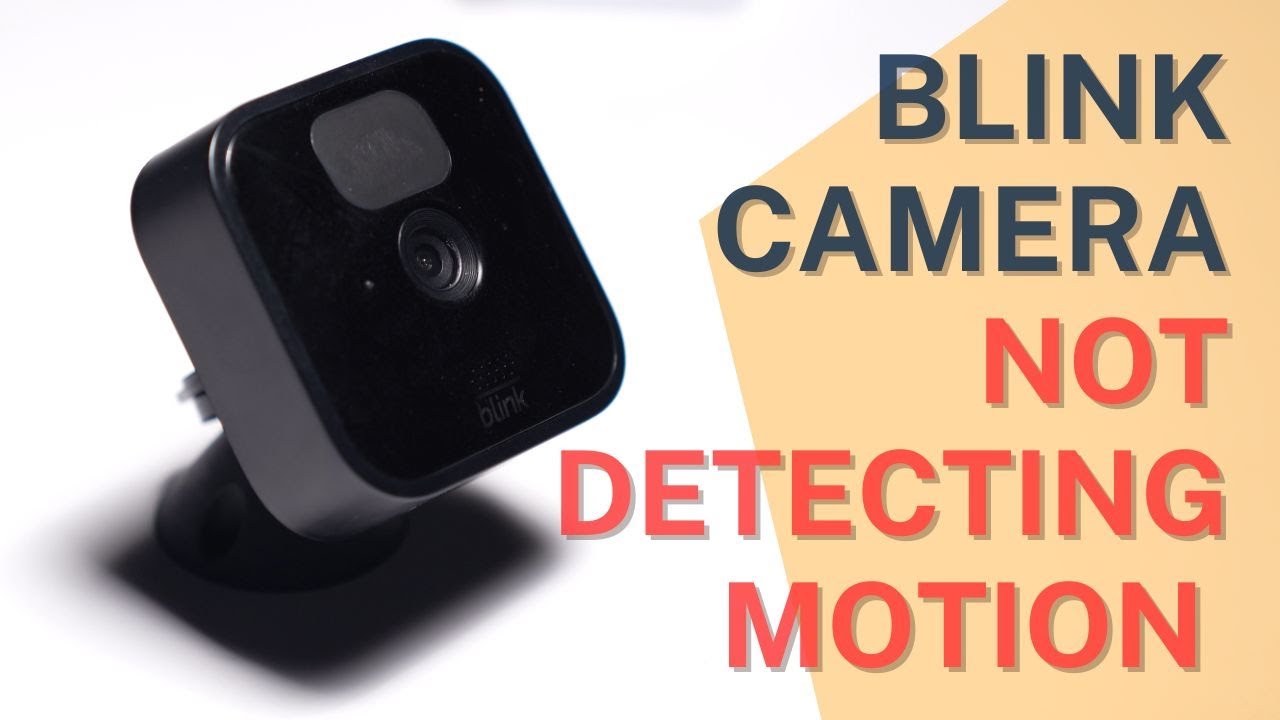
When your Blink camera stops detecting motion, it’s more than just a minor annoyance. You rely on these devices to keep your home secure and to alert you when something unusual happens. If the camera fails to notice movement, you might miss important events, from a package delivery to a potential security threat. Many people face this issue, and it can feel frustrating, especially if you’re not sure where to start. This guide will help you understand why your Blink camera isn’t picking up motion, how to fix it, and what to do if problems persist.
Common Reasons Why Blink Cameras Don’t Detect Motion

Understanding the root causes can save time and help you quickly restore your camera’s functionality. The motion detection feature works using a mix of sensors, software, and camera placement.
Incorrect Camera Placement
The angle and location matter. Blink cameras use a passive infrared sensor (PIR) that detects movement based on heat differences. If your camera faces a wall or an area with little activity, it may not trigger alerts.
- Place the camera facing open spaces, such as yards or driveways.
- Avoid pointing the camera directly at glass surfaces, like windows. PIR sensors often fail to detect motion through glass.
Sensitivity Settings Too Low
Blink lets you adjust motion sensitivity in the app. If it’s set too low, the camera won’t notice small movements.
- Open the Blink app.
- Go to Camera Settings.
- Increase sensitivity and test again.
Activity Zones Not Set Properly
Some Blink models allow you to set activity zones—areas where motion should trigger alerts. If these zones exclude key areas, the camera won’t pick up movement.
- Check the activity zone configuration.
- Make sure important areas are included.
Wi-fi Signal Issues
A weak Wi-Fi connection can cause delays or missed motion events. Blink cameras depend on stable internet to send alerts.
- Place the camera within range of your router.
- Check signal strength in the Blink app.
Firmware Or App Problems
Outdated firmware or app versions can cause glitches.
- Update the Blink app from the App Store or Google Play.
- Check for firmware updates in the app under device settings.
How To Fix Blink Camera Not Detecting Motion
With the common causes in mind, you can take practical steps to restore motion detection.
Step 1: Check Camera Placement And Angle
Position your camera to cover the area you want to monitor. The PIR sensor works best at a range of 5–20 feet and a height of about 4–5 feet. Avoid placing it too high or too low.
Example: If your camera is placed behind a bush, it might miss motion. Move it to an unobstructed spot.
Step 2: Adjust Motion Sensitivity
Follow these steps:
- Open the Blink app.
- Select the camera.
- Tap the settings gear icon.
- Find “Motion Sensitivity” and slide it towards “High.”
- Save your changes and test motion detection.
If you set sensitivity too high, you may get too many false alerts. Find a balance.
Step 3: Review Activity Zones
If your camera supports activity zones:
- Tap “Activity Zones” in the settings.
- Ensure the monitored area is highlighted.
- Avoid blocking the zone with objects.
Step 4: Improve Wi-fi Signal
Check the signal strength indicator in the app. If the signal is weak:
- Move your router closer to the camera.
- Avoid physical barriers like walls and large furniture.
Step 5: Update Firmware And App
- Open the Blink app.
- Check for notifications about firmware updates.
- Update the app via your phone’s app store.
Step 6: Power Cycle The Camera
Turn the camera off and on again. Remove batteries (for battery models) and reinsert after 10 seconds. For wired models, unplug and replug the power cable.
Step 7: Test Motion Detection
After adjustments, walk in front of the camera and check for alerts. If you still don’t get motion notifications, try a different area or increase sensitivity again.

Blink Camera Motion Detection: How It Works
Understanding the technology helps you troubleshoot smarter. Blink cameras use a PIR sensor to detect changes in heat, which usually happens when a person or animal moves. It’s not the same as video-based motion detection, which relies on pixel changes.
Here’s a quick comparison:
| Detection Method | How It Works | Strengths | Limitations |
|---|---|---|---|
| PIR Sensor | Detects heat movement | Reduces false alerts from wind or moving objects | Doesn’t detect through glass; misses cold objects |
| Video-Based | Looks for pixel changes | Can detect motion through glass; more flexible | More false alerts from lighting changes |
Blink’s PIR system is reliable for human and animal detection but can miss movement from vehicles or objects without heat.
Advanced Troubleshooting Steps
If basic steps don’t solve the problem, try these advanced solutions. Many users overlook these fixes, but they often work.
Reset The Sync Module
The sync module connects your Blink cameras to Wi-Fi. If it’s not working properly, motion alerts might not reach your phone.
- Find the sync module (small box with indicator lights).
- Press and hold the reset button until the light turns red, then release.
- Wait for the module to reboot and reconnect.
Re-add The Camera
Sometimes, removing and re-adding the camera helps.
- Open the app and select the camera.
- Tap “Remove Device.”
- Add the camera again using the QR code or serial number.
Check Battery Health
Low batteries can cause erratic behavior. Blink recommends using lithium batteries for best performance.
Data: According to Blink, lithium batteries last up to 2 years, while alkaline batteries may cause performance issues after a few months.
Avoid Common Mistakes
Many beginners miss these points:
- Do not place cameras behind glass—motion sensors won’t work.
- Avoid setting sensitivity too low.
- Don’t ignore battery health; replace batteries regularly.
Real-world Examples And Data
Blink cameras are popular in the US, with millions sold since launch. According to user reviews, about 20% of issues reported to Blink support relate to motion detection problems.
Example: A homeowner in Texas noticed their Blink camera wasn’t picking up motion after moving it inside. The solution was to move the camera outside and increase sensitivity.
Statistic: Blink’s PIR sensor is about 85% accurate for human detection within the recommended range, but accuracy drops to 60% for objects further than 20 feet.
Testing your camera at different times of day can help you see how lighting and temperature affect detection.
Comparing Blink Motion Detection With Other Brands
If you wonder how Blink stacks up, here’s a comparison with two other popular brands.
| Brand | Motion Detection Type | Detection Range | Glass Detection | Battery Life |
|---|---|---|---|---|
| Blink | PIR Sensor | Up to 20 feet | No | Up to 2 years |
| Ring | PIR + Video | Up to 30 feet | Yes | 6–12 months |
| Arlo | Video-Based | Up to 25 feet | Yes | 4–6 months |
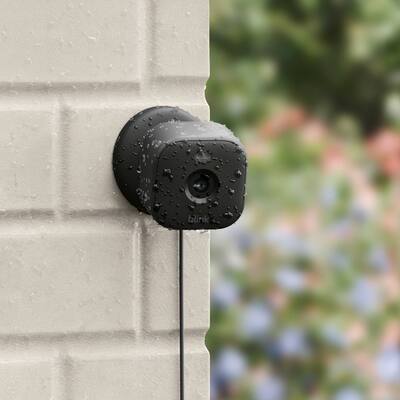
Blink cameras are best for long battery life and reliable detection outdoors, but other brands may work better through windows or for larger areas.
When To Contact Blink Support
If you’ve tried all steps and motion detection still doesn’t work, it may be a hardware issue. Contact Blink support if:
- The camera doesn’t detect motion after a reset.
- You see error messages in the app.
- The sync module won’t connect.
- You have tried new batteries and placement changes with no result.
Blink’s support team can help with warranty replacements or advanced troubleshooting.
For more details on PIR sensors and motion detection, you can check Wikipedia.
Frequently Asked Questions
Why Does My Blink Camera Not Detect Motion At Night?
Blink cameras rely on PIR sensors, which detect heat. At night, cooler temperatures can make it harder for the sensor to notice movement, especially if the object is cold or far away. Make sure your camera’s sensitivity is set high and the placement covers open areas.
Can Blink Cameras Detect Motion Through Windows?
No, Blink’s PIR sensors cannot detect motion through glass. If you place the camera behind a window, it will miss movement outside. For window monitoring, consider a video-based camera.
What Is The Ideal Placement For Blink Cameras?
Place Blink cameras about 4–5 feet above the ground, facing the area you want to monitor. Avoid placing them behind glass or in places where objects block the sensor. The best detection happens within 5–20 feet.
How Can I Reduce False Alerts On Blink Cameras?
If you get too many alerts, lower the sensitivity or adjust activity zones in the app. Make sure the camera isn’t facing moving trees, cars, or lights. Test your settings to find the best balance.
What Type Of Batteries Are Best For Blink Cameras?
Blink recommends lithium AA batteries. They last longer and provide stable performance. Avoid alkaline batteries, which drain faster and can cause glitches.
Blink cameras are reliable when installed and set up correctly. By understanding how they work and following these troubleshooting steps, you can ensure your camera detects motion as expected. If you face ongoing issues, don’t hesitate to reach out for support or consider alternative models that fit your needs.