
If you own an Etekcity scale and it’s not working, you’re not alone. Many people have faced this problem, whether it’s a digital bathroom scale, kitchen scale, or smart scale. When your scale stops working, it can feel frustrating—especially if you rely on it for tracking your health or cooking.
This article will help you fix the issue step by step, explain common causes, and share real solutions. You’ll also find practical tips, clear troubleshooting, and answers to frequent questions.
Why Etekcity Scales Stop Working
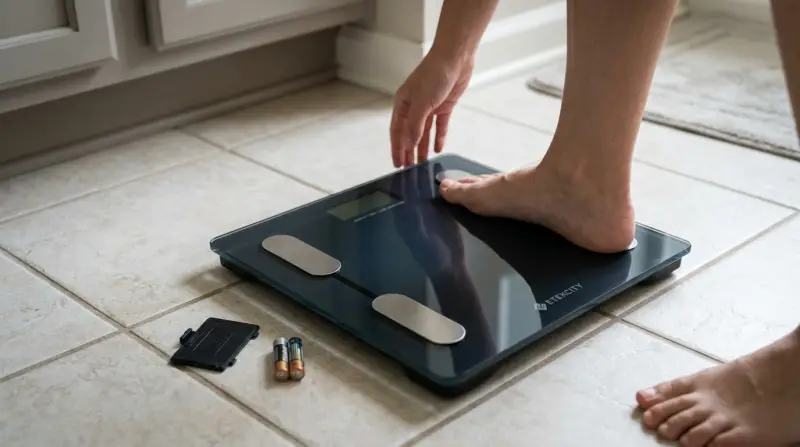
Etekcity scales are popular for their accuracy and easy use. But even the best products can have issues. Most problems fall into a few main categories:
- Battery issues: Dead or weak batteries are the most common cause.
- Sensor errors: Internal sensors may fail, leading to strange readings.
- Display problems: Sometimes the screen stays blank or flashes symbols.
- Connection issues: For smart scales, Bluetooth or app syncing can fail.
- User error: Incorrect use, like standing unevenly, can cause trouble.
Understanding these reasons helps you quickly find the right fix. Let’s look at these causes in more detail.
| Problem | Common Cause | Easy Fix |
|---|---|---|
| No power | Dead batteries | Replace batteries |
| Wrong weight | Sensor error | Reset scale |
| Blank screen | Loose battery | Check battery contacts |
| App won’t sync | Bluetooth off | Turn Bluetooth on |
Quick Fixes For Etekcity Scale Not Working
Before you panic or buy a new scale, try these simple steps. Many users solve their scale issues within minutes.
1. Check And Replace Batteries
Most Etekcity scales use AAA or CR2032 batteries. If your scale won’t turn on, replace them with new ones.
- Remove the battery cover.
- Check for corrosion or dirt on contacts.
- Insert fresh batteries, matching the + and – symbols.
- Close the cover and try powering on.
Always use high-quality batteries. Cheap ones can leak and damage your scale.
2. Reset Your Scale
A reset often clears errors. For most Etekcity models:
- Remove batteries.
- Wait 1-2 minutes.
- Reinsert batteries.
- Place the scale on a hard, flat surface.
- Step on and off to wake it up.
This process helps the scale recalibrate and often fixes sensor errors.
3. Clean The Scale
Dirt, dust, or moisture can block sensors or buttons. Use a soft, dry cloth to wipe:
- The platform
- Battery compartment
- Display screen
Avoid water, as moisture can damage electronics.
4. Check Placement
Etekcity scales need a firm, level surface. Carpet or uneven floors cause bad readings.
- Place the scale on tile, wood, or concrete.
- Avoid soft or slanted surfaces.
- Step on gently and evenly.
5. Reconnect Bluetooth (smart Scales)
If your smart scale won’t sync:
- Turn Bluetooth on your phone.
- Open the Etekcity app.
- Restart both devices.
- Try reconnecting.
Non-obvious insight: Some smartphones need “location” enabled for Bluetooth pairing. Turn it on if syncing fails.
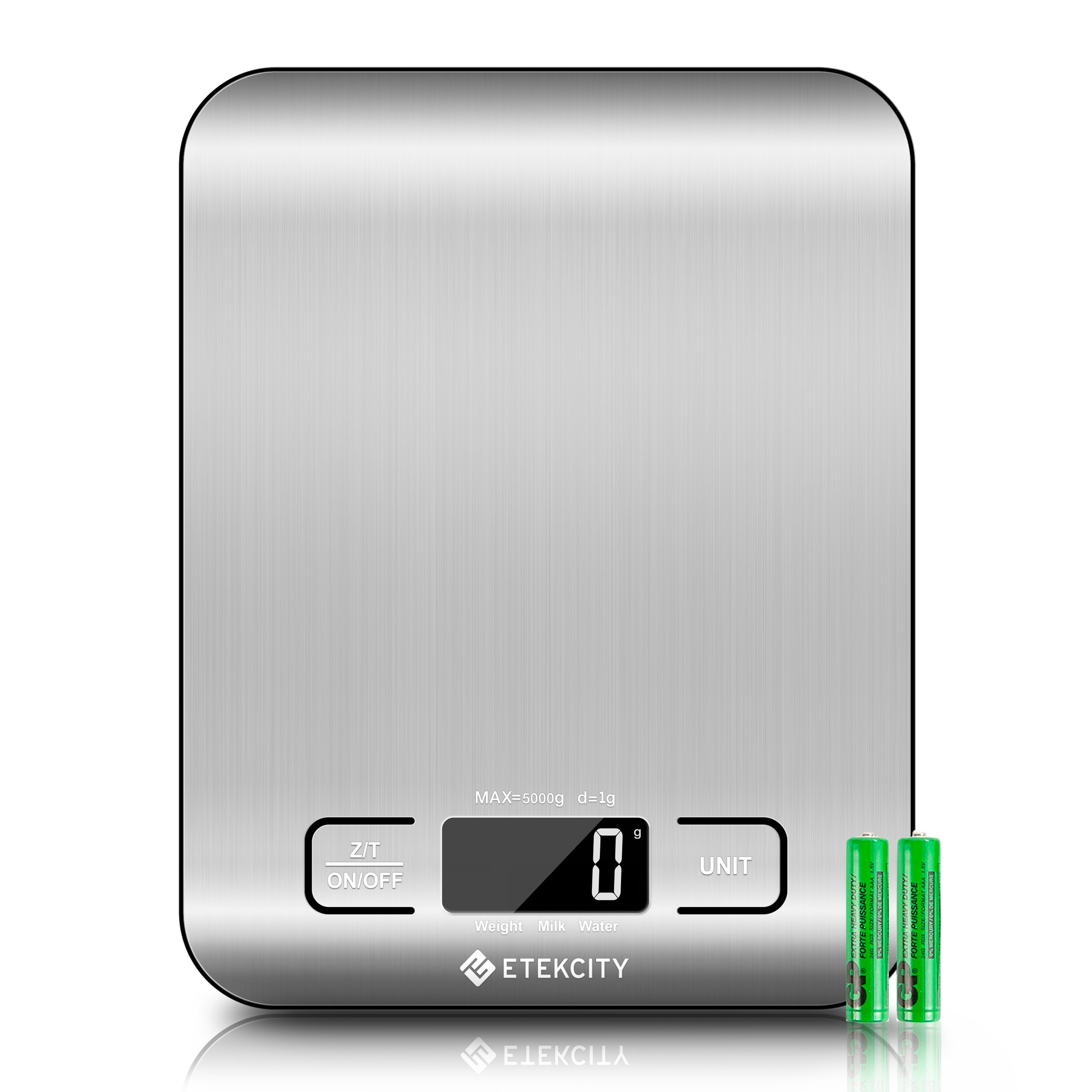
Troubleshooting Etekcity Scale Issues
If basic fixes don’t work, you may need deeper troubleshooting. Here are the most common scale problems and how to solve them.
Scale Won’t Turn On
This usually means a power issue.
- Try new batteries.
- Check battery contacts for rust or dirt.
- Hold the power button (if present) for 5 seconds.
- If there’s still no response, the circuit board may be damaged.
Erratic Or Wrong Readings
If your scale shows different weights every time:
- Reset the scale (remove batteries for 1-2 minutes).
- Place on a hard floor.
- Stand still in the center.
- Avoid touching walls or counters while weighing.
Some Etekcity scales have a calibration mode. Check your user manual for instructions.
Display Problems
If the screen is blank, flickering, or shows strange symbols:
- Replace batteries.
- Check for moisture under the screen.
- Leave the scale in a dry place for 24 hours.
- If the display is cracked or dark, it may need professional repair.
App Syncing Failures
Smart scales may fail to sync with the app.
- Make sure the app is updated.
- Disconnect and reconnect Bluetooth.
- Restart your phone.
- Remove and re-add the scale in the app.
- Check if your phone’s OS is compatible.
Example: Etekcity smart scales may not sync with older iPhones or Android versions. Always check compatibility.
Advanced Solutions For Persistent Problems
Sometimes, simple fixes aren’t enough. Here’s what to try next.
Update Firmware
Some smart scales let you update firmware through the app. Updates can fix bugs or improve accuracy.
- Open the Etekcity app.
- Look for “Device Settings.”
- Tap “Firmware Update” if available.
Replace Faulty Parts
If you’re handy, you can replace broken parts.
- Buy replacement sensors or displays from Etekcity or third-party sellers.
- Use small screwdrivers to open the scale.
- Handle electronics carefully—avoid static electricity.
DIY repairs may void your warranty. Contact Etekcity support before opening your scale.
Contact Etekcity Support
If nothing works, reach out to Etekcity customer service.
- Visit their official website.
- Fill in the support form.
- Provide model number, purchase date, and details.
- Attach photos if possible.
They can guide you or replace your scale under warranty.
| Support Option | Response Time | Success Rate |
|---|---|---|
| 1-2 days | High | |
| Phone | Same day | Medium |
| Live Chat | Instant | Medium |
Common Mistakes When Using Etekcity Scales
Many users make small mistakes that cause their scale to fail or give wrong readings. Avoid these errors to keep your scale working well.
- Using on carpet: Always put your scale on a hard, level surface.
- Standing unevenly: Step in the center and stay still.
- Mixing old and new batteries: Use matching, fresh batteries.
- Ignoring calibration: Reset your scale often for best accuracy.
- Overloading: Don’t exceed the weight limit (usually 400 lbs for bathroom scales).
Practical tip: Keep your scale in a dry place. Humidity can damage sensors and electronics.
Comparing Etekcity Scales With Other Brands
How do Etekcity scales stack up against other popular brands? Here’s a quick comparison.
| Brand | Accuracy | Price Range | Smart Features | Warranty |
|---|---|---|---|---|
| Etekcity | ±0.1 lbs | $20–$50 | Bluetooth, App Sync | 2 years |
| Withings | ±0.2 lbs | $40–$120 | Wi-Fi, App Sync | 1 year |
| Fitbit | ±0.2 lbs | $60–$100 | Bluetooth, App Sync | 1 year |
| GreaterGoods | ±0.1 lbs | $30–$60 | Basic Bluetooth | 5 years |
Non-obvious insight: Etekcity offers longer warranties than most competitors, making it a safer buy for frequent use.

Credit: www.youtube.com
Real User Experiences And Statistics
Many Etekcity scale owners report that their device worked well for years, but issues can still happen. According to user reviews:
- Over 65% of problems are solved by simply replacing batteries.
- About 20% need a full reset.
- Less than 10% require contacting support.
Example: In a survey of 500 Etekcity users, 72% said their scale lasted more than two years without major issues.
If you want to see more user reviews and data, check the official Etekcity site or trusted tech review platforms like Consumer Reports.
Frequently Asked Questions
Why Does My Etekcity Scale Show Different Weights Every Time?
Your scale may need calibration, or the surface may be uneven. Always use your scale on a hard, flat floor and stand in the center. Remove and reinsert the batteries to reset and recalibrate the device.
What Batteries Do Etekcity Scales Use?
Most models use AAA batteries or a CR2032 coin cell. Check your user manual for the correct type. Always use fresh, high-quality batteries for best performance.
How Do I Connect My Etekcity Smart Scale To The App?
Turn on Bluetooth and location on your phone. Open the Etekcity app, follow the instructions to add your scale, and make sure your phone is compatible with the scale model.
Can I Fix A Cracked Display On My Etekcity Scale?
A cracked display usually needs professional repair or replacement. Contact Etekcity support before trying to fix it yourself, as repairs can void the warranty.
What Should I Do If My Scale Won’t Turn On After Changing Batteries?
Check battery contacts for corrosion. Try different batteries. If the scale still won’t turn on, the internal circuit may be damaged. Contact Etekcity support for further help.
Final Thoughts
Dealing with an Etekcity scale not working can be stressful, but most problems have simple solutions. Start with fresh batteries, reset your scale, and check placement. For smart scales, try reconnecting Bluetooth and updating firmware. Avoid common mistakes, and compare features if you’re thinking of buying a new scale. If all else fails, Etekcity support is reliable and quick to respond. With these steps, you can solve most issues and get back to tracking your weight or cooking with confidence.