
A Hisense TV turns on by itself because of a conflict between power settings, external device signals, or a pending software update. This behavior is most often caused by the HDMI-CEC feature, which allows other gadgets to control your television. To troubleshoot, disable this link or unplug your HDMI cables to identify the source of the signal.
Why Your Hisense TV Turns on by Itself
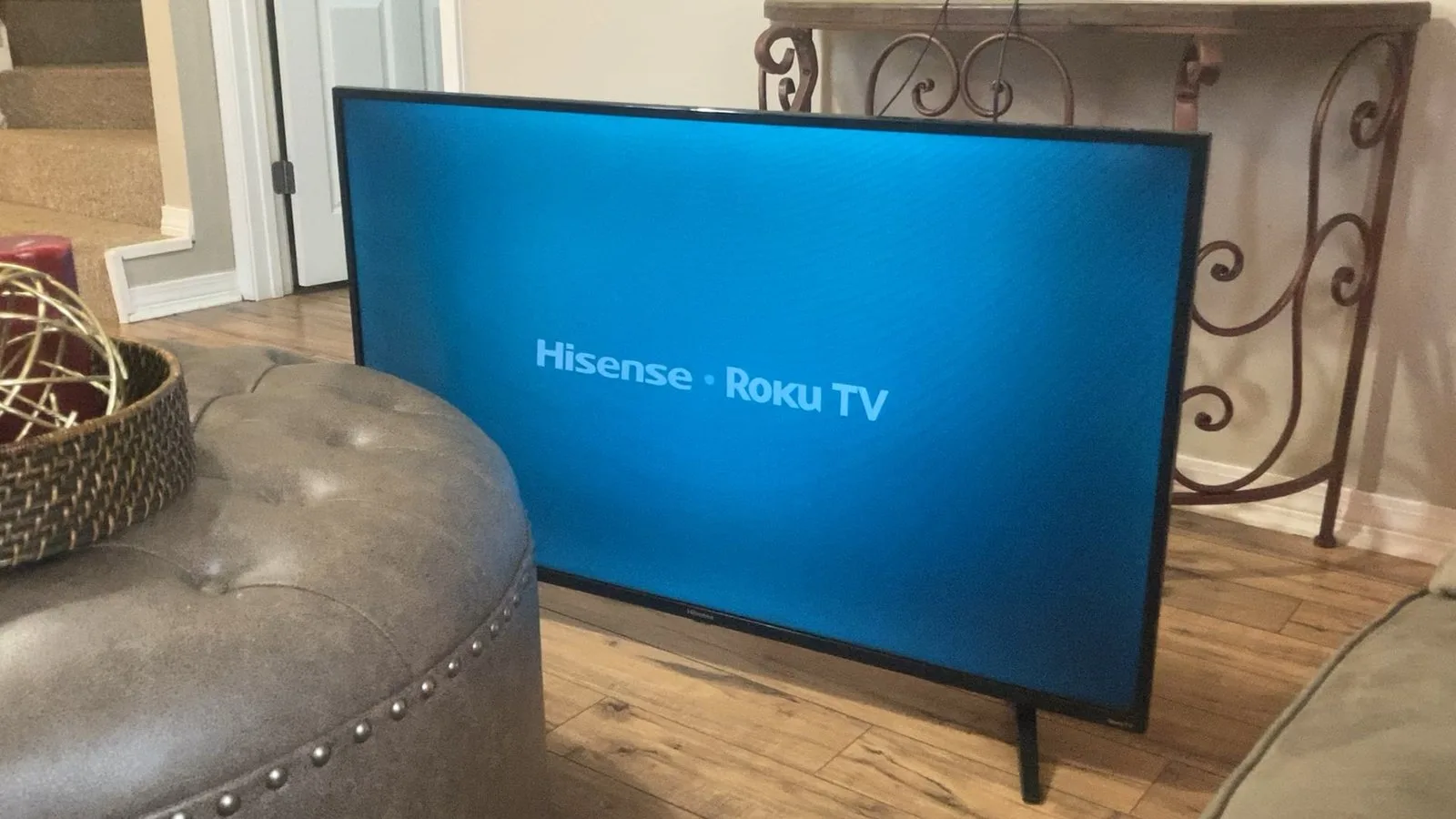
Random power-ups usually stem from communication errors between your TV and connected hardware. The primary culprit is HDMI-CEC, or Consumer Electronics Control. This technology allows devices like game consoles, streaming sticks, or soundbars to turn your TV on automatically when they wake up. If your console installs a background update or a streaming stick checks for a connection, it sends a “power on” signal through the HDMI cable.
Another common cause is the “Power On” timer. Many televisions include a feature that allows the screen to wake up at a specific time for scheduled viewing. If this was enabled by mistake, the TV will follow that internal clock regardless of whether you’re in the room. This setting is often found under the advanced power or system menus.
Finally, pending firmware updates can cause a device to restart. When a TV downloads a new operating system version, it might reboot itself to finalize the installation. This is a normal part of the maintenance process, though it can be startling if it happens while you’re sleeping. If you want to confirm your current software version, you can check the Hisense official support page to see if there’s a known issue with your specific model number. This varies by model — check the label on the back of your unit to ensure you’re looking at the correct instructions for your hardware.
Disable HDMI-CEC settings
If you want to know if an external device is waking your screen, you should turn off the HDMI-CEC function. This feature is meant to simplify your setup, but it often interprets minor signals as a request to power on. To change this, navigate to your TV’s settings menu, look for “Inputs” or “System,” and find the CEC control option. Switch it to “Off.” If you have multiple devices connected, you must do this for every HDMI port, as some devices have their own independent CEC settings.
This fix is for users who use a soundbar or console that forces the TV to wake up unintentionally. If you turn this off, you’ll need to use your original TV remote to power the screen on manually. You’ll know this worked if the TV stays off when you wake up your other devices. If the TV still turns on, the issue isn’t the HDMI connection. Note that if you have a complex home theater system, you might lose the ability to control volume with a single remote. This is a trade-off you must accept if you prioritize a screen that stays off when it’s supposed to. If you aren’t comfortable navigating these menus, consult your user manual, as labels for these settings differ across various versions of the operating system.
Reset the power timer
A hidden timer is a frequent reason for unwanted power cycles. Many people accidentally toggle this setting while exploring the menu. Go to your settings menu and select “System” or “Time.” Look for “Power On Timer” or “Scheduled Power On.” Ensure this is set to “Off” or “Disabled.” If it’s currently active, it will override your manual power-off command every single day at the same time.
This is the best fix if your TV turns on at exactly the same time every morning or evening. After you disable the timer, restart the TV by unplugging it from the wall for 60 seconds. This clears the temporary memory and ensures the new settings are saved. If you find the timer keeps turning itself back on, your TV might have a software bug. In this case, you should perform a factory reset. This will erase your apps and saved passwords, so only do this if you have the patience to sign back into your accounts. If you don’t want to lose your data, check for a firmware update first. A software update might fix the glitch without requiring a full wipe of your settings. If the timer persists after a reset, the internal clock chip may be failing, and you should contact the manufacturer for a potential repair.
Update your firmware
Sometimes the internal software has a bug that creates ghost signals. Keeping your system current is the most reliable way to stop these errors. Navigate to “Settings,” then “Support,” and choose “System Update.” Select “Check for Updates” to see if a newer version is available. If the TV finds a package, allow it to download and install completely. Don’t unplug the TV during this process, as cutting the power during an update can corrupt the system files and render the screen useless.
This fix is for users who have already checked their timers and CEC settings without success. It’s worth the effort because it often resolves minor bugs that cause the system to crash or restart. If you have a slow internet connection, the update might take 15 to 20 minutes. This forces the hardware to drain its static charge and restart its internal logic. If you’re still seeing the screen turn on by itself after an update and a hard reset, the problem might be a faulty power board. This is a hardware failure that requires a professional technician to open the casing and replace the component. Never attempt to open the TV shell yourself, as it contains high-voltage capacitors that can cause severe injury.
What not to do
- Don’t use “universal” power strips with surge protection that automatically cut power to “slave” outlets, because these can cause the TV to reboot whenever the “master” device is turned off.
- Don’t spray liquid cleaning products directly onto the TV screen, as moisture can seep into the bottom bezel and cause short circuits in the power button sensor.
- Don’t try to force a firmware update using a USB drive if you aren’t sure it matches your exact model, as this can permanently brick your device.
How to stop it happening again
To keep your TV stable, you must manage your external connections and power settings proactively.
| If you’re doing this | Do this instead | Why |
|---|---|---|
| Leaving CEC enabled | Turn CEC to “Off” | Stops external device signals |
| Using “Quick Start” mode | Switch to “Power Saving” | Reduces standby background tasks |
| Ignoring software alerts | Run the latest update | Fixes known software bugs |
| Using auto-power timers | Set all timers to “Off” | Prevents scheduled wake-ups |
Frequently asked questions
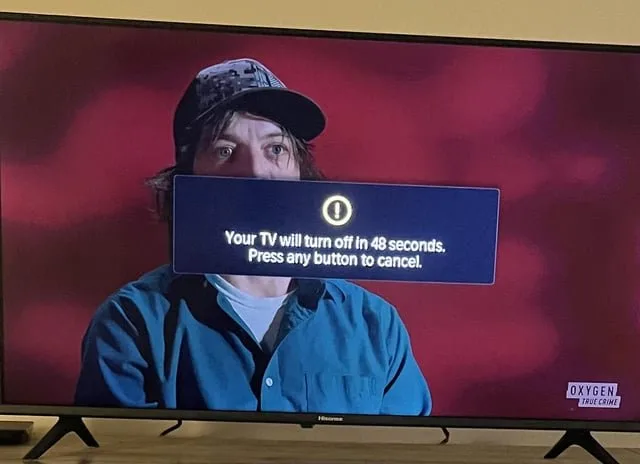
Can a nearby remote turn on my Hisense TV?
Yes, a remote from another device can occasionally trigger a power-on command if the frequencies overlap. Try moving your TV or blocking the infrared sensor to see if the behavior stops. Note that this only occurs if your TV and the other device share the same signal frequency.
Why does my TV turn on at the same time every day?
The most likely cause is an active “Power On” timer within your system settings. Check the “Time” or “System” menu to ensure no schedules are active.
Is it safe to leave my TV in standby mode?
Yes, it’s perfectly safe to leave your TV in standby mode, as it’s designed to remain in this state. Standby mode consumes a very small amount of electricity to keep the receiver ready for your remote. You may unplug the TV to save energy, but it offers no safety benefit.
What happens if I keep the TV unplugged for a long time?
Nothing bad happens to your TV if you leave it unplugged for a long period, though you might need to reconnect to your Wi-Fi network. Your apps and display preferences are stored in non-volatile memory and will remain saved. Unplugging the device is a great way to protect it from power surges.
How long does a firmware update take?
A firmware update typically takes between 5 and 15 minutes, depending on your internet speed. You must keep the TV connected to power during this time to avoid damaging the system. If the progress bar seems to stick, wait at least 30 minutes before deciding the update has failed.
Final Thoughts
If these adjustments don’t stop the flickering, your TV’s power board might have a minor hardware fault. It’s a good idea to reach out to Hisense support if the issue persists, as they’ll help you determine if a repair is needed. You shouldn’t have to deal with a restless screen every night.
Related guides
- Vizio TV Turns on by Itself: Causes and Quick Fixes
- Lg Tv Turns on by Itself: Causes and Easy Fixes
- Roku TV Turns on by Itself: Quick Fixes and Solutions