
If your Hunter ceiling fan remote stops working, it can be more than just a small annoyance. A remote that won’t turn on your fan or adjust the light can make your room uncomfortable, especially if the fan is installed in a high ceiling or a hard-to-reach spot. You are not alone—many homeowners experience issues with ceiling fan remotes, and most problems can be solved with a few simple steps. This guide walks you through everything you need to know, from quick fixes to when it’s time to call for help.
Why Hunter Ceiling Fan Remotes Stop Working
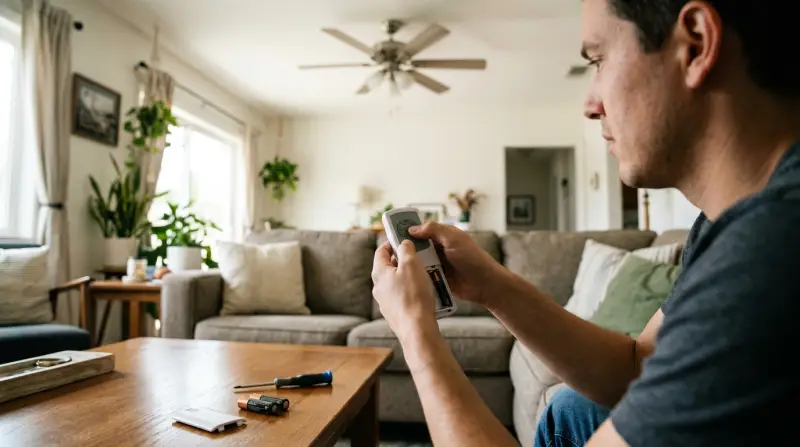
There are several reasons why your Hunter ceiling fan remote might not be responding. The most common causes include:
- Dead or weak batteries in the remote
- Signal interference from other devices
- Receiver issues inside the fan
- Loose wiring
- Pairing problems between the remote and fan
Sometimes, the cause is simple and easy to fix. Other times, it may require a bit more troubleshooting. Knowing the basics helps you save both time and money.
First Steps: Quick Checks
Before diving into more complicated solutions, it’s smart to try these quick checks:
- Check the batteries. Remove the battery cover and replace the batteries, even if the current ones seem new. Weak batteries are the most common issue.
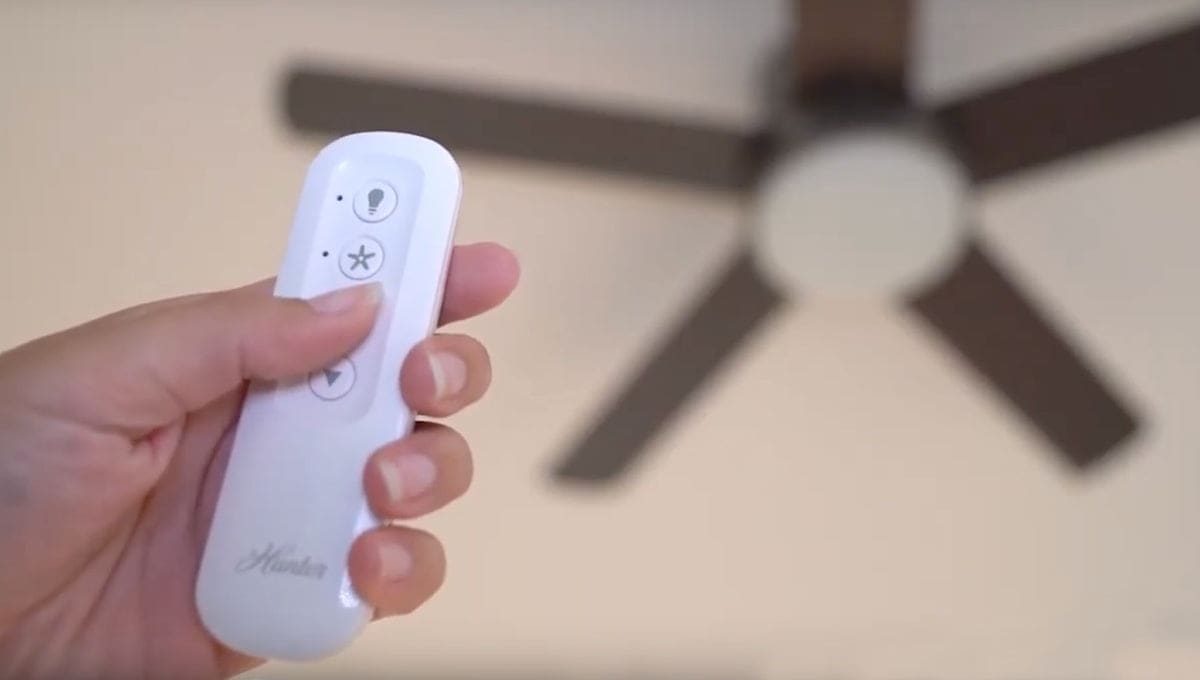
- Test the remote’s signal. Point the remote at the fan and press any button. Look for a small light on the remote. If it lights up, the remote is sending a signal.
- Check the wall switch. Make sure the wall switch that powers the fan is turned on. If it’s off, the remote cannot control the fan.
- Move closer. Sometimes, the remote’s signal can be blocked or weakened by distance or objects in the room.
These basic steps solve many problems, but if your remote is still not working, it’s time to try deeper troubleshooting.

Credit: www.wikihow.com
Troubleshooting Hunter Ceiling Fan Remote Problems
1. Reset The Remote And Receiver
A simple reset can fix many minor issues.
- Turn off power to the fan at the circuit breaker.
- Wait about 30 seconds.
- Turn the power back on.
- Within 30 seconds, press and hold the “Fan” or “Pair” button on your remote for about 10 seconds.
This process resets the connection between your remote and the fan’s receiver.
2. Re-pairing The Remote
If resetting doesn’t work, your remote and receiver may have lost their pairing.
- Find the “Learn” button on the remote or inside the battery compartment.
- Turn the fan’s power off, then back on.
- Press and hold the “Learn” button within 30 seconds of turning on the power.
- The fan should spin briefly or the light should blink, showing it’s paired.
3. Check For Interference
Other devices like Wi-Fi routers, cordless phones, and even some smart home gadgets can block the signal between the remote and the fan.
- Move such devices away from the fan and remote if possible.
- Test the remote again.
4. Inspect The Receiver And Wiring
Inside the fan housing, there’s a small receiver box. This is the part that listens to the remote.
- Turn off the circuit breaker before opening the fan.
- Remove the fan canopy to see the wiring.
- Check for loose or disconnected wires.
- Make sure the receiver is connected and not damaged.
A loose connection or a damaged receiver can easily cause your remote to stop working. If you’re not confident handling electrical parts, it’s best to hire a professional.
5. Replace The Remote Or Receiver
If you’ve tried everything and the remote still won’t work, either the remote or the receiver may be faulty. Here’s how you can compare your options:
| Issue | Signs | Solution | Cost Estimate |
|---|---|---|---|
| Dead Remote | No signal light, no response after battery change | Replace remote | $15–$40 |
| Faulty Receiver | Fan works with pull chain, not with remote | Replace receiver | $25–$50 |
| Both Broken | Neither remote nor receiver responds | Replace both | $35–$80 |
It’s often cheaper to buy a universal remote kit than replace both separately.
Understanding Dip Switches And Frequency
Older Hunter ceiling fans use dip switches to set the frequency between the remote and receiver. If these switches are not set correctly, the remote will not work.
- Open the battery compartment on the remote and look for small switches labeled 1-4.
- In the fan’s receiver, find the same type of switches.
- Make sure both sets of switches match exactly.
If you have more than one ceiling fan with remotes in your home, set each to a different combination to avoid cross-control problems.
Credit: www.hunterfan.com
Common Mistakes To Avoid
Many people make simple errors that prevent their fan remote from working:
- Not checking the wall switch: The fan must have power for the remote to function.
- Mixing up dip switch settings: Even one wrong switch will block the signal.
- Installing batteries the wrong way: Double-check the battery orientation.
- Ignoring the receiver: Sometimes, the problem is not the remote, but the receiver inside the fan.
When To Replace Vs. Repair
It can be hard to decide whether to repair or replace your Hunter ceiling fan remote system. Here’s a quick comparison to help you make the right choice:
| Situation | Repair | Replace |
|---|---|---|
| Batteries dead | ✔️ | |
| Loose wiring | ✔️ | |
| Remote cracked or water-damaged | ✔️ | |
| Receiver burnt out | ✔️ | |
| Multiple remotes interfering | ✔️ | |
| Old fan, spare parts unavailable | ✔️ |
Tips To Extend Remote And Fan Life
Hunter remotes are built to last, but you can help them work longer by following these tips:
- Replace batteries every 6–12 months, even if they still work.
- Keep remotes dry and away from humid places.
- Clean the remote with a soft, dry cloth—never use water or harsh chemicals.
- Store the remote in a safe place, like a wall holder, to prevent drops.
- Check the fan wiring every few years, especially in older homes.
When To Call A Professional
Some ceiling fan problems need expert help. Call a licensed electrician if:
- You find burnt wires or a burnt smell inside the fan.
- The fan hums or buzzes, but does not spin.
- You are uncomfortable working with electrical wiring.
- The fan or remote is still under warranty—opening the fan could void it.
Hunter’s customer support can help diagnose issues and send the correct replacement parts. Visit their official website or contact them directly for more support.
New Features In Modern Hunter Remotes
Modern Hunter ceiling fans come with smart features that make remote control easier:
- Wi-Fi connectivity: Control your fan with a smartphone app.
- Voice assistant integration: Use Amazon Alexa or Google Assistant.
- Multiple speed and light settings
- Timer functions: Automatically turn off the fan after a set time.
If your old remote keeps failing, upgrading to a newer model can add both convenience and reliability.
Real-world Example: Troubleshooting Success
Sandra, a homeowner in Texas, noticed her Hunter fan remote stopped working after a thunderstorm. She tried replacing the batteries and even bought a new remote, but nothing worked. After reading about dip switches, she checked the switches in both the remote and receiver. One switch was set differently. After matching the settings, her remote started working again. This simple step saved her from buying a whole new fan.
Understanding Warranty And Support
Hunter fans often come with a limited lifetime warranty on the motor and a one-year warranty on parts like remotes and receivers. If your fan or remote is fairly new, check your warranty before buying replacement parts. You may be eligible for a free repair or replacement.
Troubleshooting Checklist
Use this quick checklist before calling for help:
- Are the batteries fresh and correctly installed?
- Is the wall switch turned on?
- Did you try resetting and re-pairing the remote?
- Are the dip switches set correctly?
- Have you checked for signal interference?
- Is the receiver securely connected?
- Is there any visible damage to the remote or fan?
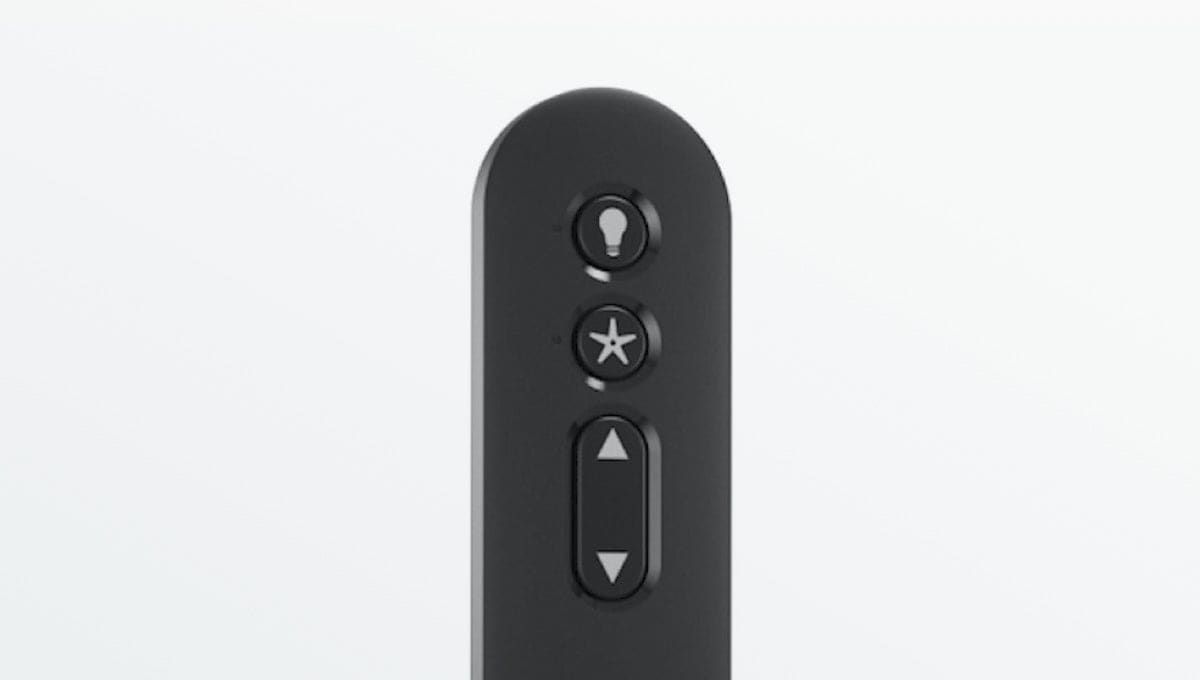
If you answer yes to all and the remote still does not work, it’s likely a hardware issue.
Credit: www.hunterfan.com
Frequently Asked Questions
Why Does My Hunter Ceiling Fan Remote Work Sometimes But Not Always?
This often means signal interference or weak batteries. Try moving other electronic devices away, and replace the batteries with new, high-quality ones. Check for loose connections inside the fan if the problem continues.
Can I Use A Universal Remote With My Hunter Ceiling Fan?
Yes, most Hunter fans work with universal ceiling fan remotes. Make sure the universal remote kit supports your fan’s model and wiring type. Follow the pairing instructions closely.
What Do I Do If My Hunter Remote’s Light Button Works, But The Fan Button Doesn’t?
This points to a receiver issue. The part controlling the fan motor may be faulty, while the light control still works. Try resetting the remote and receiver. If that fails, replacing the receiver is usually the solution.
How Can I Prevent My Hunter Remote From Interfering With Other Remotes In The House?
Use the dip switches to set a unique frequency for each fan and remote pair. Avoid using the same dip switch settings in different rooms to prevent cross-control.
Where Can I Find Official Support For Hunter Fan Remotes?
Visit the official Hunter Fan support page for manuals, troubleshooting guides, and warranty information.
A non-working Hunter ceiling fan remote can be frustrating, but with the right steps, most issues can be fixed at home. Remember to check the basics first, understand how your fan and remote communicate, and don’t hesitate to call a professional if needed. With a little patience, you’ll have your fan back in action—making your home comfortable again.