
The Sharp microwave drawer is one of the most popular built-in kitchen appliances in modern homes. Many homeowners love its sleek look, easy access, and space-saving design. But like any appliance, it can develop problems that disrupt daily routines. Before you buy or repair a Sharp microwave drawer, it’s smart to know about the common issues, how to fix them, and what to expect from this unique technology.
If you already own one, understanding these problems can help you solve them quickly and avoid expensive repairs.
Common Sharp Microwave Drawer Problems
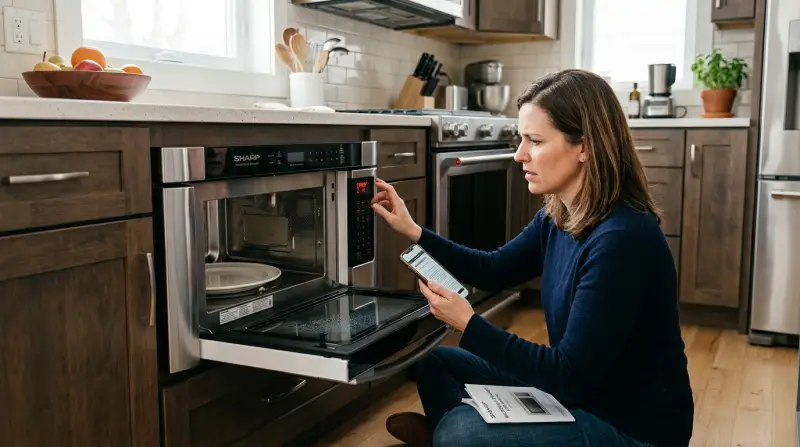
Sharp’s microwave drawers are innovative, but they are not immune to faults. Let’s look at the most frequent issues users report.
Drawer Won’t Open Or Close
One of the most frustrating problems is when the drawer gets stuck. Sometimes, you press the open button and nothing happens, or the drawer jams halfway.
Possible causes:
- Faulty motor or gears
- Obstructed tracks (crumbs, debris)
- Electrical failure
Solutions:
- Clean the tracks and check for obstructions.
- Reset the microwave by unplugging it for a few minutes.
- If the motor is dead, professional repair is required.
Non-obvious tip: If you hear a grinding noise before failure, it’s likely the gears are wearing out. Early maintenance can prevent a total breakdown.
Microwave Not Heating Properly
Another common issue is when the microwave turns on, but food stays cold or heats unevenly.
Causes:
- Magnetron failure (the part that creates microwaves)
- Faulty door sensors
- Power supply problems
Solutions:
- Test with a cup of water. If it doesn’t heat, the magnetron may need replacement.
- Check if the door closes tightly—loose latches can trigger sensor errors.
- Call a technician if the power supply is faulty.
Insight: Many users overlook the door sensor. If the microwave thinks the door is open, it won’t heat, even if it looks closed.
Control Panel Malfunction
The touch controls on Sharp microwave drawers are sensitive. Sometimes they stop responding or display error codes.
Common causes:
- Moisture inside the panel (especially after cleaning)
- Faulty wiring
- Software glitches
Fixes:
- Wipe the panel gently and let it dry.
- Unplug for 5 minutes to reset.
- If errors persist, professional diagnosis is needed.
Example: Error code E-15 usually means a stuck button or a panel short. Don’t try to fix internal wiring yourself.
Unusual Noises
Sharp microwave drawers are usually quiet, but some users report loud humming, clicking, or grinding sounds.
Causes:
- Loose internal parts
- Worn-out gears or motor
- Broken turntable mechanism (some models)
Solutions:
- Check for visible obstructions.
- If noise happens only when opening/closing, gears might need lubrication or replacement.
- Grinding while heating usually means magnetron problems.
Fact: A normal microwave hum is fine, but sudden new noises mean something is wrong.
Error Codes And Display Issues
Sharp microwaves often show error codes that can be confusing.
Common codes include:
- E-15: Stuck button
- E-24: Drawer motor error
- E-27: Sensor problem
What to do:
- Look up the code in your manual.
- Reset the microwave.
- If error persists, contact Sharp support.
Power Loss And Electrical Failures
Some users report sudden loss of power or frequent tripping of circuit breakers.
Possible causes:
- Short circuit in the microwave
- Faulty outlet or wiring
- Overloading (multiple appliances on same circuit)
Actions:
- Test another outlet.
- Avoid plugging other appliances together.
- If it keeps tripping, call an electrician.
Statistic: About 10% of Sharp microwave drawer repairs involve electrical faults, often from improper installation.
Sharp Microwave Drawer Vs Traditional Microwaves
Many buyers wonder if these problems are more common in microwave drawers compared to standard countertop models.
Here’s a quick comparison:
| Feature | Sharp Microwave Drawer | Traditional Microwave |
|---|---|---|
| Space Saving | Excellent | Average |
| Ease of Access | Easy (no bending) | Bending required |
| Common Problems | Drawer mechanism, control panel | Door latch, turntable |
| Repair Cost | High | Medium |
| Heating Quality | Very good | Good |
Insight: Drawer microwaves are easier to use but have more moving parts, which means more things can break.
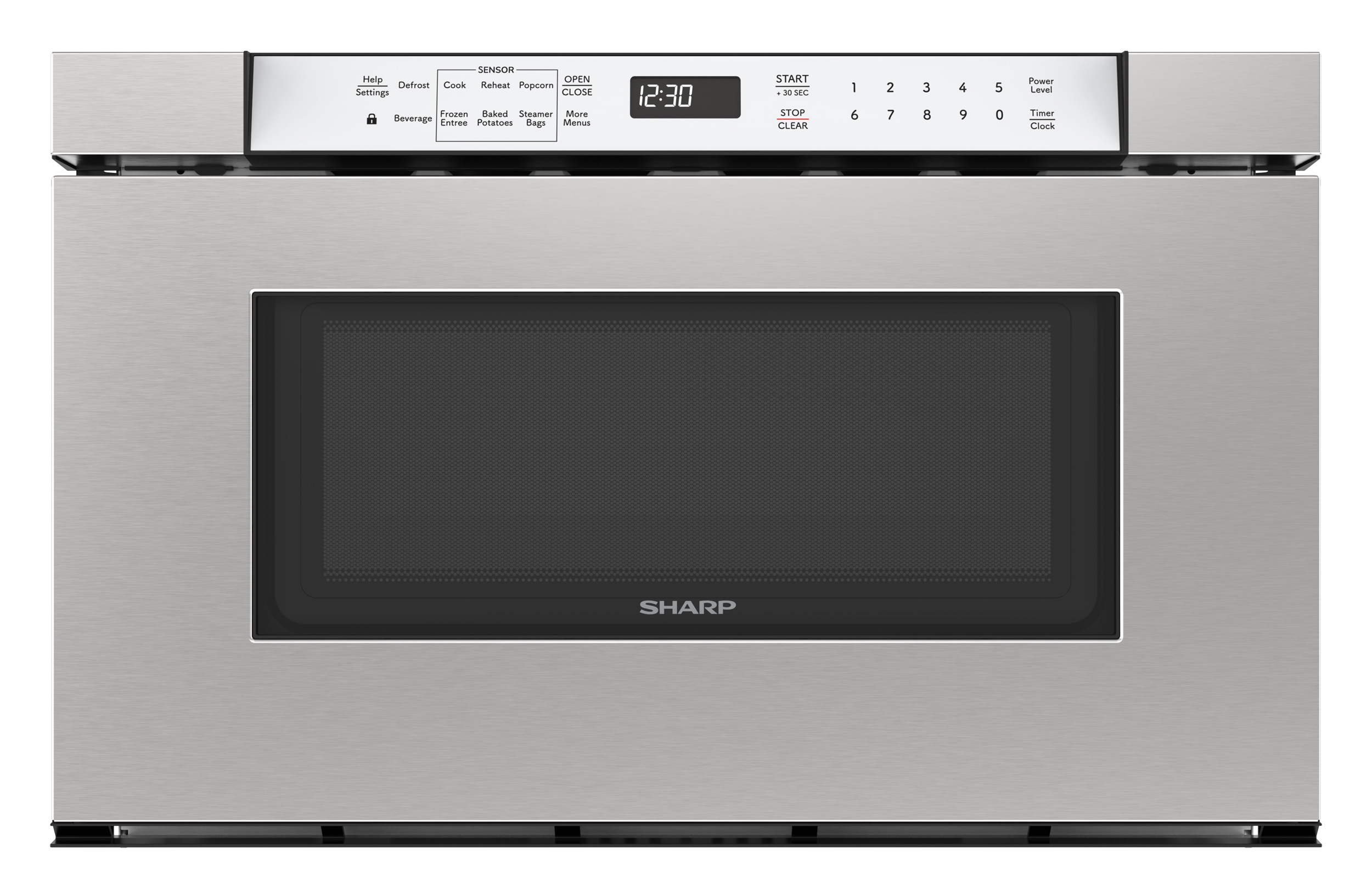
Maintenance Tips To Prevent Problems
Regular care can help your Sharp microwave drawer last longer and reduce repair costs. Here are practical tips:
- Clean tracks and drawer edges weekly to prevent sticking.
- Avoid spraying water directly on the control panel—use a damp cloth.
- Do not slam the drawer; gentle opening and closing protect gears.
- Check for error codes after power outages.
- Don’t overload the microwave; follow recommended food weights.
Many users forget to clean the bottom of the drawer. Grease and crumbs here can cause jamming.
Troubleshooting Steps For Sharp Microwave Drawer
If your microwave drawer fails, follow these steps before calling a technician.
| Problem | Action | When to Call a Pro |
|---|---|---|
| Drawer stuck | Clean tracks, reset power | Motor/gears need replacement |
| No heating | Test with water, check door | Magnetron or sensor replacement |
| Touch panel dead | Dry panel, reset | Wiring/software repair |
| Loud noises | Inspect for obstructions | Motor/gears/magnetron repair |
| Error codes | Manual lookup, reset | Persistent codes need support |
Attempting internal repairs yourself can void the warranty and cause more problems.
How To Choose A Reliable Sharp Microwave Drawer
If you’re shopping for a new microwave drawer, look for these features to avoid common problems:
- Latest model with improved motor: Newer Sharp models have better durability.
- Easy access to control panel: Some panels are easier to clean and less prone to moisture damage.
- Strong warranty: Sharp offers up to 2 years on some models.
- Certified installer: Proper installation prevents electrical faults.
Buyer mistake: Many people choose the cheapest model, but paying more for a reliable motor saves money in the long run.
Repair Costs And Warranty Information
Sharp microwave drawer repairs can be expensive due to their advanced mechanisms.
| Problem Type | Estimated Cost | Warranty Coverage |
|---|---|---|
| Motor/gear replacement | $200–$350 | Usually covered (first year) |
| Magnetron replacement | $250–$400 | Covered (up to 2 years) |
| Control panel repair | $150–$250 | Not always covered |
| General service | $90–$150 | Not covered |
Advice: Always check your warranty before paying for repairs. Sharp’s website explains coverage in detail.
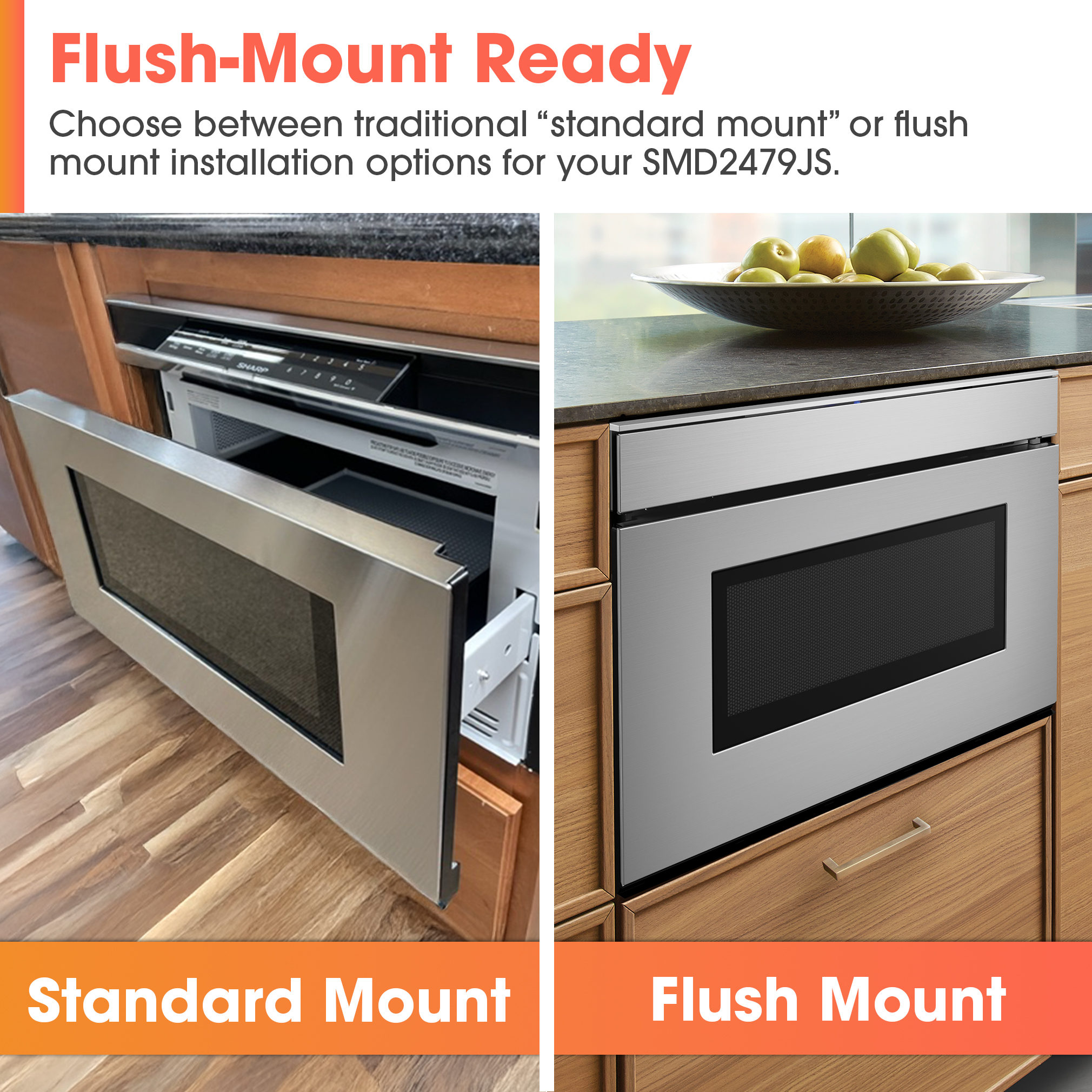
Real User Experiences And Common Complaints
Online reviews show that most users are happy with the design and performance of Sharp microwave drawers. However, some report recurring problems:
- Drawer mechanism jams after 2–3 years, especially with heavy use.
- Control panel fails after exposure to moisture.
- Error codes appear after power surges.
- Repair costs are higher than expected.
Example: One user described needing two motor replacements in 5 years. Another said the microwave stopped heating because the drawer sensor failed.
If you live in an area with frequent power outages, use a surge protector to avoid electrical faults.
Professional Repair Vs Diy Fixes
While some issues can be solved at home, many Sharp microwave drawer problems require professional help.
- DIY fixes: Cleaning tracks, resetting power, drying control panel.
- Professional repairs: Motor, magnetron, control panel wiring, persistent error codes.
- Statistic: According to Sharp, over 70% of major repairs are done by certified technicians.
- Warning: Opening the microwave drawer and tampering with internal parts can lead to injury or permanent damage.

Is The Sharp Microwave Drawer Worth It?
Despite the problems, many people still choose Sharp microwave drawers for their style, convenience, and advanced features. If you understand the potential issues and perform regular maintenance, these appliances can serve you well.
Key advantages:
- Saves counter space
- Easy to access (no bending)
- Looks modern
Drawbacks:
- Expensive repairs
- More moving parts mean more chances for failure
If you prioritize convenience and design, a Sharp microwave drawer is a good choice. Just be ready for possible maintenance and repair costs.
Frequently Asked Questions
What Should I Do If My Sharp Microwave Drawer Won’t Open?
First, check for crumbs or debris in the tracks. Try unplugging the microwave for 5 minutes to reset the system. If the drawer still won’t open, the motor or gears may be faulty. Contact a certified technician for repair.
Why Does My Sharp Microwave Drawer Show Error Codes?
Error codes usually signal a specific problem, like a stuck button or motor error. Check your manual for code meanings. Many codes can be cleared by resetting the microwave, but persistent codes need professional diagnosis.
Is It Safe To Repair A Sharp Microwave Drawer Myself?
Simple fixes like cleaning and resetting are safe. However, internal repairs (motor, magnetron, wiring) should only be done by professionals. DIY repairs can void the warranty and cause injury.
How Long Do Sharp Microwave Drawers Usually Last?
With proper care, most Sharp microwave drawers last 7–10 years. Heavy use or poor maintenance can reduce lifespan. Choosing a newer model and following maintenance tips helps them last longer.
Where Can I Find Official Sharp Support For Microwave Drawer Problems?
Visit the official Sharp website for manuals, warranty details, and support: Sharp USA. You can also find authorized service centers and troubleshooting guides.
Sharp microwave drawers are a great addition to modern kitchens, but they do have unique problems. Understanding these issues, performing regular maintenance, and knowing when to seek professional help will keep your appliance running smoothly for years. If you’re thinking of buying one, weigh the pros and cons and choose a model with strong warranty coverage.