
The Superbox S2 Pro is a popular Android-based TV box, often chosen by people who want to cut the cord with traditional cable. It promises access to live TV, movies, sports, and international channels, all through internet streaming. However, as with most smart devices, users sometimes run into problems that can be confusing or frustrating.
If you are experiencing issues with your Superbox S2 Pro or are considering buying one, this guide will help you understand common problems, their causes, and practical solutions.
Common Problems With Superbox S2 Pro
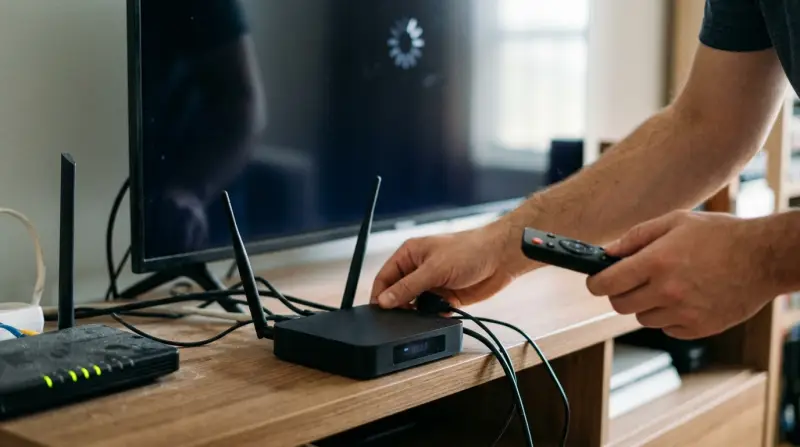
Understanding the main issues is the first step to solving them. Here are the most reported problems with the Superbox S2 Pro:
- Buffering or Freezing During Streaming
- Remote Control Malfunctions
- App Crashes or Not Loading
- Network Connectivity Issues
- No Sound or Audio Delay
- Device Not Powering On
- Firmware Update Failures
- Overheating
- Limited App Availability
- Channel List Missing or Not Updating
Let’s look deeper into each of these problems, why they happen, and what you can do about them.
Buffering Or Freezing During Streaming
Buffering is when the video pauses to load more data. Freezing is when the video completely stops responding. Both can ruin your streaming experience.
Why It Happens
- Slow internet speed is a common cause. Superbox S2 Pro needs a stable connection, typically at least 15 Mbps for HD streaming.
- Wi-Fi interference from walls, other devices, or distance from the router.
- Server issues from the streaming provider’s end.
Solutions
- Connect your Superbox to the router via Ethernet cable for a stronger signal.
- Test your internet speed using a built-in browser or app.
- Restart your router and Superbox.
- If using Wi-Fi, move the box closer to the router or remove obstacles.
- Try a different streaming app or channel; sometimes the problem is with the content provider.
Non-obvious tip: Not all HDMI cables handle high-speed streaming well. If you have an older or cheap cable, swap it for a certified high-speed HDMI cable.

Credit: www.amazon.com
Remote Control Malfunctions
Some users report that the remote control does not respond, works intermittently, or only functions at close range.
Main Causes
- Weak or dead batteries
- Obstructions between the remote and Superbox sensor
- Infrared interference from other electronics
How To Fix
- Replace the batteries with fresh, quality ones.
- Ensure the remote sensor on the Superbox is not blocked.
- Try the remote in a different room to rule out interference.
- If you have a universal remote, program it to control the Superbox.
Insight: Many Superbox S2 Pro units support Bluetooth remotes. Pairing a Bluetooth remote can help avoid infrared signal problems.
App Crashes Or Not Loading
Apps closing unexpectedly or refusing to open is a frequent complaint.
Reasons
- Outdated app versions
- Insufficient storage on the device
- Corrupted app data
Solutions
- Go to Settings > Apps > Select the app > Clear cache and data.
- Uninstall and reinstall the problematic app.
- Make sure your Superbox firmware is updated.
- Free up storage by deleting unused apps or files.
Extra tip: Some apps require Google Play Services, which is not always supported natively. Use alternatives from the Superbox app store when possible.
Network Connectivity Issues
Sometimes the Superbox S2 Pro fails to connect to Wi-Fi or Ethernet.
Why Does This Happen?
- Incorrect Wi-Fi password
- Router compatibility issues
- Network congestion
Fixes
- Double-check your Wi-Fi password.
- Restart both the Superbox and router.
- Change your Wi-Fi channel in the router settings to reduce congestion.
- Use the 5GHz band if your router supports it for less interference.
Hidden cause: Some Superbox units have a weaker Wi-Fi antenna. Using a USB Wi-Fi adapter can boost signal strength.
No Sound Or Audio Delay
Another common problem is either no sound output or the audio being out of sync with the video.
Causes
- Loose HDMI connection
- Incorrect audio settings
- TV compatibility issues
What To Do
- Unplug and replug the HDMI cable securely.
- Go to Settings > Audio and switch between different audio modes (PCM, HDMI passthrough).
- Try a different HDMI port on your TV.
- Update your Superbox firmware and your TV software if possible.
Insight: Some soundbars or AV receivers have trouble with certain audio signals. Plug Superbox directly into the TV to test.
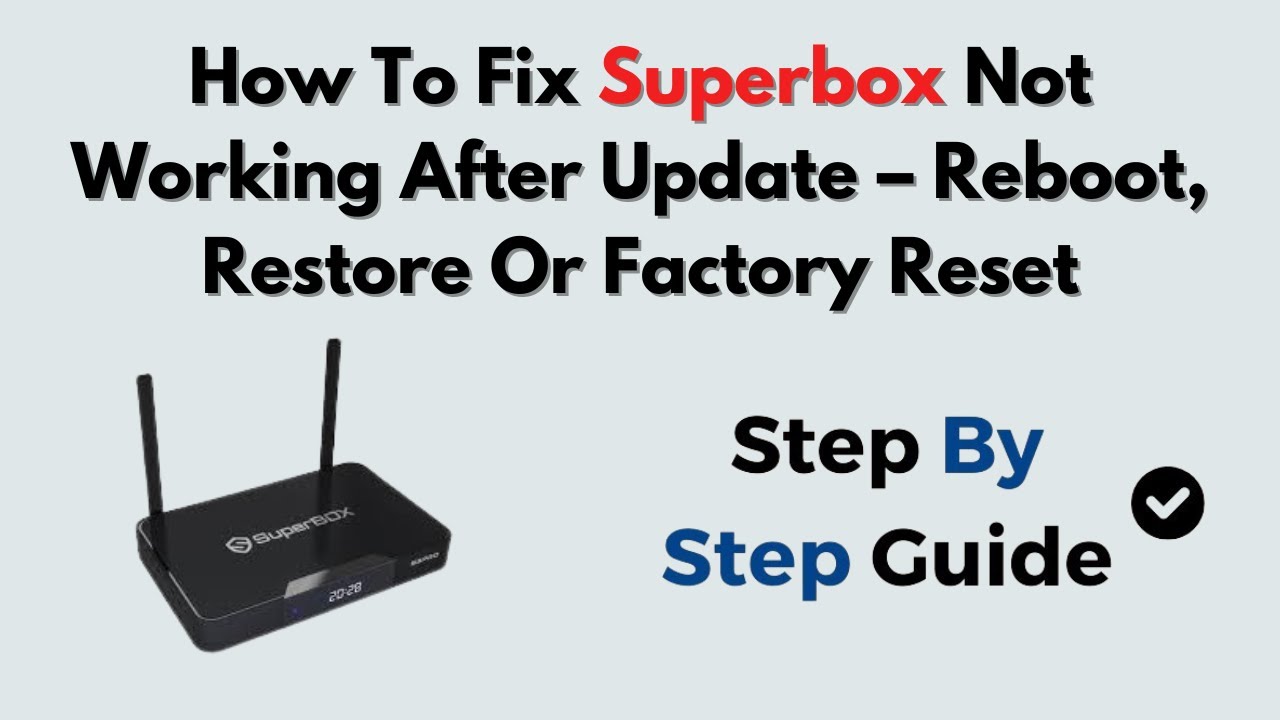
Credit: www.youtube.com
Device Not Powering On
Sometimes the Superbox S2 Pro won’t turn on, or the light stays off.
Key Causes
- Faulty power adapter
- Loose cable connection
- Internal hardware failure
Solutions
- Check if the power adapter works with another device.
- Try a different power outlet.
- If you see a red or blue light but nothing on the screen, try a different HDMI cable and port.
- If the device is truly dead, contact your seller for a replacement.
Firmware Update Failures
Updating the firmware keeps your device secure and adds new features. But sometimes, updates fail or get stuck.
Main Reasons
- Unstable internet during update
- Insufficient storage
- Power loss during update
How To Resolve
- Ensure the device is plugged into power and not on battery backup.
- Clear enough storage before updating.
- Use a wired connection for the update if possible.
- If stuck, unplug and wait a few minutes before restarting the update.
Always back up your settings if possible before updating, as updates can sometimes reset the device.
Overheating
Overheating can slow down the device or even cause it to shut off suddenly.
Causes
- Poor ventilation
- Placing the device on fabric or soft surfaces
- Running for long periods without a break
Prevention
- Place the Superbox on a flat, hard surface with space around it.
- Avoid stacking other electronics on top.
- Turn off the box when not in use.
Non-obvious insight: Dust buildup in vents can trap heat. Clean the vents regularly with compressed air.
Limited App Availability
Some users expect to install any Android app, but the Superbox S2 Pro uses a custom app store.
Why Is This A Problem?
- Google Play Store is not natively available
- Some popular apps may not install or run properly
How To Get More Apps
- Use the Superbox App Store for official apps.
- Download APK files from trusted sources, but beware of malware.
- Some users install a third-party app store, but this can void your warranty.
Always scan APKs for viruses before installing.
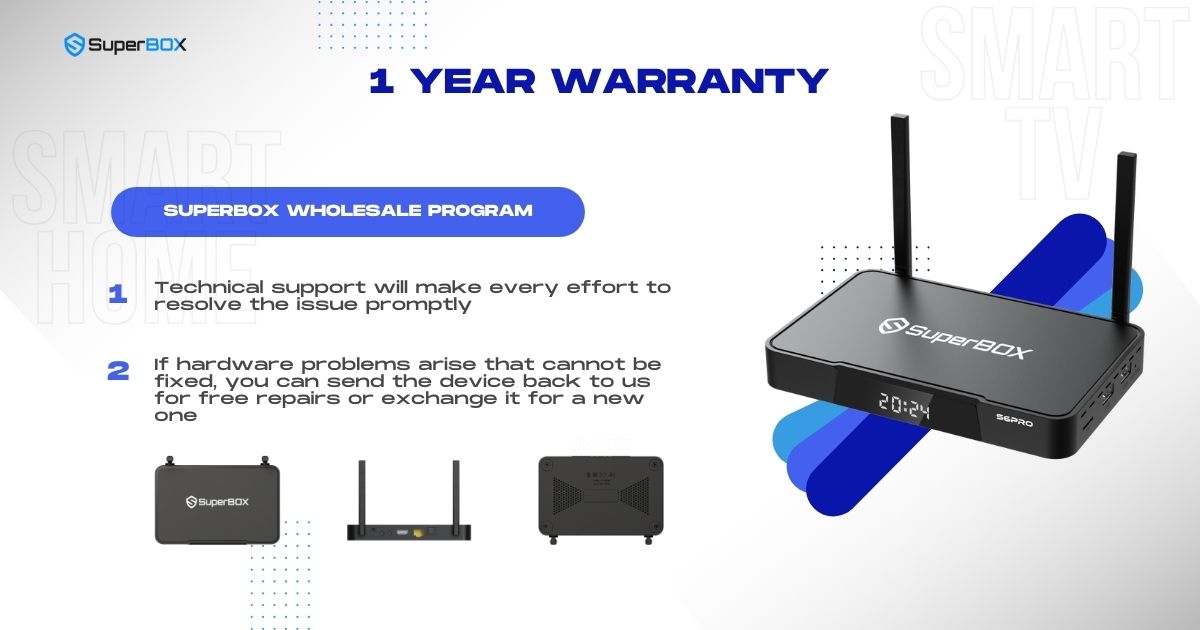
Credit: mysuperboxtv.com
Channel List Missing Or Not Updating
A missing or outdated channel list is a big frustration for live TV users.
Causes
- Software glitches
- Server outages
- Expired subscriptions
How To Fix
- Go to the app menu and look for “Refresh Channels” or “Update Channel List.”
- Restart your Superbox.
- Check your subscription status if using paid services.
- If the issue continues, check the Superbox support website for any known outages.
Superbox S2 Pro Vs. Other Streaming Devices
To help you compare, here is a side-by-side look at the Superbox S2 Pro and two other popular streaming devices.
| Feature | Superbox S2 Pro | Amazon Fire TV Stick 4K | Roku Ultra |
|---|---|---|---|
| Operating System | Android-based | Fire OS | Roku OS |
| App Store | Superbox Store | Amazon Appstore | Roku Channel Store |
| Google Play Store | No (APK sideload possible) | No (limited sideload) | No |
| Ethernet Port | Yes | No (adapter needed) | Yes |
| Price Range | $$$ | $$ | $$ |
The Superbox S2 Pro stands out for its Ethernet port and live TV focus, but app limitations can be a drawback.
Practical Troubleshooting Tips
If you run into a problem, here’s a quick action plan:
- Restart everything – the Superbox, your router, and your TV.
- Check all cables – HDMI, power, and Ethernet.
- Update software – both the Superbox and any apps you use.
- Test your internet speed – slow speeds cause most issues.
- Try other apps – sometimes the problem is with one app or channel.
- Read the manual or visit official support forums for device-specific help.
Real-world User Experiences
Many users praise the Superbox S2 Pro for its simple setup and access to international content. However, there are also reports of frustration, especially among less tech-savvy users.
- A user in Florida reported constant buffering until switching from Wi-Fi to Ethernet.
- In Canada, a family found their remote unresponsive due to battery corrosion.
- An expat in Europe was disappointed by missing apps, but learned to sideload APKs safely after some research.
Lesson: Most issues have a solution, but some require extra effort or technical skill.
Superbox S2 Pro: Technical Specifications
Here’s a quick look at the hardware inside the Superbox S2 Pro.
| Specification | Details |
|---|---|
| Processor | Quad-core ARM Cortex-A53 |
| RAM | 2GB DDR3 |
| Storage | 32GB |
| Wi-Fi | 2.4GHz/5GHz Dual Band |
| Ports | HDMI, USB 2.0, Ethernet, AV |
| Video Output | 4K UHD |
When To Seek Professional Help
If you’ve tried all the troubleshooting steps and still have problems, it may be time to contact customer support. Persistent hardware issues, such as failure to power on or repeated overheating, often need expert repair or replacement.
Make sure to have your purchase details ready, and keep in mind that opening the device can void your warranty.
How Superbox S2 Pro Problems Affect Streaming Experience
Most issues with the Superbox S2 Pro are not unique—they can happen with many streaming devices. However, certain things make the Superbox S2 Pro different:
- Custom app store: This can be limiting if you want full Android app access.
- Live TV focus: Buffering or missing channels impact the main value of the device.
- International content: Some users need to adjust device settings for language, subtitles, or time zones.
The best way to avoid problems is regular maintenance: update software, clean the device, and check connections.
Frequently Asked Questions
Why Does My Superbox S2 Pro Keep Buffering Even With Fast Internet?
Buffering can still occur if the Superbox server is overloaded, if you are using a poor-quality HDMI cable, or if your Wi-Fi signal is inconsistent. Try switching to a wired connection and close other streaming devices to free up bandwidth.
Can I Install The Google Play Store On Superbox S2 Pro?
The Superbox S2 Pro does not come with the Google Play Store. Some advanced users sideload the Play Store, but this can cause system instability and is not officially supported. Use the Superbox app store or install APKs from trusted sources.
How Do I Reset My Superbox S2 Pro To Factory Settings?
Go to Settings > Device Preferences > Reset. This will erase all data and restore the device to its original state. Make sure to back up important data before resetting.
Is The Superbox S2 Pro Legal To Use?
The device itself is legal. However, streaming copyrighted content without permission may violate local laws. Always check your country’s rules and use official apps and services. For more on this, see the Wikipedia page on IPTV.
What Should I Do If My Remote Still Doesn’t Work After Changing Batteries?
If the remote still fails, try pairing it again if it’s Bluetooth, or test with another universal remote. If nothing works, contact your seller for a replacement remote, as hardware faults are possible.
The Superbox S2 Pro offers many features, but it’s not perfect. By understanding common problems and solutions, you can get the most out of your device and enjoy smooth streaming at home. Regular updates and good troubleshooting habits will keep things running well for years to come.