
A Viva Lift Chair Remote Not Working usually happens because the power connection has been interrupted or the handset cable is loose. Before doing anything else, check if the chair is plugged into a live wall outlet. If the power light on the transformer box is off, the chair can’t receive a signal. Ensure the wall switch is on and the power cord is pushed firmly into the wall. If the chair still doesn’t move, the issue is likely a loose handset cord or a tripped circuit.
Why Your Viva Lift Chair Remote Not Working
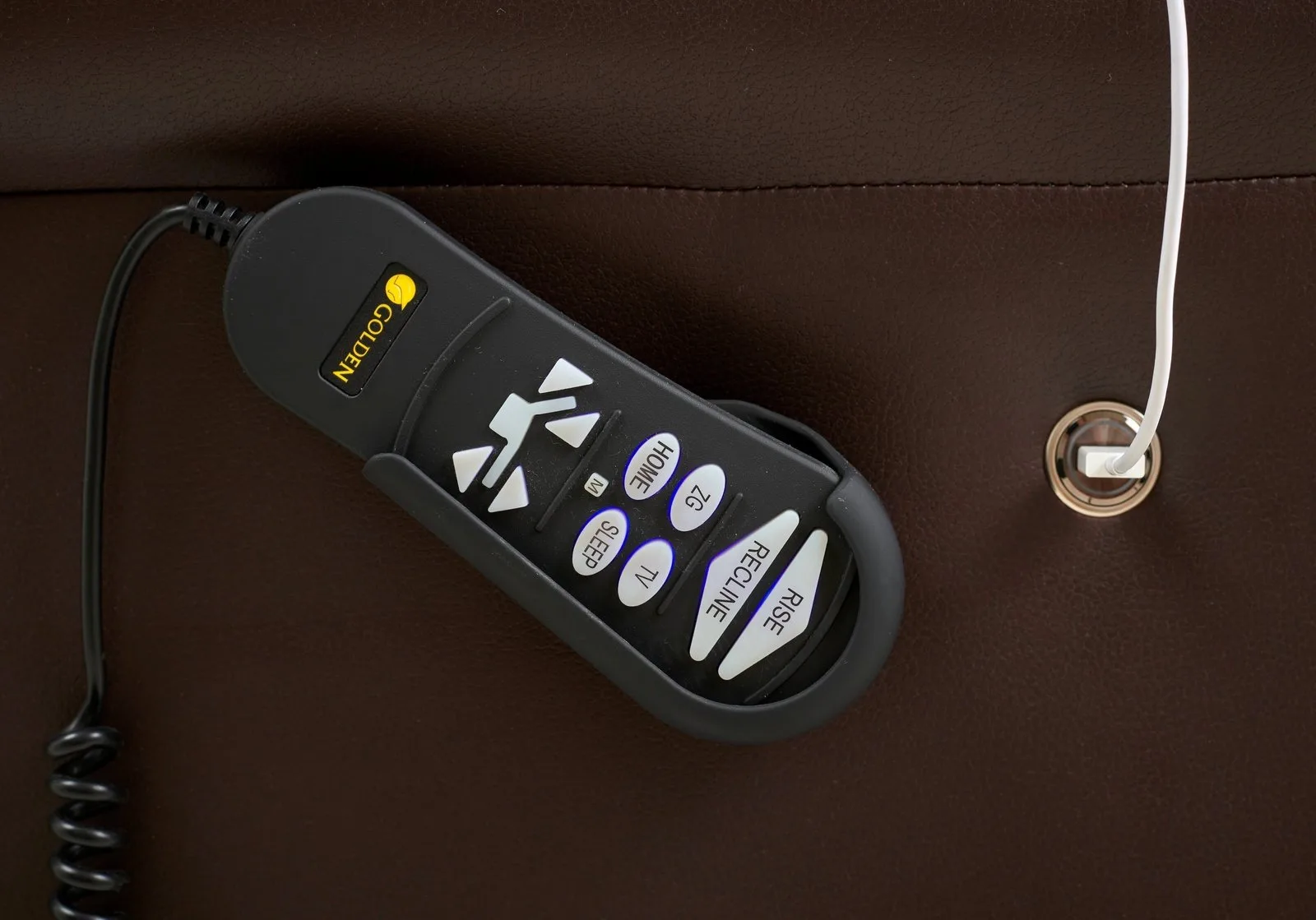
The primary reason a lift chair remote stops responding is a loss of electrical continuity. These chairs rely on a constant flow of power from the wall outlet through a transformer and into the control handset. If any part of this chain is broken, the buttons won’t trigger the motor.
Another common cause is a loose connection at the handset port. Over time, the cord that attaches the remote to the motor box can wiggle loose, especially if the chair is moved frequently or the cord is pulled tight. Even a tiny gap in the connection prevents the signal from reaching the motor.
Finally, internal wire damage is a frequent culprit. These remotes are often subjected to tension, sharp bends, or being caught in the chair’s metal frame. If the internal copper wires are frayed or broken, the remote will look fine on the outside but will fail to send commands. If you see exposed wires or smell burning plastic, stop using the chair immediately and contact the manufacturer or a certified technician for a replacement part.
Safety: Inside a mains-powered machine, the parts behind the outer cover can hold a dangerous electrical charge even after it has been unplugged — that’s why they sit behind a cover. Opening the housing, or testing or replacing anything behind it, is a job for a qualified technician, never a home repair.
Check the power connections
This fix is for users who see no response from the remote, such as no light on the handset or no sound from the motor. Start by tracing the power cord from the wall outlet to the transformer box, which is usually a rectangular plastic brick located under the chair. Make sure the cord is pushed all the way into the wall and into the transformer. If the transformer has an LED light, it should be lit. If the light is off, try a different wall outlet that you know works, like one used for a lamp.
Next, inspect the connection between the remote handset and the chair’s main motor box. Locate the port where the remote cable enters the chair frame. Unplug the cable, check for dust or debris in the port, and plug it back in until you hear a solid click. If the remote has a locking collar, ensure it’s twisted tightly into place. This is for those with basic hand mobility; if you can’t reach under the chair safely, ask someone for help. Don’t force any plugs that feel stuck. If you perform these steps and the chair remains unresponsive, the fault may lie within the handset itself or the motor unit, which requires a professional assessment.
Reset the power system
This fix is for when the chair power is on, but the remote feels “frozen” or unresponsive to specific buttons. Sometimes, the electronic control board needs to be cleared of a temporary error. The safest way to do this is to perform a hard power reset. Unplug the chair power cord from the wall outlet completely. While the power is disconnected, press and hold the “Up” button on the remote for ten seconds. This helps drain any residual charge in the control box capacitors.
After waiting for at least one minute, plug the power cord back into the wall. Ensure the connection is snug. Wait another thirty seconds for the system to initialize before testing the buttons again. This method often clears minor software glitches in the control box. If the chair begins to move but stops abruptly, or if the remote light flashes in a pattern, this indicates a fault in the system that requires a trained technician. Don’t attempt to open the motor box or the remote housing to bypass these safety features, as this will void your warranty and may cause electrical injury.
Test with a different port
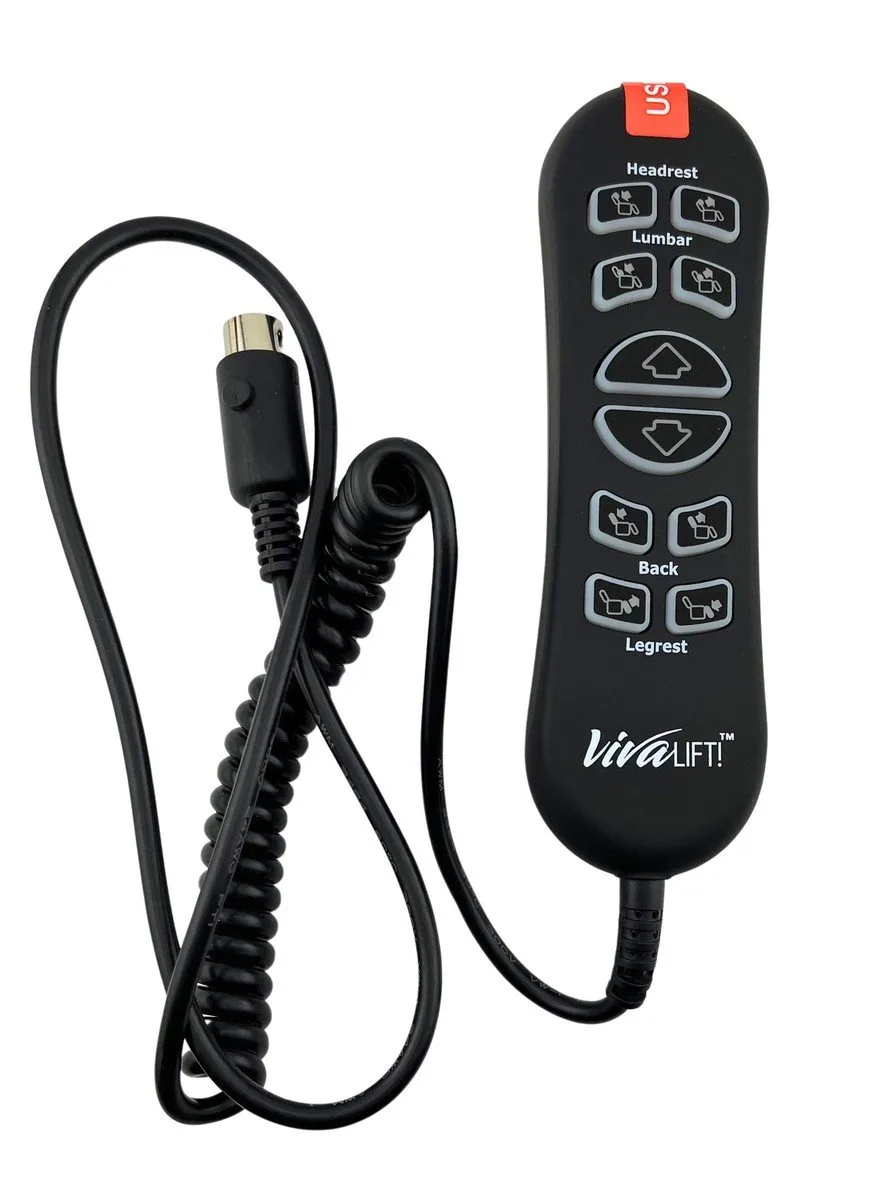
This fix is for cases where the remote cable has multiple connection points or if you suspect a specific port is damaged. Some lift chairs feature a secondary port on the control box for accessories or a backup handset. If your model has an extra port, try moving the remote cable to that location. This helps you determine if the issue is with the handset itself or with the port on the control box.
If the remote works in the secondary port, the original port is likely faulty and requires a replacement of the control box. If the remote still doesn’t work in any port, the handset is likely broken. This is the point where you must decide if the cost of a new handset is worth the repair. For older chairs, finding an exact match for the plug type can be difficult. If you aren’t comfortable identifying the correct part number from your manual, contact the chair’s manufacturer directly. They can provide the specific part number for your model. Don’t buy generic remotes from third-party sites unless they’re explicitly listed as compatible with your exact chair serial number, as incorrect voltage can damage the motor permanently.
What not to do
Don’t pull on the remote cord to move the chair. This snaps the internal wires and kills the signal. If you need to reposition the unit, always grasp the frame itself.
Don’t use tape or adhesives to hold a loose plug in place. This creates a hidden fire risk if the connection sparks behind the casing. If the plug feels loose, the wall outlet is likely worn out and requires a professional replacement.
Don’t open the plastic casing of the remote or the transformer box to fix internal parts. These components contain capacitors that hold a lethal charge even when unplugged.
Don’t bypass the safety fuses by using metal objects or wires. This removes the only barrier between your motor and a burnout. If the fuse blows, it’s a diagnostic signal that the motor is drawing too much current. Replacing the fuse without fixing the underlying short will likely destroy the entire electrical system.
How to stop it happening again
Keep the remote cord free of tension and ensure it’s never pinched by the chair’s moving metal frame.
| If you’re doing this | Do this instead | Why |
|---|---|---|
| Leaving excess cord on the floor | Use a zip tie to secure the cord to the chair frame | Prevents the cord from getting caught in the gears |
| Pulling the remote to stand up | Use the chair armrests to push yourself up | Protects the remote cord from unnecessary strain |
| Moving the chair while plugged in | Unplug the chair before moving it across the room | Prevents the cord from being yanked out of the port |
| Ignoring a frayed outer cable | Replace the handset immediately | Exposed wires are a major shock and fire hazard |
Most users make the mistake of taping over a frayed cable. This is a fatal error; tape can’t prevent internal arcing, which melts the plastic casing and risks a house fire. If you see a tear, stop using the chair immediately. If the remote feels warm to the touch, the internal connection is already shorting out. Replace the unit before the motor controller board burns out.
Frequently asked questions
Can I fix a broken wire inside the remote?
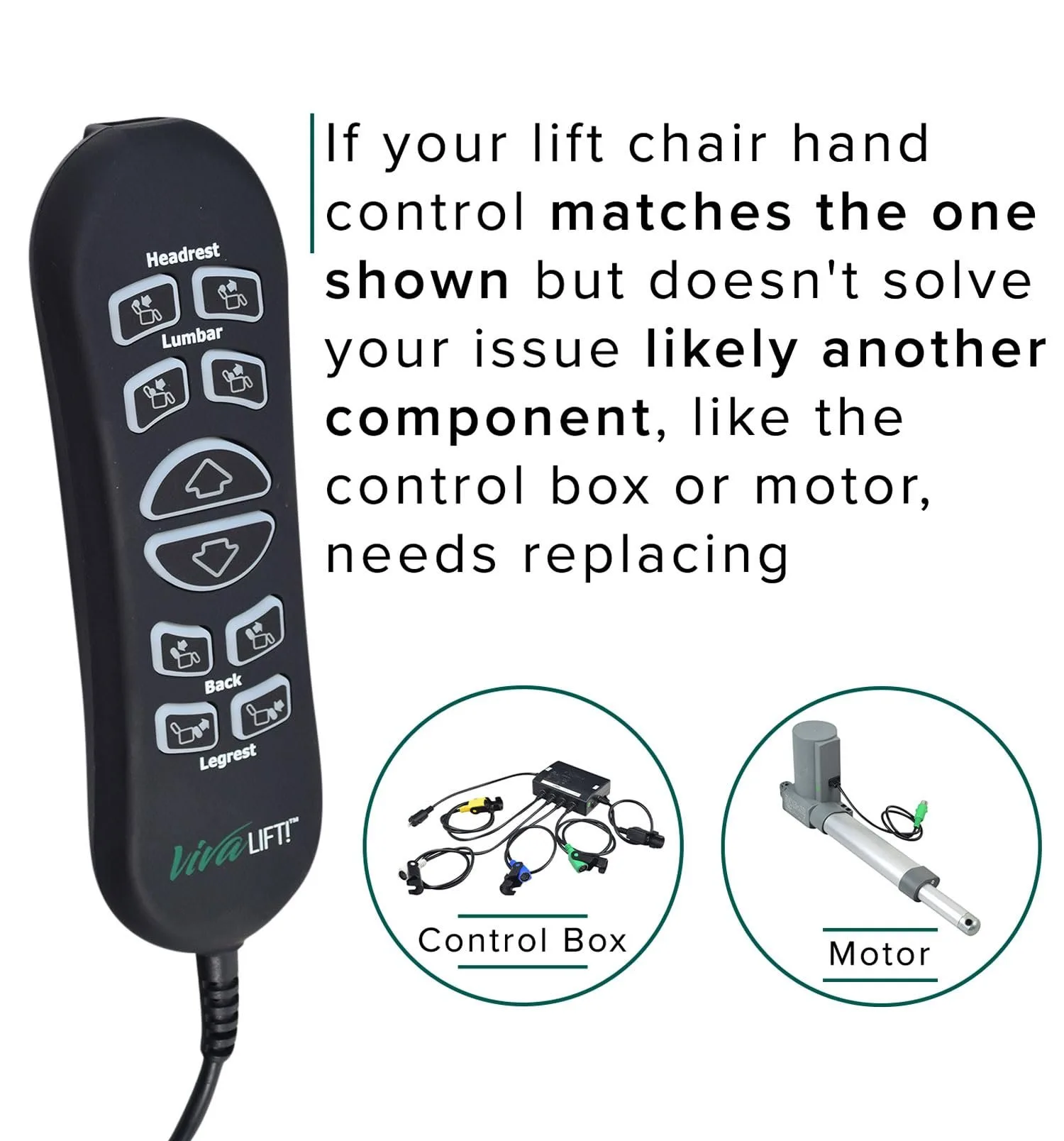
No, you shouldn’t attempt to repair internal wiring yourself. These remotes contain sensitive electronic boards and specific voltage requirements that a simple splice can’t fix. Attempting to solder or twist wires together often leads to short circuits that can burn out the chair’s main control box. It’s safer and more cost-effective to purchase a new, compatible handset from the manufacturer than to risk damaging the entire lift system.
How long does a lift chair remote usually last?
A remote typically lasts five to ten years, often matching the lifespan of the chair itself. This duration depends heavily on the model and your daily frequency of use. Frequent operation will cause the buttons and cables to wear out faster than occasional use.
Is it safe to use a third-party universal remote?
No, you should avoid using universal remotes unless they’re verified by the manufacturer. Most lift chairs use proprietary plug configurations and specific voltage outputs that aren’t compatible with generic parts. Using an incorrect remote can send the wrong electrical signal to the motor, which may cause it to run continuously or blow the internal fuse. Always use the part number found on the back of your current handset.
What happens if the chair is stuck in the up position?
If your chair is stuck in the raised position, ensure the user is safely out of the chair before troubleshooting. Check all power connections to see if unplugging and replugging resolves the issue. Don’t force the chair down manually; contact a professional repair service to address potential motor drive issues.
Why is the remote light flashing?
A flashing light on the handset indicates a communication error between the remote and the control box. This often occurs due to a loose cable or a detected motor fault. Perform a power reset, but if the light persists, the system likely has a hardware failure requiring a technician.
Final Thoughts
If these quick checks don’t get your chair moving again, don’t hesitate to reach out to the manufacturer’s support team. They’ll help you determine if a part needs replacing under your warranty. It’s better to get professional advice early so you’re back to relaxing in comfort as soon as possible.