
Many people depend on an APC battery backup (also called UPS Uninterruptible Power Supply) to keep computers, networking gear, and sensitive devices safe during power outages. When your APC battery backup stops charging, it can quickly become a source of stress. Maybe you see the “replace battery” light, hear constant beeping, or notice your equipment shuts down suddenly during an outage. If you’re facing these problems, you’re not alone. Understanding why your APC battery backup is not charging and what to do about it can save you money, protect your electronics, and prevent data loss.
This article will guide you through the main causes, troubleshooting steps, repair options, and common mistakes. You’ll also find practical tips and answers to frequent questions. Let’s explore why your APC UPS may not be charging, how to fix it, and how to avoid problems in the future.
How Apc Battery Backups Work
Before looking at charging issues, it’s helpful to know how an APC battery backup functions. These devices use sealed lead-acid (SLA) batteries that charge while the power is on. When the power fails, the UPS instantly switches to battery power, giving you time to save work or keep equipment running.
Charging Process:
- The battery charges from the wall outlet through an internal charger.
- The UPS monitors battery health and charge level.
- If the battery voltage drops too low, the charger increases power to restore it.
- Smart units adjust charging to extend battery life.
If any part of this system fails, the battery may not charge, leaving your devices unprotected.
Common Reasons Your Apc Battery Backup Is Not Charging
Several things can cause charging problems. Here are the most common:
Old Or Worn Out Battery
Lead-acid batteries wear out over time, usually lasting 3–5 years. Signs of an old battery:
- The “replace battery” light is on
- UPS won’t run on battery at all
- Battery feels warm or swollen
A weak or dead battery cannot hold a charge, even if the UPS tries to charge it.
Loose Or Corroded Connections
If the battery cables inside the UPS are not tightly connected, or if there’s corrosion on the terminals, charging will fail. Corrosion often looks like white or green powder on the metal parts.
Faulty Charger Circuit
The internal charging circuit inside the UPS can fail due to age, power surges, or manufacturing defects. If this happens, the battery will not receive enough voltage to charge.
Overloaded Ups
If you connect too many devices, the UPS may switch to “bypass” mode, stopping the battery from charging. High power draw can also heat up the unit and damage internal components.
Bad Power Source
If the wall outlet is not delivering steady power, the UPS can’t charge the battery. Unstable voltage, loose plugs, or tripped breakers can all cause charging issues.
Firmware Or Software Issues
Some APC models have smart features that update through software. A glitch or outdated firmware can prevent proper charging or show wrong battery status.
Environmental Factors
High temperatures, humidity, or dust can damage UPS parts and batteries. Heat speeds up battery aging and can damage charging circuits.
Wrong Replacement Battery
If you replaced the battery with the wrong type or size, the UPS may not charge it. Always use a battery with the correct voltage and capacity.
How To Diagnose Why Your Apc Battery Backup Is Not Charging
Diagnosing the problem saves time and money. Here’s how to start:
Visual Inspection
- Check the battery: Look for swelling, leaks, or discoloration.
- Inspect connections: Make sure wires are tight and terminals clean.
- Look for error lights: Most APC models have a “replace battery” or “fault” indicator.
Listen For Beeps
APC UPS devices use beep codes to signal problems. For example, one long beep every few seconds usually means a battery problem.
Test The Battery
- Unplug the UPS from the wall.
- Press the power button. If it shuts off immediately, the battery is likely dead.
- If you have a multimeter, test the battery voltage. A healthy 12V SLA battery should show at least 12.5V when fully charged.
Try A Different Outlet
Plug the UPS into another wall socket to rule out power problems.
Disconnect Some Devices
Remove non-essential devices and see if the battery starts charging. Overloading can stop charging.
Use Apc Software
Many APC models work with PowerChute or other software. Connect the UPS to your computer (USB or serial cable) and check the battery status and error logs.
Compare With Expected Battery Life
Typical battery life varies by model and environment. Here’s a quick reference:
| APC UPS Model | Expected Battery Life | Common Replacement Interval |
|---|---|---|
| Back-UPS 600VA | 3–5 years | Every 3 years |
| Smart-UPS 1500VA | 3–6 years | Every 4 years |
| Back-UPS Pro 1000VA | 2–4 years | Every 2–3 years |
If your battery is near or past this age, replacement is likely needed.
How To Fix An Apc Battery Backup That Is Not Charging
The solution depends on the cause. Here’s what to do for each main problem:
Replace The Battery
If the battery is old, swollen, or fails the multimeter test:
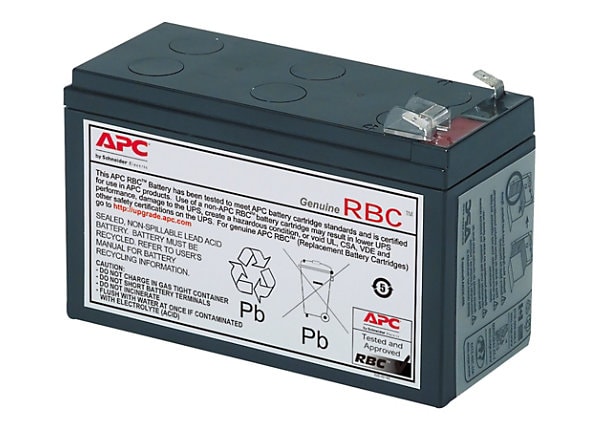
- Buy a genuine APC replacement or a compatible SLA battery with the same specs.
- Turn off and unplug the UPS.
- Open the battery compartment (usually a sliding door or screws).
- Disconnect the old battery (note the wire order).
- Install the new battery, reconnect wires, and close the compartment.
- Plug in and let it charge for 8–12 hours before heavy use.
Clean And Tighten Connections
If you see corrosion:
- Unplug the UPS and remove the battery.
- Clean terminals with a small brush and a mix of baking soda and water.
- Dry completely and reconnect tightly.
Reduce The Load
If your UPS is overloaded:
- Unplug non-essential devices.
- Only connect what you need during outages (router, PC, etc. ).
Compare the total wattage of your devices with the UPS rating:
| Device | Average Power Use (Watts) | Safe for 600VA UPS? |
|---|---|---|
| Desktop PC | 200W | Yes |
| Monitor | 30W | Yes |
| Laser Printer | 400W | No |
| Wi-Fi Router | 10W | Yes |
Laser printers or heaters should not be connected to small UPS units.
Check Wall Power And Circuit Breakers
Make sure:
- The outlet is live (test with a lamp).
- No GFCI or breaker has tripped.
- The UPS plug fits securely.
Update Firmware/software
If you suspect a software glitch:
- Download the latest PowerChute version from APC’s official website.
- Update the UPS firmware if available.
Reset The Ups
For some models, unplugging from power and removing the battery for 10 minutes can reset the internal microcontroller. Reinstall and test.
Replace The Unit Or Charger Circuit
If the internal charger is bad, repairs can be difficult and may not be cost-effective. For newer or high-end models, professional repair may be possible. For old or cheap units, replacement is usually better.
Real-world Example: Diagnosing A Dead Ups
Imagine your APC Back-UPS 650 shows the “replace battery” light and does not charge. You test the battery with a multimeter and get only 9V (instead of 12V+). The battery is 4 years old. In this case, simply replacing the battery will solve the problem.
If you replace the battery but charging still fails, and the unit is warm with a faint burning smell, the charger circuit is probably damaged. It’s safer to buy a new UPS.
Practical Tips To Avoid Charging Problems
- Replace batteries proactively every 3–4 years, even before failure.
- Keep the UPS clean and cool. Avoid putting it near heaters or in closed cabinets.
- Don’t overload. Calculate the total wattage of connected devices.
- Test your UPS every few months by unplugging it and seeing if devices stay on.
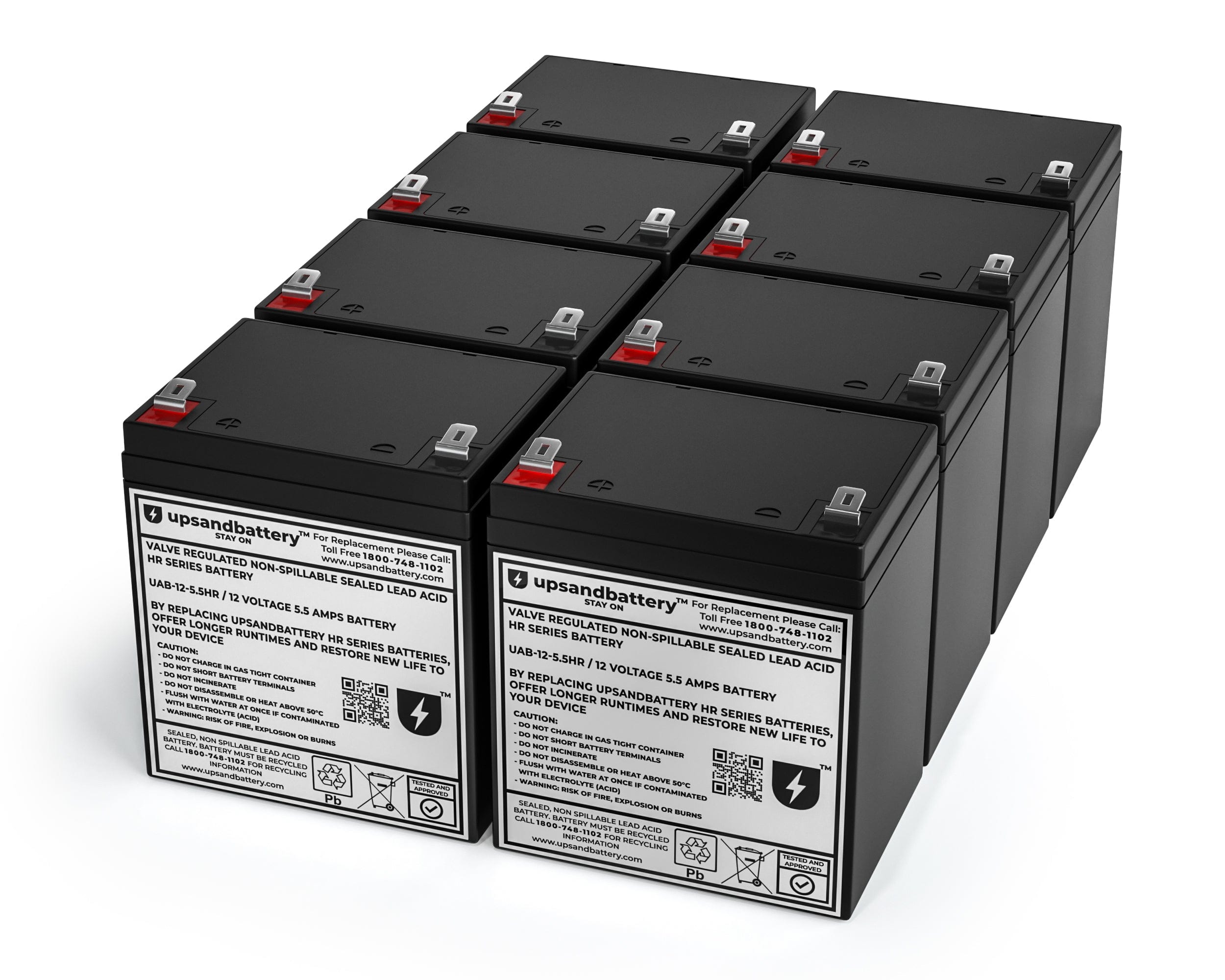
- Use genuine batteries whenever possible. Cheap knock-offs can damage your UPS.
What Beginners Often Miss
Many new users think a UPS will last as long as their computer. In reality, the battery needs regular replacement just like a car battery. Also, UPS devices are not designed for high-power items like heaters or printers. Connecting these can damage the battery and charging system.
Another common mistake is ignoring “replace battery” warnings. A UPS with a dead battery won’t protect your equipment during an outage. Always act quickly when you see warning lights or hear alarms.
When To Repair Vs. Replace Your Apc Ups
Sometimes fixing is not worth the effort or cost. Here’s a quick decision guide:
| Problem | Repair Cost | When to Replace |
|---|---|---|
| Battery only | $20–$50 | Unit is >5 years old or shows other faults |
| Charger circuit | $50–$100+ | Cheaper to buy new unless high-end model |
| Software/firmware | Usually free | If no fix after update, replace |

How To Extend Your Apc Battery Backup’s Life
- Keep in a cool, dry place. High temperatures reduce battery life.
- Charge fully before first use. Let it charge at least 8 hours.
- Cycle the battery (let it run on battery for a few minutes every few months).
- Don’t store unused for long periods without charging. Batteries self-discharge over time.
- Regularly check for firmware updates for smart UPS models.
For more details on battery care, see APC’s official FAQ.
Frequently Asked Questions
Why Does My Apc Ups Beep Constantly?
Constant beeping often means a battery problem, overload, or a failed charger. Check for error lights, unplug some devices, and test the battery.
Can I Use Any 12v Battery In My Apc Ups?
No. You must use a sealed lead-acid battery with the same voltage and similar capacity (Ah rating). Some generic batteries work, but avoid car batteries or mismatched sizes.
How Long Does It Take To Fully Charge A New Ups Battery?
Usually 8–16 hours for a full charge. Charging is slower if the battery is deeply discharged or if the UPS is powering devices during charging.
Is It Dangerous To Keep Using A Ups With A Bad Battery?
Yes. A bad battery can overheat, leak, or even burst. Plus, your devices won’t be protected during outages. Replace batteries as soon as you see warnings.
Should I Unplug My Apc Ups When Not In Use?
If the UPS is not being used for more than a month, unplugging is wise. But charge the battery every 3 months to avoid deep discharge.
If you follow these steps and tips, your APC battery backup should charge correctly and last for years keeping your equipment safe and your mind at ease.