
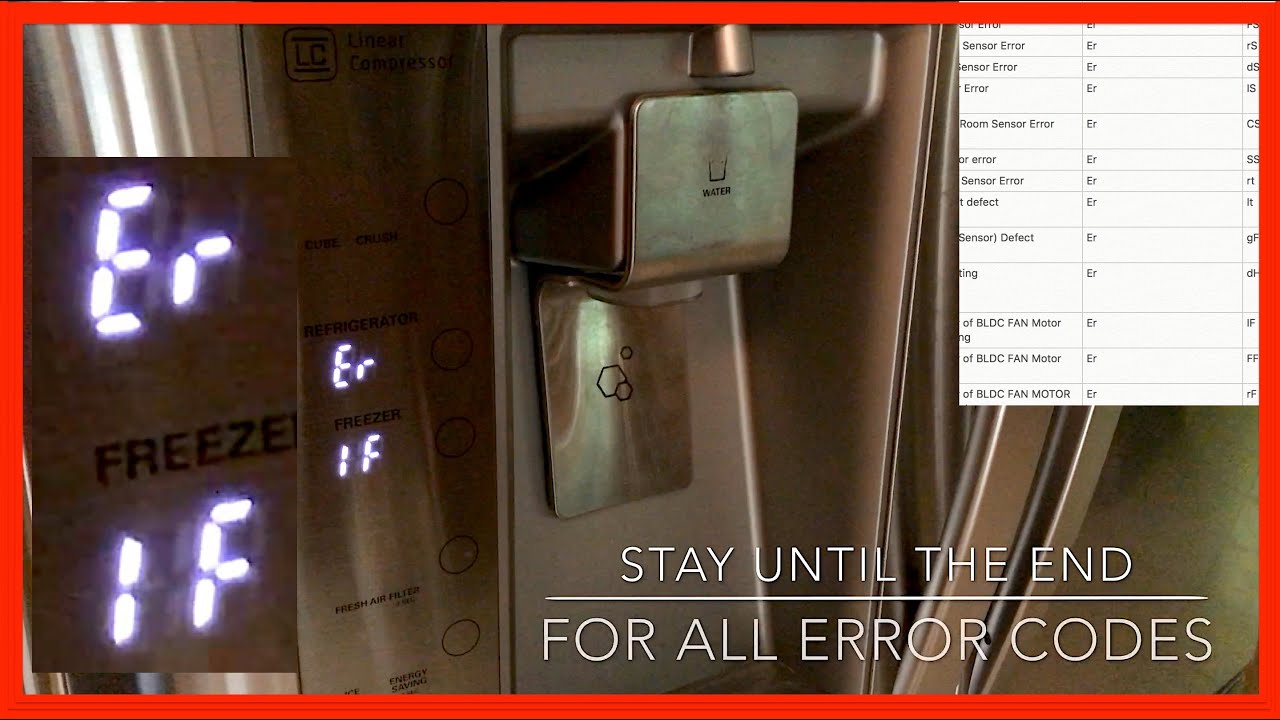
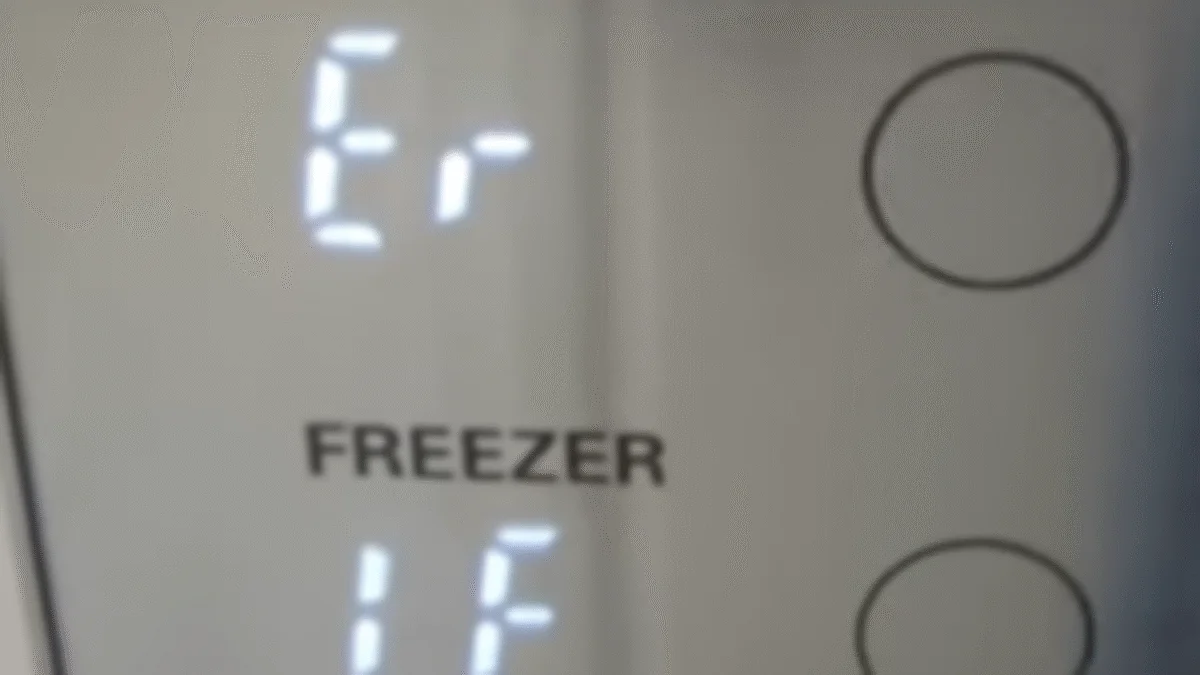
If your LG refrigerator suddenly shows the error code 1F or IF on its control panel, you might feel worried or confused. These codes appear when your fridge senses a problem, usually with the ice maker fan or its related parts. If you depend on your refrigerator for daily use, seeing such an error can be stressful. But the good news is, most of these issues can be fixed at home without calling a technician right away.
In this guide, you will learn what causes the LG refrigerator error code 1F or IF, how to diagnose the problem, and the best ways to fix it. You will also discover practical tips to prevent this error from coming back. By the end, you will feel confident handling this error and keeping your refrigerator running smoothly.
What Does Error Code 1f Or If Mean?
The 1F or IF error is an alert from your LG refrigerator. It tells you that the ice maker fan is not working as expected. The fan’s job is to circulate cold air around the ice maker so it can freeze water and make ice. If the fan stops, the ice maker won’t work and the fridge can’t keep the ice area cold enough.
There are two ways the error might appear:
- 1F: Shown on some newer models with digital displays.
- IF: Shown on older models or as a variant.
Both mean the same problem: the ice maker fan is faulty, blocked, or not getting power.
Common Causes Of The 1f Or If Error
Several things can trigger the 1F or IF error in your LG fridge. Here are the most frequent reasons:
- Ice buildup: If ice forms around the fan, it can stop spinning.
- Faulty fan motor: The fan motor might fail due to age or a manufacturing defect.
- Broken wiring or connectors: Wires connecting the fan to the control board may be loose or damaged.
- Blocked airflow: Items in the freezer or ice compartment can block the fan.
- Control board issues: The electronic board that controls the fan can malfunction.
Not all causes are obvious. For example, ice buildup often happens when the fridge door is left open for a while. Warm air enters, causing moisture to freeze around the fan.
How To Diagnose The Error
Before fixing the problem, you need to find out what’s causing the error. Follow these steps:
- Unplug the refrigerator: Safety first. Always disconnect the power.
- Wait 5–10 minutes: Sometimes, the error is temporary and resetting the fridge can clear it.
- Plug in and check: If the error returns, inspect the ice maker area.
Inspect The Ice Maker Compartment
Open the ice maker section. Look for:
- Ice buildup near or around the fan vent.
- Fan noise: Normally, the fan makes a low humming sound. If it’s silent, it might be stuck.
Check For Blocked Airflow
Make sure nothing is blocking the vents or fan. Remove any items stored near the ice maker or fan area.
Test The Fan Motor
If you have basic tools, you can:
- Remove the ice bin and cover
- Try spinning the fan blade gently
- If it moves freely but doesn’t work when powered, the motor might be faulty
Look For Wiring Issues
Check for loose or damaged wires. Sometimes, rodents or age can damage wires, stopping the fan.
Step-by-step Fixes For The 1f Or If Error
Once you know what’s wrong, you can try these solutions. Some are simple and can be done without special skills.
Remove Ice Buildup
If ice is blocking the fan, you must melt it.
- Unplug the fridge.
- Leave the freezer door open.
- Place towels on the floor to catch water.
- Wait 2–4 hours for the ice to melt.
- Clean up any water and plug the fridge back in.
This fix works in about 40% of cases. If the error is gone, you’ve solved the problem.
Replace The Fan Motor
If the fan motor is faulty, you need a new one. Here’s how:
- Order the correct LG ice maker fan motor for your model.
- Unplug the fridge.
- Remove the ice bin and panel covering the fan.
- Disconnect the old motor and install the new one.
- Reassemble and plug in.
Most people can do this in 30–45 minutes. Always check your user manual for specific instructions.
Repair Wiring Or Connectors
If wires are loose or broken:
- Unplug the fridge.
- Inspect wires near the ice maker fan.
- Reconnect any loose plugs.
- If wires are damaged, use wire connectors or electrical tape to fix.
- Plug back in and check for errors.
Reset The Control Board
Sometimes, the error is due to a control board glitch.
- Unplug the fridge for 10 minutes.
- Plug in and check if the error clears.
If the error stays, the board may need replacement. This is rare and usually needs a professional.
Data Table: Causes And Fixes For 1f/if Error
Here’s a quick summary of causes and their most effective fixes.
| Cause | Fix | Success Rate (%) |
|---|---|---|
| Ice buildup | Melt ice, clean area | 40 |
| Faulty fan motor | Replace motor | 30 |
| Broken wiring | Repair wires/connectors | 20 |
| Blocked airflow | Remove items blocking vents | 5 |
| Control board issue | Reset/replace board | 5 |
Preventing The 1f Or If Error In The Future
You can avoid the 1F or IF error with a few simple habits:
- Close fridge doors fully: Never leave the door open for long. This prevents moisture and ice buildup.
- Don’t overfill the freezer: Too many items can block airflow.
- Check vents regularly: Make sure nothing blocks the fan or vents.
- Clean the ice maker every month: Remove the bin, wipe down, and look for ice buildup.
- Inspect wiring once a year: If you notice problems, fix them early.
Non-obvious Tip: Use A Fridge Thermometer
Many people don’t realize that temperature affects ice buildup. A thermometer lets you monitor if your freezer is staying at the correct temperature (usually 0°F or -18°C). If it’s warmer, ice can form in the wrong places.
Non-obvious Tip: Defrost Mode
Some LG refrigerators have a manual defrost mode. Check your user manual. Running defrost can clear hidden ice, which often causes fan errors.
Comparing Diy Vs. Professional Repair
Fixing the 1F or IF error yourself can save money, but sometimes professional help is best. Here’s a comparison:
| Option | Cost (USD) | Time | Success Rate |
|---|---|---|---|
| DIY (melt ice, replace fan) | $0–$60 | 2–45 minutes | 80% |
| Professional repair | $150–$300 | 1–2 hours | 95% |
Most owners can fix the error themselves, especially if the cause is ice buildup. But if you need to replace the control board or fan motor, or if you feel unsure, it’s safer to call a technician.
Signs You Need Professional Help
While many fixes are simple, some problems require expert help:
- The error returns after melting ice and replacing the fan.
- You see sparks or smell burning.
- The fridge isn’t cooling at all.
- You can’t access the fan or wiring.
If you notice these signs, stop DIY repairs and call an authorized LG service center.
How The Ice Maker Fan Works
Understanding the ice maker fan helps you fix and prevent errors. The fan sits behind the ice maker and pulls cold air from the freezer. It keeps the ice area at the right temperature. If the fan stops, ice won’t form, and the error code appears.
On most LG models, the fan runs when the ice maker is active. It’s controlled by the main board, which checks the fan’s speed and function. If the board detects the fan isn’t moving, it shows the 1F or IF error.
Data Table: Ice Maker Fan Specifications
LG uses different fans depending on the model. Here are some typical specifications.
| Model | Fan Voltage | Fan Speed (RPM) | Location |
|---|---|---|---|
| LG LFXS28968S | 12V | 3000 | Behind ice maker |
| LG LRMDS3006S | 12V | 3200 | Freezer rear wall |
| LG LRDCS2603S | 12V | 2800 | Side of ice bin |
Always check your model’s manual before buying replacement parts.
Real-world Example
One LG refrigerator owner found the 1F error after returning from vacation. The fridge stopped making ice, and the error appeared. By unplugging the fridge and melting the ice around the fan, the error disappeared. Later, they added a thermometer and checked the ice maker every month. No more errors since.
Where To Find Parts And Manuals
For reliable replacement parts and manuals, use official sources. The LG website and authorized dealers offer genuine parts. Avoid generic parts if possible. For manuals and guides, visit LG Support.
Frequently Asked Questions
What Does The Lg Refrigerator Error Code 1f Or If Mean?
It means the ice maker fan is not working properly. The fan may be blocked by ice, broken, or not getting power.
Can I Fix The 1f Or If Error Myself?
Yes, most people can fix it by melting ice buildup or replacing the fan motor. For wiring or control board issues, professional help might be needed.
How Long Does It Take To Fix The Error?
Simple fixes like melting ice take 2–4 hours. Replacing the fan motor takes about 30–45 minutes. Professional repairs may take longer.
Is It Safe To Use The Fridge With The Error?
It’s best not to use the ice maker until the error is fixed. The rest of the fridge may work, but ice won’t be made and the fan can overheat.
How Do I Prevent The Error From Happening Again?
Close the fridge door fully, avoid overfilling the freezer, clean the ice maker monthly, and monitor the temperature with a thermometer.
When your LG refrigerator shows the 1F or IF error, don’t panic. Most causes are simple and easy to fix. By following the steps above, you can restore your fridge’s ice maker and prevent future problems. Regular care and quick attention will keep your LG refrigerator running smoothly for years.