
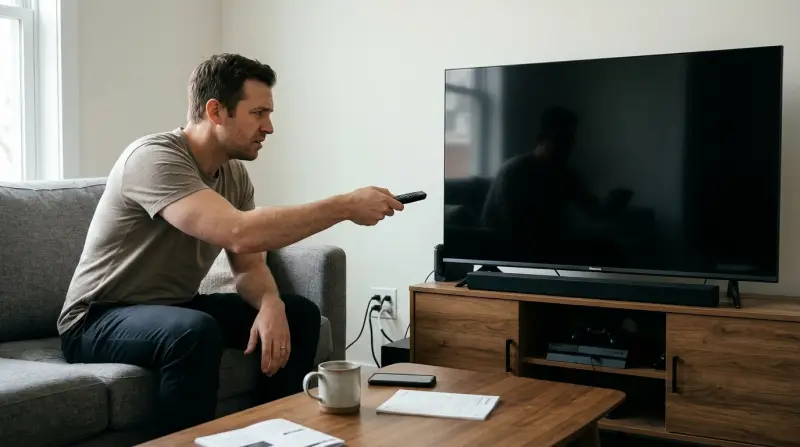
A loose power cable or faulty wall outlet is the most common reason for a Hisense TV not turning on. Confirm this by checking the physical connections at the wall and the back of the television. If using a power strip, plug the cord directly into a wall outlet to rule out a failure. Always check your official support documentation for specific power requirements and unique reset protocols.
Why your Hisense isn’t turning on
| Cause | How common | How to confirm it | Fix it yourself? |
|---|---|---|---|
| Loose power cord | Very common | Check both ends | Yes |
| Failed power strip | Common | Plug into wall | Yes |
| Remote battery dead | Common | Use physical button | Yes |
| HDMI handshake error | Occasional | Unplug HDMI cables | Yes |
| Internal power board | Rare | No standby light | No |
| Blown home fuse | Rare | Check breaker box | Yes with care |
Most users mistake a dead power strip for a broken television. Before calling a technician, plug a lamp into the same outlet to confirm the wall socket is live. If the lamp fails, your issue is the home circuit, not the appliance.
HDMI handshake errors often occur after a power flicker. If the TV light is on but the screen remains black, disconnect every HDMI cable for sixty seconds before reconnecting them. This forces a fresh signal negotiation.
The most expensive mistake is assuming a lack of power indicates a failed internal board. If you see no standby light, check if the power cord is seated flush against the TV chassis. A cord that feels tight may still have a recessed prong that prevents a full electrical connection. If the standby light is absent despite a confirmed wall outlet, the internal power supply has likely failed and requires professional repair.
Power source and cable connections
A loose power connection is the primary culprit when your screen remains dark. Because these cables can vibrate slightly over time or get nudged during cleaning, the plug might lose its firm contact with the port. To test this, reach behind the television and ensure the cable is pushed firmly into the socket; it should feel snug and fully seated. If the cable feels loose, unplug it completely and inspect the pins for any signs of bending or debris.
If the connection is secure, the wall outlet itself could be the source of the problem. If you’re using a surge protector, it may have tripped internally to protect your electronics from a spike. To verify this, plug a lamp or another small appliance into the same outlet to confirm it provides electricity. If the lamp doesn’t work, check your home’s circuit breaker box to see if the switch for that room has flipped. If you find a tripped breaker, reset it once, but if it trips again immediately, stop and call a licensed electrician. Never attempt to service the internal electrical wiring of your home unless you’re qualified. This fix usually takes less than five minutes and costs nothing, assuming you have a working outlet available. If the TV still doesn’t show a standby light after verifying the power source, the issue likely lies within the television’s internal hardware, which requires professional repair.
Remote control and standby issues
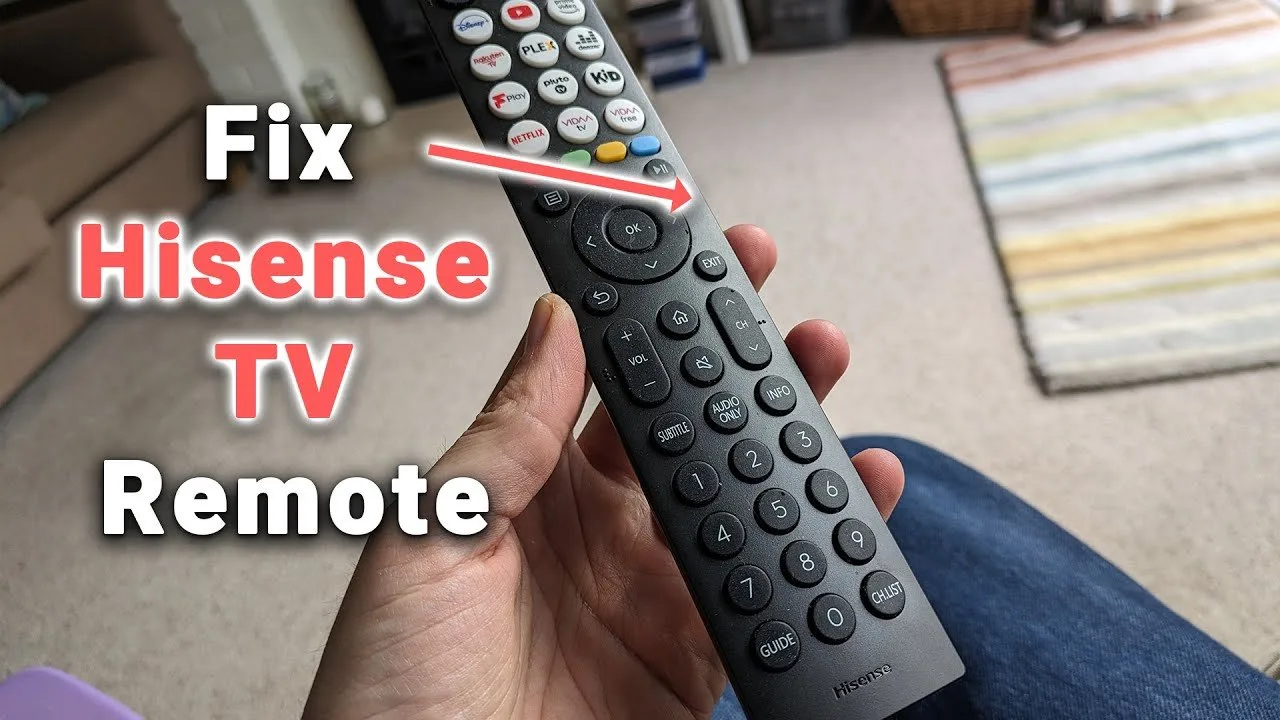
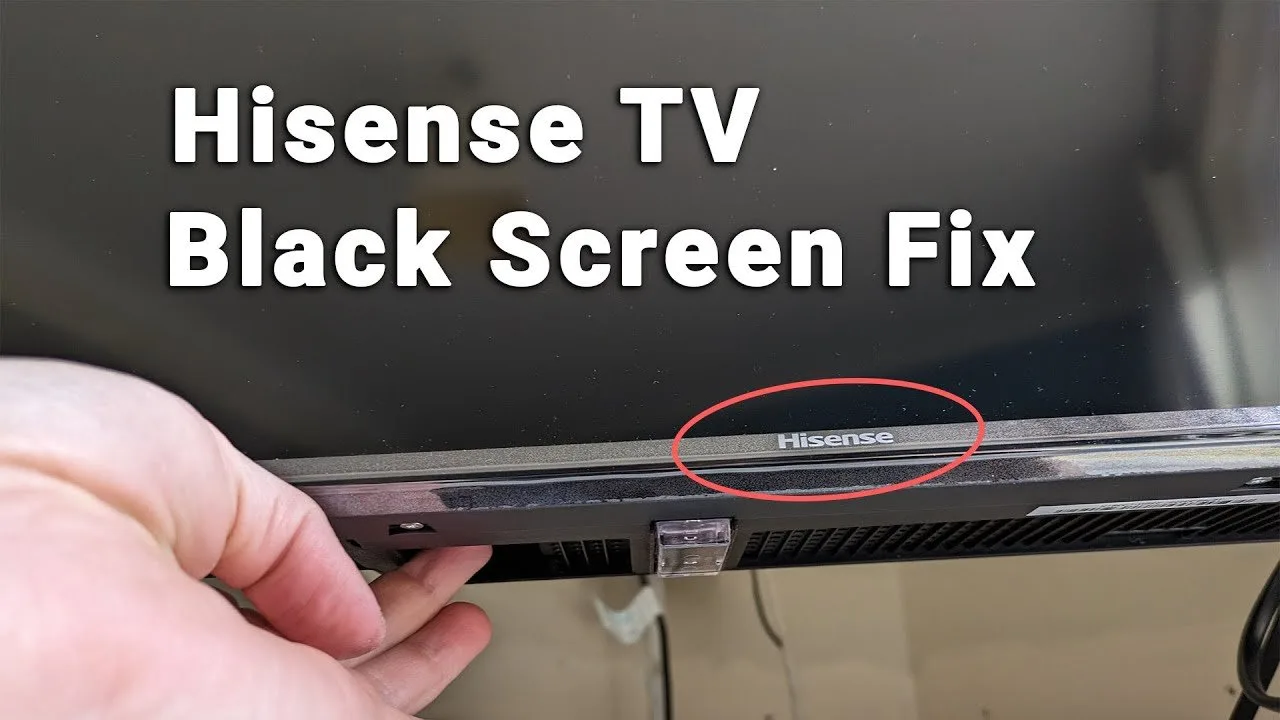
A television that appears dead might simply be stuck in a standby state because the remote control isn’t sending a signal. You can distinguish this from a power failure by looking for the small standby light on the front or bottom bezel of the unit. If that light is on but the TV doesn’t respond to your remote, the remote itself is likely the problem. First, try to turn the TV on using the physical power button located on the side, bottom, or back of the television housing. If the TV turns on using the button, your remote is the issue.
Check the remote batteries first; even if they appear fresh, try a new pair to be certain. If the remote still fails, ensure there’s a clear line of sight between the remote and the infrared sensor on the TV. Sometimes, bright sunlight or LED lights can interfere with the infrared signal, so try moving the TV away from direct light sources. If the standby light is off entirely, the TV isn’t receiving power, which confirms the issue is electrical rather than a remote signal problem. If you replace the batteries and the remote still fails to trigger the power, you may need a replacement remote or a universal control unit. This process takes about ten minutes and only requires the cost of new batteries. If the physical button also fails to start the set, you’re dealing with a deeper hardware failure.
HDMI and peripheral signal errors
An HDMI handshake error occurs when the television fails to communicate correctly with an external device, such as a game console or cable box, leaving the screen black even though the TV is powered on. You can tell this is the cause if the standby light is visible and the TV responds to the remote, but no picture appears. To fix this, turn off all connected devices and unplug every HDMI cable from the back of the television. Wait for at least sixty seconds to allow the internal buffers to clear.
Once the time has passed, plug the power cord back in and turn on the television first. After the TV is fully awake, plug in your HDMI devices one at a time. If the screen flickers or stays black, try a different HDMI port on the back of the television. If you have a spare HDMI cable, test it to rule out a damaged wire. This is a common point of failure because HDMI cables can degrade internally without showing external damage. If the TV displays a “No Signal” message, the screen is functional and the problem is with your external device or the cable, not the television itself. This process takes about fifteen minutes and costs nothing unless you need to purchase a new high-speed HDMI cable. If the screen remains black even with no cables attached and the menu button doesn’t appear, the internal display panel or main board may be faulty.
The less likely causes
-
Software crash: A firmware glitch can freeze the TV in a black state. You can usually fix this by unplugging the power cord for one full minute to drain the capacitors. If the TV remains unresponsive after reconnecting, check if the standby light blinks in a specific pattern, which often indicates a software boot loop requiring a factory reset via a hidden button.
-
Backlight failure: If you can see a faint image using a flashlight held close to the screen, the backlight has failed. This requires professional repair. Don’t attempt to replace individual LED strips yourself unless you have experience with high-voltage capacitors, as these retain a lethal charge even when unplugged.
-
Overheating: If the TV was running and suddenly shut off, it may be too hot. Ensure the vents are clear of dust and allow it to cool for one hour. If this happens repeatedly, ensure the television has adequate ventilation and isn’t blocked by furniture or dust.
-
Panel damage: A cracked screen results in a black display. This isn’t a user-serviceable part and usually exceeds the cost of a new television.
What a fix usually involves
Fixing a television that won’t turn on often involves simple troubleshooting that costs nothing but your time. If the issue is a loose cable or a depleted battery, you can resolve it instantly with tools you likely have at home. If the issue is a damaged HDMI cable, the cost is the price of a standard replacement cable, which is a small part of the total investment. However, if the fault lies with the internal power board or the LED backlight, the repair cost can be significant.
In many cases, the cost of professional labor and replacement components can approach a large portion of the price of a new unit. Before you pay for a repair, check your model’s warranty status on the manufacturer’s website. If the unit is under warranty, don’t attempt any internal modifications, as this will void your coverage. If you’re out of warranty, ask a local repair shop for a diagnostic quote. Most shops charge a set fee to open the unit and identify the failed component, which they will then subtract from the final repair bill if you decide to proceed.
Frequently asked questions
Can I leave my TV unplugged for a long time?
Yes, you can leave your television unplugged indefinitely without causing any damage to the internal components. This is actually a recommended step for resetting the device’s main board after a software freeze or an electrical spike. When you plug it back in, the system will perform a fresh boot, which often clears minor errors that prevent the unit from starting.
Is it safe to use a different power cord?
No, you should only use a power cord that’s compatible with your specific model. While many power cables look the same, they have different voltage and amperage ratings. Using an incorrect cord can cause damage to the television’s power supply or pose a fire risk. Always check the label on the back of the TV to verify the power requirements before using any replacement.
Why is the standby light blinking?
Does it matter if I use a surge protector?
Yes, using a high-quality surge protector is important for protecting your television from electrical surges during storms or power grid fluctuations. While a direct wall connection is best for initial troubleshooting, a surge protector acts as a barrier that extends the lifespan of your TV’s sensitive power components. Always ensure your surge protector isn’t overloaded with too many high-draw appliances.
How long should I wait for the TV to turn on?
About ten seconds is the typical time a television takes to process the power signal and display an image on the screen. If you press the power button and nothing happens for more than thirty seconds, it’s unlikely that the TV is just slow to start. At that point, you should verify your power connections and test the remote control batteries to ensure the signal is being sent.
Final Thoughts
If these simple checks don’t bring your screen back to life, it’s time to reach out for professional help. Don’t hesitate to contact the manufacturer’s customer service team directly through their website. They’ll guide you through any remaining warranty options, so you won’t have to worry about missing your favorite shows for long.
Related guides
- Insignia TV Turns on But Screen is Black: Easy Fixes Guide
- Deadbolt Won’t Turn? Easy Fixes to Unlock Your Stuck Door