
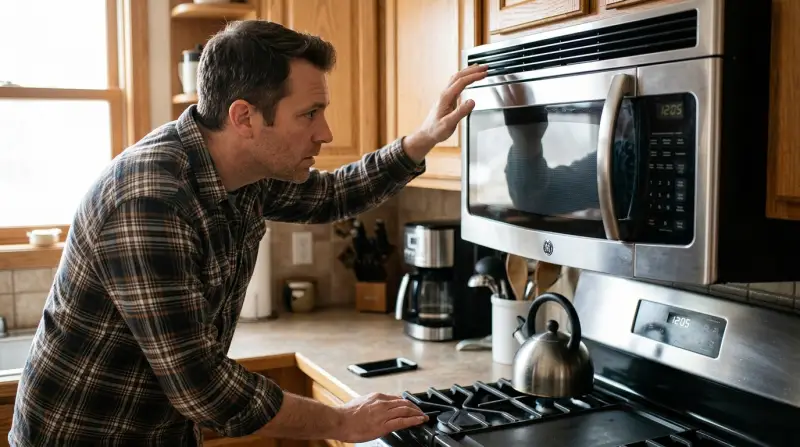
If your GE Microwave Fan Keeps Running When Door is Closed, it is likely in a cooling cycle to protect internal components after long cooking sessions. If the fan runs for over 15 minutes or continues while the unit is idle, there is likely a mechanical fault with the control board or thermal relay.
Why the microwave keeps running with the door closed
| Cause | How common | How to confirm it | Fix it yourself? |
|---|---|---|---|
| Normal cooling cycle | Very common | Wait 15 minutes | No action needed |
| Stuck door sensor | Common | Open/close door firmly | Yes, with care |
| Control board glitch | Occasional | Unplug for 10 minutes | Yes |
| Faulty thermal relay | Rare | Fan never stops | No |
| Shorted wiring | Very rare | Burning smell present | No |
| Relay board failure | Very rare | Constant fan power | No |
Most users mistake a standard defrost cycle for a mechanical failure.
If the door sensor is the culprit, check the physical switch near the hinge. A buildup of grime often prevents the plunger from depressing fully. Clean it with a damp cloth before assuming the electrical board has failed.
If you smell burning, stop immediately. This indicates a shorted wire or a melting relay. Unplug the unit from the wall and call a professional. Attempting to bypass a shorted circuit yourself risks a fire or permanent damage to the main logic board.
Use this rule: If the fan runs continuously for over an hour, the issue is likely a faulty relay. If the fan cycles on and off, the problem is almost certainly a sensor or a simple software glitch.
Normal cooling cycles after use
The most frequent reason for a running fan is the internal cooling process that triggers after you finish a cooking task. Modern microwaves generate significant heat near the magnetron and the control electronics. To prevent these parts from overheating, the software maintains power to the ventilation fan until the sensors detect a safe temperature. This varies by model — check the label or user guide for your specific unit, but typically, this duration lasts between 3 and 10 minutes depending on how long you ran the microwave.
If you have been using the microwave for a long duration, such as 20 minutes of continuous operation, expect the fan to run for the upper end of that range. This is a deliberate design choice to extend the life of the electronic components. You can confirm this is the cause by simply waiting; if the fan cuts out on its own within 15 minutes, the unit is working exactly as intended. Don’t interrupt this process by pulling the plug during the cycle, as the components need that airflow to dissipate the residual heat. If you find the fan runs for hours, it isn’t a cooling cycle and indicates a deeper electrical issue. This assumes the microwave is in a well-ventilated area; if the unit is built into a cabinet with blocked vents, the fan may struggle to cool the interior, causing it to run longer than the manufacturer intended.
Stuck door interlock switches
If the fan runs immediately when you plug in the unit, or if it keeps running long after the cooling period should have ended, the door interlock switch may be stuck. These switches tell the microwave controller that the door is closed. You can test this by opening the door and checking if the interior light turns off. If the light stays on while the door is open, the switch is almost certainly stuck or broken.
Try opening and closing the door firmly a few times. Sometimes debris or a misaligned latch prevents the switch from clicking into the “open” position. If the fan stops when you push on the door or wiggle the latch, you have confirmed a mechanical interference. However, don’t attempt to disassemble the door or the chassis to reach the switches yourself. These components are linked to high-voltage safety interlocks. If the switch remains stuck after basic cleaning of the latch area, this isn’t a do-it-yourself job. You need a qualified technician to replace the switch assembly.
Control board power glitches
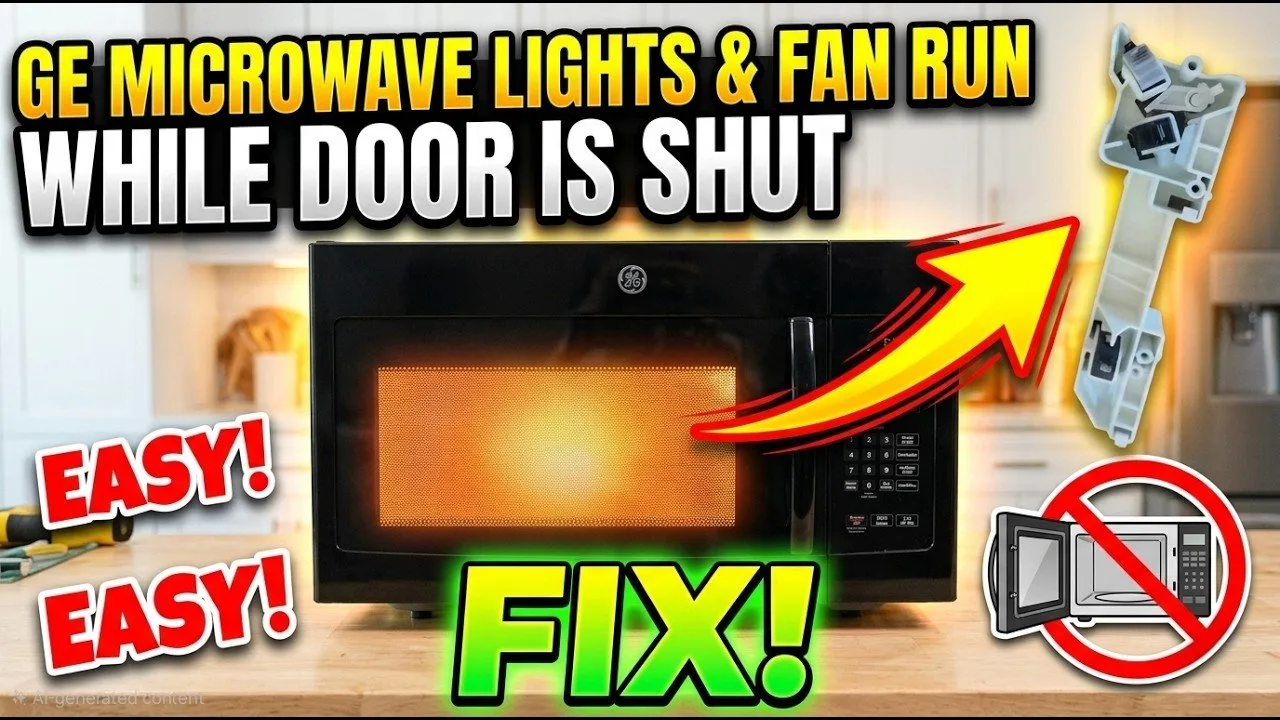
An electronic control board can sometimes “freeze” in a state where it thinks the fan should be running. This is common after a power surge or a brief outage, which can scramble the logic on the circuit board. To reset the microwave, unplug the power cord from the wall outlet and wait for at least 10 minutes. This time allows the internal capacitors to discharge fully and the volatile memory on the controller to clear. After the wait, plug the unit back in and see if the fan behavior returns to normal.
If the fan stays off after you plug it back in, the issue was a temporary logic error. If the fan starts immediately upon plugging it in, the fault is likely hardware-related rather than software-based. This is a trade-off: a simple reset costs nothing and takes a few minutes, but it won’t fix a physically welded relay or a shorted sensor. If you perform this reset and the fan continues to run, don’t try to open the microwave housing to look for loose wires. A capacitor can hold a lethal charge unplugged, and the internal housing contains sensitive components that require specialized tools to service. If the reset doesn’t stop the fan, the control board or the relay that powers the fan has likely failed. This requires a professional repair service to diagnose and replace the faulty electronic components safely.
The less likely causes
A faulty thermal relay can stay stuck in the “on” position. This requires a professional to replace the specific relay component.
Internal wiring may have shorted against the metal chassis. This creates a path for power to reach the fan motor regardless of the control board’s signal. Check for visible wire fraying near the casing. If you see bare copper touching metal, stop immediately to avoid a fire hazard.
The fan motor itself may have a mechanical defect that prevents it from stopping. This is rare but requires a full replacement of the motor assembly.
A failed relay board can send constant power to the fan circuit. This fault isn’t fixable by the user. If the board shows burnt marks or smells of ozone, call a certified technician.
What a fix usually involves
Fixing a microwave fan that won’t turn off usually involves either a simple reset or a professional repair. A software reset is free and takes only your time, but it only works if the control board has experienced a temporary logic glitch. If the problem is a mechanical switch or a failed relay, the fix requires a new part. The cost depends on whether the part is a simple door switch or a complex main control board. A door switch is a small part, while a control board can cost nearly as much as a new microwave.
You should check the official manufacturer documentation or the support page for your model to see if there are specific error codes displayed on the screen. If no code appears, consult a local appliance repair service. Ask them for a quote based on your specific model number, which you can find on the sticker inside the door or on the back of the unit. Never attempt to handle the internal electronics yourself, as the risks of electrical shock or radiation leakage are high. If the repair quote is high, weigh the cost against the age of your unit; if the microwave is several years old, a replacement is often more cost-effective.
Frequently asked questions
Can I keep using the microwave if the fan won’t stop?
No, you should stop using it immediately. If the fan is running constantly, it indicates a failure in the control circuit or a stuck sensor that could lead to overheating or further electrical damage. Continued use could cause the unit to stop heating entirely or create a fire hazard if the fan motor itself eventually burns out from running indefinitely.
Why does the fan run when the microwave isn’t cooking?
The fan is likely running because the control board senses a high internal temperature and is attempting to cool the electronics. If this happens while the microwave is idle and hasn’t been used for hours, it points to a faulty thermal relay or a short in the control circuit that’s telling the fan to turn on when it should be off.
Is it safe to leave the microwave plugged in if the fan is running?
No, it isn’t safe to leave it plugged in if the fan runs continuously when the unit is idle. Unplug the microwave to prevent the fan motor from burning out and to eliminate the risk of electrical issues. Keep it unplugged until a professional can inspect the internal relay and the control board to determine why the fan is receiving constant power.
Does the fan speed change when the door is closed?
No, the fan speed doesn’t change based on the door position. The fan is designed to run at a set speed to move air through the chassis, regardless of whether the door is open or closed. If you notice the sound changing when you move the door, it’s likely a sign that the door interlock switch is failing or the latch is misaligned.
How do I know if the relay is broken?
You’ll know the relay is broken if the fan runs continuously even after a full system reset. A working relay should only close the circuit when the control board sends the signal to cool the unit. If the relay is welded shut or internally damaged, it will keep the fan powered regardless of the control board’s commands.
Can a power surge cause the fan to stay on?
Yes, a power surge can cause the control board to lock up or damage the relay. When the control board freezes, it may default to keeping the fan circuit closed. A simple power cycle by unplugging the unit for 10 minutes can often resolve this, but if it persists, the control board hardware has likely been permanently damaged by the surge.
Final Thoughts
If the noise persists despite these checks, it’s best to unplug the unit and contact a professional technician. Don’t try to repair the internal wiring yourself, as you could risk an electrical shock. Getting an expert’s opinion will help you decide if it’s time for a simple fix or a replacement.