
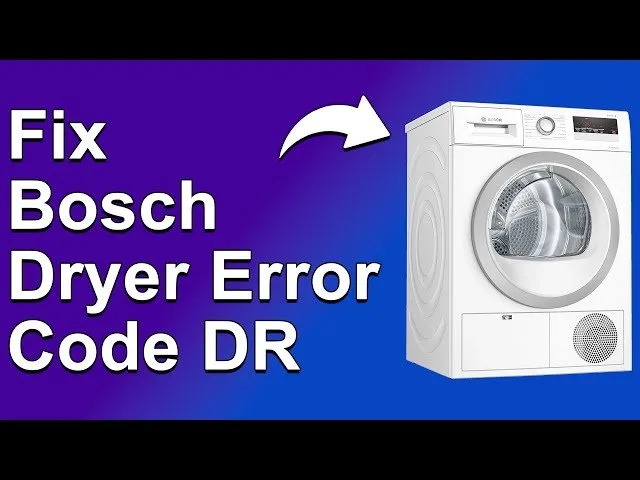
You can solve the Dr code on your dryer by cleaning the lint filter and checking for obstructions in the exhaust vent, as this error means the machine is struggling to detect proper airflow. To fix How to Fix Bosch Dryer Dr Code issues, you must first ensure the path for hot air is completely clear. The most common cause is a clogged vent pipe, which traps moisture and forces the dryer to stop its cycle to prevent overheating.
What the Bosch dryer code means

The Dr error is a safety alert from your machine. It indicates that the dryer’s moisture sensors or temperature controls detect a blockage in the ventilation system. When air can’t escape, the internal temperature rises, and the moisture level remains too high for the sensors to finish the cycle.
The primary cause is lint buildup inside the exhaust ducting. Over time, small particles bypass the lint trap and collect in the flexible hose or the wall vent. This varies by model — check the label on your specific unit for the maximum recommended vent length, as exceeding this limit will trigger the error even if the pipe is clean.
Another cause is a blocked external vent cap. If the flap outside your house is stuck shut with debris or ice, the air has nowhere to go. This creates backpressure that tells the dryer the system is obstructed. If you have verified that the vent is clear, the problem might be a faulty sensor. However, you should never attempt to test or replace internal electronic sensors yourself. If the vent is clean and the error persists, the control board is likely misreading the data, which requires a professional technician to diagnose safely.
Clear the airflow path
This fix is for anyone experiencing the Dr error after a cycle starts or stops early. First, unplug the dryer from the power outlet to ensure safety. Locate the exhaust hose at the back of the machine. Disconnect it and check the entire length for lint buildup, especially at the bends. If you find a large amount of lint, remove it by hand or use a vacuum attachment to clear the tube.
If the hose is made of thin, flexible foil, replace it with a rigid or semi-rigid metal duct, as foil hoses crush easily and restrict airflow. Once the hose is clear, check the external vent hood on the outside of your home. Ensure the louvers or flaps move freely and aren’t blocked by leaves, dust, or nests. If the flap is stuck, clean it thoroughly so it opens easily when the dryer runs.
Reconnect the hose securely using metal clamps, ensuring there are no sharp kinks or tight turns. If you don’t have the tools to reach high vents or if the vent is built into the wall of a multi-story home, don’t attempt to clear it yourself. Instead, contact a professional vent cleaning service. This ensures the job is done without damaging the building structure or the dryer’s exhaust port.
Check the lint filter settings
This fix is for users who see the code even when the vent pipe appears clean. The lint filter is the first point of contact for air leaving the drum. Even if the screen looks clean, it may be coated with a thin layer of residue from dryer sheets or fabric softeners. This residue blocks airflow before it even reaches the exhaust hose.
Test your filter by pouring a small amount of water through the mesh. If the water beads up or pools on the surface instead of passing through immediately, the screen is clogged.
Remove the lint filter and wash it under warm, running water using a soft brush and a mild detergent. This removes invisible films that trap moisture. After washing, let the filter air-dry completely before putting it back into the machine. A wet filter will restrict airflow and trigger the same error code again.
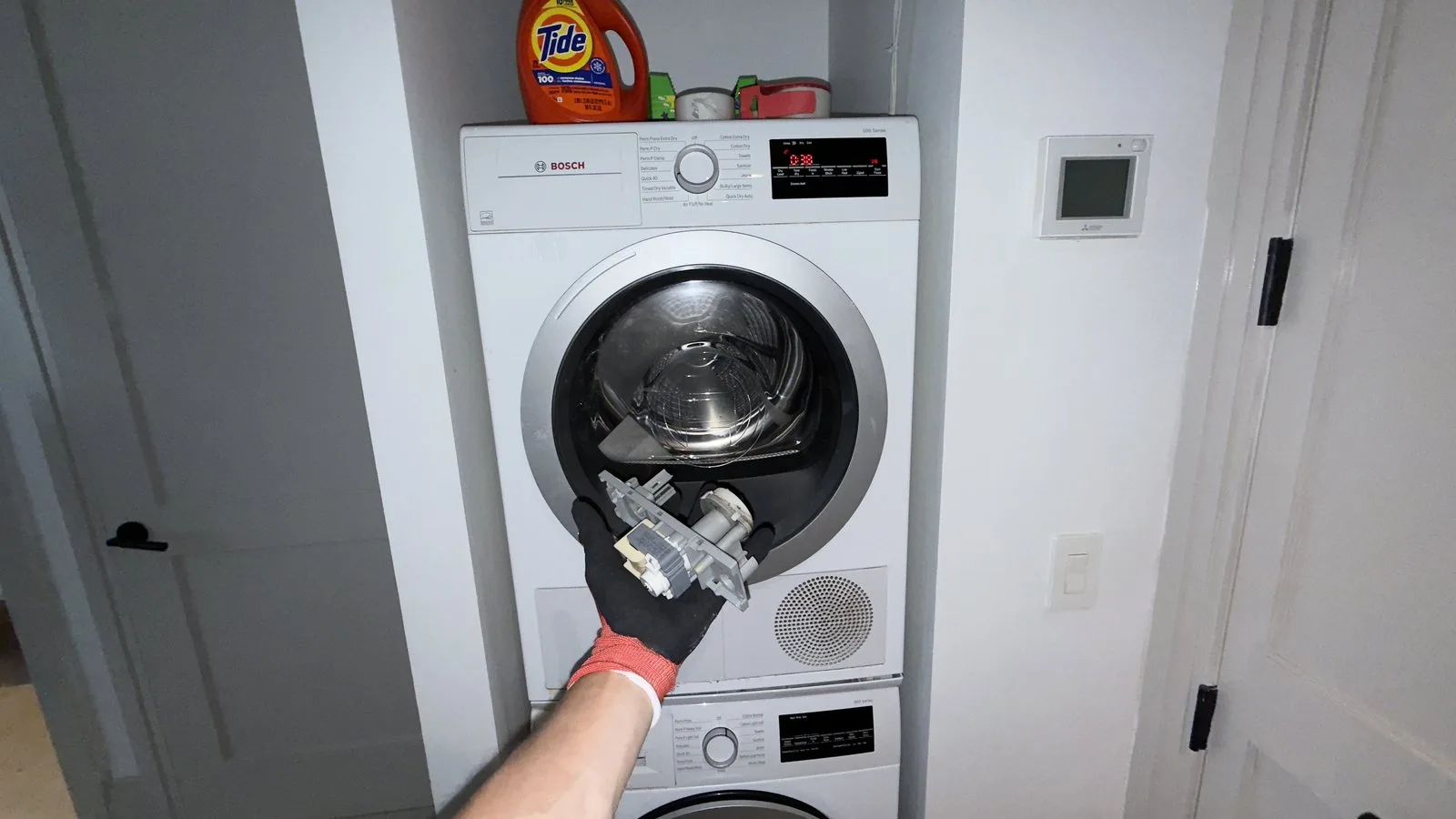
If you have a heat pump dryer, check the secondary condenser filter or heat exchanger access panel. These models require the lower filter to be free of debris to function correctly.
If the error continues after cleaning all filters, the issue is likely a mechanical failure within the blower fan or the heating element. These parts aren’t user-serviceable. A capacitor can hold a lethal charge even when unplugged, so leave all internal component repairs to a qualified technician. Attempting to bypass these safety measures risks permanent damage to the main control board, which often costs more to replace than the original service call.
Verify the installation setup
This fix is for those who recently moved the dryer or installed it in a new location. A dryer needs a specific amount of space to breathe, and the vent setup must follow strict geometry.
If your setup exceeds this length, you must shorten the pipe or install a booster fan. This is a significant change; if you aren’t comfortable with home improvement, hire a professional to modify your ducting.
Also, check the clearance around the dryer cabinet itself. If the machine is pushed too tightly against the wall, the rear intake vents may be blocked. If the error code stops appearing after you increase the distance, the issue was simply poor ventilation around the cabinet. If it still appears, you have confirmed the problem is internal. A trade-off exists here: you can have a very quiet, compact laundry area, but it often comes at the cost of restricted airflow. If your space is too small for proper venting, you’ll continue to see this code regardless of how clean the filters are.
What not to do
Don’t use a wire brush or sharp metal tool to clean the inside of the dryer drum or vent. These tools scratch the protective interior coating, which creates burrs that snag clothes and trap lint.
Don’t attempt to bypass safety sensors by resetting the machine repeatedly. If the dryer stops, it has detected a thermal overload. Forcing a restart ignores the root cause, typically a clogged vent, and risks melting internal wiring or burning out the motor.
Don’t leave the dryer running while away from home if it displays an error code. Fault states often disable the cycling thermostat. Without this regulation, the heating element may stay engaged indefinitely.
Don’t ignore the “Dr” code. This indicates restricted airflow. Running heavy loads under these conditions strains the blower motor, often leading to a costly repair bill.
How to stop it happening again
Consistent maintenance is the only way to prevent this error from returning. If you follow a regular cleaning schedule, the airflow will remain strong, and the moisture sensors will function as intended.
| If you’re doing this | Do this instead | Why |
|---|---|---|
| Cleaning lint after every load | Also wipe the moisture sensor bars | Sensors need a clean surface to detect humidity |
| Using dryer sheets every load | Switch to wool dryer balls | Sheets leave a waxy film that clogs screens |
| Ignoring the vent pipe | Inspect and vacuum the vent yearly | Lint accumulates in hidden elbows over time |
| Forcing large, heavy loads | Dry smaller, lighter loads | Large loads trap heat and moisture inside |
Many owners mistake a quiet machine for a clean one. If you notice the cycle time creeping upward by more than ten minutes, the vent is likely obstructed. You must clear it immediately. A clogged vent forces the heating element to cycle constantly, which prematurely burns out the thermal fuse.
To test your airflow, hold a light tissue near the exterior vent hood while the dryer runs. If the tissue doesn’t flutter briskly, your pipe is blocked. You must stop using the machine until you clear the obstruction to prevent a potential fire hazard.
Frequently asked questions
Can I run my dryer if it shows a Dr code?
No, you shouldn’t run the dryer while it shows a Dr code because the machine has detected an airflow failure. Operating the unit while sensors are triggered can cause overheating and damage internal components. Always clear the blockage or filter issue before starting another cycle to ensure safety.
How long does it take for a dryer to clear the Dr code?
The code should disappear once you have cleared the obstruction and restarted the cycle. If the error persists after cleaning the filter and vent, the sensor is likely still detecting restricted airflow. This indicates a deeper blockage in the vent pipe or a mechanical issue requiring professional repair.
Is it safe to use a vacuum to clean the vent?
Yes, you can safely use a household vacuum to clean the lint filter housing and the first few feet of the exhaust duct. Be careful not to push the hose too far into the wall, as you could dislodge pipe connections. If you can’t reach the entire length, call a technician.
Why does my dryer show Dr even after I cleaned it?
If the code persists, there’s likely a permanent blockage in the vent pipe or a failure in the internal sensor system. Check the external vent hood outside your house to ensure the flaps aren’t stuck. If the exterior is clear, the problem is likely an internal component requiring professional service.
How often should I check the vent pipe?
You should inspect the dryer vent pipe for lint buildup at least once every twelve months. If clothes take longer to dry or the unit feels excessively hot, check it sooner. Households doing many loads per week may need to check every six months to ensure the dryer operates efficiently.
Final Thoughts
If your dryer still displays the warning after you’ve cleared the vent, it’s time to call a professional technician. They’ll check for internal blockages you can’t reach. Keeping the exhaust path clean moving forward will help your machine run efficiently and keep your home safe from potential fire hazards.
Related guides
- Bosch Oven E305 Error Code: Quick Fixes and Troubleshooting Tips
- Bosch Dishwasher E09 Error Code: Quick Fixes and Expert Tips
- LG Dryer Not Drying? Top Fixes to Get Your Clothes Dry Fast
1 thought on “How to Fix Bosch Dryer Dr Code”