
If your Kenmore washer suddenly shows the IE code, you might feel worried or confused. This code is not rare, and many owners face it at some point. The IE error usually means your washer has trouble filling with water. But the cause is not always clear. Maybe it’s a clogged filter, a faulty valve, or even a simple kink in a hose. Understanding this code can help you fix the problem quickly and avoid expensive repairs. In this guide, you’ll learn what the IE code really means, how to fix it step by step, and what to do if it keeps coming back. You’ll also see practical tips and expert advice to make sure your Kenmore washer works smoothly again.
What Does The Ie Code Mean?
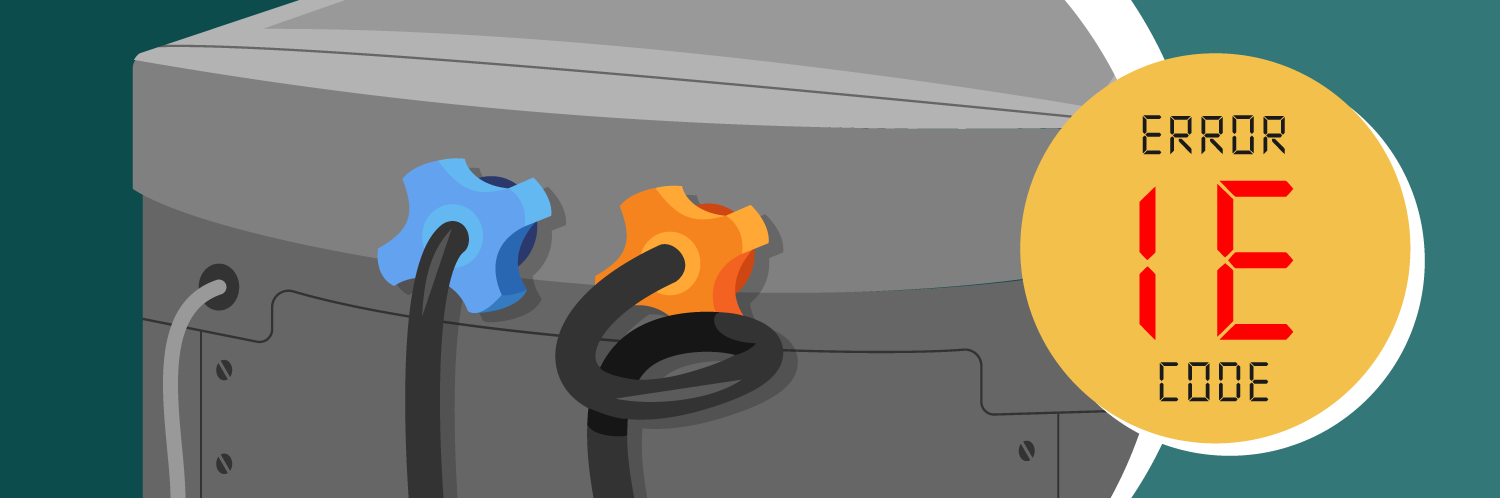
When you see IE on your Kenmore washer display, it stands for “Input Error.” More specifically, it’s a water inlet error. Your washer tried to fill with water but failed. Usually, this happens during the wash or rinse cycle. The machine waits for water to reach a certain level, and if it doesn’t, it triggers the IE code.
This code can appear on both top-load and front-load Kenmore washers. It’s not just a random glitch the washer is telling you something needs attention. Most often, the problem is with the water supply or the parts that help water enter your machine.
Common Causes Of The Ie Code
Several issues can trigger the IE error. Some are easy to fix, while others might need professional help. Here are the most common reasons:
- Water supply turned off: The valves behind your washer may be closed or not fully open.
- Kinked or blocked hoses: If the hoses are twisted or clogged, water can’t flow freely.
- Clogged inlet filters: Dirt or minerals can block the small filters inside the hose connections.
- Low water pressure: If your home’s water pressure is too low, the washer can’t fill fast enough.
- Faulty water inlet valve: The valve inside the washer may be broken or stuck.
- Malfunctioning pressure sensor: If the sensor doesn’t detect water properly, it can trigger the error.
- Electronic control issues: Rarely, the washer’s control board might send wrong signals.
These problems range from simple fixes (like opening a valve) to more complex ones (like replacing a part).
How To Diagnose The Ie Code
Finding the exact cause saves time and frustration. Here’s a step-by-step process:
- Check water supply valves: Make sure both hot and cold water valves are fully open.
- Inspect hoses: Look for bends, kinks, or leaks. Straighten hoses and ensure they’re secure.
- Remove and clean inlet filters: Turn off water, disconnect hoses, and gently pull out filters. Rinse under running water.
- Test water pressure: Turn on the faucets and see if water flows strongly.
- Listen for valve click: When starting a cycle, you should hear a click as the washer tries to open the valve.
- Check for error repeats: If IE appears again after you fix something, move to the next possible cause.
Most people find the problem in the first three steps. But if your washer still shows IE, you may need to check deeper issues.
Step-by-step Solutions For Ie Code
Restore Water Supply
If the water is off, your washer can’t fill. Turn both valves (usually behind the washer) fully counterclockwise to open them.
Straighten And Clean Hoses
Remove hoses from the back of the washer. Check for twists, bends, or blockages. Clean out any debris and reconnect.
Clean Inlet Filters
Inside the hose connection, you’ll see tiny mesh filters. Minerals and dirt often clog these. Use a soft brush or rinse under water. Be gentle to avoid tearing the mesh.
Check Water Pressure
Kenmore washers need at least 20 psi of water pressure. If your home has weak pressure, call your plumber or water company.
Replace Faulty Parts
If you suspect the water inlet valve is broken, you’ll need a new one. Search for your exact Kenmore model online. Many parts cost between $25 and $50.
Reset The Washer
After fixing any issue, unplug the washer for 5 minutes. Plug back in and run a test cycle. This clears minor electronic glitches.
Call For Help
If the IE code keeps coming back after all these steps, it’s likely a deeper issue. Contact Kenmore support or a qualified technician.
Comparing Kenmore Washer Models And Ie Error Frequency
Some Kenmore washer models experience the IE code more often. Here’s a quick comparison of popular models and how often owners report IE issues:
| Model | Type | IE Error Frequency | Average Repair Cost |
|---|---|---|---|
| Kenmore 25132 | Top-Load | Low | $35 |
| Kenmore 40227 | Front-Load | Medium | $48 |
| Kenmore 20372 | Top-Load | High | $52 |
| Kenmore Elite 41072 | Front-Load | Low | $40 |
This data shows that some models, like the Kenmore 20372, are more likely to have IE problems. Usually, repair costs are not very high unless the main control board needs replacement.
How Long Should Repairs Take?
Most IE code repairs are quick. Here’s an estimate for each step:
| Repair Step | Time Needed | Skill Level |
|---|---|---|
| Open Water Valves | 2 minutes | Beginner |
| Straighten Hoses | 5 minutes | Beginner |
| Clean Inlet Filters | 10 minutes | Intermediate |
| Replace Inlet Valve | 30 minutes | Advanced |
| Reset Washer | 5 minutes | Beginner |
If you’re comfortable with basic tools, most fixes are easy. Replacing valves or sensors is harder and may need a technician.

Tips To Prevent The Ie Code In The Future
You can avoid most IE errors with simple habits:
- Clean inlet filters every 6 months
- Check hoses for kinks after moving the washer
- Use a water softener if your water is hard (lots of minerals)
- Make sure water valves stay fully open
- Don’t overload the washer; heavy loads can cause uneven water levels
Many owners forget these steps until a problem occurs. Setting a reminder in your phone can help you remember regular maintenance.
Real-life Example: Fixing The Ie Code
Let’s look at a typical case. Maria owns a Kenmore 40227 washer. One morning, her machine showed the IE code and stopped mid-cycle. She checked the water valves—they were open. Next, she found the hoses were a bit twisted, so she straightened them. Still, the error stayed. She removed the hoses and saw the mesh filters were covered in white mineral buildup. After cleaning these filters and reconnecting, the washer worked perfectly again.
Maria’s experience shows that even simple steps can solve the problem. Many users overlook the filters, but cleaning them is often the best fix.

Common Mistakes When Fixing Ie Code
Many beginners make these mistakes:
- Forgetting to turn off water before removing hoses
- Using sharp tools to clean filters (which can tear them)
- Not plugging the washer back in after a reset
- Skipping hose inspection after moving the machine
- Ignoring small leaks, which can lead to bigger problems
Avoid these mistakes and follow the steps carefully for a safe repair.
Should You Replace Or Repair?
Sometimes, you might wonder if you should buy a new washer instead of fixing the IE code. Here’s a quick comparison:
| Option | Cost | Time Needed | Best For |
|---|---|---|---|
| Repair IE Issue | $25–$60 | 30 minutes | Working washers under 8 years old |
| Replace Washer | $400–$1200 | 1–2 days | Older washers (over 10 years) or repeated major issues |
Most IE errors are affordable to fix. Only replace the washer if it’s very old or if repairs keep failing.
How Water Quality Affects Kenmore Washers
An often-overlooked factor is water quality. Hard water, with lots of minerals, can clog filters and valves faster. According to the U.S. Geological Survey, over 85% of homes in America have hard water. If you see white buildup on your shower or sink, your washer probably faces the same problem.
Installing a water softener or regularly cleaning filters can make your Kenmore washer last longer. Some owners install extra filters on their hoses for extra protection.
Professional Help: When To Call An Expert
You should call a professional if:
- The IE code keeps coming back after all basic fixes
- You see water leaking from inside the washer
- The washer makes strange noises during filling
- You’re not comfortable with tools or electrical repairs
Kenmore’s customer support can guide you to a certified technician. Repair costs usually range from $60 to $150, depending on the issue.
For more detailed guidance, you can also read official advice on the Kenmore Support site.
Frequently Asked Questions
What Does The Ie Code Mean On My Kenmore Washer?
The IE code means your washer can’t fill with water. This could be due to closed valves, blocked hoses, or a faulty inlet valve.
Can I Fix The Ie Code Myself, Or Do I Need A Technician?
Most IE errors can be fixed at home. Check valves, hoses, and filters first. If the code still appears, you may need a technician for deeper repairs.
How Much Does It Cost To Fix The Ie Code?
Simple fixes cost $0–$20. Replacing parts like the inlet valve can cost $25–$60. Technician visits may cost $60–$150.
Will The Ie Code Damage My Washer If I Ignore It?
Ignoring the IE code can cause the washer to stop working or even damage internal parts. It’s best to fix it as soon as possible.
How Can I Prevent The Ie Code From Happening Again?
Clean inlet filters, check hoses for kinks, and keep water valves open. If you have hard water, use a softener or clean filters more often.
Dealing with the Kenmore washer IE code doesn’t have to be stressful. With the right steps, you can diagnose and fix most problems yourself. Regular maintenance and attention to water quality help prevent future errors. If you ever feel unsure, don’t hesitate to ask for expert help. Your Kenmore washer can keep running smoothly for years with just a bit of care.