
Setting the right temperature on your Kenmore Elite refrigerator is more important than many people think. A small adjustment can make a big difference in food safety, energy usage, and even the taste and texture of your groceries. If you’re unsure about the ideal settings, or you find your fridge isn’t cooling as expected, you’re not alone. Many owners struggle with confusing controls or don’t realize how temperature impacts everything inside the fridge and freezer. This article breaks down everything you need to know in clear, practical terms—even if you’re new to using modern refrigerators.
Why Refrigerator Temperature Matters
A refrigerator’s main job is to keep your food fresh and safe. The US Food and Drug Administration (FDA) recommends that refrigerator temperature should be at or below 40°F (4°C), while the freezer should be set at 0°F (-18°C). Temperatures higher than this can let bacteria grow quickly, leading to spoiled food and possible illness. Keeping the temperature too low, though, can freeze your lettuce or make your milk icy.
Most Kenmore Elite models offer digital controls, but some use simple dials with numbers (like 1 to 7). No matter the model, understanding how to set and check the temperature is essential for every owner.
Recommended Temperature Settings For Kenmore Elite Refrigerators
Standard Factory Settings
Most Kenmore Elite refrigerators leave the factory with the fresh food section set to 37°F (3°C) and the freezer at 0°F (-18°C). These are safe, energy-efficient starting points for most households.
Adjusting For Your Needs
- Refrigerator (Fridge) Section: Set between 37°F and 40°F (3°C–4°C)
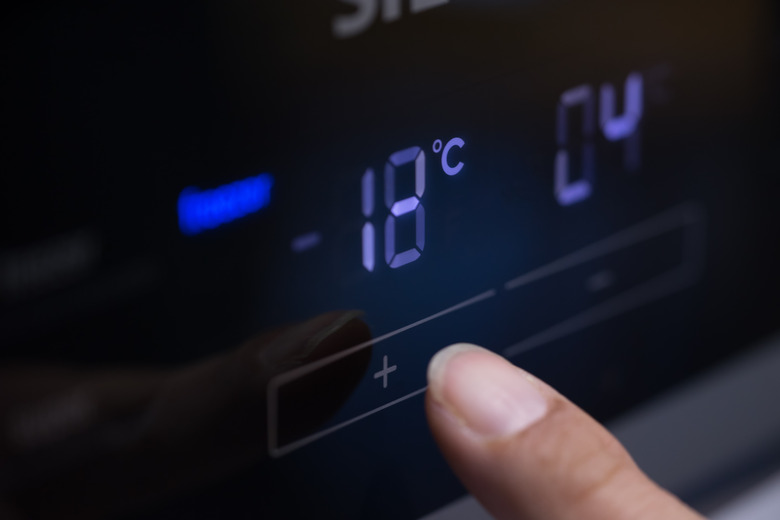
- Freezer Section: Set at 0°F (-18°C)
If you have a dial with numbers instead of degrees, usually a mid-range setting (like 4 on a 1-7 scale) is close to these temperatures, but it’s best to use a thermometer to confirm.
When To Adjust
- If your fridge is too warm (milk spoils early, food feels soft): Lower the temperature by 1–2 degrees.
- If your fridge is too cold (lettuce freezes, drinks are icy): Raise the temperature slightly.
How To Change Temperature Settings
Kenmore Elite refrigerators use different control types. Here’s how to adjust them:
Digital Display Models
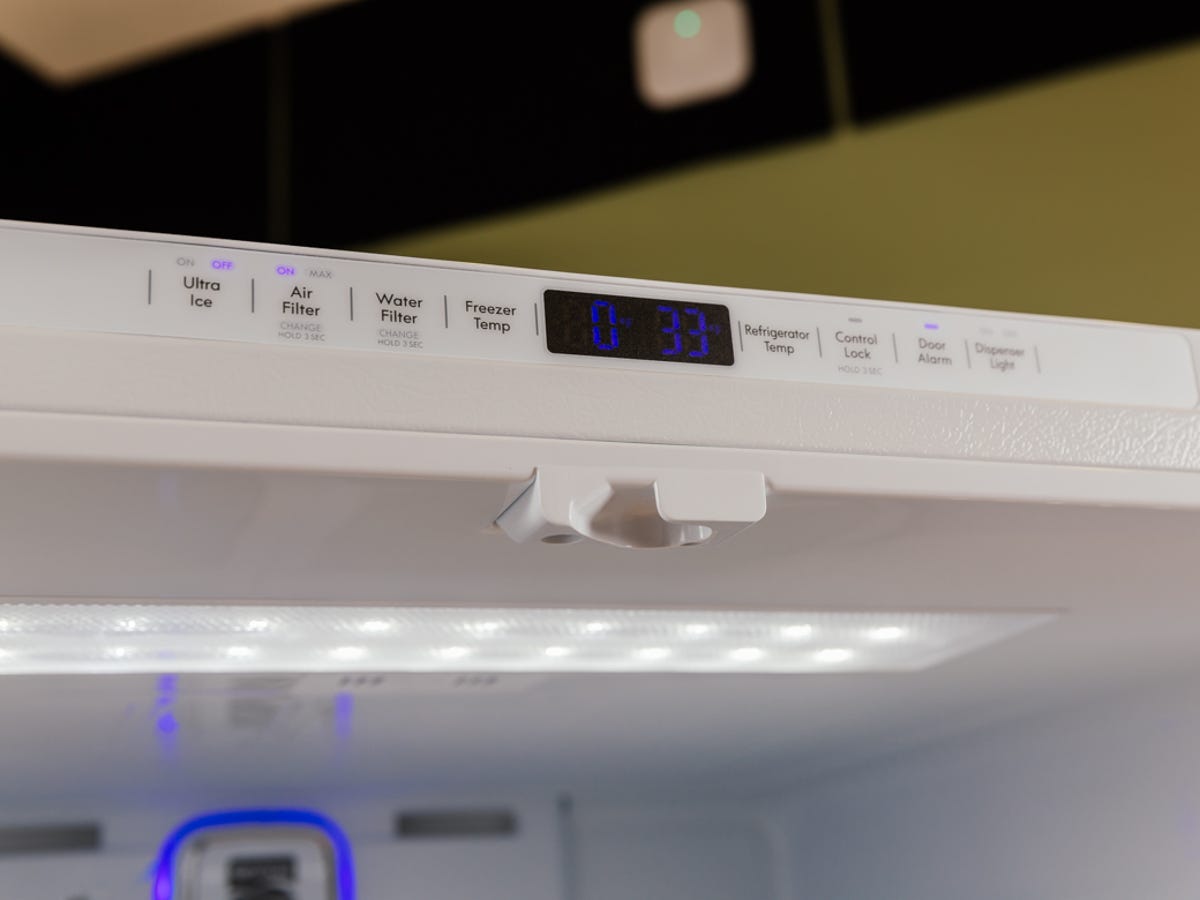
- Locate the control panel—usually at the top front inside the fridge or on the door.
- Press the ‘Fridge’ or ‘Refrigerator’ button to adjust the fresh food area.
- Press the ‘Freezer’ button for the freezer section.
- Use the up/down arrows to select your desired temperature. Wait 24 hours after each change to check results.
Dial Or Knob Controls
- Find the dial inside the fridge or freezer.
- Turn the dial toward “colder” or “warmer.” Usually, higher numbers mean colder, but check your manual.
- Wait at least 24 hours before making another adjustment.
Quick Tip
After adjusting, place a refrigerator/freezer thermometer in the middle shelf and check after a day. This shows the real temperature, not just the setting.
Common Problems And How To Fix Them
Even with the right settings, you might find your Kenmore Elite fridge isn’t performing as expected. Here are some frequent issues and solutions.
Temperature Fluctuates Or Won’t Stay Cold
- Blocked air vents: Don’t pack food against the back wall; leave space for air to circulate.
- Dirty condenser coils: Clean the coils (usually at the back or bottom) every 6 months.
- Door seals: Check for gaps or cracks. Replace if needed.
- Frequent door opening: Try to limit how often you open the door, especially on hot days.
Freezer Frost Build-up
This often means the freezer is too cold, or the door isn’t sealing well. Adjust the temperature up slightly and check the seal.
Food Freezing In The Fridge
Some items (like lettuce or eggs) may freeze if they’re too close to the cold air vent. Move them away, and consider raising the temperature a little.
Kenmore Elite Model Comparison
Kenmore Elite refrigerators come in many shapes and sizes. Here’s a quick comparison of common styles and their typical control features:
| Model Type | Control Type | Default Temp (Fridge) | Default Temp (Freezer) |
|---|---|---|---|
| French Door | Digital Panel | 37°F (3°C) | 0°F (-18°C) |
| Side-by-Side | Digital or Dial | 38°F (3.3°C) | 0°F (-18°C) |
| Top Freezer | Dial | 39°F (4°C) | 0°F (-18°C) |
Insight: Digital panels give you more precise control, but dial models may need extra attention with a thermometer.
Energy Efficiency And Temperature Setting
Choosing the right temperature doesn’t just protect your food—it can also lower your energy bill. According to the US Department of Energy, every degree lower than necessary can increase energy use by up to 5%. So, setting your fridge colder than needed wastes electricity and money.
Saving Tips
- Set your fridge to 37–40°F and freezer to 0°F for best balance.
- Keep the refrigerator at least two-thirds full. Empty fridges warm up faster when you open the door.
- Let hot food cool before putting it in the fridge.
Storing Food Properly For Best Results
Where you place your food also affects how well your Kenmore Elite refrigerator works.
The Coldest And Warmest Zones
- Top shelves: Good for ready-to-eat foods (drinks, leftovers).
- Lower shelves: Best for raw meat and dairy, as it’s usually the coldest.
- Crisper drawers: Designed for fruits and vegetables; some models let you adjust humidity.
- Fridge door: Warmest area—keep condiments here, not milk or eggs.
If you notice some foods spoil faster, try moving them to a different shelf.
Troubleshooting Temperature Issues
If your fridge doesn’t stay at the right temperature, try these steps before calling a repair service:
- Check the settings: Someone might have changed them by mistake.
- Thermometer check: Place a thermometer inside and compare to the control setting.
- Clean the coils: Dusty coils can reduce cooling efficiency.
- Inspect door seals: Close a dollar bill in the door—if it slips out easily, the seal needs fixing.
- Avoid overloading: Too much food blocks air flow.
If these steps don’t help, it may be time for professional service.
Understanding The Display Panel Icons
Newer Kenmore Elite models have icons or special modes on their display. Here’s what a few common ones mean:
- Quick Cool/Quick Freeze: Temporarily lowers temperature to chill or freeze items faster. Don’t leave these on for long—reset to normal after a few hours.
- Vacation Mode: Raises the fridge temperature slightly to save energy when you’re away.
- Error Codes: If you see strange letters or numbers, check your manual or the Kenmore support site for solutions.
When To Call A Professional
Some problems need expert help. Call a technician if you notice:
- Fridge stays warm despite proper settings
- Freezer forms thick ice or frost quickly
- Unusual noises from the compressor
- Water leaks under the fridge
Catching issues early helps avoid food loss and costly repairs.
Kenmore Elite Vs. Other Brands: Temperature Controls
How do Kenmore Elite refrigerators compare to other popular brands when it comes to temperature control? Here’s a brief comparison:
| Brand | Temperature Control Type | Adjustable Range (Fridge) | Special Features |
|---|---|---|---|
| Kenmore Elite | Digital / Dial | 33–46°F | Quick Cool, Vacation Mode |
| Samsung | Digital | 34–44°F | Power Cool, Smart Control |
| LG | Digital | 33–41°F | Smart Diagnosis |
| Whirlpool | Dial / Digital | 34–42°F | Accu-Chill Sensor |
Non-obvious insight: Kenmore Elite’s wide range lets you adjust for special needs (like chilling drinks fast or storing delicate produce), but always return to safe settings for everyday use.
Practical Tips For Best Performance
- Don’t block vents: Cold air must flow freely.
- Check temperature monthly: Thermometers are cheap and reliable.
- Adjust seasonally: Fridges may work harder in summer—check the temperature more often.
- Use power outage features: Some models have alarms or special modes—learn how they work.
- Label leftovers: Write dates so you know what to use first.
How To Reset Kenmore Elite Refrigerator Settings
Sometimes, you may need to reset your fridge to factory settings after a power outage, for example.
- Unplug the fridge for 5 minutes, then plug it back in.
- On digital models, press and hold the “Reset” or “Filter” button (if available) for 3–5 seconds.
- The display should return to default settings—double-check the temperature.
If this does not work, consult your user manual or the official Kenmore support page.

Safety And Maintenance Reminders
- Change water filters every 6 months (if your model has one).
- Defrost manually if you have heavy frost build-up (mainly on older models).
- Wipe spills quickly to avoid smells and bacteria.
Regular care extends the life of your Kenmore Elite refrigerator and keeps your food safe.
Where To Find More Information
For the most accurate guidance, always check your Kenmore Elite model’s user manual. You can also visit the official Kenmore website or trusted resources like the Consumer Reports Refrigerator Guide for in-depth advice.
Frequently Asked Questions
What Is The Ideal Temperature For A Kenmore Elite Refrigerator?
The best setting is 37°F (3°C) for the fridge and 0°F (-18°C) for the freezer. This keeps food safe and energy use low.
How Do I Know If My Kenmore Elite Is Too Warm Or Cold?
Signs include food spoiling quickly (too warm) or items like eggs and vegetables freezing (too cold). The most accurate way is to use a refrigerator thermometer.
Why Does My Refrigerator Keep Changing Temperatures?
Common reasons include blocked air vents, dirty coils, or frequent door opening. Check for these issues and adjust your habits or clean the fridge as needed.
Can I Make My Kenmore Elite Colder Than 37°f?
Yes, most models let you set the fridge as low as 33°F. However, this is rarely needed and can freeze some foods. Use only for special situations, like rapid cooling.
What Should I Do If The Display Shows An Error Code?
Refer to your user manual or the Kenmore support website for code meanings. Some issues can be solved by resetting the fridge, but others may need a technician’s help.
Setting the correct temperature on your Kenmore Elite refrigerator is a simple task that has a big impact on your kitchen. With the right settings and a few smart habits, you’ll keep your food fresher, save energy, and avoid costly problems down the road. Remember to check your temperature regularly and make small changes when needed—your fridge, your wallet, and your health will thank you.