
If you own an LG washing machine, you may have seen the UE code appear on the display during a wash cycle. This error can be confusing, especially if you’re not familiar with what it means or how to fix it. The good news is, the UE code is one of the most common and usually easy to resolve. It’s a way for your LG washer to tell you it’s having trouble balancing the load inside the drum. In this guide, you’ll learn exactly what triggers the UE code, practical ways to fix it, and how to prevent it from happening again. With a few simple steps, you can keep your LG washer running smoothly, avoid service calls, and make laundry day easier.
What Is The Lg Washer Ue Code?
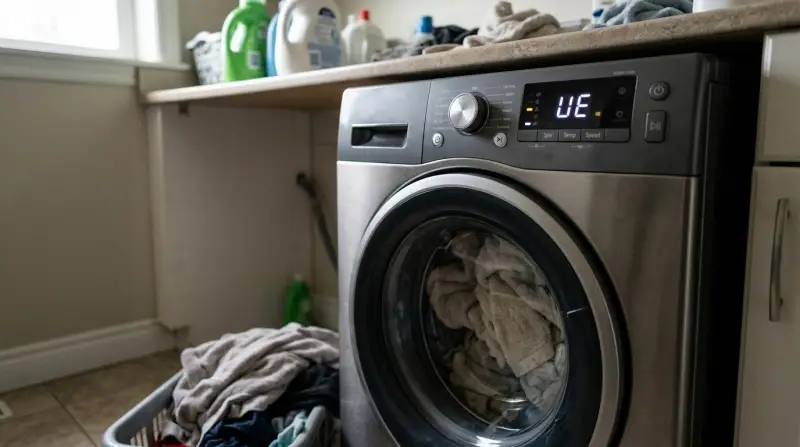
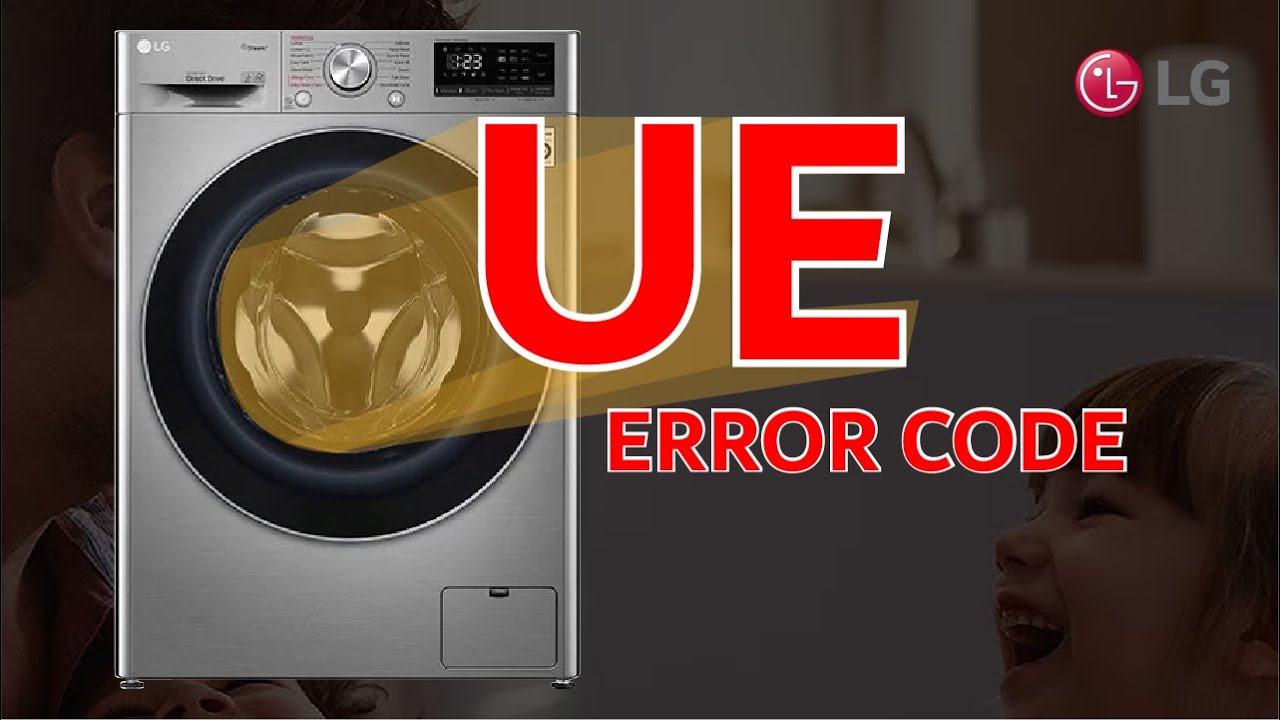
The UE code stands for “Unbalanced Error.” When your LG washing machine detects that the laundry inside the drum is not distributed evenly, it tries to fix the problem automatically. The machine will attempt to redistribute the load by spinning slowly or adding more water. If it still can’t balance the load, it stops and shows the UE code on the display.
This error protects your washing machine from damage. An unbalanced load can cause the drum to spin unevenly, which may lead to loud noises, excessive vibration, or even damage to the washer over time. The UE code is a warning to check your laundry and fix the issue before continuing the cycle.
What Causes The Ue Code On Lg Washers?
Several factors can trigger the UE code. Understanding these causes will help you fix the problem quickly and prevent it from happening again.
Uneven Laundry Distribution
This is the most common reason. If you wash one heavy item (like a blanket or a towel) or mix a few large items with small ones, they can gather on one side of the drum, making the washer off-balance.
Too Few Or Too Many Clothes
Washing a single item or very small loads can cause imbalance. On the other hand, overloading the washer with too many clothes can also trigger the UE code.
Bulky Or Heavy Items
Items like comforters, rugs, or sneakers often cause imbalance because their weight shifts during the spin cycle.
Washer Not Level
If your LG washer is not installed on a flat surface, it will have trouble balancing loads, leading to frequent UE errors.
Worn Or Damaged Parts
Over time, parts like the suspension rods or shock absorbers can wear out, making it harder for the washer to balance loads.
Detergent Issues
Using too much or the wrong type of detergent can cause excessive suds, which interfere with balancing.
How To Fix The Ue Code Step By Step
You don’t need to be a technician to fix most UE errors. Here’s a practical step-by-step approach.
Pause And Redistribute The Load
- Press the Pause or Start/Pause button on your LG washer.
- Open the door and move the laundry around. Try to spread out heavy items so the weight is even on all sides.
- Remove or add items if necessary. If you have only one heavy item, try adding a few towels or similar items to balance the load.
Check The Load Size
- For small loads, add more clothing to help balance the drum.
- If the washer is overfilled, remove some items and try spinning again.
Inspect Bulky Items
- For blankets, jackets, or other bulky items, wash them with similar-sized items when possible.
- Fold large items loosely before placing them in the drum to distribute weight.
Level Your Washer
- Use a spirit level to check if your washer is sitting flat on the floor.
- Adjust the leveling feet at the bottom of the washer until the machine is stable and does not rock.
Run The Spin Cycle Again
- Close the door and restart the spin cycle.
- If the washer completes the cycle without showing the UE code, you’ve fixed the problem.
Check For Mechanical Issues
If you’ve tried all the above and the UE code keeps returning:
- Check for worn suspension rods or shock absorbers.
- Look for signs of damage or excessive movement during spinning.
- If you suspect a mechanical problem, contact LG support or a qualified technician.
Common Mistakes When Handling The Ue Code
Many users repeat actions that do not solve the underlying issue. Here are mistakes to avoid:
- Re-running the same load without changing anything
- Washing only one large item
- Forcing the washer to spin with an unbalanced load
- Ignoring the UE code repeatedly (this can cause long-term damage)
A key insight: Always take the UE code seriously. The washer’s sensors are protecting the machine and your laundry from possible harm.

Preventing The Ue Code In The Future
You can reduce how often you see the UE code with a few simple habits.
Sort Loads Properly
Mix large and small items in each load when possible. This helps distribute weight evenly.
Avoid Overloading
Follow the manufacturer’s recommendations for load size. Most LG washers work best when the drum is about 2/3 full.
Balance Heavy Items
Always wash heavy or bulky items with other clothes to balance the drum.
Level Your Washer Regularly
Check your washer’s balance every few months, especially if you move it or notice excessive vibration.
Use The Right Detergent
Use HE (High Efficiency) detergent for front-load or high-efficiency machines. Avoid too much detergent.
Maintenance Checks
Listen for unusual noises or vibration. Check for worn parts if you see repeated UE errors.
Non-obvious Insights
- Temperature and humidity can affect load balance. Wet, heavy clothes are harder to balance than lighter, drier ones.
- Floor type matters: Washers on soft or uneven floors (like old wood) are more likely to get unbalanced.
Comparing Ue Code To Other Lg Washer Error Codes
Understanding how the UE code differs from other errors can help you troubleshoot effectively. Here’s a comparison of common LG washer error codes:
| Error Code | Meaning | Usual Cause | Quick Fix |
|---|---|---|---|
| UE | Unbalanced load | Clothes not evenly distributed | Rearrange or add/remove clothes |
| OE | Drain error | Clogged filter or hose | Clean filter, check hose |
| LE | Motor lock error | Overloaded or motor issue | Reduce load, reset washer |
| FE | Overflow error | Too much water | Check water inlet valve |
How Much Does It Cost To Fix The Ue Code?
In most cases, fixing the UE code costs nothing. If you need to level the washer or redistribute clothes, there’s no expense. However, if the cause is a worn mechanical part, there may be repair costs.
| Solution | Estimated Cost (USD) | DIY or Professional? |
|---|---|---|
| Redistribute laundry | $0 | DIY |
| Leveling washer | $0-$10 (for a level tool) | DIY |
| Replace suspension rods | $50-$120 (parts only) | DIY/Professional |
| Service call | $80-$200+ | Professional |
Most owners never need a service call for UE errors. Regular maintenance and good loading habits solve the problem.
When To Call A Professional
Sometimes, the UE code is a sign of a bigger issue. Call a technician if:
- The UE code appears every cycle, no matter the load size or distribution.
- The washer makes loud banging or scraping noises during the spin.
- You see leaking water or the drum shakes violently.
- You notice broken or loose parts inside the drum.
Don’t ignore ongoing balance problems, as they can cause further damage and void your warranty.
Lg Washer Ue Code In Popular Models
The UE code appears in most LG washers, but some models are more sensitive than others.
Top-load Vs. Front-load Models
- Front-load washers: Tend to show the UE code more with single bulky items.
- Top-load washers: May show the code if items gather on one side during spinning.
Direct Drive Technology
LG’s Direct Drive models have advanced sensors that detect imbalance quickly. This is good for protection, but it can also mean more frequent UE codes if you don’t load the washer carefully.
Real-life Example
Consider a family washing a queen-sized comforter. They put it in their LG front-load washer and run a spin cycle. Midway, the washer stops and shows the UE code. They pause, open the door, and find the comforter bunched up on one side.
By adding two towels on the other side and spreading the comforter more evenly, the washer finishes the cycle without error.
This scenario highlights how simple changes can resolve the UE code, even with tricky items.
Frequently Asked Questions
Why Does My Lg Washer Keep Showing The Ue Code?
Your washer is likely struggling with an unbalanced load. Make sure you’re not washing just one item or overloading the machine. Level the washer, check for worn parts, and always mix large and small items.
Is The Ue Code Dangerous For My Washer?
No, the UE code is a protective feature. It prevents damage from unbalanced loads. However, ignoring the code and forcing the washer to spin can cause long-term wear or even break parts.
Can I Reset My Lg Washer To Clear The Ue Code?
You can try unplugging your washer for a minute and plugging it back in. But if the load is still unbalanced or the washer is not level, the code will return. Always fix the root cause, not just reset the machine.
Does The Ue Code Mean I Need A New Washer?
Not usually. In most cases, you can fix the UE code by following the steps in this guide. Only very old machines with worn parts may require replacement. Regular maintenance keeps your washer working well for years.
Where Can I Find Official Lg Support For The Ue Code?
Visit the official LG Help Library for detailed troubleshooting, manuals, and support for your specific model.
Dealing with the LG washer UE code can be frustrating, but with the right approach, it’s rarely a serious problem. By understanding what causes the error, following simple fixes, and preventing future imbalances, you can keep your washer running smoothly and avoid unnecessary repairs. Remember, balance is key—not just for your laundry, but for the long life of your washing machine.