
To fix an Emerson TV not turning on, you should perform a hard power reset by unplugging the device from the wall outlet and holding the physical power button on the television set for thirty seconds. Most power issues stem from a loose connection between the cord and the wall or an internal component failure. If the screen remains dark after this, ensure your remote has fresh batteries and that your power outlet is actually providing electricity.
Reasons your Emerson isn’t turning on
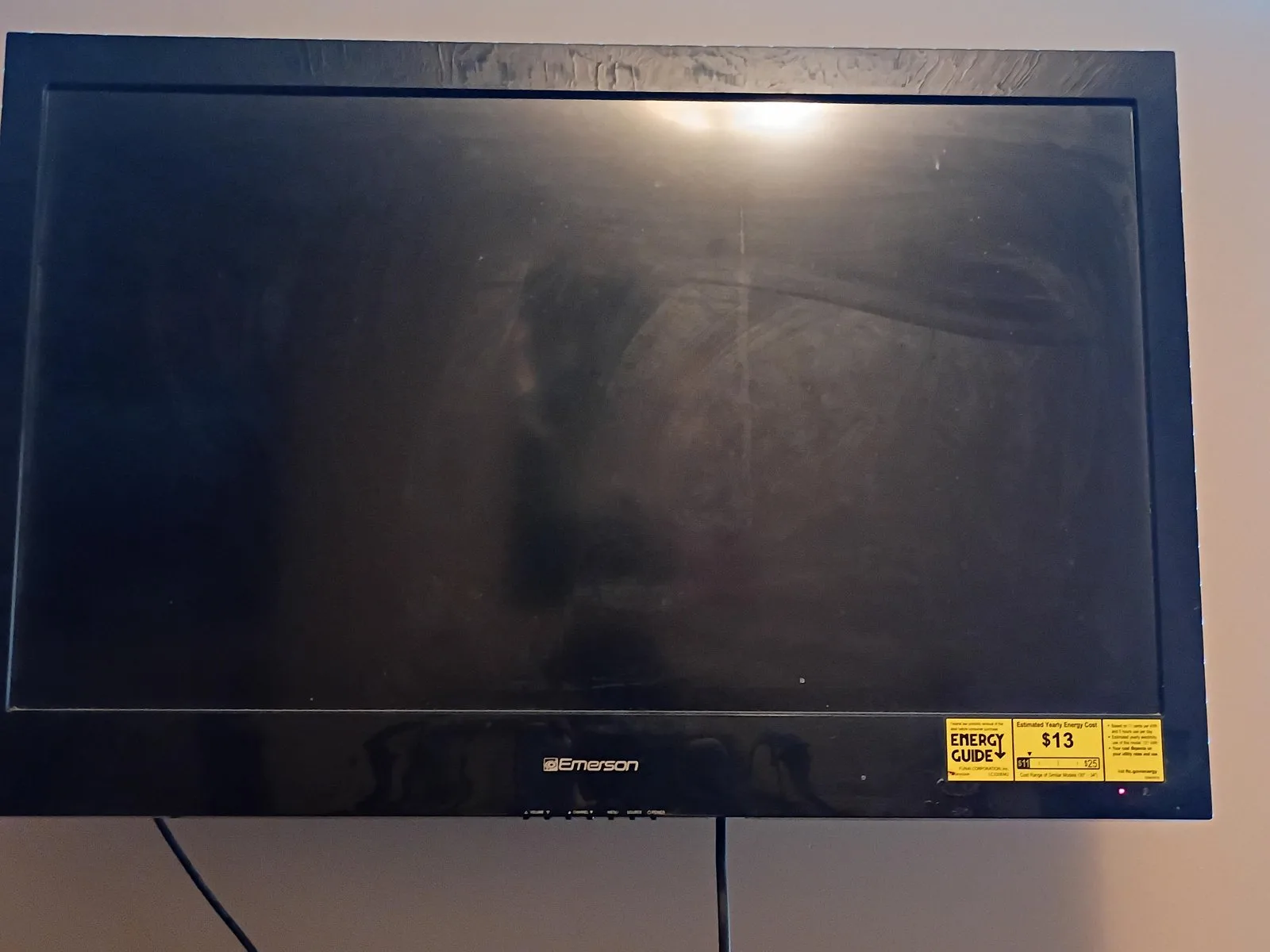
The most frequent cause for a television failing to power up is a temporary software or electrical “glitch” in the internal board. Your TV is essentially a computer; sometimes, the internal processors get stuck in a loop and can’t respond to the signal from your remote. This is common when a device stays in standby mode for long periods without a full restart.
Another common issue involves the power cord and the wall outlet. Cables can work themselves loose over time, especially if the TV is mounted or moved frequently. You might also have a tripped circuit breaker in your home. If other appliances plugged into the same wall socket are also dead, the issue is with your home’s electrical system rather than the television itself.
Finally, hardware failure can occur. Modern televisions have complex power supply boards that convert wall current into the specific voltage the screen needs. If this board fails, the TV won’t respond to any input. While some internal components can be replaced by authorized technicians, the Consumer Product Safety Commission notes that consumers should always follow manufacturer guidance regarding electrical safety to avoid shock or secondary damage to the unit. If you smell burning or see physical damage, stop your attempts and consult a professional.
Perform a hard power cycle
This process allows the power supply capacitors to discharge. It’s the most effective first step for any device that has stopped responding to the remote control.
First, unplug the power cord directly from the wall outlet. Don’t just turn it off with the remote. Once the power is cut, locate the physical power button on the television frame. Depending on your model, this might be on the side, the bottom, or the back panel. Press and hold this button for thirty seconds while the TV is still unplugged. This action forces the capacitors to discharge any lingering energy.
After holding the button, wait an additional minute before plugging the cord back into a wall outlet. Avoid using power strips or surge protectors during this test, as they can sometimes fail independently. Plug the TV directly into the wall. If the standby light on the front of the unit turns on, your television has successfully reset. If the light remains off, check the power cord connection at the back of the TV to ensure it’s seated firmly. If the TV still fails to show a picture, this suggests an internal hardware fault that can’t be cleared through a reset. This fix isn’t for units showing physical screen cracks or those that have been exposed to water.
Test the power source
If the TV is still unresponsive, you must verify that the outlet is sending power. People often assume the television is broken when the fault actually lies with the home’s electrical wiring.
Grab a small lamp or a phone charger that you know works perfectly. Plug it into the exact same wall outlet where the TV is currently connected. If the lamp doesn’t light up or the phone doesn’t begin to charge, your outlet is likely dead. Check your home’s breaker box to see if a switch has flipped to the “off” or “middle” position. If you find a tripped breaker, flip it back to the “on” position and then try the TV again.
If the outlet works fine, try a different wall socket in a different room to rule out a localized electrical problem. If the TV still doesn’t power on after moving it to a known good outlet, the issue is internal to the television. In this case, you have done all you can do safely. Don’t attempt to open the rear panel to inspect fuses or boards. Opening the housing can void your warranty, and the high-voltage electricity stored in some internal components remains dangerous even when the unit is unplugged. At this stage, contact the manufacturer’s support line or a local repair service.
Check the input and remote
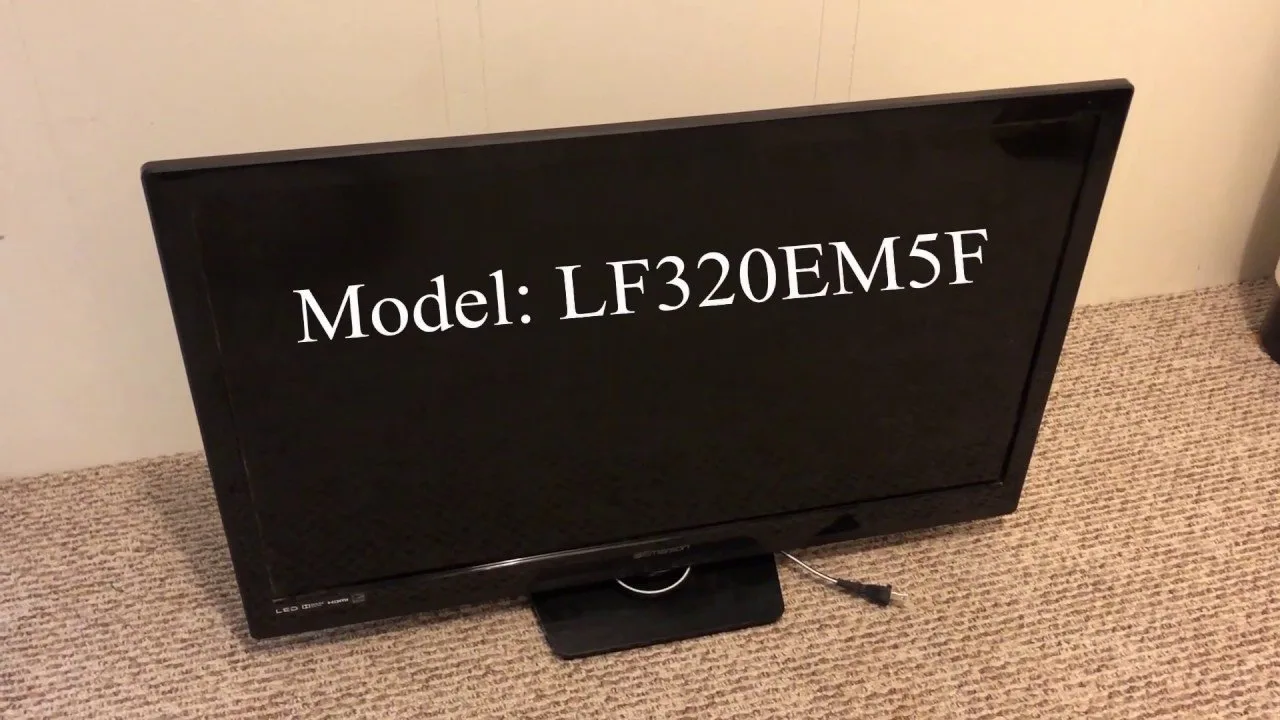
Sometimes the television is actually on, but the screen remains dark because it’s set to the wrong input or the remote isn’t sending a signal.
Start by verifying your remote control. Most remotes have an indicator light that flashes when you press a button. If yours doesn’t blink, replace the batteries with fresh ones. If the remote has power but the TV still doesn’t respond, try using the physical buttons on the side of the TV to change the input source. If the television displays a menu or a “No Signal” message, the TV is working, but the device connected to it—such as a cable box or gaming console—is the one that’s failing.
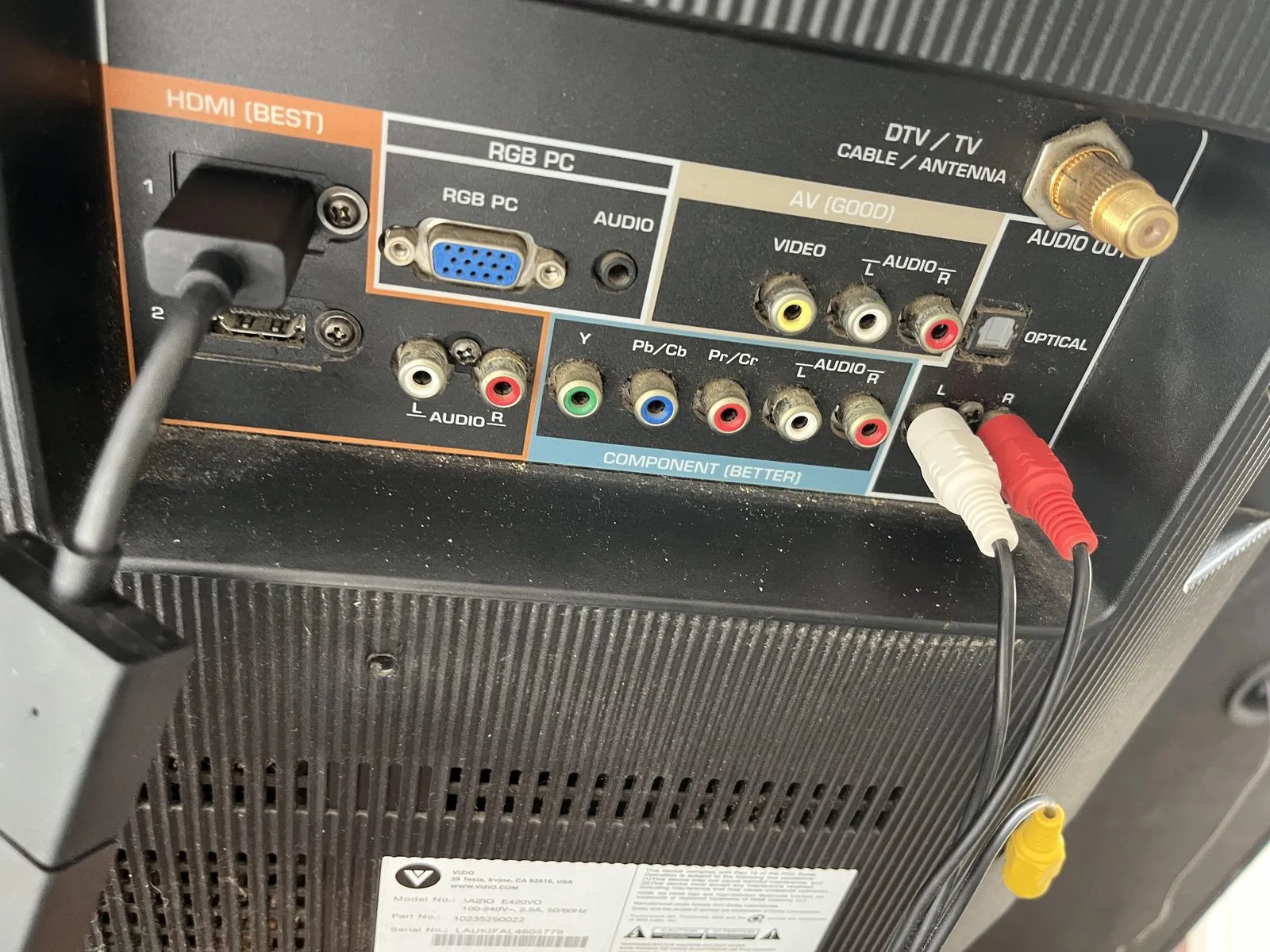
This is a common point of confusion. If you see a menu, the problem isn’t the TV; it’s the HDMI cable or the external player. Swap the HDMI cable for a new one and try a different port on the back of the television. If the TV screen shows no image even when pressing the “Menu” button on the TV frame itself, the backlight or the panel has likely failed. This requires professional repair. This isn’t for those who are uncomfortable checking external connections or those who lack a spare HDMI cable to test the signal path.
What not to do
Don’t use a screwdriver to open the back panel of the television. Even when unplugged, internal capacitors can store a dangerous electrical charge. Touching these components can cause a severe electrical shock.
Don’t spray liquid cleaners directly onto the screen or into the vents. Moisture inevitably seeps into the bezel, causing short circuits that permanently destroy the display board. Instead, dampen a microfiber cloth slightly and wipe the surface gently.
Don’t strike or tap the side of the TV to “fix” a connection. The glass panel is under constant tension and can crack under localized pressure, leading to a total loss of the display.
Don’t attempt to replace internal fuses or solder connections yourself. If the unit remains unresponsive after a power cycle, the issue is likely a failed logic board. Attempting a DIY repair voids your warranty and often costs more in replacement parts than a professional service call.
How to stop it happening again
To ensure your television lasts as long as possible, manage how it handles power and heat.
| If you’re doing this | Do this instead | Why |
|---|---|---|
| Leaving the TV on 24/7 | Use the sleep timer | Reduces heat stress on the backlight. |
| Using cheap power strips | Plug directly into the wall | Prevents voltage drops and strip failure. |
| Blocking the rear vents | Keep 4 inches of space | Heat buildup destroys circuit boards. |
| Using old HDMI cables | Use high-speed certified cables | Prevents flickering and signal dropouts. |
The most common mistake is ignoring the “standby” draw. Even when off, a TV consumes power to remain ready for a remote signal. If you live in an area prone to frequent power surges, install a dedicated surge protector rather than a standard strip.
Use this decision rule: If your TV feels hot to the touch near the bottom bezel after two hours of use, increase your ventilation immediately. If the unit is mounted flush against a wall, you must add spacers to create the necessary four-inch gap. Neglecting this airflow causes internal components to overheat, leading to a permanent “no power” state that’s rarely worth the cost of repair.
Frequently asked questions
Can a power surge ruin my TV?
A power surge can instantly damage your TV’s internal power supply board. If your power flickered before the TV stopped working, a surge is the likely cause. You may need a professional repair or a replacement unit if the fuse is fried.
How long should an Emerson TV last?
Most modern LED televisions are built to function for several years of daily use. The backlight is usually the first component to fail. If your TV is over five years old, a professional repair may cost nearly as much as a new unit.
Is it safe to leave my TV in standby mode?
Yes, it’s perfectly safe to leave your TV in standby mode for normal daily use. Standby mode allows the TV to wake up quickly when you press the power button on your remote. However, if you plan to be away from home for several days, it’s a good practice to unplug the unit from the wall. This protects the television from unexpected voltage spikes while the house is empty.
What happens if the TV light blinks but won’t turn on?
A blinking standby light is a diagnostic code indicating a failure in the power board or backlight system. Count the flashes and search for the pattern on the manufacturer’s website. This confirms an internal component has failed, which isn’t user-fixable.
Why does my TV turn on by itself?
This is usually caused by the HDMI-CEC setting, which allows connected devices to turn your TV on automatically. Check your system settings menu to disable this feature. If the issue persists with all devices disconnected, the physical power button may be stuck.
Final Thoughts
If these simple checks don’t bring your picture back, it’s likely time to contact a professional technician or reach out to the manufacturer’s support team. They’ll help you determine if your warranty is still active or if it’s time to look for a new screen that’ll fit your home better.
Related guides
- Lg Tv Turns on by Itself: Causes and Easy Fixes
- Microwave Turns on When Door Opens: Causes and Quick Fixes
- Sony TV Turns On by Itself: Causes and Quick Fixes