
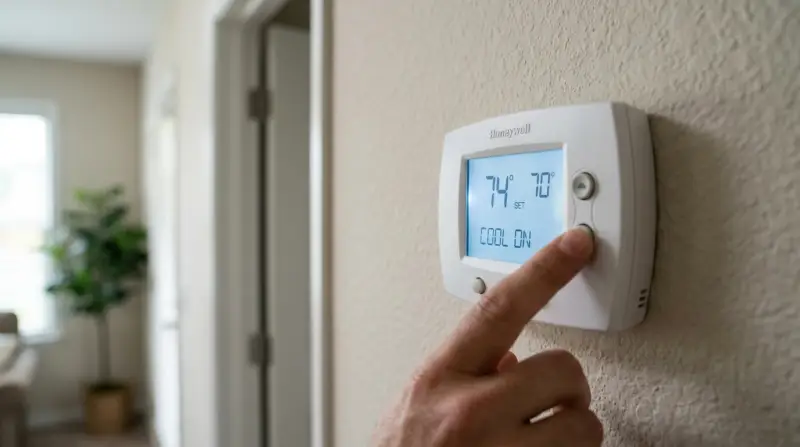
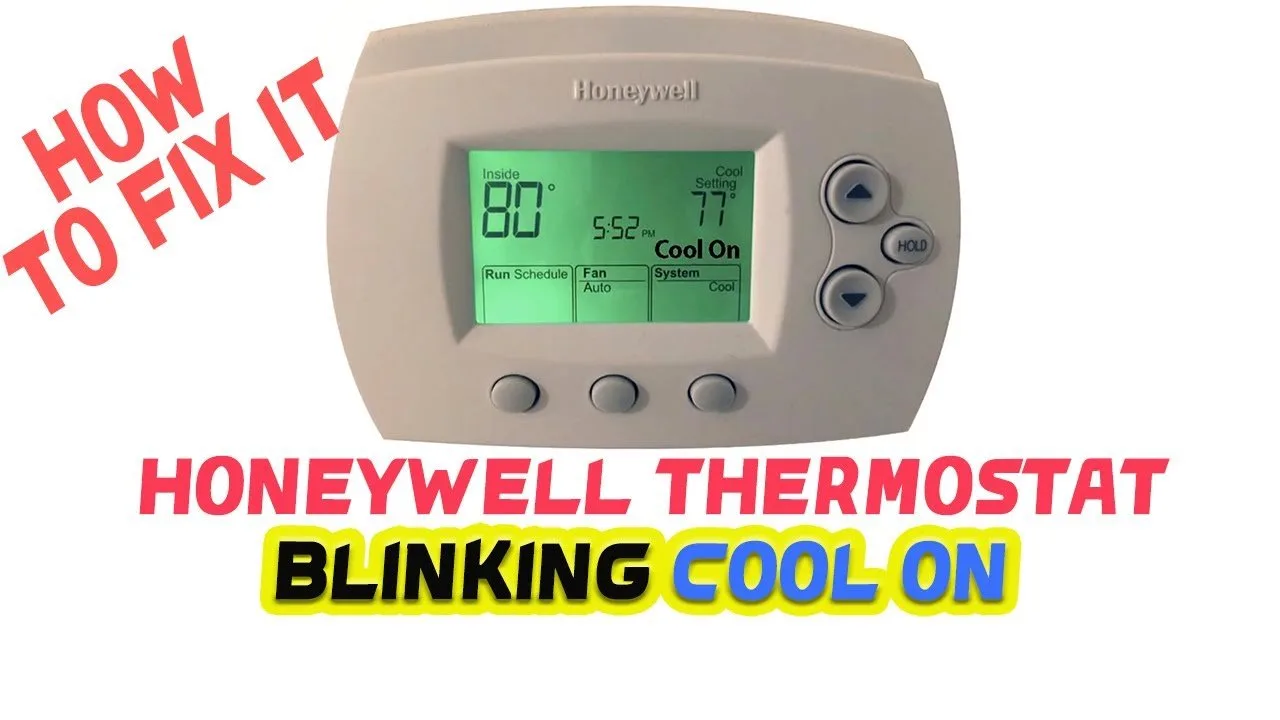
When you see a Honeywell Thermostat Cool on blinking, it indicates a short-cycle delay protecting your compressor from rapid starts. This normal five-minute safety feature prevents damage to your unit. If the word “Cool” flashes while the air conditioner remains silent, simply wait for the timer to reset; the system will start automatically once the safety period ends.
What the blinking cool light means
| What you notice | What it usually means | What to do first |
|---|---|---|
| Cool flashes for 5 minutes | Compressor short-cycle delay | Wait for timer |
| Screen blank or flickering | Low battery level | Replace batteries |
| Cool flashes, never starts | Blown fuse or breaker | Check electrical panel |
| Cool flashes, fan runs | Bad control board | Reset power supply |
| Constant flashing after reset | Wiring connection issue | Inspect wall plate |
| Screen shows “Wait” message | Equipment protection mode | Keep power steady |
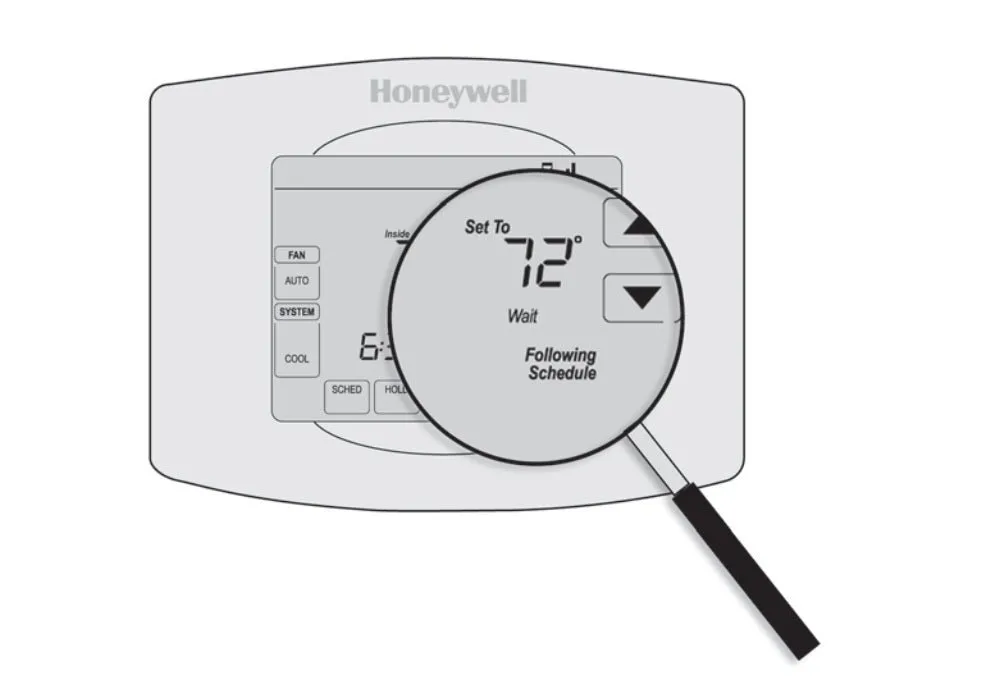
Most users mistake the “Wait” message for a system crash. This is actually a safety lockout triggered by a recent power surge or rapid temperature change. If you see this, don’t toggle the power switch repeatedly. Doing so resets the internal timer, forcing the system to restart its five-minute protection cycle from zero.
If your screen remains blank after a battery change, check the terminal contacts for corrosion. A thin layer of white dust can prevent the connection. Simply wipe the contacts with a dry microfiber cloth to restore power.
If the system flashes constantly even after a hard reset, inspect the C-wire connection behind the wall plate. A loose wire here often mimics a hardware failure. If the wire is secure but the flashing persists, the voltage is likely dropping below 18V. In this case, you must call a technician to test the transformer output before the control board suffers permanent damage.
Compressor protection delay
The most common cause for a blinking cooling indicator is the built-in delay timer designed to save your air conditioner’s hardware. If your home power flickers or if you quickly toggle the thermostat settings, the compressor can suffer damage from starting and stopping in rapid succession. Manufacturers include this delay to ensure the pressures within the refrigerant lines equalize before the next start cycle begins. This process typically takes five minutes, though some models allow for a shorter duration if the power was only off for a few seconds.
You can verify this by observing the display for exactly five minutes. If the unit kicks on automatically after this time, the system is working as intended. If you need to force a restart for testing purposes, some models allow you to bypass this by performing a hard reset. If the flashing persists beyond the standard waiting period, the issue likely resides in the power delivery or the thermostat’s internal logic. A mistake people often make is rapidly flipping the switch back and forth when it doesn’t turn on immediately; this can actually reset the timer, forcing the system to wait another five minutes. This behavior adds unnecessary wear to your contactor and delays your comfort.
Low power supply issues
When the thermostat doesn’t receive consistent voltage, the display may flicker or the cooling icon may blink indefinitely. This often happens when the batteries are nearly exhausted or the C-wire is loose. If your thermostat relies on AA or AAA batteries, they provide the energy needed to drive the display and send signals to the HVAC unit. As these batteries die, the internal controller struggles to maintain a steady connection with the cooling relay, causing the icon to blink as it tries to re-establish the link.
To check this, remove the faceplate from the wall. Inspect the batteries for signs of corrosion or leakage. If you see white powder or green crust on the terminals, clean them with a dry cloth. If the batteries are fresh but the issue continues, look at the wiring behind the plate. If the C-wire is disconnected or frayed, the thermostat might be “power stealing” from the cooling circuit, which causes erratic behavior.
A common mistake is assuming the batteries are the only power source. If your system has a C-wire, the thermostat should draw power from the HVAC transformer. If the power supply is insufficient, the system will fail. Contact a technician to inspect the terminals labeled “C” and “R,” as the fault likely lies in the transformer or a blown fuse on the control board, not the thermostat itself.
If you find a loose wire, turn off the power at the breaker before tightening the screw terminal. This isn’t for you if you’re uncomfortable working with electrical wiring or if the wires appear burnt; in that case, call a professional. The sign that this fixed the problem is a solid, non-blinking cooling icon and a reliable connection when you adjust the temperature.
Faulty control board signals
A less common cause involves the HVAC control board failing to send a confirmation signal back to the thermostat.
You can identify this if the thermostat screen shows the cooling command but the outdoor unit remains completely silent after the five-minute wait period. Most homeowners mistake this for a broken compressor, but the fault often lies in the low-voltage wiring between the board and the thermostat.
To troubleshoot, turn off the power to the HVAC system at the breaker for 60 seconds, then turn it back on. This forces the control board to reboot. If the system starts normally after this, the board simply needed a refresh.
This varies by model — check the label on your control board to see if there are diagnostic LED blink codes. If you see an error code on the control board itself, record the sequence of flashes, as this tells a technician exactly which component has failed. Don’t attempt to open the high-voltage housing of the unit; a capacitor can hold a lethal charge even when the unit is unplugged. If the system fails to start after a power reset, this is a job for a qualified HVAC technician. Attempting to bypass the board or bridge terminals can fry expensive internal components, turning a simple diagnostic call into a full system replacement.
When to stop and get help
You should stop troubleshooting and call a professional if you notice any of the following conditions:
- The unit emits a burning or plastic smell, which indicates an electrical short that could lead to a fire.
- You see exposed or frayed wiring at the thermostat wall plate that you can’t safely secure.
- The HVAC unit makes a loud buzzing or clicking sound but the fan doesn’t turn on.
- You have already replaced the batteries and reset the breaker, but the system remains unresponsive for more than 30 minutes.
- The control board displays an error code that signifies a refrigerant leak or a failed compressor motor.
These situations require specialized tools like a multimeter to test voltage or gauges to check refrigerant pressures. Attempting to repair these parts without proper training can void your warranty, lead to costly equipment damage, or cause physical injury.
A common mistake is assuming a buzzing sound is merely a loose screw. If the sound originates from the contactor, it often signals a high-voltage failure that can arc and weld components together. If you hear this, shut off the power at the main breaker immediately.
The decision rule is simple: if the issue involves internal wiring or pressurized lines, don’t proceed. If the display is blank after a hard reset, call for service. A licensed HVAC technician has the tools to diagnose the specific electrical or mechanical failure safely.
Frequently asked questions
Can I bypass the 5-minute delay?
No, you shouldn’t bypass the delay on most Honeywell models. The 5-minute wait is a physical requirement for the compressor to equalize pressure. Forcing the unit to start early can cause the motor to stall, which leads to overheating or permanent damage to the compressor. Always allow the programmed safety period to finish naturally to protect your investment.
Is it safe to keep using the thermostat if it blinks?
Yes, it’s safe to keep using the thermostat while the light blinks. The blinking is an informational signal that the system is in a protective mode. It doesn’t mean the device is malfunctioning or dangerous. Simply leave the system set to cool, and it will resume operation as soon as the internal safety timer expires.
Why does the cooling icon blink after a power outage?
The thermostat defaults to a protection mode whenever it detects a loss of power. This is designed to prevent the compressor from starting while the electrical current is still unstable. After a power outage, the unit must wait for the full cycle delay to ensure the grid voltage is consistent before it attempts to engage the high-voltage cooling system.
How do I know if my batteries are the cause?
You can check the battery status by looking for a “Low Battery” icon on your display. If the screen is dim, flickering, or the numbers are hard to read, the batteries are likely the issue. Replace them with fresh alkaline batteries of the same brand to ensure the voltage remains consistent for the thermostat’s internal processor and the cooling relay.
Does the blinking mean I need a new thermostat?
No, blinking is rarely a sign that you need a new thermostat. It’s almost always an external factor like a power issue, a wiring fault, or a standard compressor protection cycle. Before considering a replacement, verify your wiring, check the battery levels, and allow the system to complete its full 5-minute safety cycle without interruption.
What happens if I ignore the blinking?
Nothing bad happens if you ignore the blinking; the system will simply start when it’s ready. If you leave the thermostat set to “Cool,” the system will monitor the temperature and kick in the compressor automatically once the delay timer finishes. There’s no risk to your home or your cooling system if you just walk away and let the timer do its job.
Final Thoughts
If the flashing persists long after the timer should have finished, there might be a deeper electrical issue or a loose wire. It’s a good idea to check your air filter for clogs or contact a professional technician. They’ll ensure everything’s running smoothly so you don’t have to worry about your home’s comfort.