
If your Samsung dishwasher is not working as expected, you’re not alone. Many people face common and uncommon issues with these machines. This article helps you understand the most frequent problems, why they happen, and how to fix them. With clear explanations and real examples, you’ll learn how to keep your Samsung dishwasher running smoothly and avoid costly repairs.
Common Samsung Dishwasher Problems
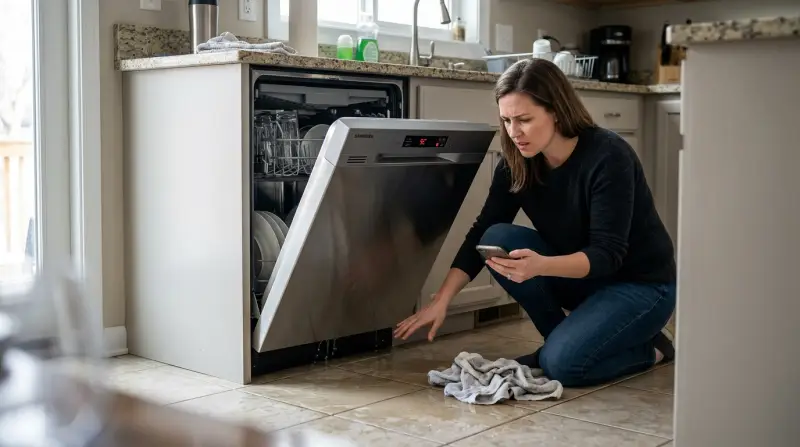
Every dishwasher may have issues, but some are more frequent with Samsung models. Recognizing these problems early can save time and money.
1. Dishwasher Not Starting
A dishwasher that won’t start can be frustrating. This is often caused by:
- Door not closed properly: Samsung dishwashers have sensors that prevent operation if the door isn’t fully shut.
- Control lock activated: Sometimes the control lock is turned on accidentally.
- Power supply issues: Check the outlet and circuit breaker.
Many users overlook the control lock. If you see a small padlock symbol, hold the ‘Child Lock’ button for three seconds to unlock.
2. Poor Cleaning Performance
If your dishes come out dirty, these are likely reasons:
- Clogged spray arms: Food debris can block the holes.
- Low water pressure: Insufficient water entering the dishwasher.
- Overloading: Too many dishes block water flow.
Cleaning the spray arms regularly and arranging dishes so water can reach all surfaces helps. Don’t forget to check the filter; a blocked filter reduces cleaning power.
3. Water Not Draining
Water left at the bottom often means:
- Blocked drain hose: Kinks or clogs are common.
- Dirty filter: Needs regular cleaning.
- Faulty drain pump: Sometimes the pump fails.
Samsung dishwashers have an error code ‘5E’ for drainage problems. Cleaning the filter and checking the hose usually solves it.
4. Leaks And Water On The Floor
Leaks can damage your kitchen floor. Reasons include:
- Loose door seal: The rubber seal around the door may need replacement.
- Blocked drain: Overflow causes leaks.
- Wrong detergent: Using non-dishwasher soap creates too many suds.
Check the seal for cracks, clean the filter, and use only recommended detergent.
5. Dishwasher Making Loud Noise
Dishwashers should be quiet. If yours is noisy:
- Foreign objects: Sometimes small items fall into the spray arms.
- Worn bearings: Older units may have worn parts.
- Loose racks: Check if racks are properly placed.
Remove any objects and make sure racks are secured. If the noise continues, the motor may need inspection.
Error Codes And What They Mean
Samsung dishwashers show error codes to help you diagnose issues. Here are some common ones:
| Error Code | Meaning | Possible Solution |
|---|---|---|
| 4E | Water supply error | Check water inlet valve and hose |
| 5E | Drain error | Clean filter and drain hose |
| LC | Leak detected | Check for water under dishwasher and seals |
| HE | Heater error | Inspect heating element |
| OE | Overflow error | Check float switch and drain |
Many people ignore error codes or don’t know how to read them. Always check your manual for code meanings.
How To Fix Samsung Dishwasher Problems
You don’t always need a technician. Many issues can be solved at home with a few steps.
Cleaning Filters And Spray Arms
Filters collect food particles. Dirty filters cause poor cleaning and drainage problems.
- Remove the lower rack.
- Turn the filter and lift it out.
- Rinse under running water.
- Use a brush for stubborn debris.
- Replace the filter and rack.
Spray arms can be unclipped and rinsed. Use a toothpick for blocked holes.
Checking The Drain Hose
A blocked drain hose stops water from leaving the dishwasher.
- Pull out the dishwasher slightly.
- Find the drain hose at the back.
- Check for kinks or bends.
- Remove the hose and rinse it with water.
Sometimes, small pieces of food or glass cause blockages. Always check the hose after drainage issues.
Resetting The Dishwasher
Software glitches can cause strange behavior. A simple reset helps.
- Turn off the dishwasher.
- Unplug it for 5 minutes.
- Plug it back in and turn on.
This clears minor errors and restores normal function.
Inspecting The Door Seal
Leaks are often due to a damaged door seal.
- Open the door and check the seal for cracks.
- Clean with a damp cloth.
- Replace if the seal is broken.
Door seals are inexpensive and easy to install.
Running A Maintenance Cycle
Samsung recommends running a special cleaning cycle monthly.
- Use a dishwasher cleaner or vinegar.
- Run the hottest cycle without dishes.
- Wipe inside after the cycle.
This removes grease and prevents buildup.
Comparing Samsung Dishwasher Models
Different Samsung models have unique features and problems. Here’s a quick comparison:
| Model | Noise Level (dB) | Common Issue | Special Feature |
|---|---|---|---|
| DW80R5060US | 48 | Drain error | Auto-release door |
| DW80M9960US | 38 | Leak error | Zone Booster |
| DW80K7050US | 44 | Heater error | Third rack |
Higher-end models are quieter but may have unique error codes. Always check the manual for your specific model.

Credit: www.youtube.com
Preventing Samsung Dishwasher Problems
Prevention is better than repair. Follow these steps to keep your dishwasher healthy:
- Clean the filter weekly: Prevents clogs and poor cleaning.
- Use correct detergent: Avoids excess suds and leaks.
- Load dishes properly: Allows water to reach all surfaces.
- Inspect door seal monthly: Stops leaks early.
- Check spray arms: Clean holes so water flows freely.
- Avoid overloading: Too many dishes lead to poor results.
Many owners forget to clean the filter or use the wrong detergent. These small actions make a big difference.
When To Call A Professional
Some problems are too complex for home solutions. Call a technician if:
- Error codes don’t clear after reset.
- Water leaks continue after replacing the seal.
- The dishwasher is completely dead.
- Loud noises persist after checking racks and spray arms.
Trying to fix electrical or motor issues yourself can be dangerous. A professional can diagnose and repair safely.

Credit: www.911applianceemt.com
Non-obvious Insights For Samsung Dishwasher Owners
Most guides cover basic troubleshooting. Here are two things beginners often miss:
- Hard water effects: Hard water leaves mineral deposits inside the dishwasher, reducing cleaning power. Using a dishwasher cleaner once a month prevents buildup.
- Firmware updates: Newer Samsung dishwashers have smart features. Regularly check for firmware updates on the Samsung website. Updates can fix bugs and improve performance.
These insights are rarely mentioned but can extend the life of your dishwasher.
Data: Samsung Dishwasher Reliability
Samsung is a popular brand, but how reliable are their dishwashers compared to others?
| Brand | Average Repair Rate (%) | Customer Satisfaction |
|---|---|---|
| Samsung | 18 | Good |
| Bosch | 13 | Excellent |
| LG | 15 | Very Good |
| Whirlpool | 19 | Good |
Samsung’s repair rate is slightly higher than Bosch, but still competitive. Customer satisfaction is generally positive, but models with smart features get more complaints about software errors.
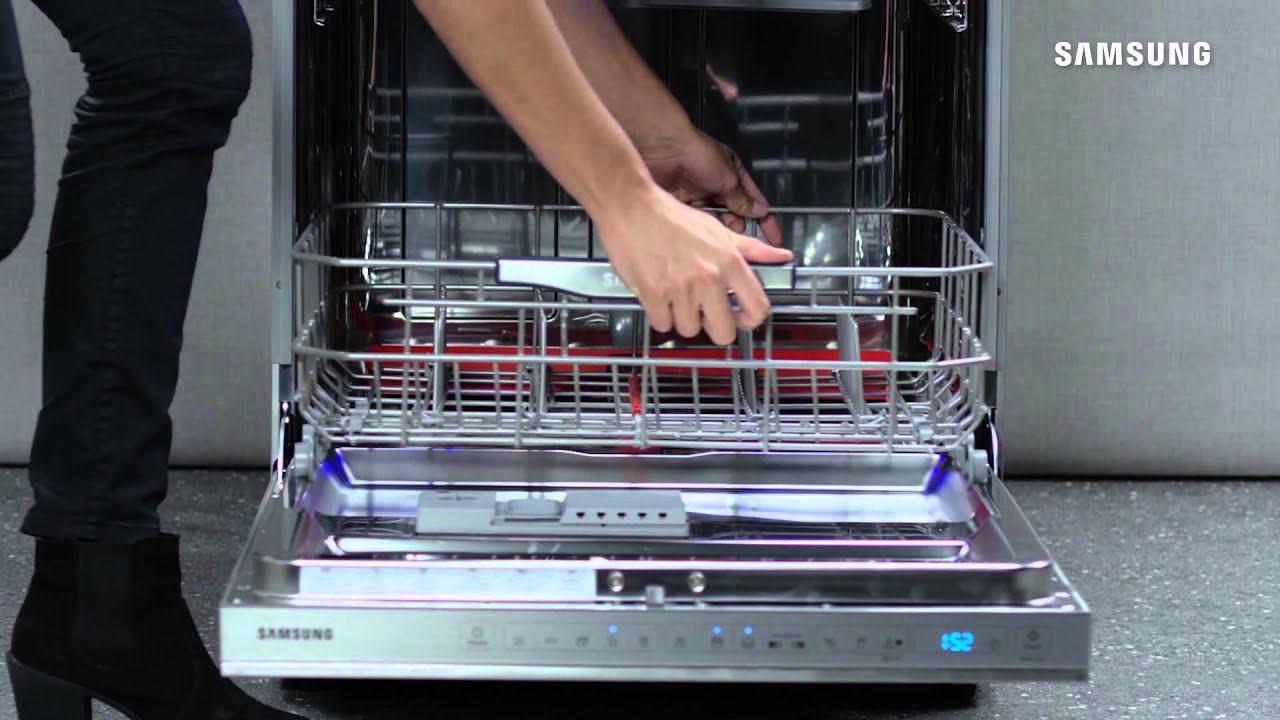
Credit: www.youtube.com
Frequently Asked Questions
Why Does My Samsung Dishwasher Stop Mid-cycle?
A dishwasher that stops mid-cycle often has a power supply issue, overheated motor, or faulty door latch. Check for loose plugs and make sure the door is closed tightly. If the problem continues, the control board may need replacement.
How Do I Fix A Samsung Dishwasher That Won’t Drain?
First, clean the filter and check the drain hose for blockages. If water still won’t drain, inspect the drain pump. Error code ‘5E’ means a drainage problem. If cleaning doesn’t help, the pump may be broken and needs professional repair.
Is It Normal For Samsung Dishwashers To Have A Plastic Smell?
New dishwashers often have a plastic odor during the first few cycles. This should disappear after a few uses. If the smell continues, run an empty hot cycle with vinegar. Persistent smells may mean plastic parts are overheating.
Can I Use Tablet Detergent In My Samsung Dishwasher?
Yes, but make sure the detergent is made for automatic dishwashers. Place the tablet in the detergent compartment, not loose in the dishwasher. Using incorrect detergent can cause excess suds and leaks.
What Should I Do If My Samsung Dishwasher Shows An ‘lc’ Error?
‘LC’ means the dishwasher detected a leak. Check for water under the machine, inspect the door seal, and clean the filter. If you can’t find the leak, call a technician. Running the dishwasher with a leak can cause more damage.
Final Thoughts
Samsung dishwashers are efficient and modern, but they do have common problems. Most issues, like poor cleaning, drain errors, and leaks, can be fixed at home with simple steps. Regular cleaning, proper loading, and using the right detergent prevent many headaches. Understanding error codes and knowing when to call a professional keeps your dishwasher running longer. For advanced troubleshooting or firmware updates, visit the official Samsung Support page. With these tips, you can handle most Samsung dishwasher problems confidently and keep your kitchen running smoothly.
1 thought on “Samsung Dishwasher Problems: Troubleshooting Common Issues Fast”