
Imagine settling into your Lazyboy recliner, ready to relax, but your remote suddenly stops responding. Frustration builds as you press the buttons—nothing happens. You’re not alone. Many Lazyboy owners face remote control issues at some point. But before you call for repairs or buy a new remote, there are practical steps you can take to fix the problem yourself.
This guide explains why your Lazyboy remote may not be working, how to troubleshoot common issues, and what to do if you need further help. With clear steps and helpful examples, you’ll understand your remote better and save time and money.
How Lazyboy Remotes Work
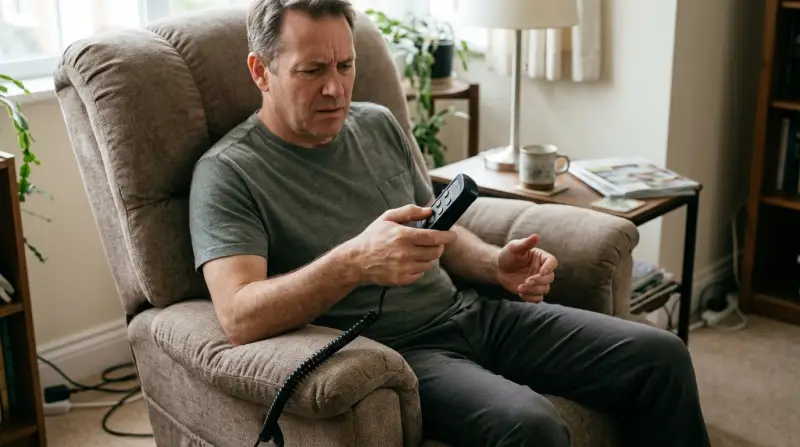
Lazyboy recliners use wireless remotes to control functions like reclining, headrest movement, and lumbar support. Most models use infrared (IR) or radio frequency (RF) technology. Understanding how your remote communicates with the chair is key to diagnosing problems.
IR remotes require a clear line of sight to the receiver, usually located under the seat or armrest. RF remotes can work through obstacles and don’t need direct aim. Some newer models include Bluetooth or even smartphone apps.
If your remote stops working, the first step is to identify which type you have. Look for a label on the back or check the manual. Knowing the technology helps you troubleshoot more effectively.
Common Reasons For Lazyboy Remote Failure
Many remote issues are easy to fix if you know what to look for. Here are the most frequent causes:
- Dead batteries – The most common reason. Batteries lose power over time or become loose in the compartment.
- Signal interference – Electronic devices, thick walls, or metal objects can block signals, especially for IR remotes.
- Faulty connections – Wires inside the remote or chair may come loose or break.
- Physical damage – Dropping the remote can break internal components.
- Software glitches – Some remotes use basic software that can freeze or malfunction.
- Dirty sensors – Dust or debris on the receiver or remote sensor can block signals.
- Wear and tear – Over time, buttons may stick or stop responding.
It’s easy to overlook simple issues. For example, many people forget to check if the batteries are installed correctly, or assume the remote is broken when it’s just dirty. Addressing these basics first can often solve the problem.

Quick Troubleshooting Steps
You don’t need technical skills to try these steps. Start with the simplest checks:
- Replace the batteries with fresh ones. Make sure they are installed in the correct direction.
- Clean the remote and receiver. Use a dry cloth to remove dust from the sensor windows.
- Move closer to the chair. Test the remote from different angles, especially for IR models.
- Remove any obstacles. Clear objects between the remote and receiver.
- Unplug and replug the chair. Wait 30 seconds before plugging back in. This resets the system.
- Try all buttons. Sometimes only one button fails, while others work.
- Check for lights. Some remotes have indicator lights that show if a signal is sent.
If your remote still doesn’t work, move on to deeper troubleshooting.
Advanced Troubleshooting
If basic steps don’t help, you may need to check inside the remote or chair. Here’s how:
Inspecting The Remote
- Open the battery compartment. Look for corrosion or loose springs.
- Shake the remote gently. Listen for rattling sounds, which may indicate broken parts.
- Examine the buttons. If they are sticky, clean around them carefully.
- Use a smartphone camera to test IR remotes. Point the remote at the phone’s camera and press a button. If you see a flashing light on the screen, the remote is sending a signal.
Checking The Chair
- Locate the receiver. Follow the wire from the chair to the receiver box.
- Check for loose wires or damaged connectors.
- If your chair has a manual override, try using it to see if the chair moves without the remote.
- Look for error codes. Some models display codes using lights or sounds.
Resetting The Remote
- For RF or Bluetooth remotes, try pairing them again with the chair. Instructions are usually in the manual.
- Remove batteries, wait a minute, then reinstall.
If you’re unsure about opening the remote or chair, contact Lazyboy customer support or a qualified technician.
Comparing Lazyboy Remote Types
Different Lazyboy models use different remote technologies. Here’s a comparison to help you identify yours:
| Remote Type | Range | Needs Line of Sight? | Common Issues |
|---|---|---|---|
| Infrared (IR) | 10-20 feet | Yes | Signal blocked, dirty sensors |
| Radio Frequency (RF) | Up to 50 feet | No | Interference, pairing issues |
| Bluetooth | 30-40 feet | No | Software glitches, pairing |
IR remotes are most sensitive to obstacles and cleanliness. RF and Bluetooth are more flexible but can suffer from interference or software bugs.
When To Replace Your Remote
Sometimes, repairs aren’t enough. Here’s how to know if you need a new remote:
- Buttons don’t work after cleaning and new batteries.
- Remote doesn’t send a signal (tested with smartphone camera).
- Internal damage is visible (broken circuit board, corrosion).
- Chair works with manual controls, but not the remote.
- Remote is lost or damaged beyond repair.
If you decide to buy a replacement, make sure it matches your chair’s model and remote type. Lazyboy remotes are not universal—each model may need a specific remote.
Comparison Of Replacement Options
You can buy original or third-party remotes. Here’s a quick comparison:
| Option | Price Range | Compatibility | Warranty |
|---|---|---|---|
| Original Lazyboy Remote | $50–$120 | High | 1 year |
| Third-Party Remote | $25–$60 | Medium | 6 months |
Always check compatibility before buying. A remote that works for one model may not work for another. Look for the model number on your chair or in the manual.

Credit: www.youtube.com
Preventing Remote Problems
You can avoid many remote issues with simple habits:
- Keep the remote clean and dry. Wipe it regularly.
- Store the remote in a safe place to prevent falls.
- Change batteries every 6–12 months, even if not fully drained.
- Avoid using the remote near strong electromagnetic devices (microwaves, routers).
- Don’t force buttons. If a button sticks, clean it gently.
Many users overlook preventive care, leading to avoidable damage. For example, spilled drinks or greasy hands can cause issues that are hard to repair.
Lazyboy Remote And Modern Technology
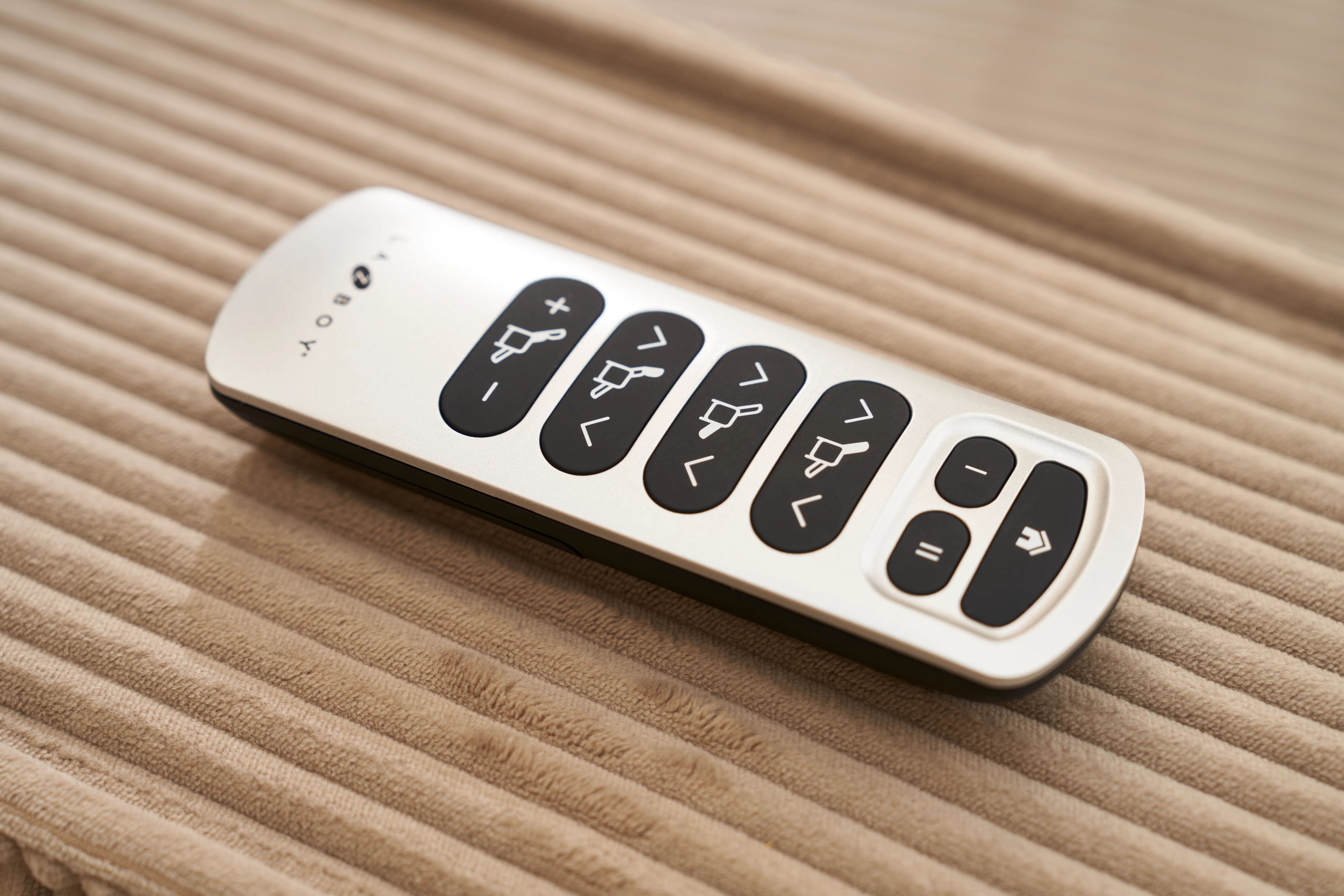
Some Lazyboy chairs now offer smart remotes with touchscreens or app control. These devices can connect to your phone or tablet and provide extra features, like memory settings and diagnostics.
If your smart remote stops working:
- Check app settings for connection errors.
- Update software through the app or manufacturer’s website.
- Try a factory reset (instructions in the manual).
Smart remotes are more complex but offer better customization and easier troubleshooting if you know how to use their features.
Credit: www.southtexasfurniture.com
Lazyboy Support And Warranty
Lazyboy offers customer support and limited warranties for remote controls. If your remote is still under warranty, repairs or replacement may be free. Warranty terms depend on the model and purchase date.
Contact support if:
- You tried all troubleshooting steps and nothing worked.
- The remote stopped working shortly after purchase.
- You need help identifying your remote model.
You can find support contact info on the official Lazyboy website. Be ready with your chair’s model number and purchase details.
For more guidance on electronics troubleshooting, visit Consumer Reports.
Frequently Asked Questions
Why Does My Lazyboy Remote Only Work Sometimes?
This is often caused by weak batteries or signal interference. Try replacing the batteries and moving other electronic devices away from the chair. Clean the sensor windows to ensure a clear signal.
Can I Use A Universal Remote For My Lazyboy Recliner?
Most Lazyboy remotes are not universal. Each chair uses a specific remote type. Universal remotes may work for some basic functions, but features like memory settings or massage controls may not be supported.
What Should I Do If My Remote Gets Wet?
Remove the batteries immediately and dry the remote with a soft cloth. Leave it open in a dry place for 24–48 hours. Do not use a hair dryer or heat. If the remote still doesn’t work after drying, it may need replacement.
Is It Possible To Repair A Lazyboy Remote Myself?
You can fix minor issues like battery replacement, cleaning, or button repairs. For internal circuit problems, professional repair is safer. Opening the remote may void the warranty.
How Can I Find The Right Replacement Remote For My Lazyboy?
Check the model number on your recliner or manual. Search for remotes that match this model. If unsure, contact Lazyboy customer support for guidance.
Relaxing in your recliner should be easy, not stressful. With these troubleshooting tips and preventive steps, you can keep your Lazyboy remote working smoothly and enjoy your downtime without interruption. If all else fails, help is available—so don’t let a broken remote ruin your comfort.