
Most Panasonic cordless phone problems stem from battery degradation or signal interference, often appearing after two or three years of daily use. You can resolve the vast majority of these issues by cycling the power or replacing the rechargeable cells. Panasonic Cordless Phone Problems usually involve static, dead handsets, or screens that stop responding to buttons. If your phone refuses to charge, the fault is almost always in the handset contacts or the power adapter rather than the base unit itself.
| Cause | How common | How to confirm it | Fix it yourself? |
|---|---|---|---|
| Dead batteries | Very common | Handset won’t hold charge | Yes |
| Signal interference | Common | Static during calls | Yes |
| Dirty metal contacts | Common | No charging light | Yes |
| Base power loss | Occasional | No dial tone | Yes |
| Handset registration | Rare | “Base no power” error | Yes |
| Internal hardware failure | Very rare | Screen blank/dead | No |
Fixing your cordless phone battery problems
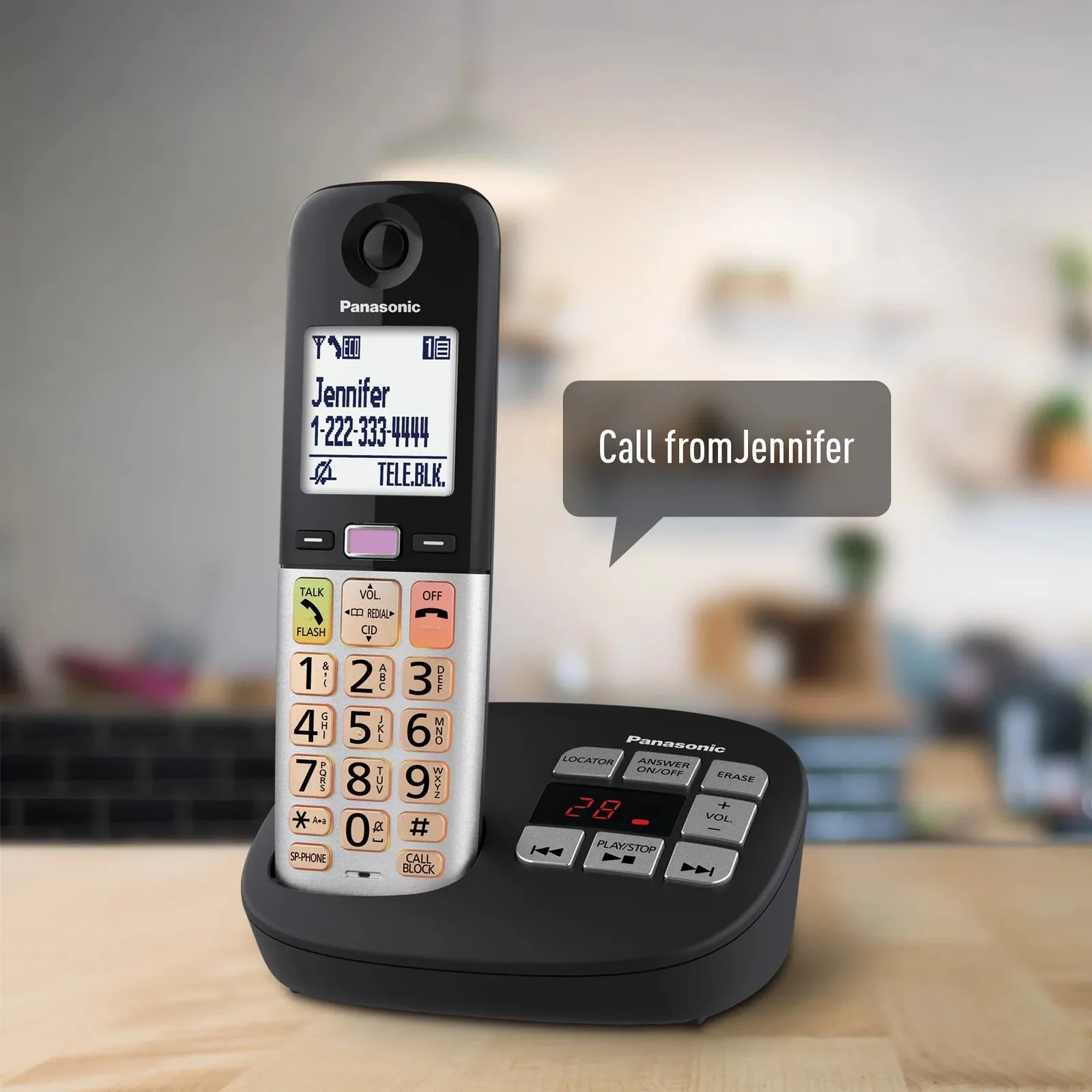
Batteries lose their ability to hold a charge over time, causing the handset to die shortly after being removed from the cradle. This happens because the internal chemical capacity of nickel-metal hydride cells drops once they pass their expected cycle count, which varies by model. Always check the label for the specific voltage and capacity requirements. You should never use standard alkaline batteries in these devices, as they can leak or overheat when the base tries to charge them.
Testing your batteries requires a simple process. Remove the batteries from the handset and inspect them for swelling or leaking fluid. If they look clean, place them back into the handset and leave the unit on the base for at least seven hours. If the “low battery” icon appears within an hour of removing it from the base, the cells are likely exhausted.
A common mistake is replacing only one battery in a pair. Batteries age at different rates, and a fresh cell paired with an old one will cause the healthy battery to overwork, leading to premature failure for both. Always replace them as a matched set.
You must replace them with the exact chemistry specified in your Panasonic support documentation. This involves purchasing a pair of Ni-MH batteries of the same mAh rating as the originals. If you use a lower capacity, the talk time will be shorter. Replacing these is a five-minute task that costs significantly less than a new phone system. If the handset still fails to hold a charge after a fresh pair is installed, the issue is likely a faulty charging contact on the base station.
Signal interference and range
Static or dropped calls often occur when the handset is too far from the base or blocked by large metal objects. These phones operate on the DECT 6.0 frequency, which is generally resistant to Wi-Fi, but thick concrete walls or metal appliances like refrigerators can still obstruct the signal. If you notice the sound quality drops only in certain rooms, the distance from the base is the primary factor.
You can verify this by moving the handset to the same room as the base unit. If the audio becomes crystal clear immediately, the issue is environmental interference or range limitations. To fix this, move the base unit to a central, elevated location away from other electronic devices like routers or microwaves.
Avoid placing the base on a metal desk or near a power strip. These items create localized electromagnetic fields that degrade DECT signals. If the signal remains poor even when standing right next to the base, the antenna inside the unit might be damaged. This is a common mistake when people drop their handsets on hard floors, which can jar the internal connections.
If you find the signal is still distorted after moving the base, you must check the phone’s settings to ensure it isn’t in “Eco Mode.” This feature reduces transmission power to save energy, but it shrinks your effective range by nearly 30 percent. If you have a large home, you might need a range extender. Always verify your specific model is compatible before buying extra hardware, as many DECT systems don’t support third-party repeaters. If the audio crackles while the phone is charging, the culprit is likely a faulty power adapter introducing electrical noise into the base unit.
Charging contact issues
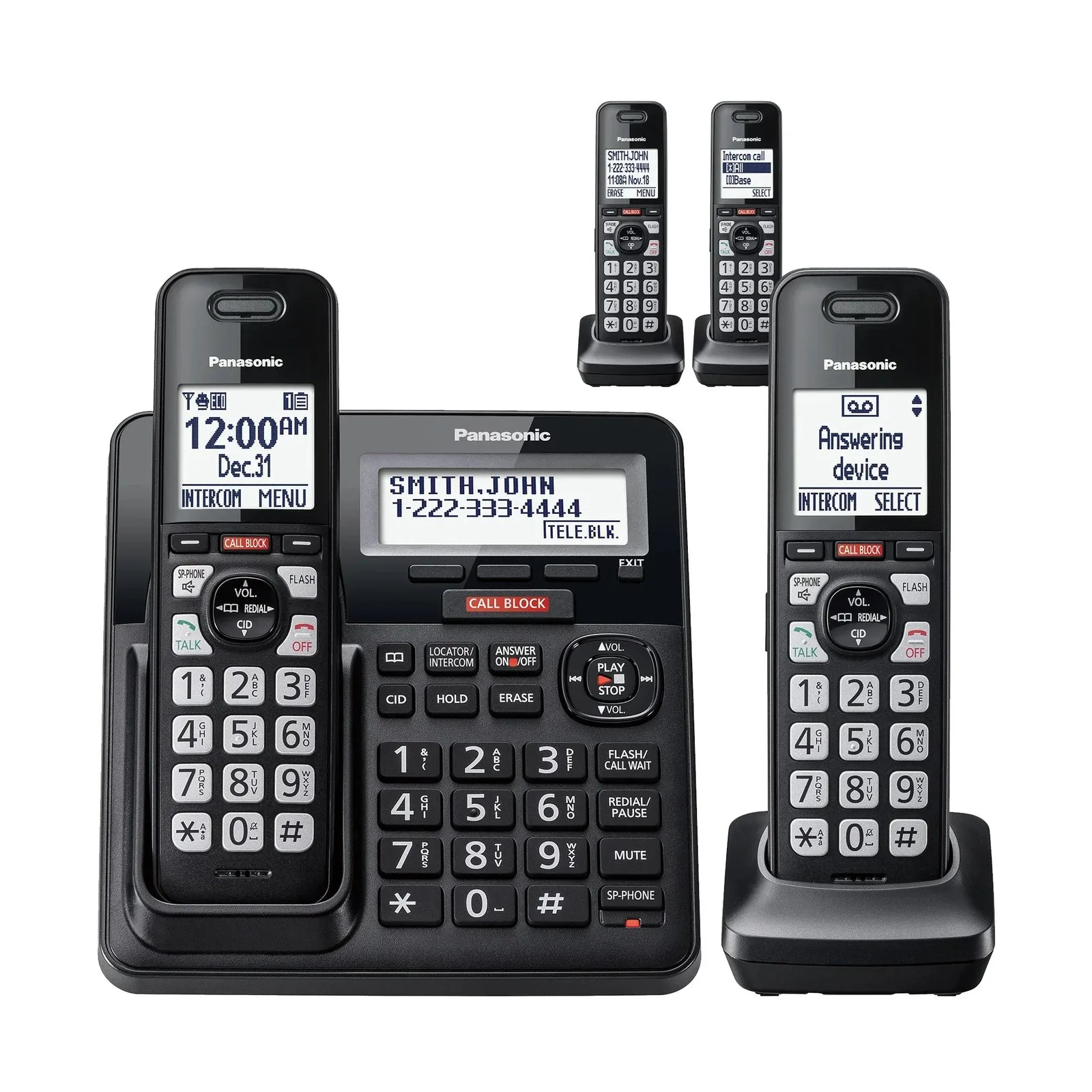
Dirty or oxidized metal contacts on the bottom of the handset prevent the battery from receiving power from the base. Over time, dust, skin oils, or even tiny spills can create a layer of grime that acts as an insulator, blocking the electrical flow. You’ll know this is the cause if the handset charges intermittently or only when you press down firmly on the unit while it sits in the cradle.
To fix this, unplug the base unit from the wall outlet to prevent any short circuits. Use a clean, dry cotton swab to gently wipe the two metal pins on the base and the corresponding plates on the handset. If there’s visible corrosion, use a tiny amount of high-percentage isopropyl alcohol on the swab, but ensure the metal is completely dry before reconnecting the power. Never use abrasive materials like sandpaper or metal files, as these will strip the conductive coating off the pins and ruin the charging connection permanently. This fix takes about three minutes and requires no tools. If the contacts look clean but the phone still won’t charge, test the power adapter by plugging it into a different wall outlet. If the base light doesn’t glow after moving it to a known working outlet, the adapter has likely failed and requires a replacement part from the manufacturer.
The less likely causes
Handset registration loss happens when the phone loses its digital handshake with the base. You can fix this by following the specific “Registration” steps in your manual. If the handset displays “Searching” or “Out of Range” while sitting directly next to the base, this is almost certainly your culprit.
Internal hardware failure occurs if the screen remains completely blank despite fresh batteries. This typically requires a professional repair service. If you see a faint flicker or a vertical line across the display, the internal ribbon cable has likely detached, rendering the unit irreparable for most users.
Firmware glitches can freeze the screen. You can usually reset this by removing the batteries and unplugging the base for thirty seconds.
Line cord damage is the cause if you have no dial tone. Confirm this by testing a different phone cord in the same wall jack. If the new cord works, the original wire has internal copper fraying.
What a fix usually involves
Fixing these phones is almost always a matter of maintenance rather than complex repair. Most tasks require only a soft cloth or a new set of batteries, which are inexpensive and widely available.
If the issue is a failed power adapter or a broken base unit, the cost is a small part of the price of a new system. You should always check the model number printed on the bottom of your base unit before buying replacements, as connectors and battery types change between series.
If you’re unsure if a part is compatible, look up the part number in your original manual or search the official Panasonic support site using your exact model name.
Attempting to open the handset casing to solder internal parts is a mistake that often leads to broken plastic clips and voided warranties. If you hear a rattling sound inside, don’t pry the case open.
If a simple battery swap or contact clean doesn’t solve the problem, it’s more cost-effective to replace the unit than to pay for professional labor. Repair fees often exceed the retail price of a refurbished handset.
Frequently asked questions
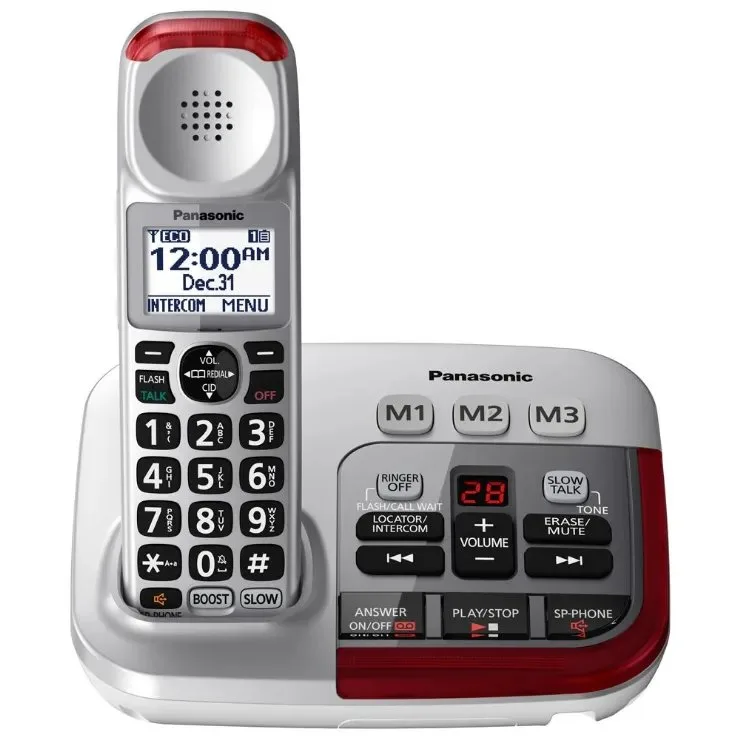
Why does my phone say “Base no power”?
This message means the handset can’t find the base unit, usually because the base is unplugged or the signal is blocked. Check that the power cord is pushed firmly into the wall outlet and the base unit. If the power light on the base is off, move the base to a different outlet to rule out a house wiring issue.
Is it safe to use generic batteries?
No, you should only use the specific Ni-MH rechargeable batteries recommended by the manufacturer. Using standard alkaline batteries is dangerous because they aren’t designed to be recharged and can leak acid or burst when placed in the charging cradle. Always check the battery compartment label for the correct chemistry and voltage requirements before buying replacements.
How long do these batteries last?
Most cordless phone batteries last for a few years with normal daily use before they lose their capacity to hold a charge. You’ll notice the phone dying faster during calls or failing to stay powered after being off the base for a few hours. If your phone is an older unit, replacing the batteries is the first step you should take.
Does it matter where I put the base?
Yes, you should place the base in an open, central area away from large metal objects or other wireless electronics. Placing the base inside a cabinet or behind a television will severely limit your range and cause static during calls. For the best performance, keep the base at least three feet away from routers, computers, or microwaves to avoid interference.
What happens if I drop the handset?
Dropping the handset can jar the internal antenna or loosen the charging contacts, leading to signal loss or charging failures. If the phone stopped working immediately after a fall, the internal hardware might be damaged beyond simple repair. Inspect the battery pins for damage and ensure the screen turns on, but avoid trying to pry open the handset to fix internal components.
Final Thoughts
If these simple fixes don’t restore your connection, it’s likely time to contact Panasonic’s support team or consider a newer model. Don’t let a faulty device frustrate you for long; they’ve made significant improvements in battery life and sound quality recently. You’ll be glad you upgraded when your calls are finally crystal clear.