
Why Eufy beeping occurs in home security devices is most commonly due to low battery levels or a disconnected base station.
Understanding why your Eufy is beeping

| What you notice | What it usually means | What to do first |
|---|---|---|
| Single short beep | Low battery level | Check app battery status |
| Fast repeating beeps | Connection lost to base | Restart the HomeBase |
| Constant loud beeping | Tamper alarm triggered | Press sync button once |
| Intermittent beeping | Storage full or error | Clear or format storage |
| Beeping during setup | Pairing mode active | Finish the app steps |
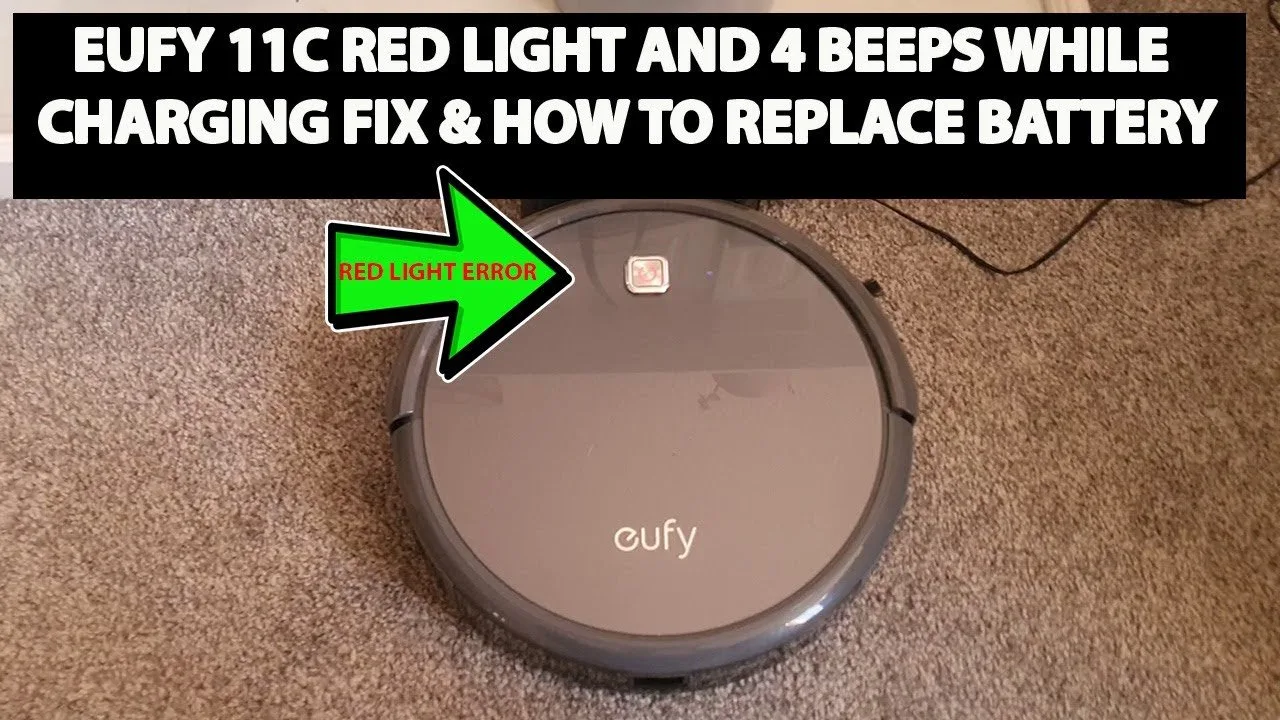
| Beeps while charging | Charging port issue | Clean the charging pins |
Replace the unit before it dies completely.
When the HomeBase loses connection, wait 30 seconds before restarting. If the beeps persist, check your router’s signal strength.
The tamper alarm triggers if the device is moved while armed. If you hear this while cleaning, disarm the system first to avoid a false police dispatch.
Intermittent beeping is often ignored until recording stops. If clearing the storage doesn’t help, the SD card has likely reached its write-cycle limit. Swap it for a new high-endurance card.
If the device beeps during charging, don’t force the cable. Inspect the pins for debris or oxidation. Using a soft toothbrush with 90% isopropyl alcohol usually clears the connection. If the beeping continues after cleaning, the charging port is internally damaged.
Power and battery status
Most Eufy devices alert the owner when the internal battery drops below twenty percent capacity. This audible signal prevents the camera from dying unexpectedly, ensuring your home remains monitored without gaps in footage. If you hear a beep, open your app and look at the battery icon for each camera. If the percentage is low, remove the device from its mount and connect it to a power source using the original charging cable.
This varies by model—check the label on the back of your camera to see if it uses a built-in battery or removable power pack. If your device is hardwired to a solar panel, the beep might indicate that the panel isn’t providing enough current to keep the battery topped up. In this case, bring the camera inside to charge it fully via a wall outlet before re-installing it.
You’ll know the issue is resolved when the status light on the camera turns solid blue or green, indicating a full charge. A common mistake is using a third-party cable that doesn’t provide the correct voltage, which can cause the camera to beep indefinitely even while plugged in. Always check the output rating on your charging brick; it must match the 5V/2A requirement listed in your manual.
If you see a flashing red light after the restart, the battery may have reached its chemical end-of-life cycle. At this stage, the unit will fail to hold a charge for more than a few hours, and the battery pack must be replaced.
Network and connectivity issues
A loss of connection between your camera and the HomeBase often triggers a series of sharp, rhythmic beeps. This happens when the device can’t transmit data, usually due to signal interference or an outdated firmware version. According to the Eufy Security official support center, ensuring the HomeBase is placed in an open area at least three feet away from other wireless routers significantly reduces connection errors.
If your camera is beeping, check the HomeBase LED indicator. A red light means the base station isn’t connected to your internet router. First, ensure the Ethernet cable is pushed firmly into both the router and the HomeBase. If the light remains red, unplug the power adapter from the wall, wait thirty seconds, and plug it back in. This reset process forces the device to re-establish its handshake with your local network.
Many users mistakenly assume the HomeBase must sit directly next to the router. While this ensures a strong wired connection, it often creates a “dead zone” for cameras located at the perimeter of the property. If you have a large home, prioritize a central location for the HomeBase even if it requires a longer Ethernet cable.
If the beeping stops after a restart, your connection is stable again. If the beeping returns within an hour, move the HomeBase closer to the center of your property to avoid signal dropouts. If the light is solid blue but the camera still beeps, the issue is likely a localized wireless conflict.
Physical tampering and sensor triggers
The tamper alarm is a security feature that sounds if someone tries to force the camera off its mount or covers the lens. If your camera is beeping without a low battery or network warning, look for a “Tamper Detected” notification in your app logs. This mechanism is sensitive; if the mounting bracket is loose, even a strong gust of wind can vibrate the camera enough to trigger the sensor.
This isn’t for people who prefer a hands-off setup, as it requires you to physically tighten the mounting screws or adjust the wall bracket to ensure the camera sits flush against the surface. A common mistake is overtightening the mount, which can strip the plastic threads. If the camera still triggers, check if the lens is obstructed by cobwebs or debris, which can interfere with the infrared sensors.
To silence the alarm, press the sync button on the back of the camera one time. If the beeping stops, the system is functioning correctly. If the beeping starts again immediately, the internal sensor may be damaged. In this case, check your warranty status through the manufacturer’s website, as you may qualify for a replacement unit if the hardware is faulty.
Distinguishing between a false positive and a hardware failure is simple. If the alarm triggers only during high winds, the issue is mechanical stability. If the alarm sounds while the device is stationary and clear of debris, the internal contact switch is likely failing.
When to stop and get help
If the device shows signs of swelling or liquid leaking, stop using it immediately. This indicates a failing lithium-ion battery that poses a fire risk. Don’t attempt to discharge or recycle it yourself.
If you smell burning plastic or see smoke, unplug the power source and move the unit outdoors. Keep it away from flammable materials until the smoke clears. Don’t try to restart the device.
If you have performed a factory reset and the device still beeps, the internal hardware is likely failing. A reset should clear software glitches; if the sound persists, the issue is mechanical.
If the device is mounted at a height that requires a ladder you can’t safely climb, hire a professional. Falling from a height of six feet or more accounts for the majority of home-repair injuries.
If the Eufy app shows a “Hardware Error” code that persists after a full reboot, contact official customer support. Don’t ignore these codes, as they often signal a component failure that could lead to a short circuit.
Attempting to open the casing to fix internal electronics will void your warranty and may expose you to electrical hazards. If these steps don’t stop the noise, you have reached the limit of safe home repair. Reach out to the manufacturer or a certified technician for further diagnostics.
Frequently asked questions

Can I turn off the beeping sound?
Yes, you can silence most alerts through the settings menu in the Eufy Security app. Navigate to the specific device, select “General,” and look for “Audio Settings” or “Notification Sounds.” Keep in mind that turning off these sounds means you won’t hear the warning when the battery is low or the connection is lost. Check your specific model documentation to see if your device allows for full audio muting.
Why does my camera beep at night?
It’s likely signaling a low battery or a motion sensor event that you have set to trigger an audible alert. Check your app for “Motion Detection” settings to see if an alarm sound is enabled for nighttime hours.
How long does a full charge take?
It takes about four to eight hours to fully charge most Eufy cameras, depending on the model and your power source. This assumes you’re using a standard five-volt, two-amp wall adapter. Always check the official manual for your specific camera model to see the recommended charging requirements.
Is it safe to keep the camera on if it beeps?
Yes, the beeping is a standard notification feature and doesn’t indicate an electrical fire risk. It’s simply the device telling you that it needs attention, such as a charge or a network refresh. You don’t need to take the camera down unless you have confirmed a battery issue or a mounting failure that makes the device unstable.
Does it matter if I use a different cable?
Yes, using a cable that doesn’t match the specifications can lead to incomplete charging or permanent battery damage. Always use the cable that came in the box with your camera. If you have lost it, buy a replacement that matches the exact voltage and amperage requirements listed on the manufacturer’s official support page. Using the wrong cable can cause the device to beep even when it’s plugged in.
What happens if I ignore the beep?
If you ignore the beep, the camera will eventually lose power and shut down, leaving your home unmonitored. If the beep is caused by a connection error, the camera will simply stop recording motion events until the link is restored. Check the app status regularly to ensure your system is online. Ignoring the signal doesn’t usually cause damage, but it defeats the purpose of having a security system.
Final Thoughts
If the noise doesn’t stop after you’ve checked these common issues, don’t hesitate to reach out to the support team for extra help. They’ll be happy to guide you through a deeper diagnostic check. It’s a great way to ensure your home stays protected and your devices run smoothly for years.
Related guides